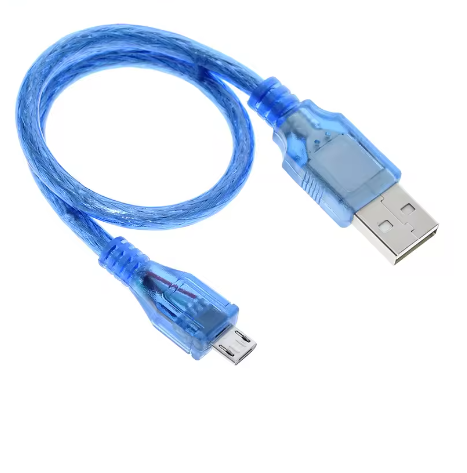
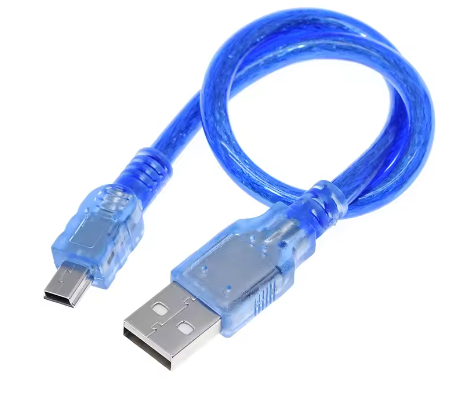
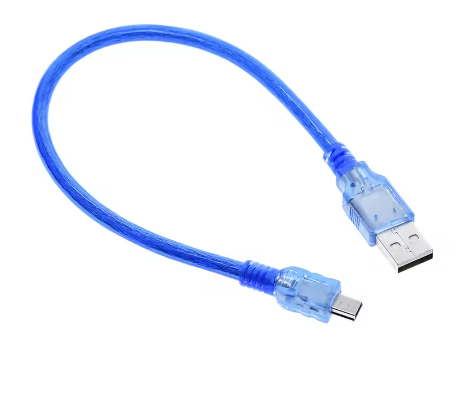
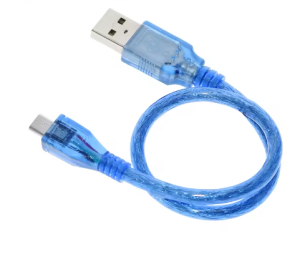
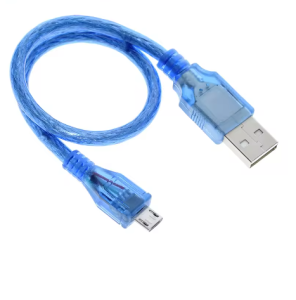
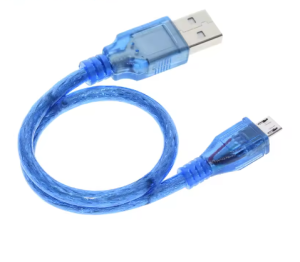
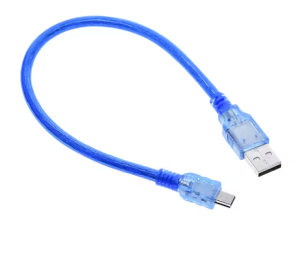
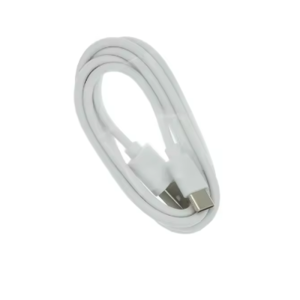
A Micro USB to USB 2.0 cable with a length of 0.5 meters is suitable and readily available for connecting the Arduino Leonardo R3 and Arduino Due boards to a computer. These boards use a Micro-B USB port for programming and power.
Key Features
- Connector Types: The cable features a USB Type-A male connector on one end (for your computer) and a Micro-B male connector on the other (for the Arduino board).
- Data Transfer Rate: It supports the USB 2.0 specification, allowing for data transfer rates up to 480 Mbps, which is suitable for programming and data transfer with the specified Arduino boards.
- Compatibility: The cable is explicitly compatible with the Arduino Leonardo R3 and the Arduino Due, as both use a Micro-B USB port.
- Length: The requested 0.5m (approx. 1.64 ft) length is a common and practical option, available from the merchants listed above.
This cable is an essential accessory for users of the Arduino Leonardo R3 and Arduino Due boards. Its primary uses are:
- Programming/Uploading Sketches: Connect the Arduino board’s Micro-USB port (specifically the Programming Port on the Due, located closer to the DC power jack) to your computer’s standard USB Type-A port to upload your code (sketches) using the Arduino IDE.
- Power Supply: The cable provides 5V power from your computer’s USB port to the Arduino board, allowing it to function during development and testing without an external power source.
- Serial Communication: Establish a virtual serial connection between the Arduino board and your computer to use the Serial Monitor for debugging, sending data, or receiving sensor readings.
- HID (Human Interface Device) Applications: The Leonardo R3 board has native USB support, allowing it to emulate a keyboard or mouse; this cable facilitates the necessary data transfer for such projects.
Q: Why isn't my computer recognizing my Arduino board when I plug it in?
The most common issue is using a “charge-only” USB cable that lacks the necessary data transfer lines. Ensure you are using a high-quality data cable like this one. Also, verify that the correct board and serial port are selected in your Arduino IDE software and that the necessary drivers are installed.
Q: Can I use this cable with other Arduino boards like the Uno R3 or Mega 2560?
No, the Arduino Uno R3 and Mega 2560 use a larger, square USB Type-B connector (often called a “printer cable” port). This specific cable has a Micro-B connector and is only compatible with boards or devices that have a Micro-USB port.
Q: The board connects and powers up, but uploads fail with an error like "not in sync." What should I do?
This can often be a timing issue or a problem with the connection. First, try a different USB port on your computer. If the problem persists, you can manually time the upload process: press and hold the Reset button on the Arduino board, then click the Upload button in the Arduino IDE, and release the Reset button only after you see the message “Uploading…” appear in the status bar.
Q: Is the 0.5m length sufficient, or do I need a longer cable?
The 0.5m length is ideal for keeping your workbench tidy and minimizing cable clutter. It provides enough reach for most desktop setups. Very long USB cables (e.g., 3m or more) can sometimes suffer from signal degradation, leading to intermittent connection errors. For most reliable use, this 0.5m length is recommended.
Q: Can this cable be used with non-Arduino devices that have a Micro-USB port?
Yes, as long as the device uses a standard Micro-B USB port and is compatible with USB 2.0 specifications, this cable can be used for both data transfer and charging.