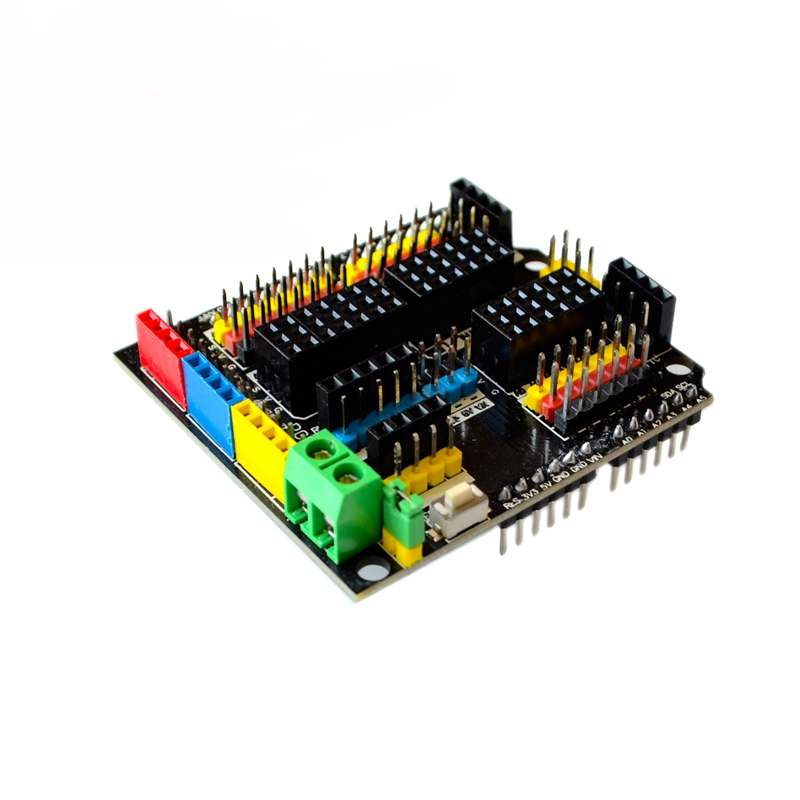
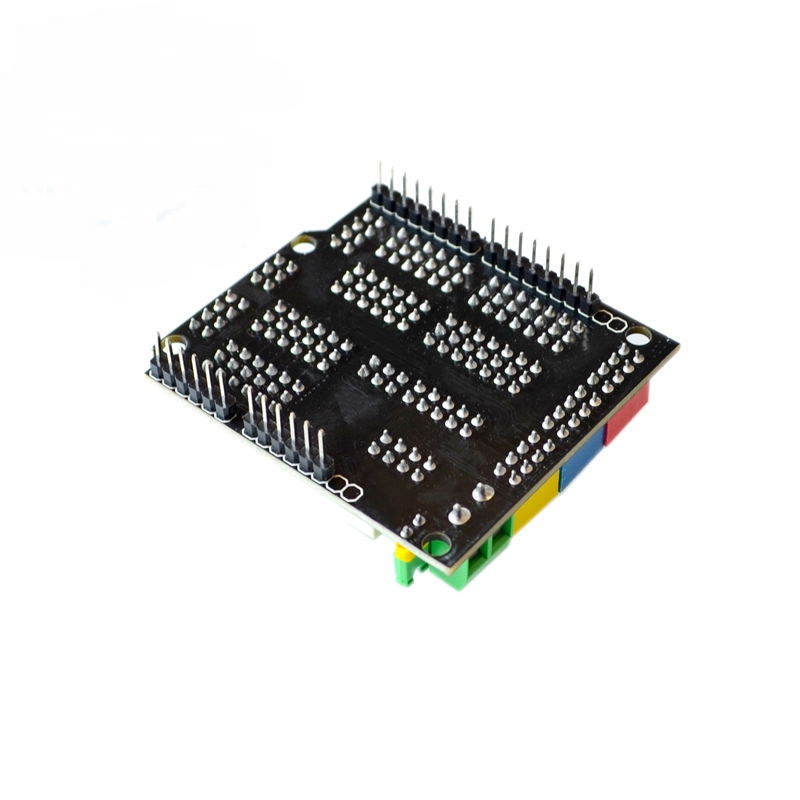
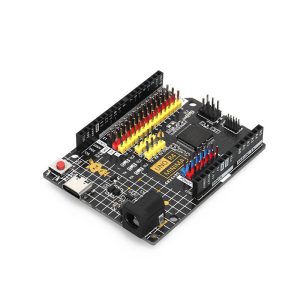
The Sensor Shield V5.0 is an essential expansion board designed to simplify connecting multiple sensors, servos, and communication modules to your Arduino development board. By converting all analog and digital pins into convenient 3-pin headers (Signal, VCC, GND), this shield enables effortless, plug-and-play integration of standard electronic building blocks, eliminating the need for complex wiring or a breadboard. It is fully compatible with the Arduino Uno R3, Mega, and Leonardo form factors.
Technical Parameters & Specifications
| Feature |
Detail |
| Compatibility |
Arduino UNO R3, Arduino Mega 2560/ADK, Arduino Leonardo |
| I/O Pin Breakouts |
All Digital (D0-D13) and Analog (A0-A5) pins extended to 3-pin headers |
| Communication Interfaces |
Dedicated I²C, Serial (UART), and SPI communication pin headers |
| Dedicated Ports |
Bluetooth Module Interface, SD Card Module Interface, APC220 RF Module Interface, URF Ultrasonic Sensor Interface, 12864 LCD Interface (Serial & Parallel) |
| Power Options |
Selectable internal (from Arduino 5V pin) or external power supply via blue screw terminal block |
| Indicators |
On-board power LED indicator and D13 LED indicator |
| Ease of Use |
Buckled ports with VCC, GND, and Output (Signal) for standard 3P sensor cables |
The Sensor Shield V5.0 is a robust tool designed for a wide range of robotics, automation, and prototyping projects, making the connection process faster, more secure, and professional-looking.
- Rapid Prototyping: Ideal for beginners and hobbyists who want to quickly test and integrate a variety of sensors (like motion, light, temperature, or distance sensors) without the hassle of a breadboard and jumper wires.
- Robotics and Motion Control: The external power input terminal allows you to supply higher current directly to the Digital I/O pins (D0-D13), which is crucial for reliably powering multiple servo motors or relays without straining the Arduino’s on-board voltage regulator.
- Wireless Communication Projects: The dedicated interfaces simplify the connection of specialized modules such as Bluetooth, XBee (on some variants), or RF modules for building remote-controlled robots or wireless sensor networks.
- Educational Environments: The clearly labeled and structured pin layout makes it easier for students to learn about Arduino pin mapping, I/O functions, and specific communication protocols like I²C and Serial.
Q: Which Arduino boards is this shield compatible with?
The Sensor Shield V5.0 is physically compatible with the standard pin layout of the Arduino Uno R3, Arduino Mega 2560, Arduino Mega ADK, and Arduino Leonardo boards.
Q: Why does every pin have three headers?
The 3-pin configuration provides dedicated VCC (power), GND (ground), and Signal pins for every I/O line. This matches the standard 3-wire connectors used by most off-the-shelf sensors and servo motors, allowing for easy “plug-and-play” connections.
Q: Can I power the entire system through the shield's screw terminal?
The screw terminal is an auxiliary power input. It is primarily used to provide separate power to the digital I/O pins (D0-D13) for high-demand components like servos. Important: Ensure the “SEL” jumper is correctly configured. If the jumper is installed, inputting a voltage higher than 5V into the terminal can damage your Arduino board. The recommended external input range for the Arduino’s barrel jack (and often the terminal when configured correctly) is 7V to 12V.
Q: Do I need an external power supply for simple sensors?
No. For low-power sensors (like pushbuttons, basic light sensors, or potentiometers), the shield draws sufficient 5V power directly from the Arduino board (via the USB or barrel jack connection). The external power is only needed for current-hungry devices like multiple servo motors or motor drivers.
Q: Can I still use the I²C or Serial ports if I connect a standard sensor to the analog/digital pins?
Yes. The dedicated communication headers are breakout points for specific, shared Arduino pins (e.g., A4/A5 for I²C, D0/D1 for Serial). As long as you don’t use those specific pins for general I/O in your code, the dedicated ports function normally.
Q: Where can I find documentation or pinout diagrams for the specific ports like the APC220 or URF interface?
While the shield is largely generic, specific pinout information for these dedicated headers is usually available in the documentation provided by the manufacturer or vendor. The pins generally map directly to standard Arduino I/O pins, which are detailed in product datasheets available online.