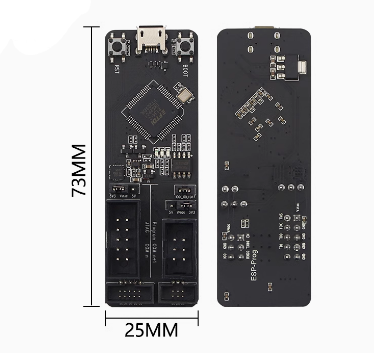
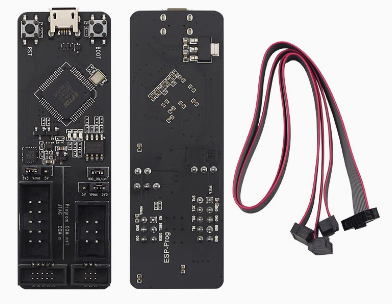
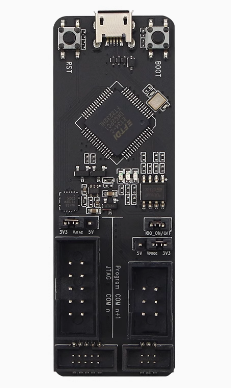
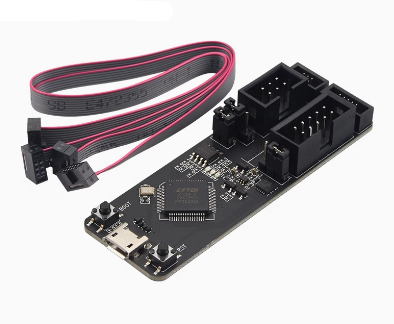
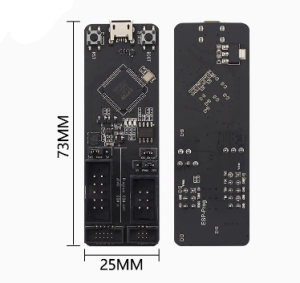
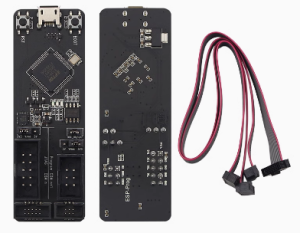
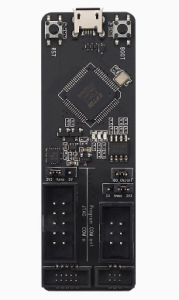
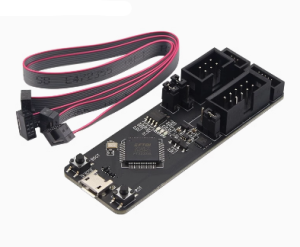
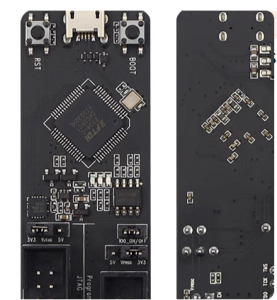
The ESP-Prog is an official open-source development and debugging tool designed by Espressif. It is a dual-function solution that provides both automatic firmware downloading and JTAG hardware debugging, making it an indispensable tool for professional developers working with ESP8266 and ESP32 platforms in 2026.
Long Description
The ESP-Prog is engineered to streamline the entire development lifecycle, from initial flashing to complex real-time troubleshooting. It features a dual-channel design using the FT2232HL chip, which allows it to handle USB-to-Serial (UART) and JTAG communication simultaneously. This means you can monitor serial logs on one channel while stepping through code line-by-line on the other.
For business purchasers, the ESP-Prog is a critical asset for reducing R&D cycles. Its ability to perform hardware-level debugging allows engineers to identify memory leaks and race conditions that are nearly impossible to find with standard serial “print” debugging. For individual makers, it offers a professional-grade gateway into the ESP-IDF environment, transforming how you interact with your hardware by providing deep visibility into the chip’s internal state.
Key Features
- Dual-Channel Versatility: One channel for Program Download (UART) and one for Hardware Debugging (JTAG).
- Universal Compatibility: Fully supports the entire Espressif range, including ESP8266, ESP32, ESP32-S2, ESP32-S3, and ESP32-C series.
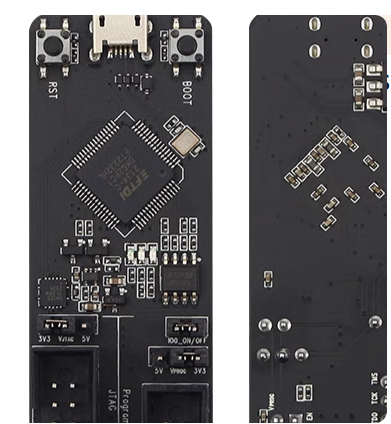
- One-Click Flashing: Features automatic bootloader pin control (IO0 and EN), eliminating the need for manual button pressing during firmware uploads.
- Adjustable Logic Levels: Includes onboard jumpers to switch between 3.3V and 5V power supply and signal logic to match your target board.
- Standardized Headers: Uses 2.54mm pitch connectors for easy connection via jumper wires or standard IDC cables.