Product Overview
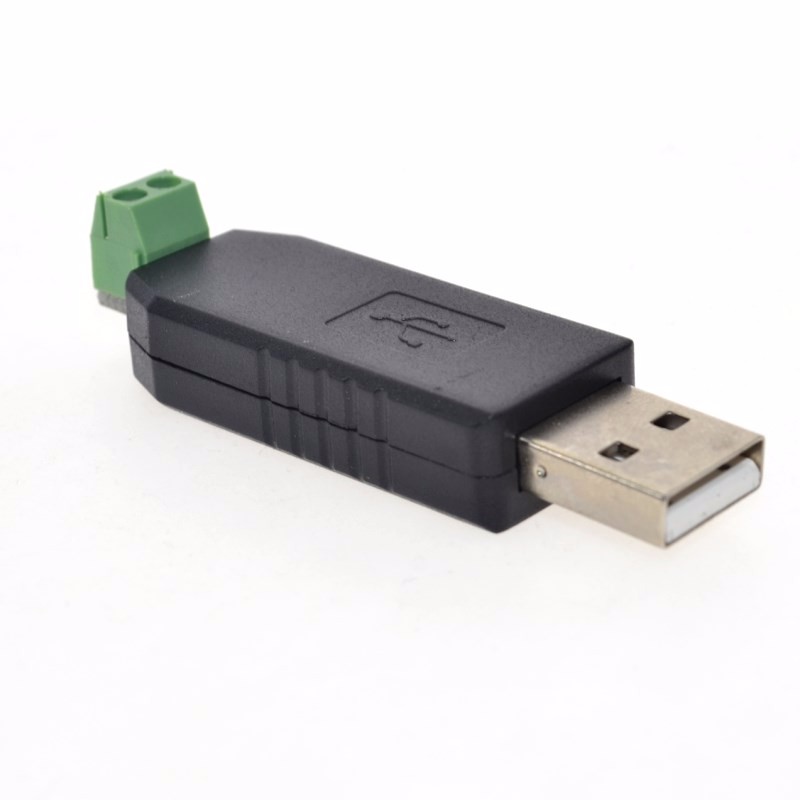
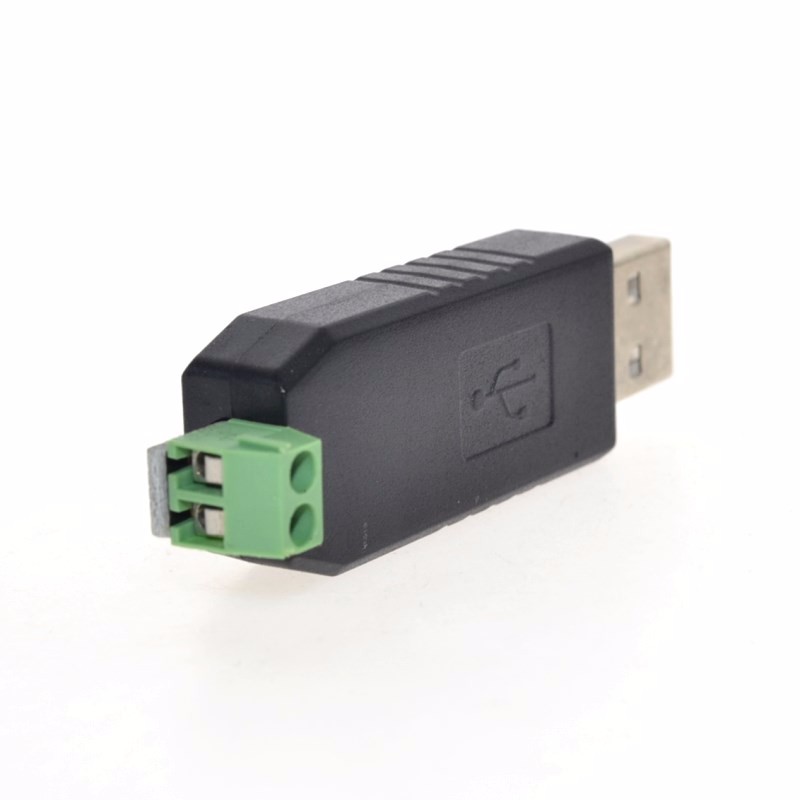
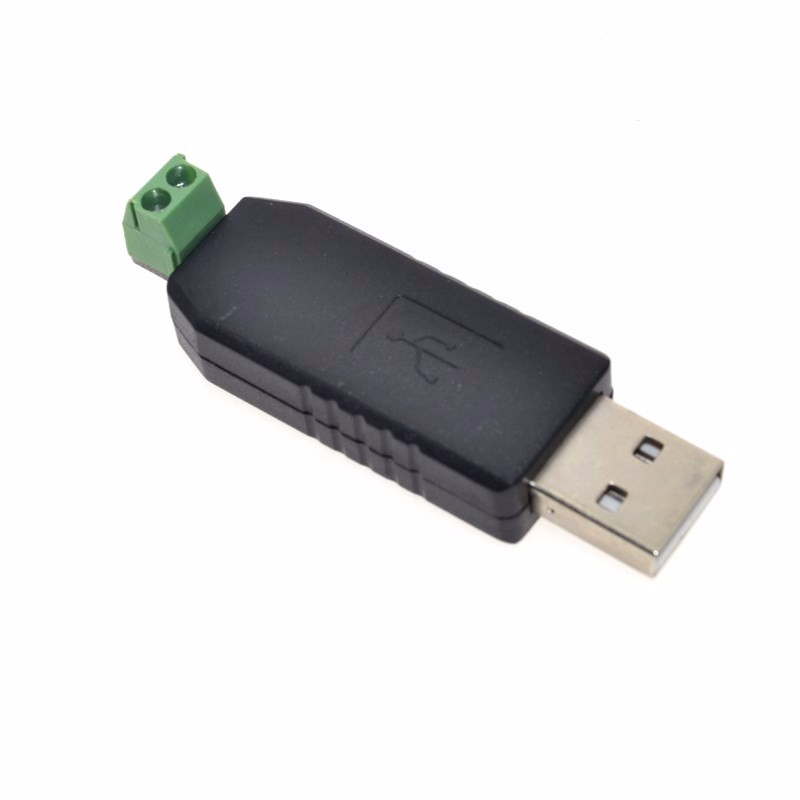
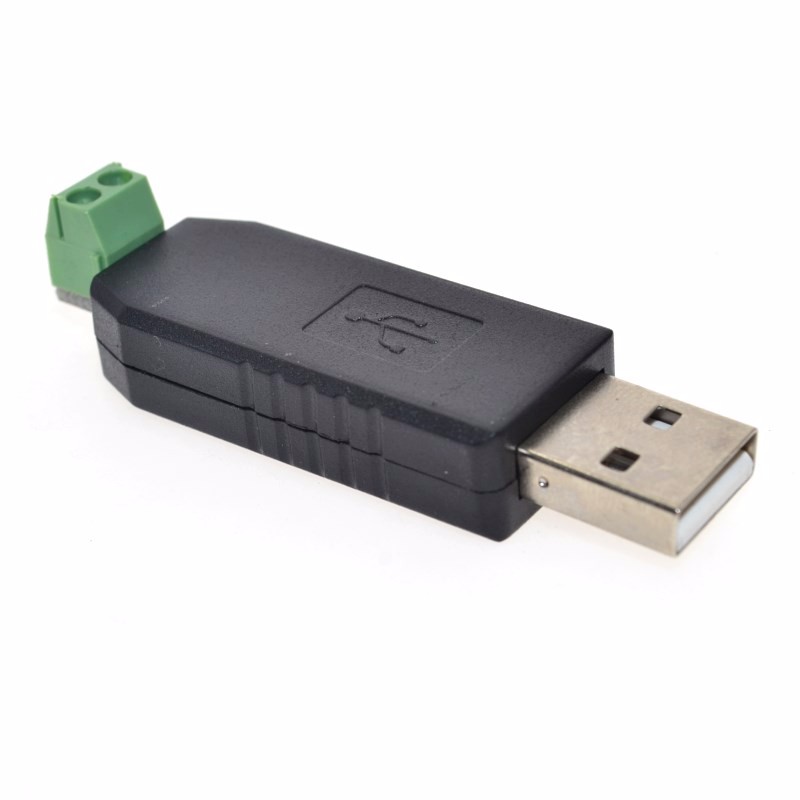
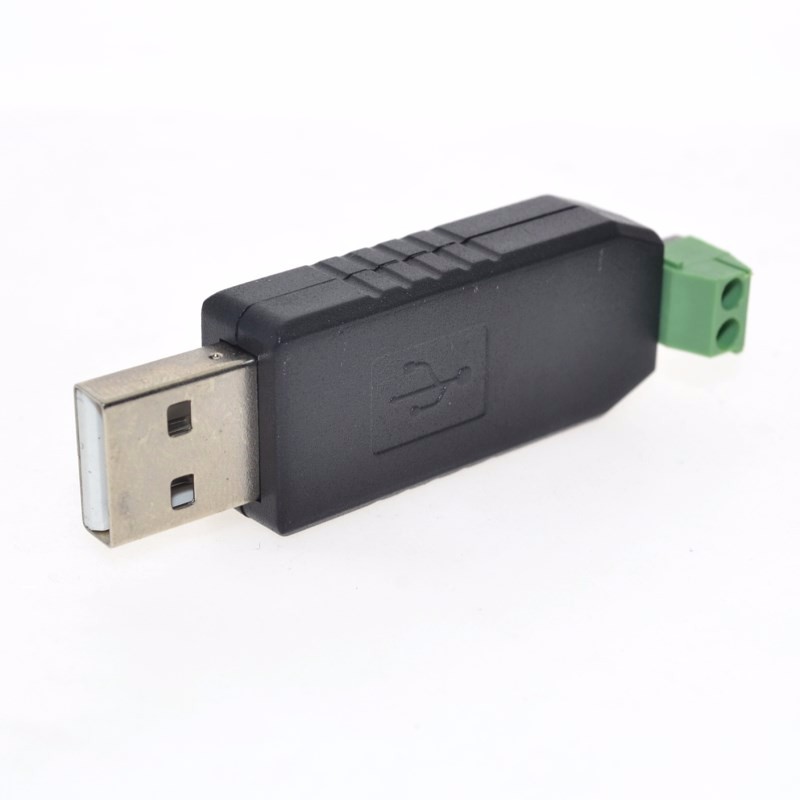
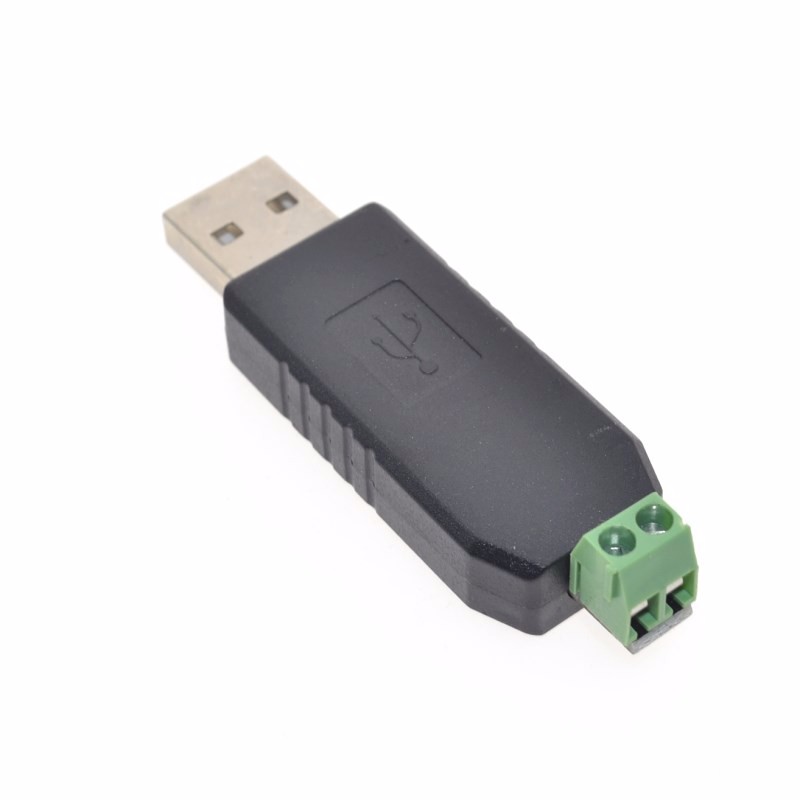
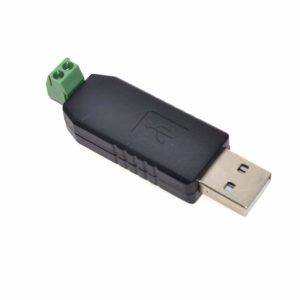
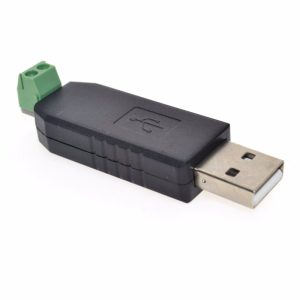
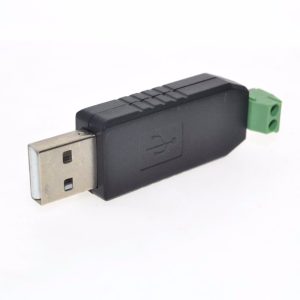
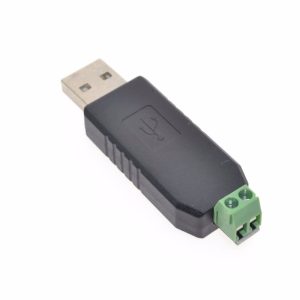
The USB to RS485 Converter Adapter is a compact, high-performance communication tool designed to bridge modern computers with legacy RS485 industrial networks. Based on high-reliability chipsets (such as the CH340G or FTDI), this converter allows you to connect RS485 devices—such as industrial PLCs, Modbus meters, access control systems, and LED display controllers—directly to your computer’s USB port . It eliminates the need for bulky serial ports and complex power supplies by being bus-powered, drawing all necessary power directly from the USB connection .
RS485 is the backbone of industrial automation, allowing long-distance communication (up to 1200 meters) and multi-drop networks with up to 32 devices on a single bus. This adapter uses differential signaling (A and B lines) to provide superior noise immunity, ensuring reliable data transfer in electrically noisy environments like factories and machine rooms . Whether you are an embedded engineer, a building automation technician, or a hobbyist working with energy meters, this adapter is an essential tool for configuring, monitoring, and controlling remote RS485 devices.
Key Features
-
Chipset Options: Available with CH340G (cost-effective, good compatibility) or FTDI FT232 (industrial-grade, superior driver stability) variants .
-
Long-Distance Transmission: Supports communication distances up to 1200 meters (4000 feet) at lower baud rates, ideal for factory and field wiring .
-
Plug-and-Play & Bus-Powered: Powered directly from the USB port; no external power supply required .
-
Low Cable Loss & High Security: Using pure copper tinned core and PVC insulation materials to reduce transmission signal attenuation .
-
Wide Baud Rate Support: Supports standard communication speeds to meet the needs of most industrial devices (typically up to 115200 bps, with chip capability up to 1.5Mbps) .
-
Universal Compatibility: Fully compatible with Windows operating systems including Windows XP, 7, 8, 10, and 11. Also supports Linux and macOS using appropriate drivers .
-
Industrial Construction: Features a rugged shell and often includes TVS protection to guard against ESD and voltage surges.
-
Multi-Device Support: Connect multiple converters simultaneously via a USB hub to manage different RS485 networks .
Technical Specifications
Pinout & Connection Guide
RS485 Terminal Block
Important Wiring Rules for RS485 :
-
Connection: Connect the A terminal of the converter to the A terminal of all devices on the bus, and the B terminal to the B terminal.
-
Ground: For long distances (>100m) or noisy environments, connect the GND terminals of all devices to provide a common reference voltage.
-
Termination: If the converter is the last device on the bus line, enable the 120Ω termination resistor (usually via a DIP switch). This prevents signal reflection .
-
Cable: Use twisted-pair shielded cable (e.g., CAT5e) for best noise immunity.
Wiring Example (Connecting to a Modbus Meter)
USB to RS485 Converter        Modbus Device (RS485 Terminal)
    A+      ──────────────────────      A+ / TX+ / D+
    B-      ──────────────────────      B- / TX- / D-
    GND     ──────────────────────      GND / COM
Usage Guide
1. Driver Installation
To use the converter, the appropriate driver for your operating system must be installed .
-
Windows (XP, 7, 8, 10, 11) :
-
Ensure the converter is not connected to the PC.
-
Download the latest driver for your chipset (CH340 or FTDI) from the official website or the manufacturer’s resources.
-
Run the installer and follow the on-screen instructions .
-
Once installed, plug the converter into a USB port. Windows will automatically complete the installation.
-
Verify Installation: Open Device Manager → Ports (COM & LPT) . You will see a new “USB Serial Port” with a COM port number assigned .
-
Linux / macOS:
2. Connecting to an RS485 Device
-
Wire the Connection: Use twisted-pair wires to connect the A and B terminals of the converter to the A and B terminals of your target RS485 device .
-
Connect to PC: Plug the USB end of the converter into your computer .
-
Note the COM Port: In your device management software (e.g., Modbus poll software, industrial HMI, or a simple serial terminal), select the COM port number identified earlier.
3. Setting up Communication
-
Configure Parameters: Ensure your software matches the baud rate, data bits, parity, and stop bits of the connected RS485 device (Common defaults: 9600 Baud, 8 Data Bits, No Parity, 1 Stop Bit).
-
Test Connection: Send a command or poll the device. If successful, you will receive data. If not, double-check the wiring of the A/B lines (swapping A and B is a common mistake).
Q: Does this converter require an external power supply?
No. The module is bus-powered, drawing the required 5V power directly from your computer’s USB port. This makes it truly plug-and-play .
Q: Will this work with Windows 10 or Windows 11?
Yes. The CH340 and FTDI chipsets have official drivers that fully support Windows 10, Windows 11, and even legacy systems like Windows XP .
Q: How far can I extend the RS485 cable?
RS485 is designed for long distances. Using twisted-pair cable, you can reliably communicate up to 1200 meters (approximately 4000 feet) .
Q: How do I change the COM port number on Windows?
In Device Manager, expand Ports (COM & LPT). Right-click the “USB Serial Port” → Properties → Port Settings → Advanced. Select an unused COM port number from the dropdown list .
Q: Why do I have garbled data or no response from my device?
Typically, this is caused by incorrect serial settings (baud rate/parity) or wiring errors. Ensure:
-
The A line of the converter goes to A of the device.
-
The baud rate, data bits, and parity match the target device exactly.
-
The ground (GND) is connected between the devices .
Q: Can I connect multiple devices to this single converter?
Yes. RS485 is a bus standard. You can connect up to 32 devices in a daisy-chain configuration (A to A, B to B) along the same twisted-pair cable, provided the total cable length does not exceed the system limits .
Q: Do I need to set the termination resistor?
Only if this converter is placed at the physical end of the RS485 cable line. If it is in the middle or connected to a short cable (under 10 meters), the termination can remain OFF (or the jumper removed) .
Q: What is the difference between your product and a standard USB to TTL adapter?
A standard TTL adapter outputs single-ended 0-5V signals for a few inches. This RS485 converter outputs differential signals (A/B), which are required for industrial equipment, long-distance transmission, and multi-drop networks. They are not interchangeable.
Q: Is this converter compatible with Linux or Mac?
Yes. Both the CH340 and FTDI chipsets have built-in or readily available drivers for Linux and macOS. On Linux, the device typically appears as /dev/ttyUSB0 .