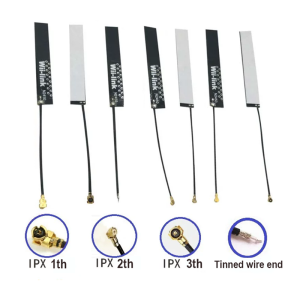
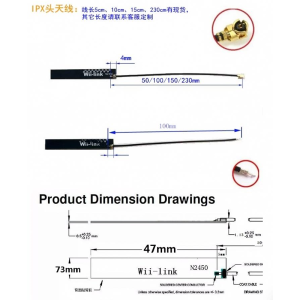
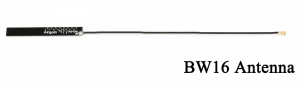
4dBi 2.4GHz IPEX Antenna for BW16-Kit Wireless Development Board

SKU: FA1052-1-0
Frequency Band

2.4GHz ISM band

Gain

4dBi

Connector Type

IPEX / U.FL

Compatibility

BW16-Kit and devices with IPEX/U.FL port

Application

WiFi 802.11 b/g/n, Bluetooth/BLE

Impedance

50 Ohm (standard)

Polarization

Vertical (typical)

Installation

Plug-in, no soldering required

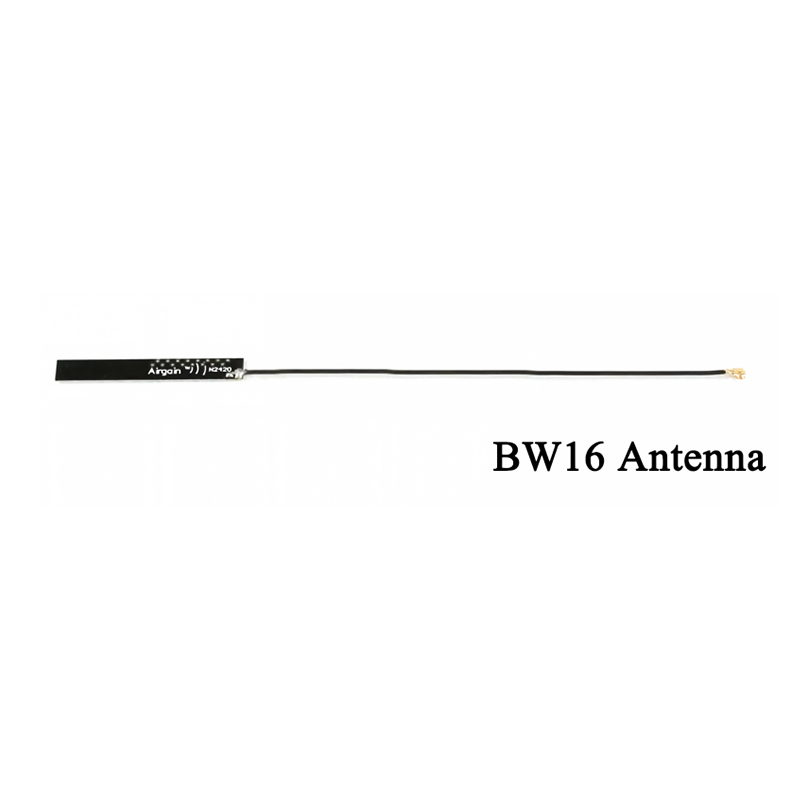
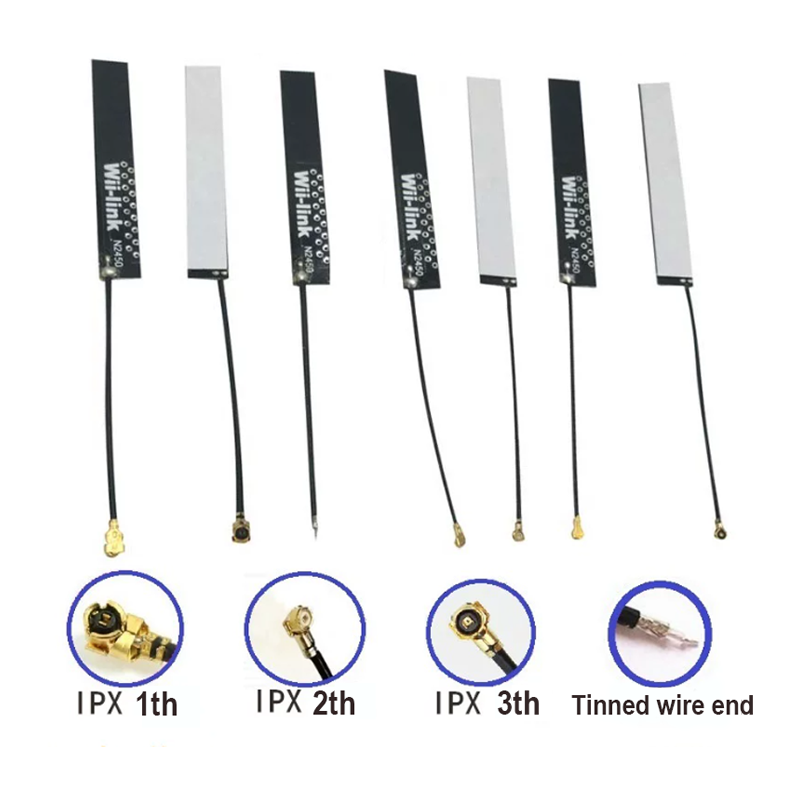
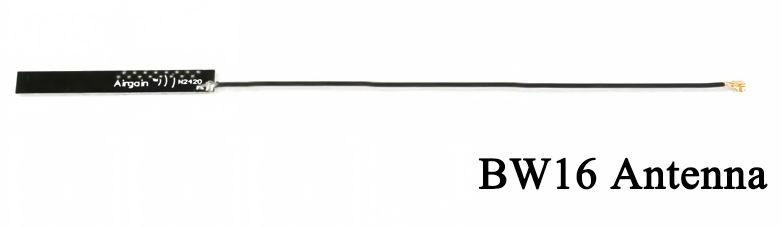
The 4dBi 2.4GHz IPEX Antenna is a compact external antenna designed to boost wireless range and signal reliability for the BW16-Kit development board and other devices equipped with an IPEX/U.FL connector. Whether you are working on a WiFi or Bluetooth project that needs better coverage, or you are deploying a wireless device in an environment with challenging RF conditions, this antenna provides a simple plug-in upgrade over onboard chip antennas.

The antenna operates across the 2.4GHz ISM band, covering the frequency range used by WiFi (802.11 b/g/n) and Bluetooth (including Bluetooth Low Energy) applications. With a gain of 4dBi, it offers noticeably improved signal strength compared to typical PCB trace antennas, helping to extend both transmission and reception range in indoor environments.

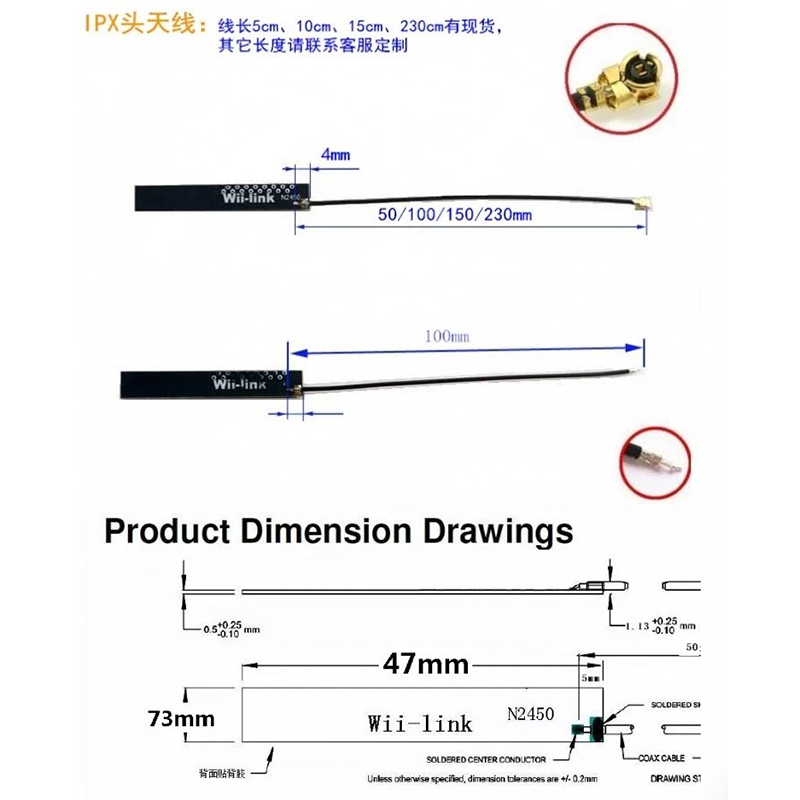
The IPEX (also known as U.FL) connector is a miniature coaxial RF connector widely used in compact wireless devices. It provides a secure, low-loss connection when mated properly, and its small footprint allows it to fit into tight enclosures. The antenna connects directly to the IPEX port on the BW16-Kit or other compatible development boards, replacing or supplementing the onboard antenna.

The antenna’s compact form factor and flexible construction make it easy to position for optimal reception. Unlike fixed PCB antennas that are constrained by the board layout, an external antenna can be placed away from metal components, batteries, and other sources of interference. This flexibility is especially valuable in embedded installations where the main board is enclosed in a metal or dense plastic housing.

Compatibility: This antenna is designed for the BW16-Kit and other devices with a standard IPEX/U.FL connector. It is suitable for 2.4GHz WiFi and Bluetooth applications. Note that the BW16 module itself is a dual-band (2.4GHz + 5GHz) WiFi and Bluetooth module; this antenna covers the 2.4GHz band. For dual-band operation, a dual-band antenna would be required.

Whether you are a maker working on a home automation project, a student learning about wireless communication, or a business deploying wireless devices, this 4dBi IPEX antenna offers a practical, cost-effective way to improve wireless performance.


Features

  • 4dBi gain — Improved signal strength compared to standard PCB trace antennas.

  • 2.4GHz frequency band — Covers WiFi 802.11 b/g/n and Bluetooth/BLE applications.

  • IPEX/U.FL connector — Standard miniature RF connector for direct plug-in installation.

  • Compact and lightweight — Small form factor suitable for tight enclosures and portable devices.

  • Flexible positioning — External design allows placement away from interference sources.

  • BW16-Kit compatible — Designed as an accessory for the BW16-Kit wireless development board.

  • Easy installation — Plug-and-play connection; no soldering or modification required.

  • Cost-effective range boost — Simple upgrade for wireless range and reliability.


Technical Specifications 

# Parameter Specification
1 Frequency Band 2.4GHz ISM band
2 Gain 4dBi
3 Connector Type IPEX / U.FL
4 Compatibility BW16-Kit and devices with IPEX/U.FL port
5 Application WiFi 802.11 b/g/n, Bluetooth/BLE
6 Impedance 50 Ohm (standard)
7 Polarization Vertical (typical)
8 Installation Plug-in, no soldering required

Usage

Getting Started

  1. Locate the IPEX connector — On the BW16-Kit (or compatible device), find the small IPEX/U.FL connector, typically located near the wireless module.

  2. Align the antenna connector — Carefully align the antenna’s IPEX plug with the board’s IPEX jack. The connector is small and requires gentle alignment.

  3. Press to mate — Press the connector straight down until it seats with a soft click. Do not force or twist, as the connector is delicate.

  4. Position the antenna — For best performance, position the antenna away from metal surfaces, batteries, and other sources of interference.

  5. Test the connection — Power on your device and verify wireless connectivity. You should observe improved signal strength compared to the onboard antenna.

Positioning Tips

  • Keep away from metal — Metal surfaces reflect and absorb RF signals. Position the antenna away from metal enclosures and components.

  • Vertical orientation — For most applications, orient the antenna vertically for best omnidirectional performance.

  • Avoid obstructions — Keep the antenna clear of dense materials and large components.

  • Use the full cable — If the antenna has a cable, avoid coiling it tightly, as this can affect performance.

Typical Applications

  • BW16-Kit wireless projects — Improved range and reliability for WiFi and Bluetooth development.

  • IoT device deployment — Better wireless coverage in challenging indoor environments.

  • Embedded installations — External antenna placement when the main board is enclosed.

  • Prototyping and testing — Comparing onboard vs. external antenna performance.

  • Educational projects — Learning about wireless communication and antenna placement.

  • Product development — Evaluating antenna options for commercial designs.

Notes for Business Buyers

  • Simple range upgrade — Cost-effective accessory for improving wireless performance without redesigning the main board.

  • BW16-Kit accessory — Specifically suited for the BW16-Kit development board.

  • Volume availability — Suitable for bulk purchasing for product development and deployment.

  • Verify compatibility — Confirm the IPEX/U.FL connector type matches your device before ordering.

Q: What devices is this antenna compatible with?

This antenna is designed for the BW16-Kit and other devices with a standard IPEX/U.FL connector. It works with any 2.4GHz WiFi or Bluetooth device that has a compatible IPEX port.

Q: Does this antenna work with 5GHz WiFi?

No. This antenna is designed for the 2.4GHz band only. For dual-band (2.4GHz + 5GHz) operation, a dual-band antenna would be required.

Q: How much range improvement can I expect?

A 4dBi antenna typically provides noticeable improvement over standard PCB trace antennas, especially in indoor environments with obstacles. Actual range depends on many factors including the transmitter power, receiver sensitivity, and environmental conditions.

Q: Is the IPEX connector the same as U.FL?

Yes. IPEX and U.FL are different names for the same type of miniature RF connector. They are mechanically compatible.

Q: How do I install the antenna?

Align the antenna’s IPEX plug with the board’s IPEX jack and press straight down until it seats. The connector is delicate, so avoid forcing or twisting.

Q: Can I use this antenna with other development boards?

Yes, as long as the board has a compatible IPEX/U.FL connector and operates on the 2.4GHz band.

Q: Does the antenna require any power?

No. The antenna is a passive component and does not require any power supply. It simply connects to the IPEX port.

Q: What is the impedance of this antenna?

The antenna has a standard 50 Ohm impedance, matching typical RF systems.

Q: Can I solder this antenna directly to a board?

No. This antenna is designed for plug-in connection via the IPEX/U.FL connector. Soldering is not recommended and may damage the connector.

Q: Can I purchase in bulk for a product development project?

Yes. This antenna is suitable for both individual users and business purchasing, including product development, IoT deployment, and volume production.