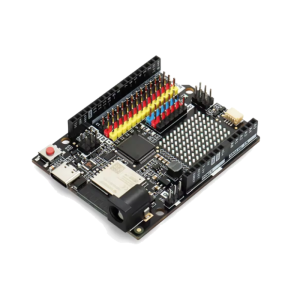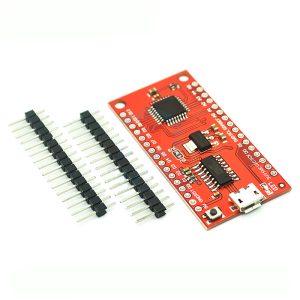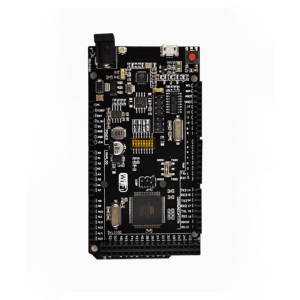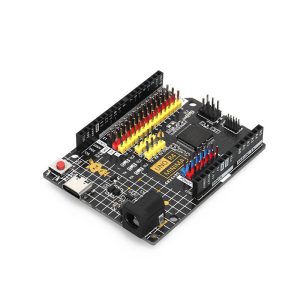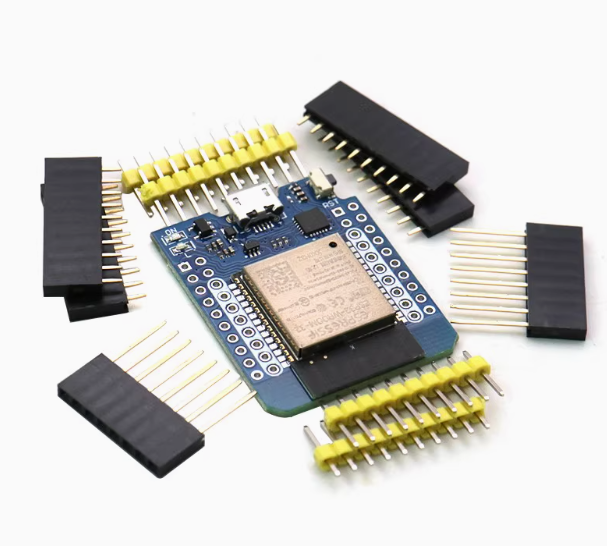
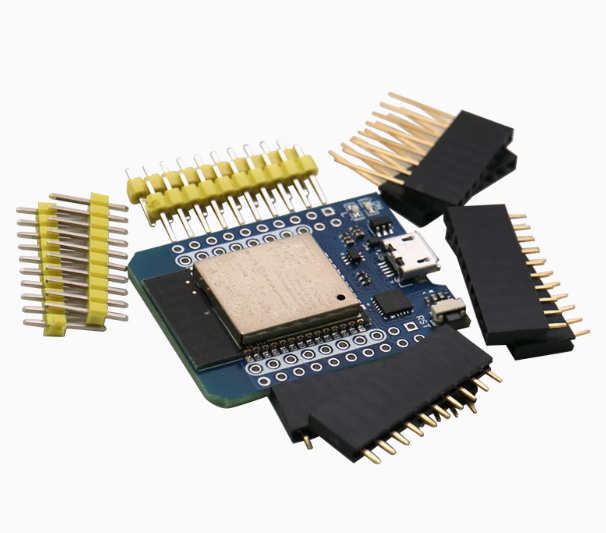
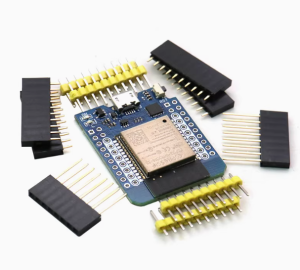
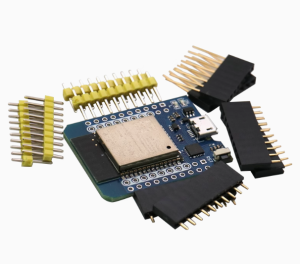
The ESP32-WROOM Live Mini Kit is a compact, robust development board built around the popular ESP32-WROOM-32 module. Designed for versatility in the 2026 Internet of Things (IoT) landscape, this “mini” form factor board provides full access to the ESP32’s dual-core processing power, integrated Wi-Fi, and Bluetooth capabilities, all managed via a reliable CP2104 USB interface.
Long Description
This board is an excellent choice for developers who require the full power of the ESP32 chip in a breadboard-friendly and space-conscious design. The inclusion of the stable CP2104 USB-to-Serial converter ensures reliable programming and debugging across different operating systems. With 4MB of Flash memory, the board supports complex projects ranging from localized web servers and machine learning inference to secure cloud-based data acquisition.
For individual makers, the Mini Kit is the perfect starting point for learning about advanced IoT connectivity, offering easy integration with the Arduino IDE and MicroPython environments. For business purchasers, its small footprint and production-grade components make it a superb choice for integrating into finished commercial products, such as smart sensor nodes, gateways, or small-scale industrial automation interfaces.
Key Features
- Compact & Breadboard-Friendly: Mini form factor designed to fit easily onto a standard breadboard without obstructing adjacent pin headers.
- Reliable USB Interface: Utilizes the high-quality CP2104 USB-to-Serial bridge for stable data transfer and programming.
- Dual-Core Connectivity: Integrated Wi-Fi (2.4GHz) and Bluetooth 4.2 (BLE and Classic) capabilities.
- Generous Memory: 4MB QSPI Flash memory provides ample space for large firmware, data storage, and OTA (Over-The-Air) updates.
- Flexible Power Input: Can be powered via Micro-USB 5V, the 5V (VIN) pin, or directly into the 3.3V pin.