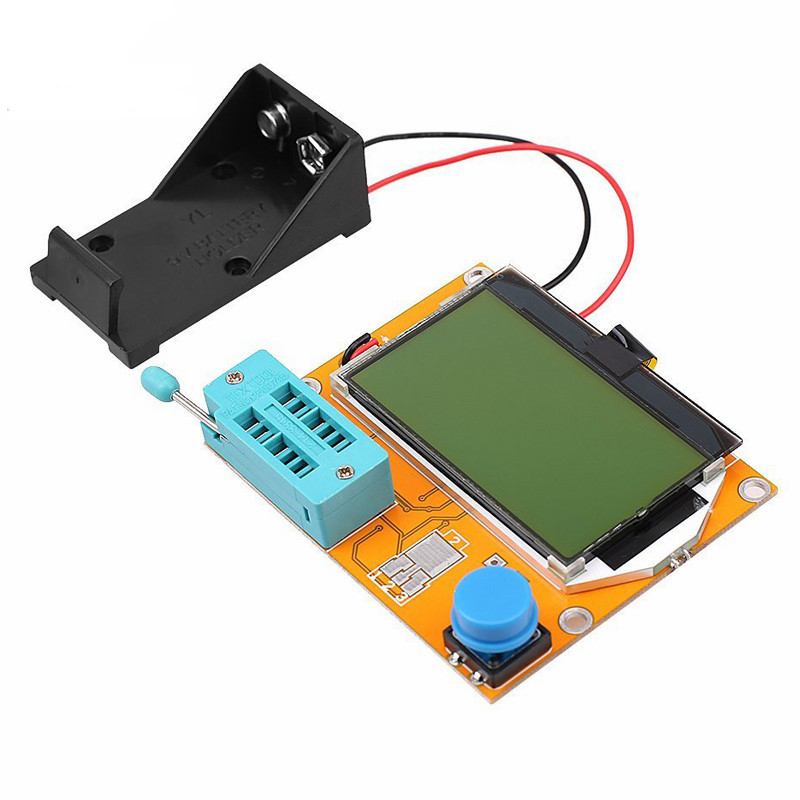
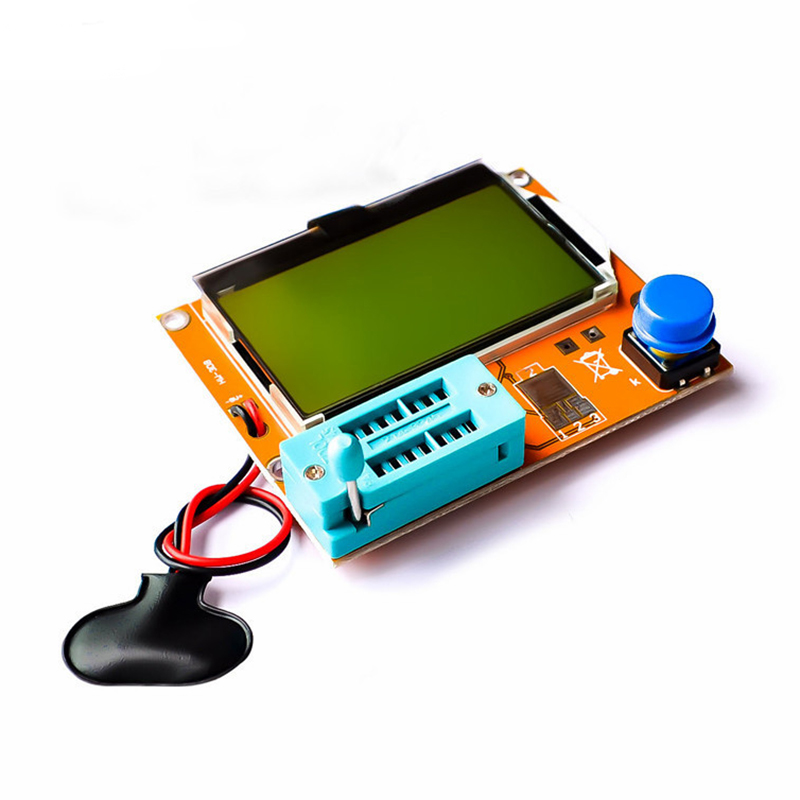
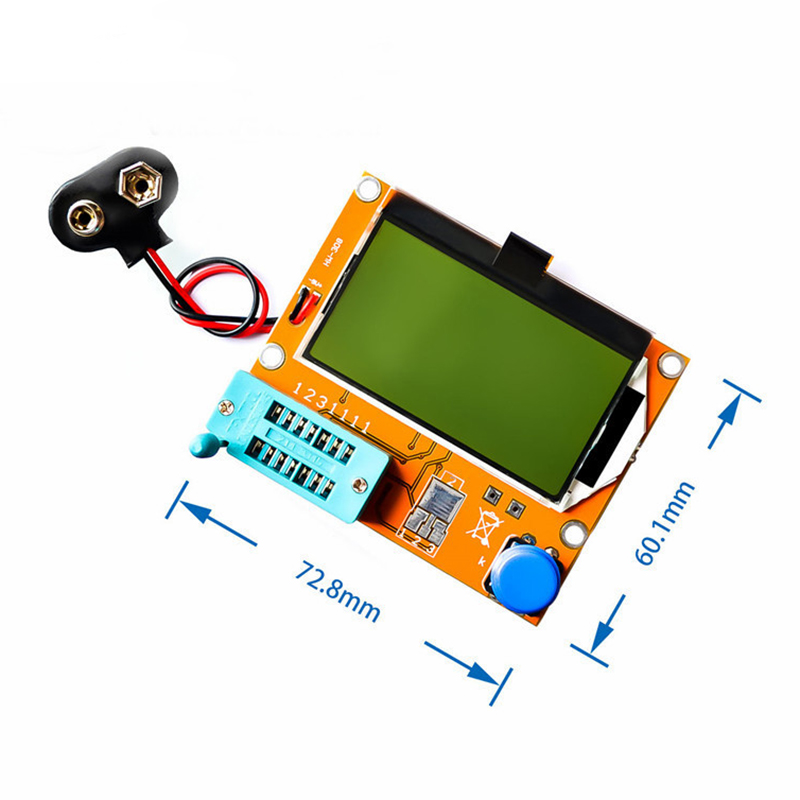
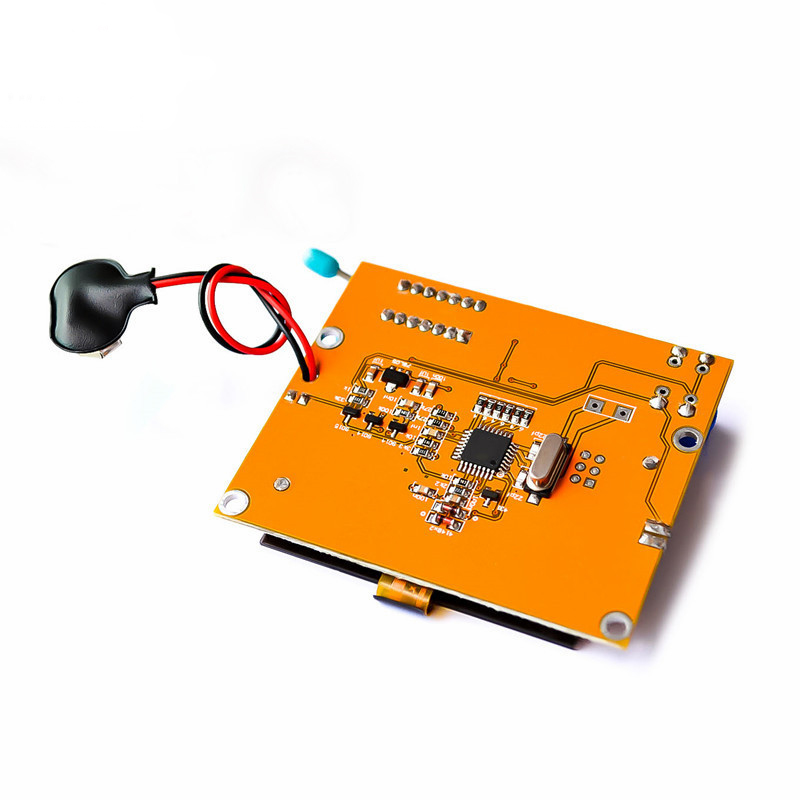
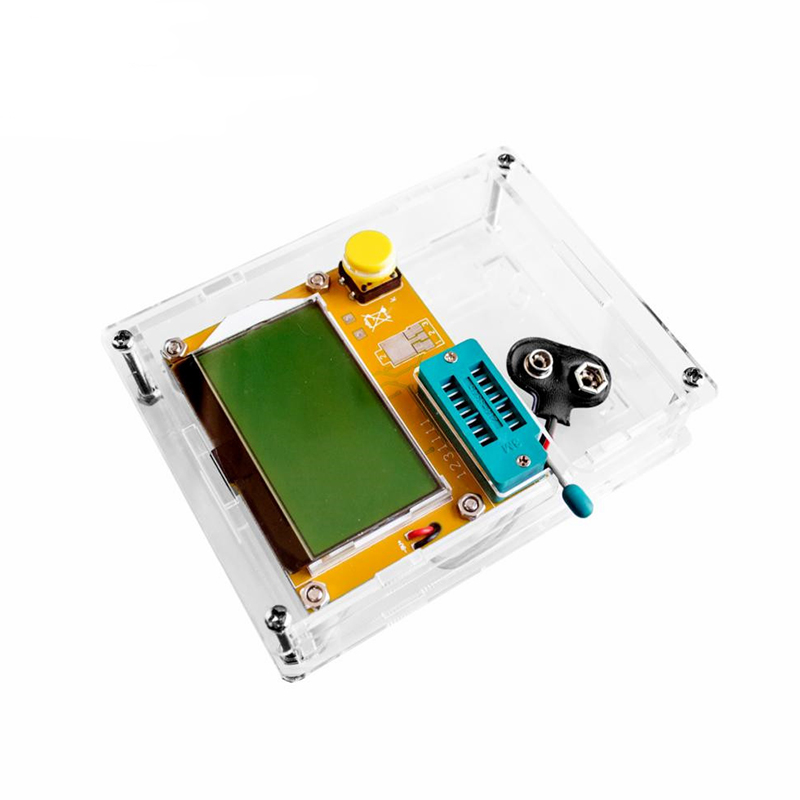
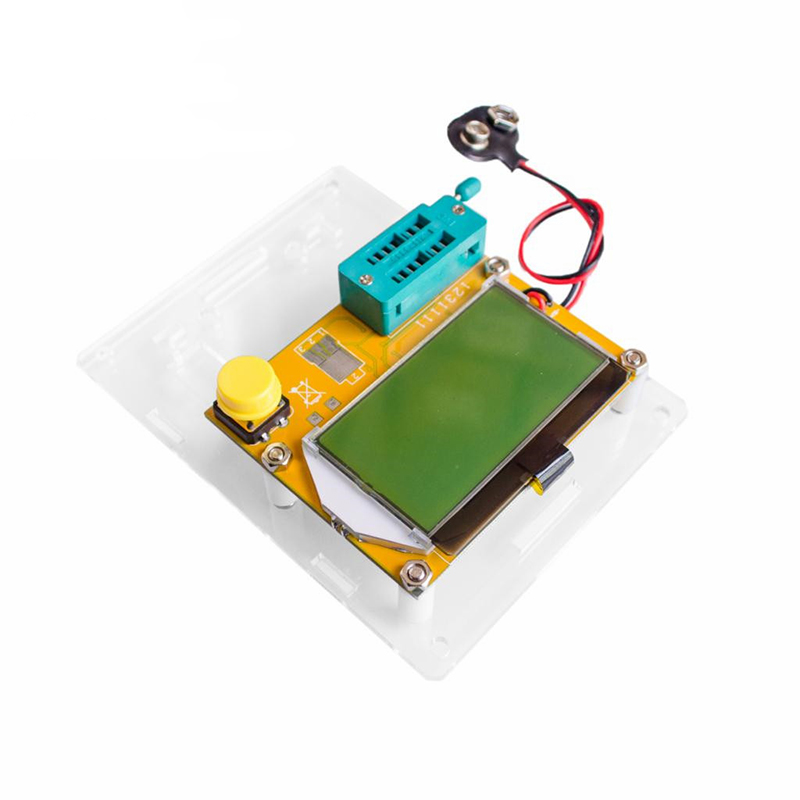
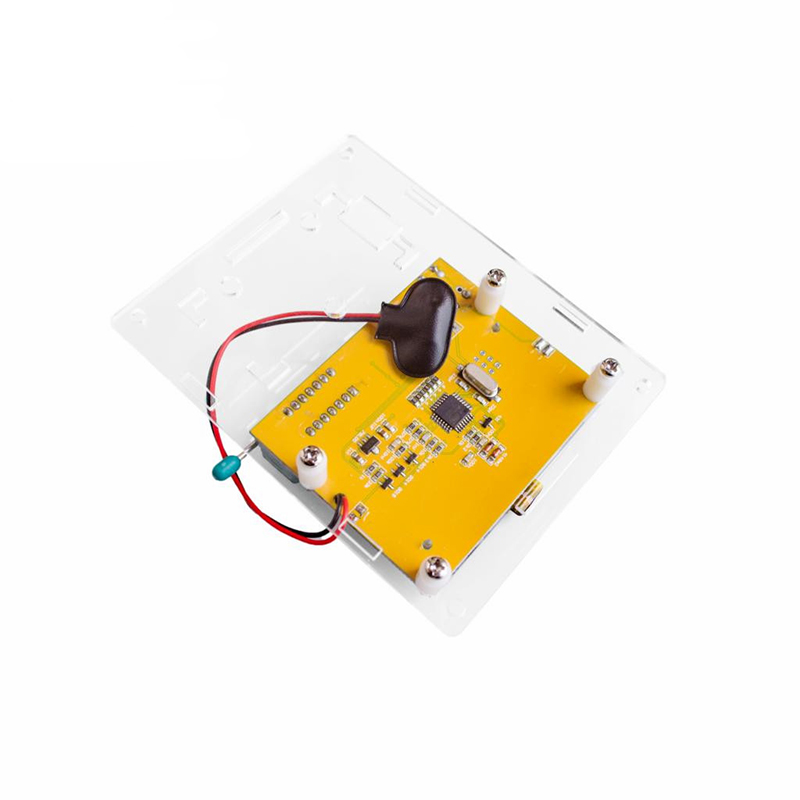
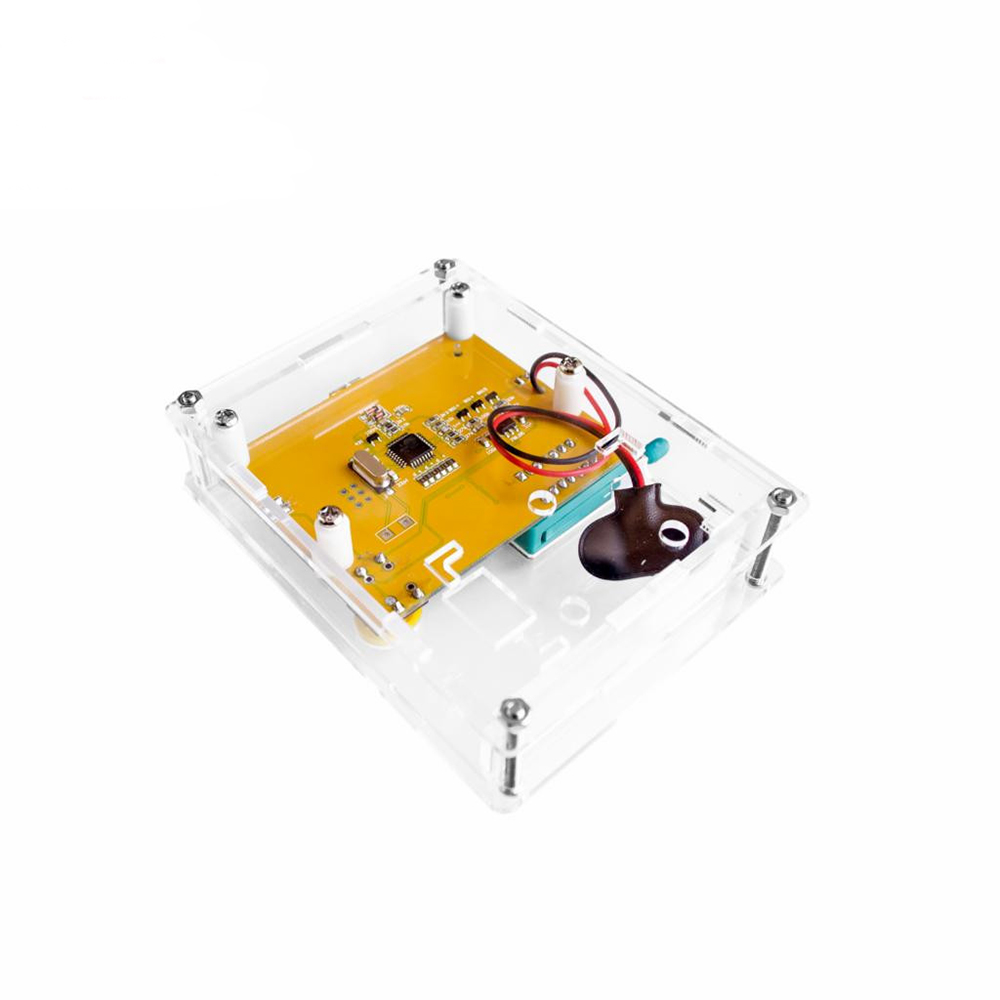
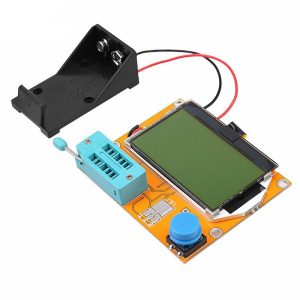
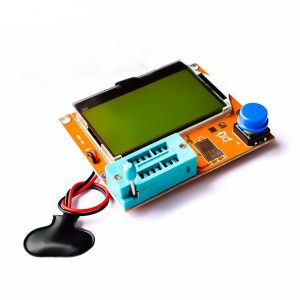
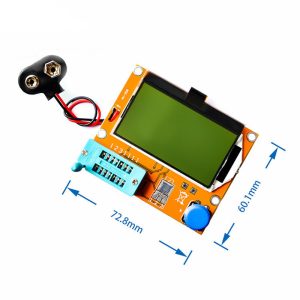
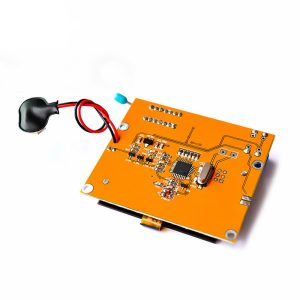
Product Description
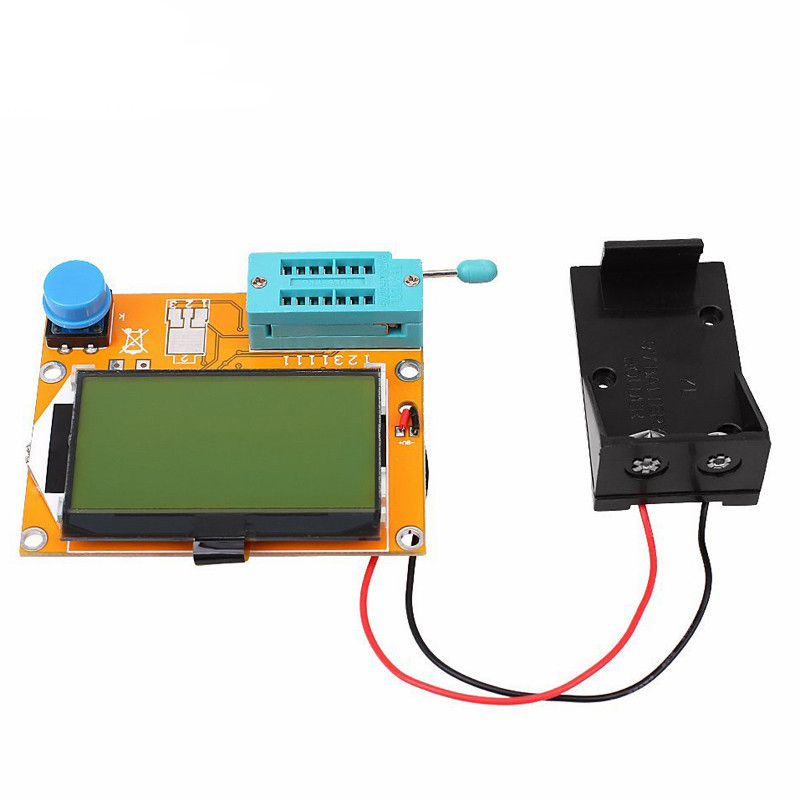
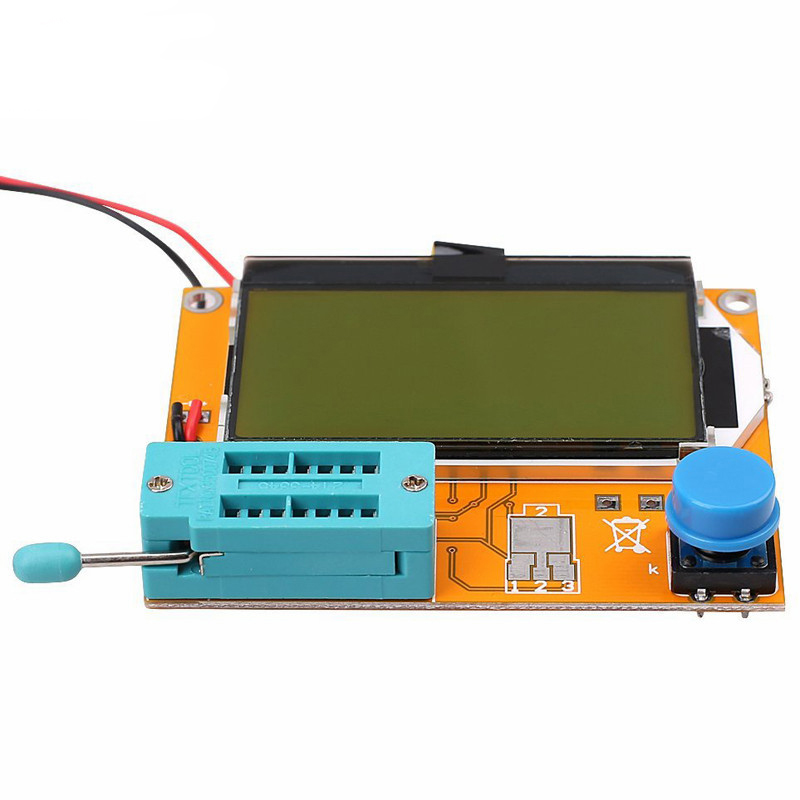
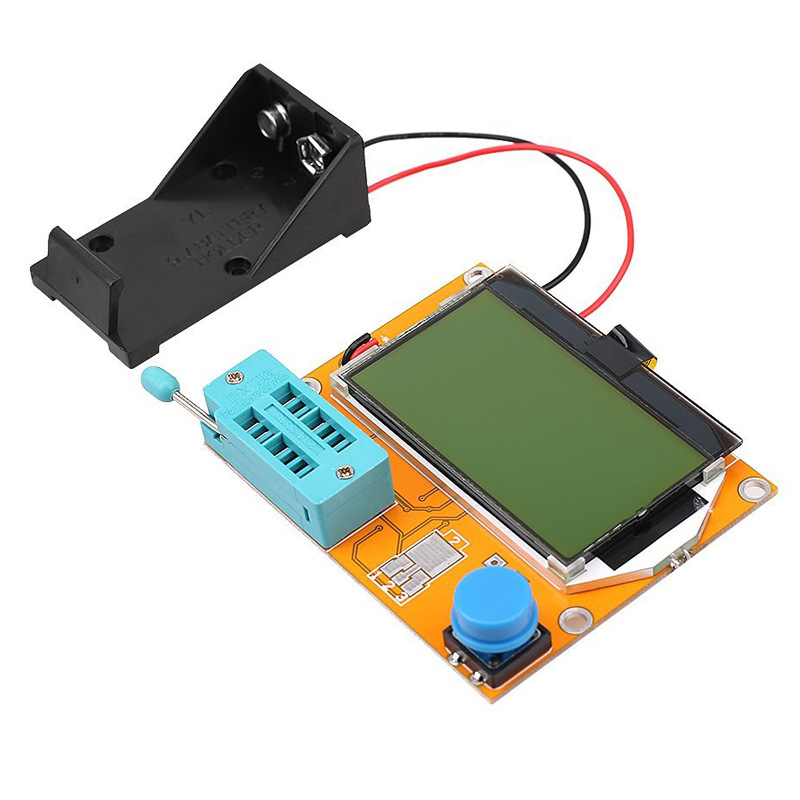
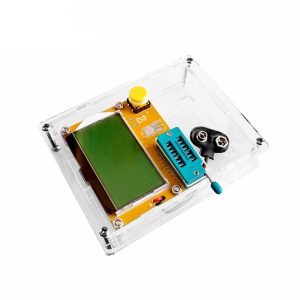
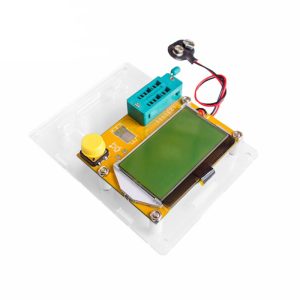
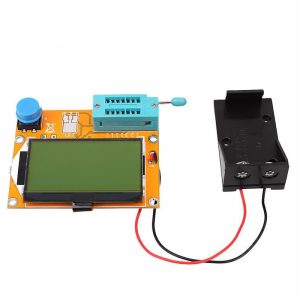
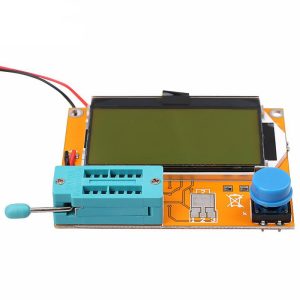
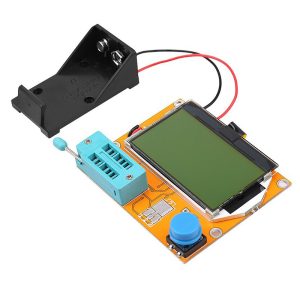
The LCR-T4 is an intelligent semiconductor analyzer designed to simplify component identification and troubleshooting. Featuring a high-resolution 128×64 yellow-green backlit LCD, it provides intuitive graphical representations of pinouts and measurement data. This “electronic microscope” for circuits can detect hidden faults in aged capacitors by measuring Equivalent Series Resistance (ESR) and is highly effective for pairing transistors or identifying unknown Surface Mount Devices (SMD). Its ultra-low power consumption and automatic shutdown make it ideal for portable field use or long-term bench work.
Key Features
- Universal Compatibility: Automatically detects NPN/PNP transistors, N-channel/P-channel MOSFETs, JFETs, diodes (including dual diodes), and Silicon Controlled Rectifiers (SCRs/Thyristors).
- Intelligent Pinout Identification: Automatically identifies and displays component pin arrangements (e.g., Base, Collector, Emitter) on the screen, removing the need for manual datasheets.
- Precision Measurement: Measures current amplification factors (hFE) and base-emitter threshold voltages for bipolar transistors.
- Enhanced Capacitor Analysis: For capacitors over 2μF, the device simultaneously measures ESR with a resolution of 0.01Ω.
- One-Button Operation: Fully automated testing cycle completes in approximately 2 seconds (larger capacitors may take up to 1 minute).