Product Overview
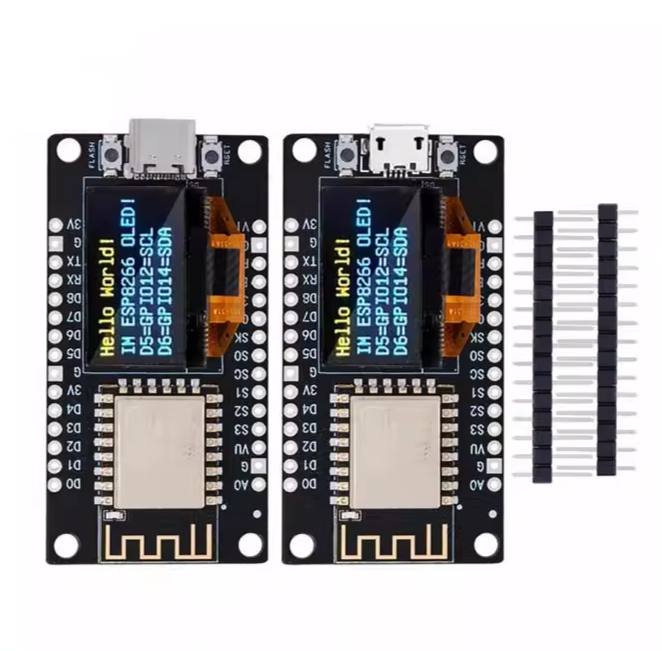
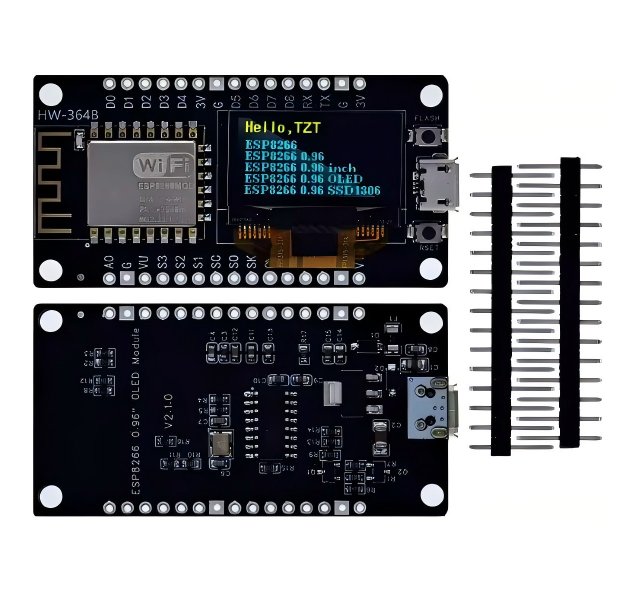
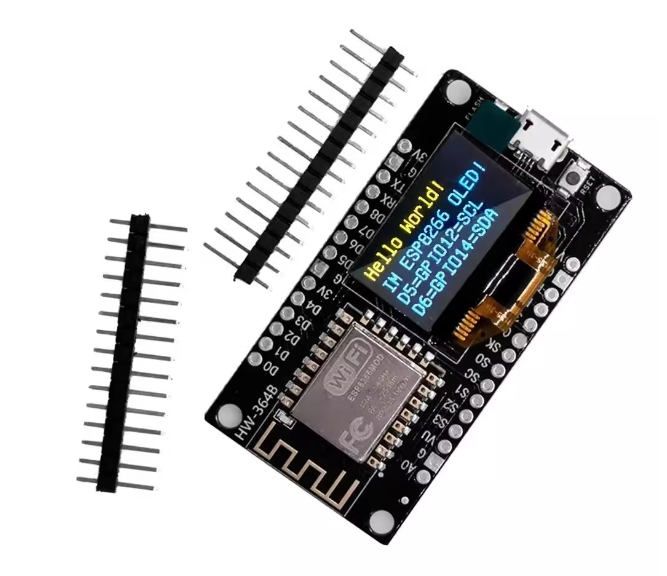
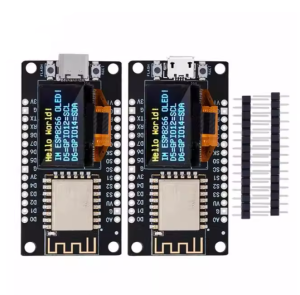
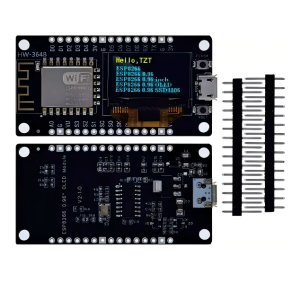
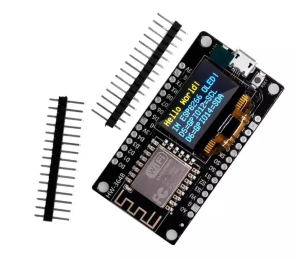
The NodeMCU ESP8266 Development Board with 0.96″ OLED is a highly integrated, Wi-Fi-enabled IoT solution designed to bridge the gap between prototyping and deployment. By mounting a high-contrast 128×64 pixel OLED display directly onto the PCB, this board eliminates the need for complex wiring, external display modules, and breadboard clutter.
Powered by the industry-standard ESP-12F module and featuring a reliable Micro USB interface, this board is the perfect choice for developers who require immediate visual feedback. Its “LoLin” V3 footprint ensures maximum stability and easy integration into custom enclosures, making it a favorite for smart home hubs, industrial monitoring nodes, and educational STEM kits.
Key Features
- High-Resolution Integrated Display: Includes a 0.96-inch OLED with 128×64 resolution, offering crisp text and graphics via the SSD1306 driver.
- Universal Micro USB Connectivity: Uses the widely compatible Micro USB port for both 5V power and high-speed serial programming.
- Reliable Serial Communication: Features the CH340G / CP2102 USB-to-UART bridge (model dependent) for seamless “plug-and-play” recognition on Windows, macOS, and Linux.
- Internal I2C Bus: The OLED is pre-connected to the ESP8266 internally, saving your GPIO pins for additional sensors, relays, or actuators.
- Versatile Wireless Modes: Supports IEEE 802.11 b/g/n Wi-Fi with three operational modes: Station (Client), SoftAP (Access Point), and Dual Mode.
- Open-Source Ecosystem: Fully compatible with Arduino IDE, MicroPython, and Lua (NodeMCU) firmware, providing access to thousands of free libraries.
Common Usage & Applications
- Industrial Data Loggers: Display real-time machine stats (uptime, temperature, vibration) locally while syncing data to a central cloud server via Wi-Fi.
- Smart Environment Monitors: Build a localized air quality or weather station that shows PM2.5 or humidity levels directly on the screen.
- Crypto & Stock Tickers: Create a compact desktop device that pulls live financial data and displays scrolling price updates.
- Wi-Fi Testing Tools: Develop a portable network “Sniffer” or signal strength meter for site surveys and IT troubleshooting.
Q: Does this board require a driver to be recognized by my computer?
Yes, depending on your OS, you may need to install the CH340 or CP2102 driver. Once installed, the board will appear as a standard COM port in your Device Manager or Arduino IDE.
Q: Which pins are used by the OLED display?
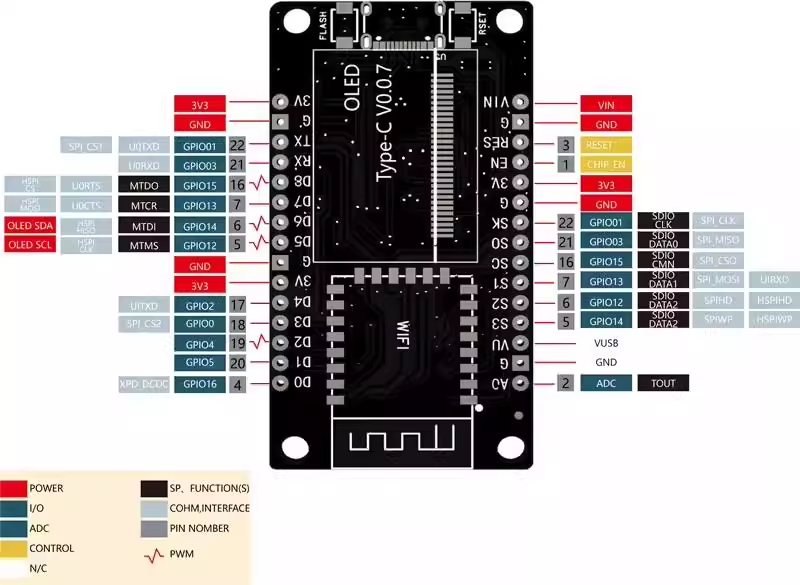
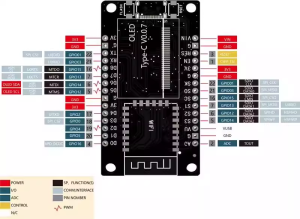
On most versions of this board, the OLED is internally connected to SDA (GPIO4/D2) and SCL (GPIO5/D1). You do not need to use external jumper wires to activate the screen.
Q: Can I display images or icons on the 0.96" OLED?
Absolutely. Using libraries like Adafruit_SSD1306 or U8g2, you can display custom bitmaps, logos, and even simple animations alongside standard text.
Q: Is the Micro USB port durable enough for frequent re-programming?
Yes. The Micro USB port is reinforced for standard development use. For long-term industrial deployments, we recommend using the VIN and GND pins for permanent power to reduce wear on the USB port.
Q: How do I power this board if I don't want to use the USB port?
You can provide regulated 5V–9V power to the VIN pin, or a regulated 3.3V directly to the 3V3 pin. Warning: Do not apply 5V to the 3V3 pin as it will damage the microcontroller
Q: Is this board suitable for business/commercial bulk purchasing?
Yes. This integrated design reduces the Bill of Materials (BOM) for your project and simplifies assembly, making it a cost-effective choice for small-to-medium scale commercial IoT deployments.