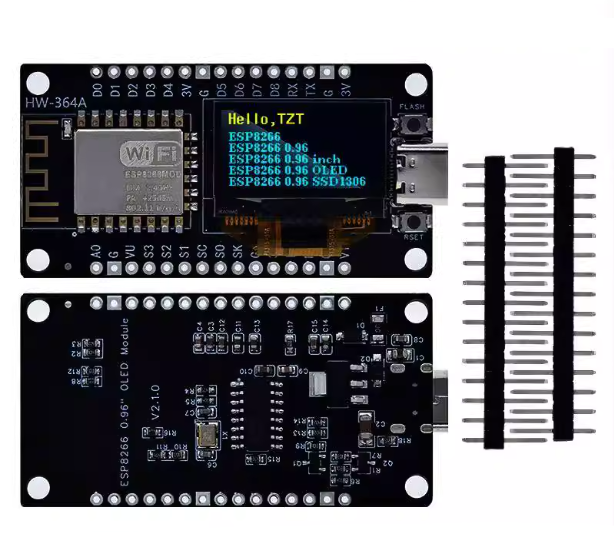
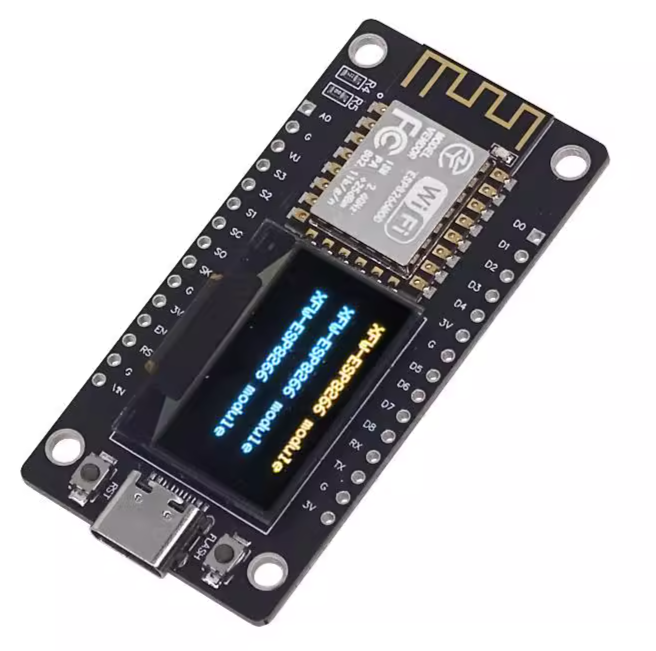
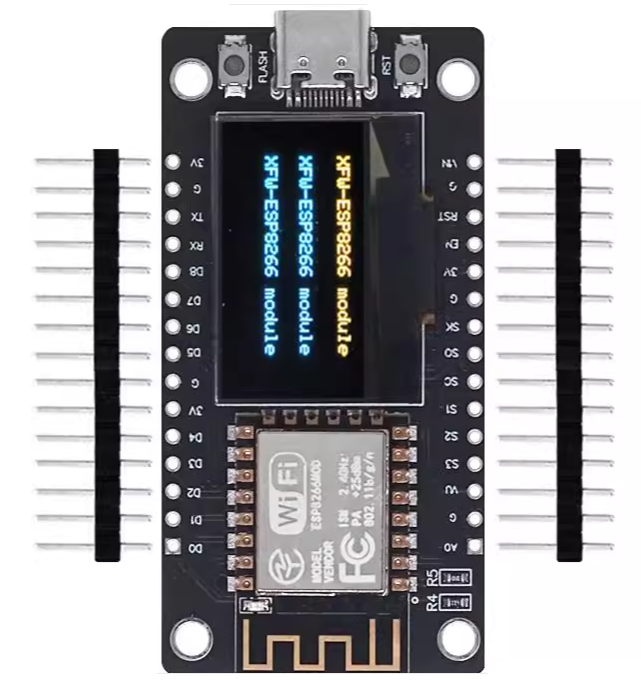
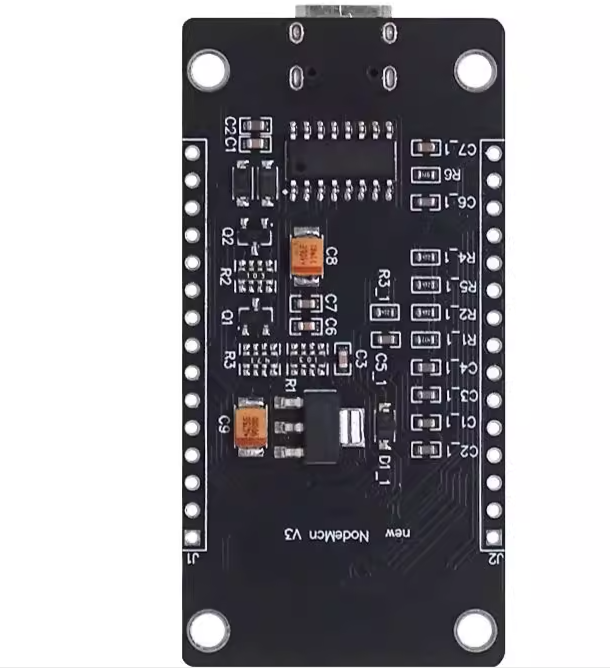
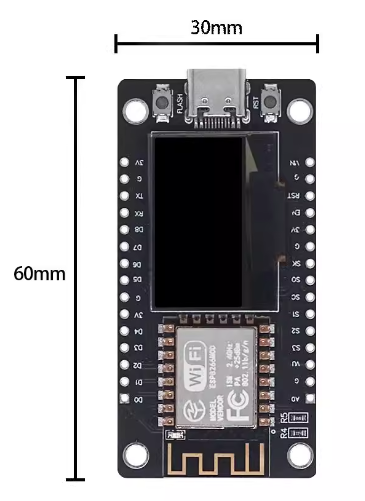
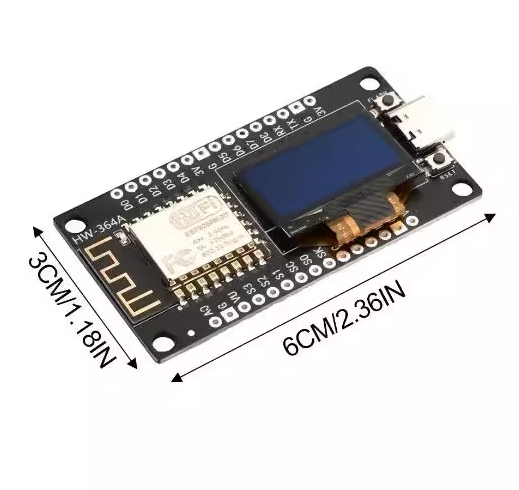
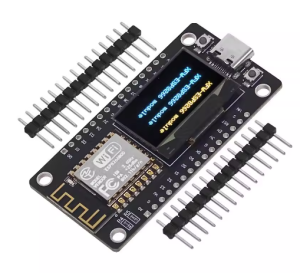
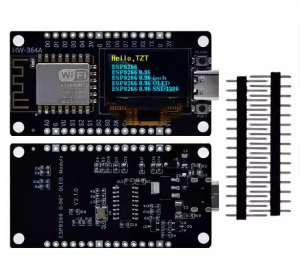
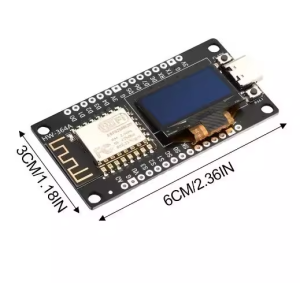
Product Overview
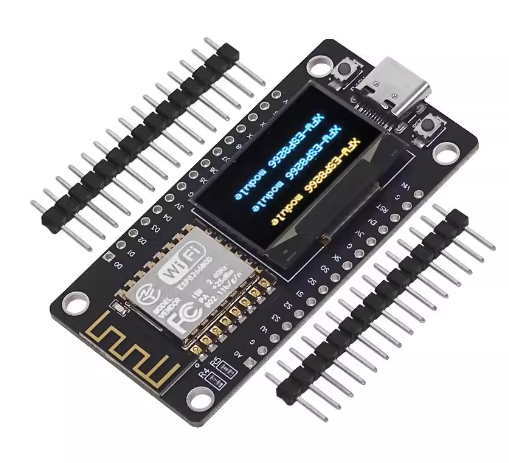
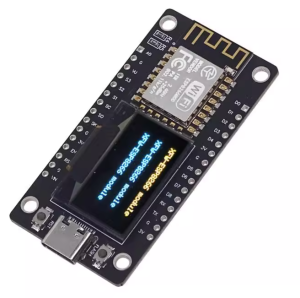
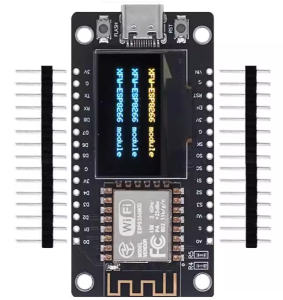
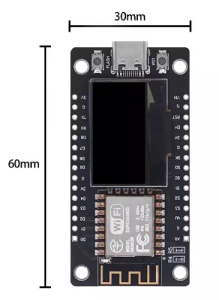
The NodeMCU ESP8266 Development Board with Integrated 0.96″ OLED is a premium, all-in-one IoT prototyping platform. By merging the powerful ESP8266 Wi-Fi microcontroller with a high-resolution 128×64 OLED display, this board eliminates the complexity of external wiring and breadboard clutter.
Featuring a modern Type-C USB interface, it offers superior durability and better power delivery compared to legacy micro-USB boards. Whether you are building a real-time data monitor, a smart home controller, or a portable network diagnostic tool, the integrated display provides immediate visual feedback, making it an ideal choice for both rapid R&D and finished edge-device commercial applications.
Key Features
- Large Integrated Display: Features a 0.96-inch 128×64 OLED screen, offering double the vertical resolution of standard 0.91″ displays for clearer text and complex graphics.
- Modern Type-C Connectivity: Equipped with a USB Type-C port for reversible plugging and robust mechanical connection to modern development hardware.
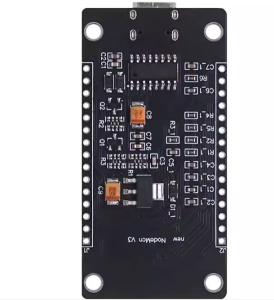
- High-Stability Serial Chip: Utilizes the CH9102X / CP2102 (model dependent) for high-speed, reliable data transfer and easy driver recognition across Windows, macOS, and Linux.
- Internal I2C Connection: The OLED is pre-wired to the ESP8266 via internal I2C (SDA/SCL), leaving the remaining GPIO pins free for sensors and actuators.
- Powerful Wireless Core: Based on the ESP-12F module, providing reliable 2.4GHz Wi-Fi with WPA/WPA2 security support.
- Versatile Programming: Fully compatible with Arduino IDE, MicroPython, CircuitPython, and Lua, supported by a massive library ecosystem.