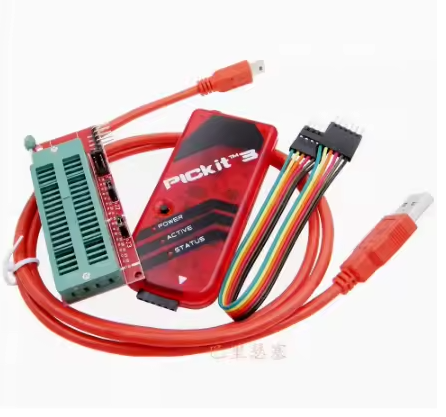
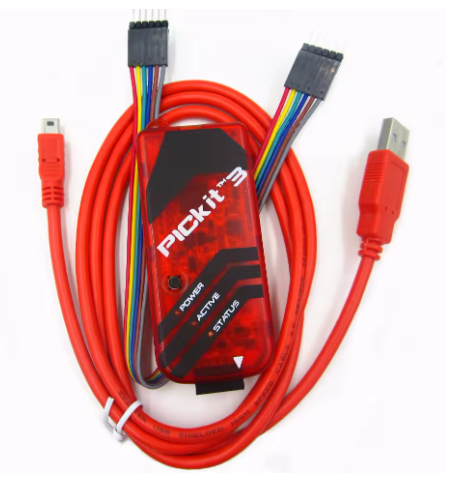
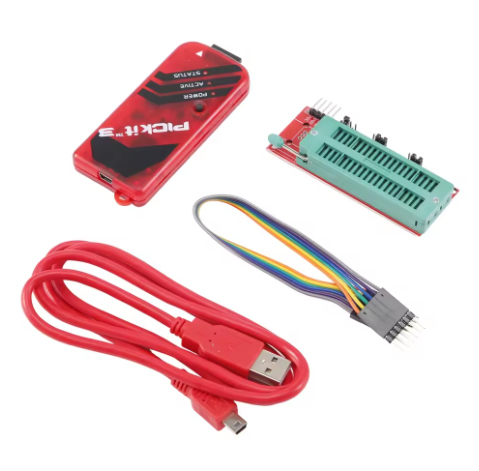
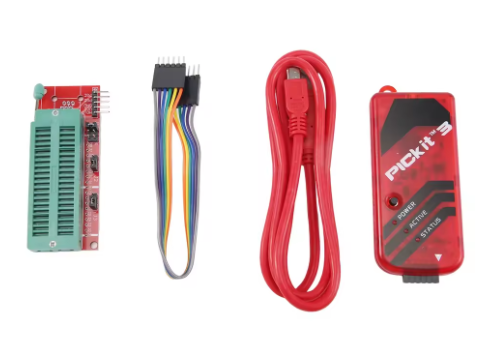
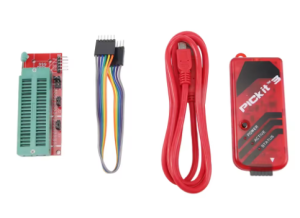
Product Description
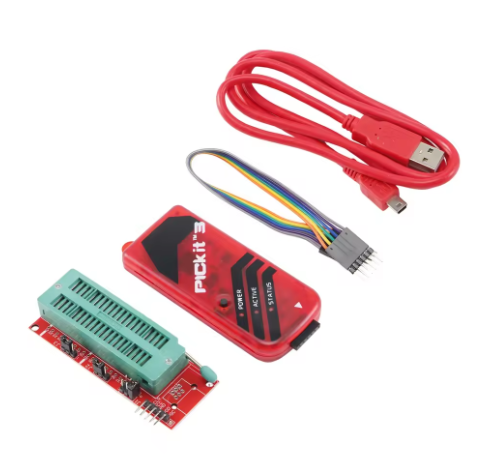
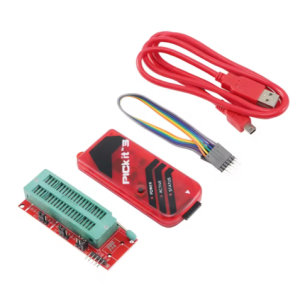
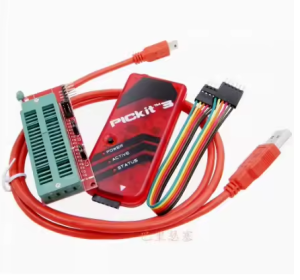
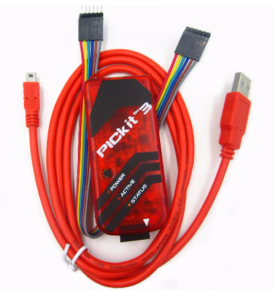
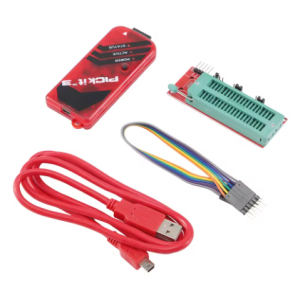
The PIC KIT3 Enhanced Edition is a high-performance development tool that bridges the gap between hobbyist tools and industrial-grade emulators. It combines the massive device library of the PICkit 3 with the advanced stability of ICD2 (In-Circuit Debugger 2) logic. This tool supports the full spectrum of Microchip’s microcontrollers, including PIC10, PIC12, PIC16, PIC18, PIC24, dsPIC, and PIC32.
This 2026 edition is specifically engineered for reliability in “noisy” industrial environments. It features a superior Offline “Programmer-to-Go” mode, allowing users to load firmware into the unit’s internal memory and program target boards in the field or on the assembly line without a PC. With integrated ICD2 emulation logic, it provides more stable real-time debugging, faster instruction stepping, and more robust breakpoint management than standard clones.
Key Features
- Standalone Programmer-to-Go (PTG): Encrypt and store your HEX file on the internal memory for secure, one-touch offline programming in production environments.
- Enhanced ICD2 Logic: Optimized hardware circuitry provides the timing accuracy and stability of an ICD2 emulator with the modern USB 2.0 speed of a PICkit 3.
- Universal PIC Support: Full compatibility with 8-bit, 16-bit, and 32-bit PIC MCUs and dsPIC Digital Signal Controllers.
- Real-Time Emulation: Supports hardware breakpoints, single-step execution, and “Watch” variables to diagnose code at the silicon level.
- Wide Voltage Range: Software-selectable target voltage (2.0V to 6.0V), making it safe for both legacy 5V systems and modern low-power 2.5V/3.3V chips.
- Industrial Build Quality: Enhanced ESD (Electrostatic Discharge) protection on the ICSP header to prevent damage during frequent plugging/unplugging on production floors.