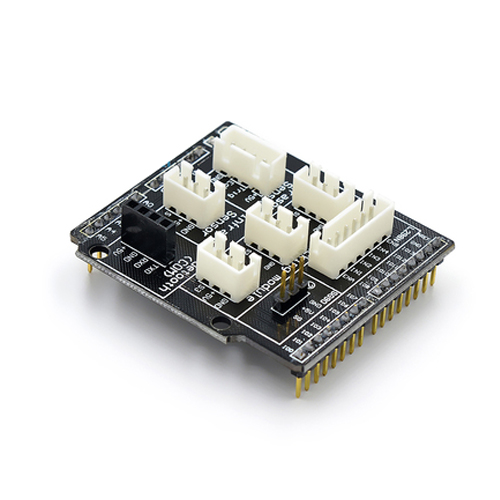
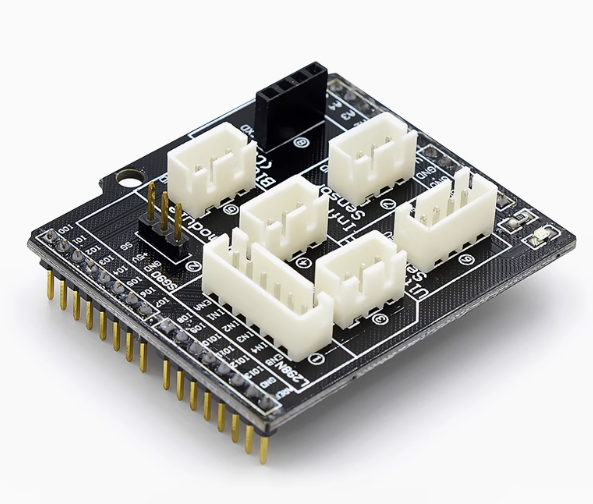
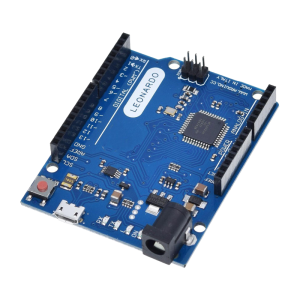
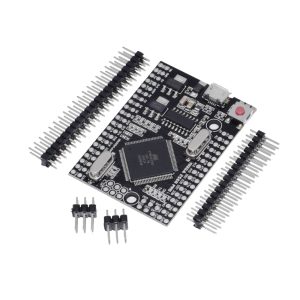
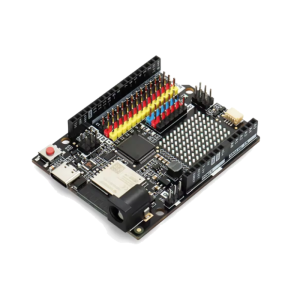
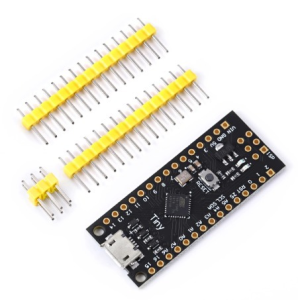
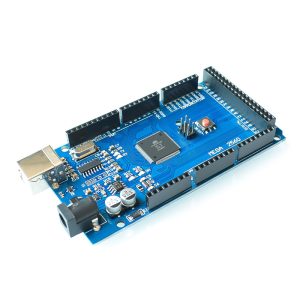
The R3 V5 Expansion Board Sensor Shield V5.0 is an add-on board designed to simplify connecting multiple sensors, servos, and communication modules to an Arduino development board without needing complex wiring or soldering. It is primarily compatible with the Arduino Uno R3, as well as other boards sharing the same form factor like the Arduino Mega and Leonardo.
Key Features and Specifications
This shield breaks out all the microcontroller’s pins into convenient 3-pin headers (VCC, GND, and Signal), which makes connecting standard sensor modules with 3-pin cables much easier and more secure.
| Feature |
Detail |
| Compatibility |
Arduino UNO R3, Arduino Mega, Arduino Leonardo |
| I/O Ports |
All Digital (D0-D13) and Analog (A0-A5) pins extended as 3-pin headers |
| Communication Interfaces |
I²C, Serial (UART), SPI |
| Specialized Connectors |
Interfaces for Bluetooth, SD card module, APC220 RF module, URF ultrasonic sensor, and 12864 LCD (serial and parallel) |
| Power Options |
Internal (from Arduino) or external power supply (via screw terminal) for high-current devices like servos |
| Indicators/Buttons |
Built-in power indicator, D13 LED indicator, and reset button |
The R3 V5 Sensor Shield V5.0 is an excellent tool for beginners and experienced users alike, as it simplifies circuit connections and allows users to focus on programming and functionality.
- Plug-and-Play Prototyping: It eliminates the need for a breadboard for basic sensor connections, allowing for quick and clean prototyping.
- Driving Servos/Motors: The external power input terminal is particularly useful for powering high-current components like servo motors independently from the Arduino board, preventing power supply issues and electrical noise.
- Educational Projects: Its structured layout makes it easier for students to understand pin configurations and experiment with various sensors (temperature, light, motion, etc.).
- Building Complex Systems: By providing dedicated communication interfaces and power lines for each pin, it facilitates the integration of multiple modules into a single, cohesive project, such as robotics or home automation systems.
Q: What Arduino boards are compatible with this shield?
It is fully compatible with the standard form factor of the Arduino Uno R3, as well as the Arduino Mega 2560/ADK, and the Arduino Leonardo. It physically fits boards with the standard R3 0.1″ pin pitch headers.
Q: Does this shield come assembled?
Yes, the shield typically comes fully assembled with all headers soldered in place and ready to be plugged directly onto your Arduino board.
Q: Why are there 3 pins for every I/O port?
The standard in hobbyist sensors is a 3-wire interface: Signal (S), VCC (Voltage/Power), and GND (Ground). The shield conveniently provides power and ground rails next to every signal pin, allowing sensors to plug straight in using standard JST PH2.0 or Dupont cables.
Q: How do I use the external power terminal?
This terminal is essential if you are connecting components that draw a lot of current, especially servos or motors.
- Connect an external power supply (e.g., 6V power adapter, 4xAA battery pack) to the blue screw terminals.
- Use the on-board jumper cap near the power terminal to select the external source instead of the Arduino’s 5V supply.
Important: Ensure your external voltage matches the requirements of your components (usually 5V or 6V for standard servos).
Q: Can I use both Analog and Digital pins at the same time?
Yes, all pins are independent. A0 through A5 can be used as either Analog Inputs or Digital I/O pins, depending on how you configure them in your Arduino sketch.
Q: Are all the pins still accessible even with the specific connectors (like the Bluetooth port) attached?
Yes. The shield is designed to break out the pins in parallel. Plugging a Bluetooth module into the dedicated UART (D0/D1) port simply uses those specific digital pins; all other D2-D13 and A0-A5 pins remain available for other sensors.