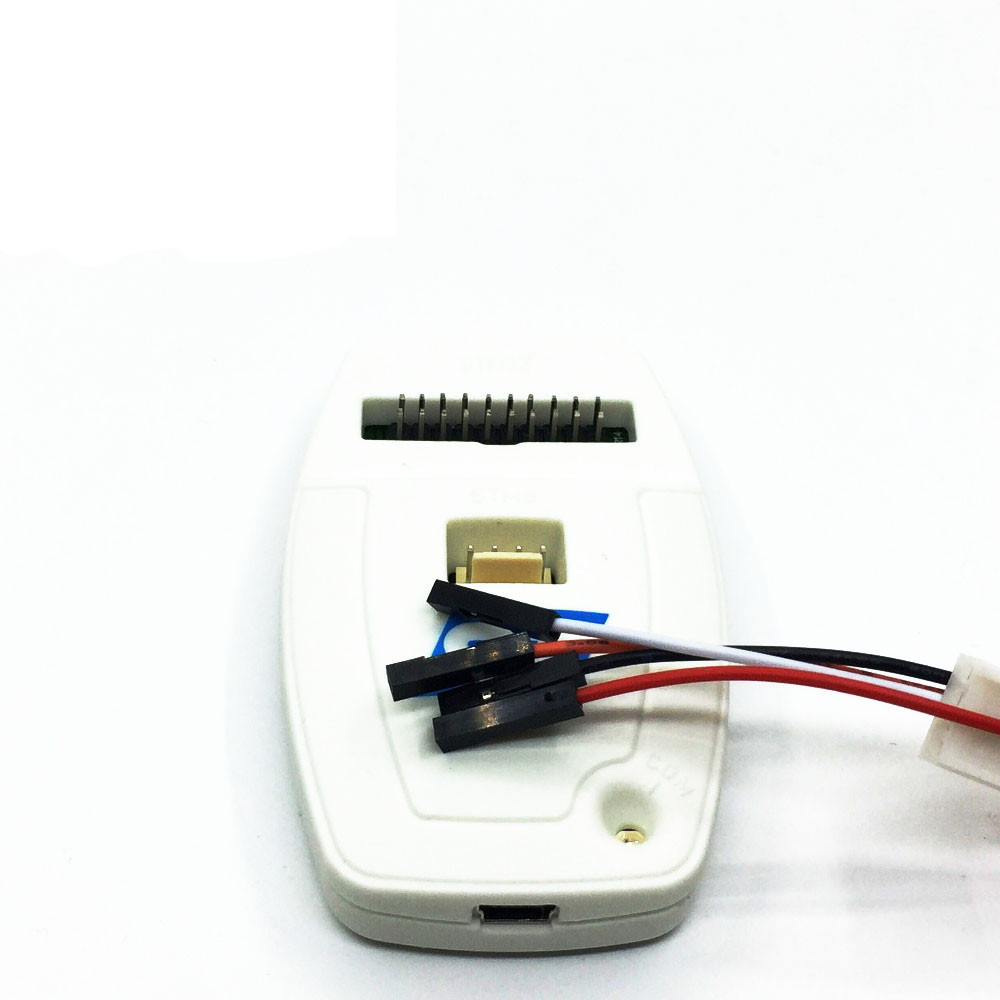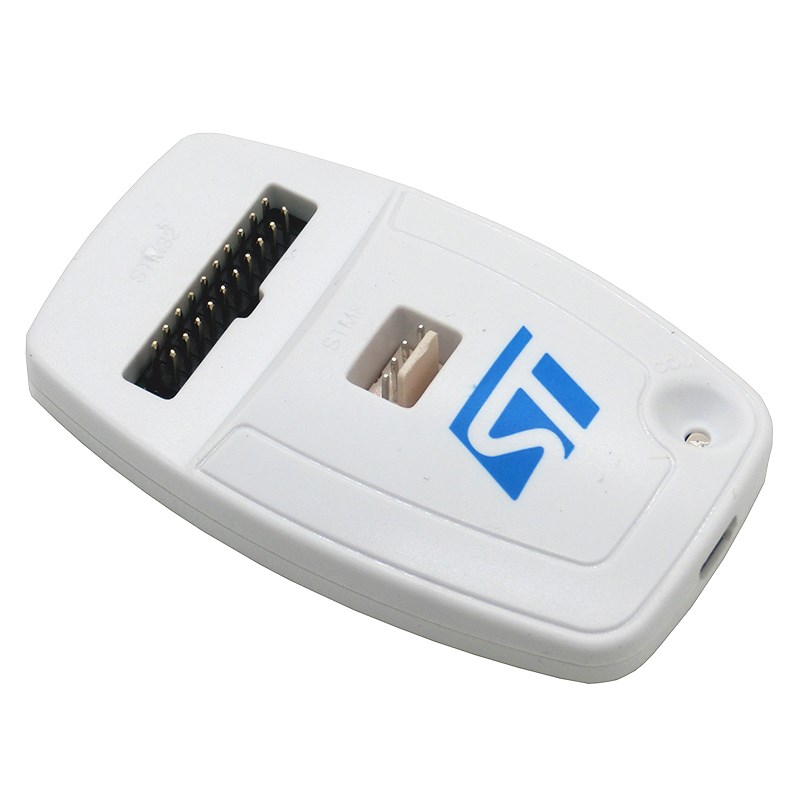
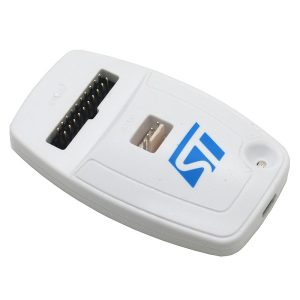
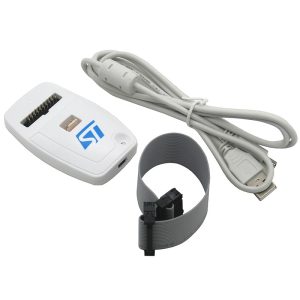
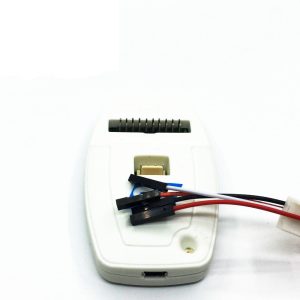
ST-LINK V2 ST LINK STLINK STM8 STM32 download new original loaded [Made in China]

SKU: FA1057
Supply Voltage

5 V via USB

PC Interface

USB 2.0 Full Speed (Mini-B)

Programming Speed

9.7 KB/s (Low Speed) to 12.8 KB/s (High)

Voltage Range

1.65 V to 3.6 V (5 V tolerant inputs)

Connector Type

Standard JTAG 20-pin 2.54 mm pitch

Operating Temp

0°C to 50°C

Below is a comprehensive product profile for the ST-LINK/V2 In-Circuit Debugger and Programmer, formatted for both individual hobbyists and professional business procurement.
Product Description
The ST-LINK/V2 is the industry-standard in-circuit debugger and programmer designed for the STM8 and STM32 microcontroller families. It provides a seamless bridge between your PC and the target application board, utilizing professional-grade protocols like SWIM (for STM8) and JTAG/SWD (for STM32).
As an authentic STMicroelectronics product, it is fully compatible with the official STM32 ecosystem, ensuring reliable firmware updates and stable communication even with the latest 2026 silicon releases. Its robust design and native support across major IDEs make it the essential tool for everything from rapid prototyping to mass-market industrial production.

Key Features
  • Dual-Family Support: Works with both 8-bit STM8 and 32-bit STM32 microcontrollers.
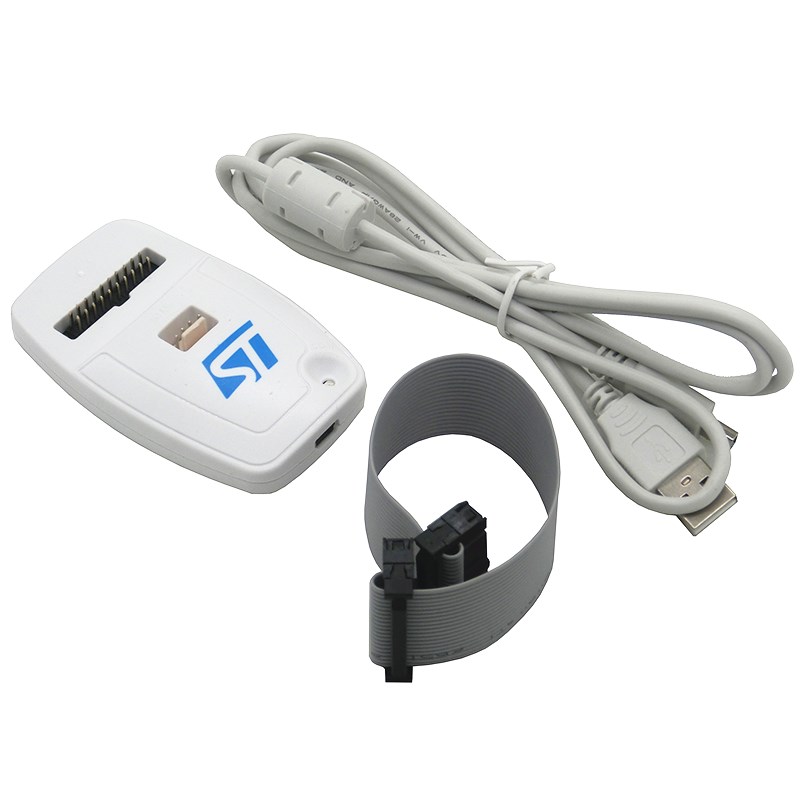
  • Plug-and-Play USB: Connects via a standard USB 2.0 full-speed interface with a Type-A to Mini-B cable.
  • Advanced Debugging: Supports Serial Wire Debug (SWD) and Serial Wire Viewer (SWV) for real-time monitoring of application execution.
  • Native Compatibility: Integrated into leading development environments including STM32CubeIDE, Keil® MDK-ARM, IAR™ EWARM, and ST Visual Develop (STVD).
  • Future-Proof: Supports Direct Firmware Update (DFU) to allow users to upgrade the tool as new microcontrollers are released.
  • Status Monitoring: Bicolor LED provides instant visual feedback on the communication status with the target board.
Usage Instructions
  1. Driver Installation: Ensure you have the latest ST-LINK USB drivers installed. These are typically bundled with STM32CubeProgrammer.
  2. Hardware Connection:
    • Connect the ST-LINK/V2 to your PC using the included USB Mini-B cable.
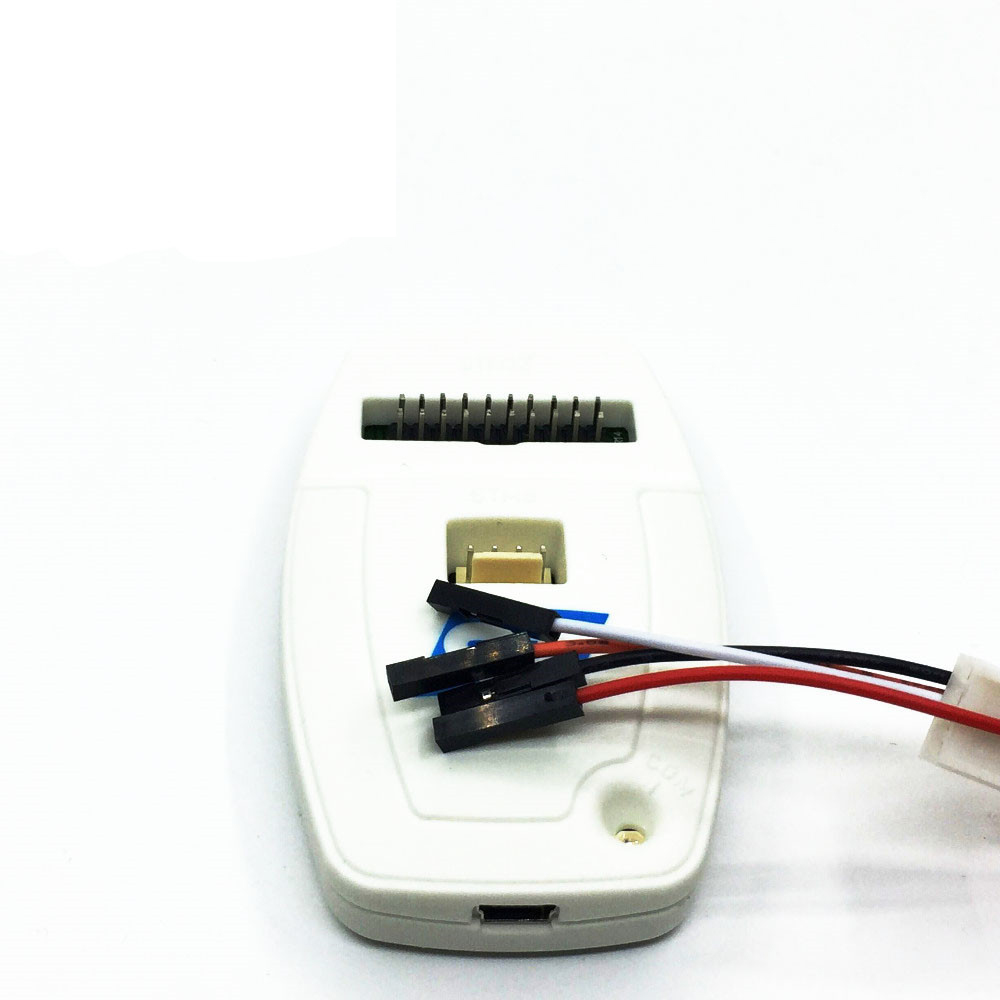
    • Connect the appropriate ribbon cable (SWIM for STM8 or JTAG/SWD for STM32) to the target board.
  3. Target Power: Ensure your target application board is powered independently; the ST-LINK/V2 generally monitors the target voltage rather than providing power to the entire board.
  4. Firmware Sync: Upon first use with an IDE like STM32CubeIDE, you may be prompted to perform a firmware update. Click “Yes” to ensure the tool has the latest protocol support.
  5. Debugging: In your IDE settings, select “ST-LINK” as the debugger and choose your interface (SWD or JTAG).
Q: Does this unit include the required cables?

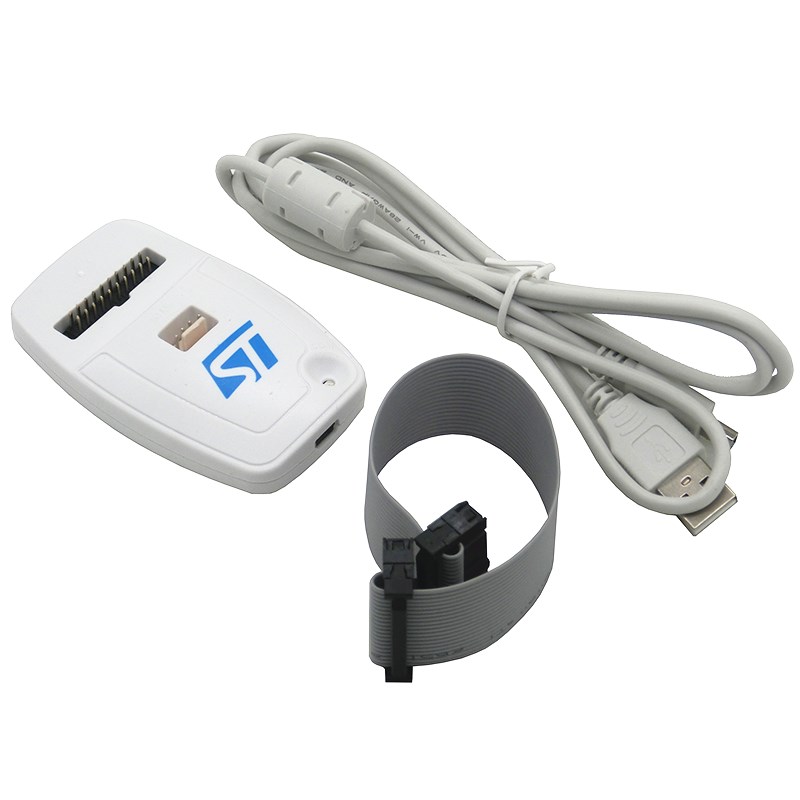
Yes, the original package includes a USB Type-A to Mini-B cable, a SWIM flat ribbon cable (with 4-pin and ERNI connectors), and a 20-pin JTAG/SWD flat ribbon cable.

Q: Can I use this for production line programming?

Yes. The ST-LINK/V2 is highly reliable for business-level production when paired with the STM32CubeProgrammer command-line interface for automated scripts.

Q: How do I know if this is a "new original" or a clone?

Genuine units feature professional plastic housing, official STMicroelectronics branding, and are recognized by the official ST-LINK Upgrade Utility. Clones often come in small aluminum “thumb-drive” shells and may fail to work with official software updates.

Q: Is it compatible with Mac and Linux?

Yes, official ST-LINK tools are supported on Windows (7/8/10/11), Linux 64-bit, and macOS.

Q: Can this power my target board?

The standard ST-LINK/V2 is designed to sense the target board’s voltage to match its signal levels. It is highly recommended to power your target board separately to ensure stable communication.