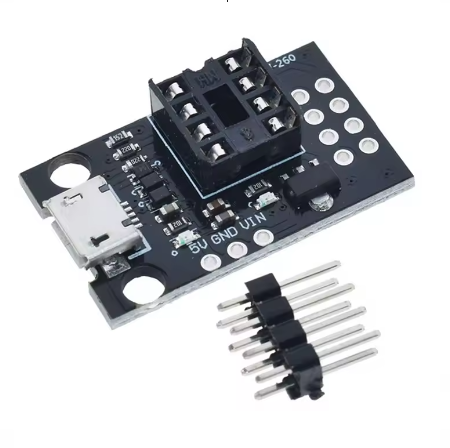
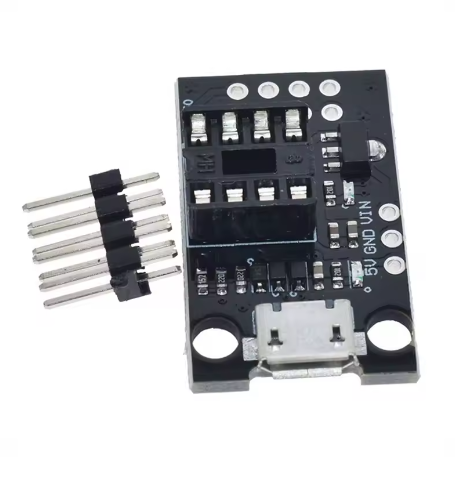
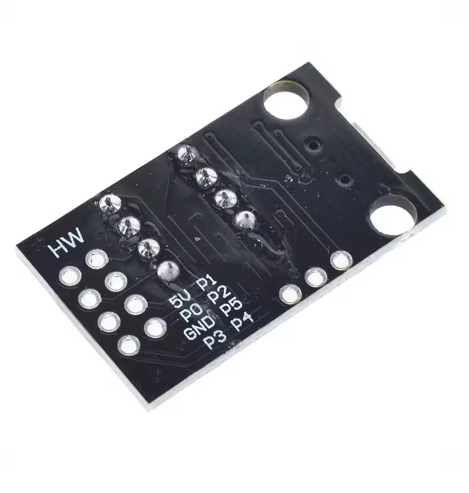
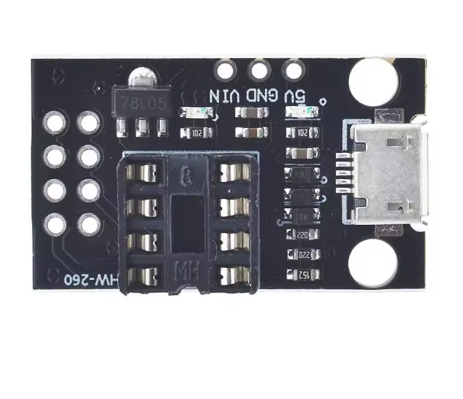
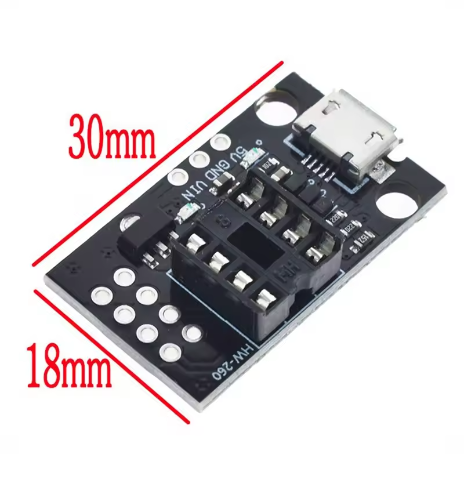
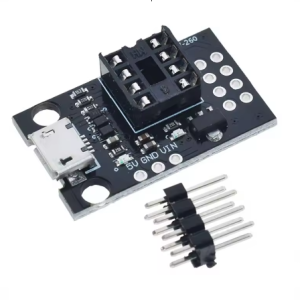
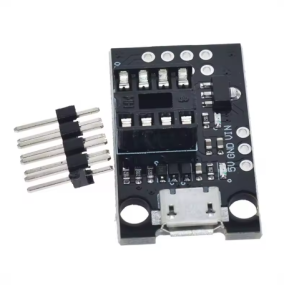
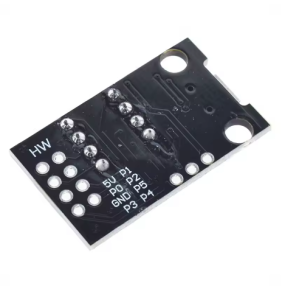
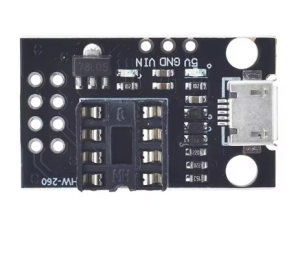
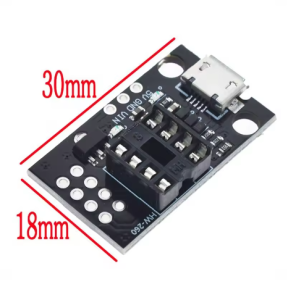
The T42 Universal AVR Programmer Board is a versatile and essential tool designed for programming a range of popular ATtiny microcontrollers directly from your computer via a USB connection. This device functions as an In-System Programmer (ISP) Flash tool, providing a reliable and efficient way to burn bootloaders or upload custom firmware to bare chips like the ATtiny13A, ATtiny25, ATtiny45, and ATtiny85.
Product Description
The T42 Universal AVR Programmer Board simplifies the process of programming standalone ATtiny series microcontrollers. Acting as a compact, self-contained USB ISP tool, it allows users to connect compatible chips directly to the board’s ZIF (Zero Insertion Force) socket or ISP header, eliminating the need for complex breadboard setups or external wiring during the programming phase.
Designed for both hobbyists transitioning from development boards to bare metal production and professionals seeking an efficient in-house flashing solution, this programmer is compatible with widely used software interfaces like AVRDUDE and the Arduino IDE (when configured correctly). It provides a reliable bridge between your PC’s programming environment and the target microcontroller’s flash memory, enabling rapid iteration and testing of embedded firmware. The ZIF socket ensures easy insertion and removal of numerous chips without damaging pins, making it ideal for low-volume production runs or repeated development cycles.
Features
- Universal Compatibility: Specifically designed to support 8-pin ATtiny microcontrollers including ATtiny13A, ATtiny25, ATtiny45, and ATtiny85.
- Integrated ZIF Socket: Features a Zero Insertion Force (ZIF) socket for quick, easy, and safe insertion and removal of DIL/DIP 8-pin ICs.
- USB Connectivity: Connects directly to a computer’s USB port, drawing power and data transfer capabilities without needing an external power supply for the programmer itself.
- ISP Interface Header: Includes a standard 6-pin ISP header for programming chips soldered onto external target boards or larger prototypes.
- Driver Compatibility: Works with standard USBasp drivers (or similar open-source programmer drivers) compatible with major operating systems (Windows, macOS, Linux).
- Software Support: Compatible with popular programming software such as AVRDUDE, Microchip Studio (formerly Atmel Studio), and the Arduino IDE as an external programming tool.
- Status Indicators: Onboard LEDs indicate power status, programming activity (busy/error), and successful communication.