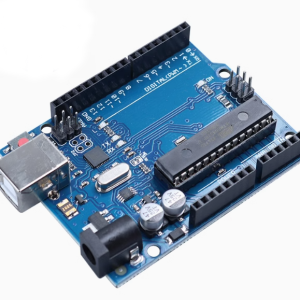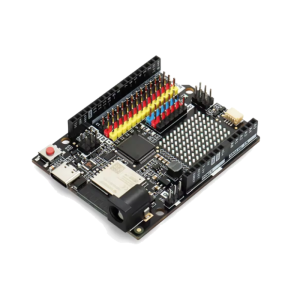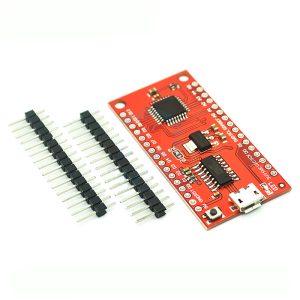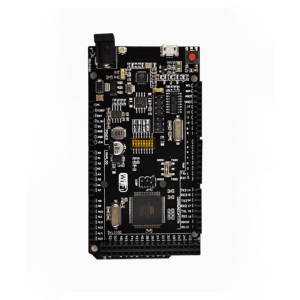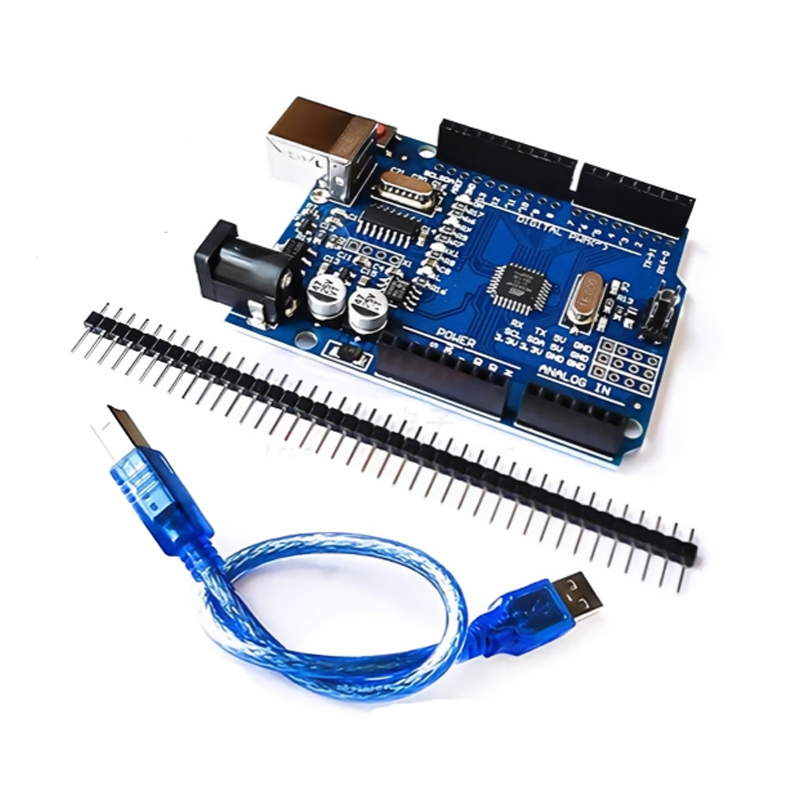
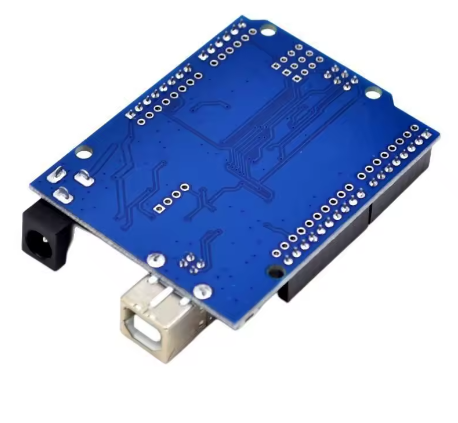
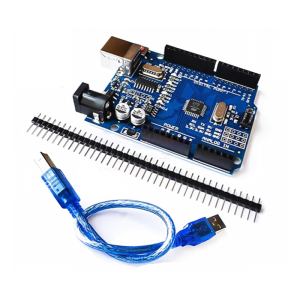
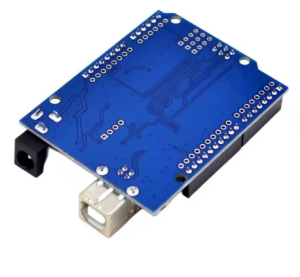
UNO R3 Development board Atmega328PB+FT232 Chip with 30 USB Cable

SKU: FA1003-0-1
Microcontroller

ATmega328PB

USB Interface Chip

FT232

Operating Voltage

5V

Digital I/O Pins

14 (including 6 PWM)

Analog Input Pins

6

Flash / SRAM / EEPROM

32 KB / 2 KB / 1 KB

Clock Speed

16 MHz

The UNO R3 Development Board with ATmega328PB and FT232 chip is a practical upgrade to the classic UNO platform. It retains the standard UNO R3 form factor and pinout, remaining fully compatible with existing UNO shields and accessories, while delivering noticeable improvements in core performance and peripheral resources over the traditional ATmega328P version.

The ATmega328PB is an enhanced version of the ATmega328P. While the two are highly pin-compatible, the 328PB adds a second USART, a second SPI, a second I2C (TWI), and two additional 16-bit timers (Timer3 and Timer4). PWM output channels increase from 6 to 10, and the GPIO count is also expanded (with additional pins such as PE0 and PE1). This means you can connect more serial devices, sensors, and PWM-controlled components without adding external multiplexing hardware.

The FT232 chip handles USB-to-serial communication and is a widely recognized high-stability solution, extensively used in industrial control and demanding debugging scenarios. It provides reliable programming and serial communication for the board, working with the Arduino IDE for code uploads and Serial Monitor interaction.

The board uses the standard UNO R3 form factor and pinout, with 14 digital I/O pins (6 supporting PWM), 6 analog inputs, an ICSP header, and a reset button. For power, it supports both USB power and external 7–12V DC input, with the onboard regulator automatically switching between sources.

For users already familiar with the classic UNO, the peripheral expansion offered by the 328PB requires almost no change in development habits — existing ATmega328P code and libraries generally work directly, and the Arduino IDE can support the 328PB’s extra features through third-party board packages. Whether you are an individual developer wanting to try a new chip, or an educational institution or business purchasing in bulk, this board offers a smooth upgrade path.


Features

  • ATmega328PB enhanced microcontroller — Adds a second USART, SPI, I2C, and two 16-bit timers compared to the classic 328P.

  • 10 PWM outputs — Four more than the standard 328P’s 6 channels, suitable for multi-motor or multi-channel dimming applications.

  • FT232 USB-to-serial chip — A widely recognized high-stability solution with mature drivers and excellent compatibility.

  • Standard UNO R3 form factor and pinout — Fully compatible with existing UNO shields, sensor modules, and accessories.

  • 5V operating voltage — Directly compatible with the vast majority of Arduino ecosystem modules, no level shifting required.

  • ICSP programming interface — Supports bootloader burning or direct programming via external programmer.

  • Dual power options — Supports USB 5V or 7–12V external DC input, with automatic switching.

  • Includes 30cm USB cable — Ready to connect to a computer and start programming out of the box.


Technical Specifications 

# Parameter Specification
1 Microcontroller ATmega328PB
2 USB Interface Chip FT232
3 Operating Voltage 5V
4 Recommended Input Voltage 7–12V DC
5 Digital I/O Pins 14 (including 6 PWM)
6 Analog Input Pins 6
7 Flash / SRAM / EEPROM 32 KB / 2 KB / 1 KB
8 Clock Speed 16 MHz

Usage

Getting Started

  1. Connect the board to your computer using the included 30cm USB cable.

  2. If the system does not automatically recognize the FT232, install the official FTDI VCP driver.

  3. Install ATmega328PB board support in the Arduino IDE (a third-party URL can be added via Boards Manager).

  4. Select the appropriate board type and serial port.

  5. Open an example sketch (such as Blink) and click Upload.

  6. Once uploaded, the program runs automatically.

Development Environment Notes

  • When the Arduino IDE board type is set to “Arduino UNO,” the 328PB runs in 328P-compatible mode, and basic functions (digitalRead/Write, analogRead, Serial, etc.) work normally.

  • To use the 328PB’s extra peripherals (second USART, second I2C, etc.), you need to install a dedicated 328PB board package and select the second bus through the Tools menu.

Power Options

  • USB power — 5V from a computer or USB adapter.

  • External DC power — 7–12V via the barrel jack, or 5V via the VIN pin.

  • The onboard regulator automatically selects the appropriate power source.

Typical Applications

  • Learning electronics and programming fundamentals

  • STEM and robotics classroom projects

  • Multi-sensor data acquisition systems (the 328PB’s extra communication interfaces allow more modules to be connected simultaneously)

  • Multi-channel PWM control (motors, LED dimming)

  • Prototyping and product validation

  • Bulk deployment in classrooms, labs, and training programs

Notes for Business Buyers

  • The 328PB’s extra communication interfaces can reduce the need for external multiplexing hardware, simplifying system design.

  • The FT232 chip has mature drivers, reducing compatibility risks during bulk deployment.

  • Standard UNO form factor and pinout simplify standardized purchasing and accessory management.

  • Suitable for bulk purchasing by schools, training institutions, and corporate R&D teams.

Q: Is this board compatible with the standard Arduino IDE?

Yes. Basic functions work with the “Arduino UNO” board type. To use the 328PB’s extra peripherals, you need to install a dedicated 328PB board package.

Q: What is the difference between the ATmega328PB and the ATmega328P?

The 328PB is an enhanced version of the 328P: it adds a second USART, SPI, and I2C, two additional 16-bit timers, increases PWM from 6 to 10 channels, and provides more GPIO pins.

Q: Can my existing 328P code run directly on the 328PB?

Yes. The 328PB is backward compatible with the 328P, and existing code and libraries generally run without modification.

Q: What driver do I need to install?

The FT232 chip requires the FTDI VCP driver. Windows usually recognizes it automatically; if not, download it from the FTDI website.

Q: How do I access the 328PB's extra peripherals (second USART/I2C/SPI)?

You need to install a board package that supports the 328PB (such as those provided by Watterott or MiniCore), then configure the default bus in the Arduino IDE’s Tools menu.

Q: Are the pins the same as a standard UNO R3 (328P version)?

Essentially yes. The 328PB adds extra GPIOs such as PE0 and PE1, but the standard UNO R3 pin layout remains unchanged, so existing shields are fully compatible.

Q: Does the board come with a USB cable?

Yes. Each board includes a 30cm USB cable.

Q: Can I use UNO shields with this board?

Yes. With the standard UNO R3 form factor and pinout, the vast majority of UNO shields are directly compatible.

Q: Is this board suitable for beginners?

Yes. It is used almost identically to the classic UNO, just with a more capable chip and more peripherals. Beginners can start by using it as a standard UNO and explore the 328PB’s extra features later.

Q: Can I purchase in bulk for a school or company project?

Yes. It is suitable for bulk purchasing by individual developers, educational institutions, and corporate R&D teams.