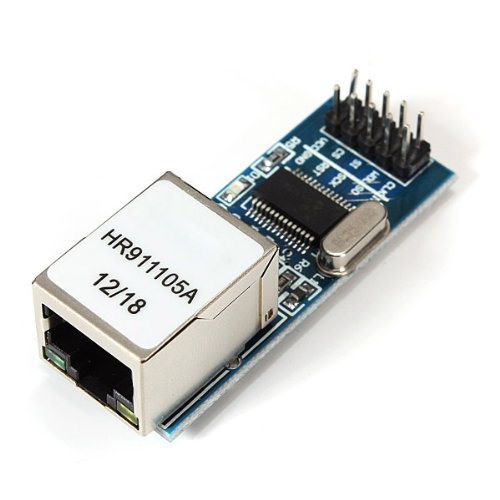
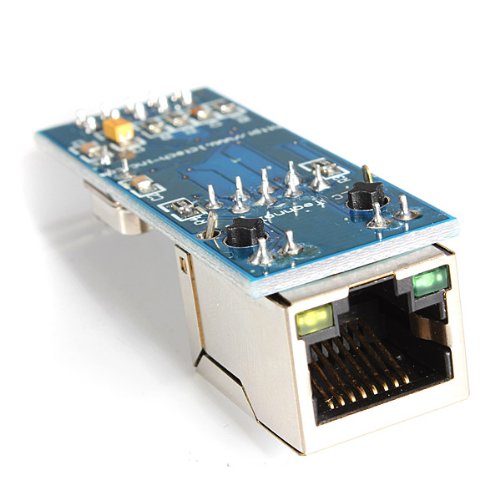
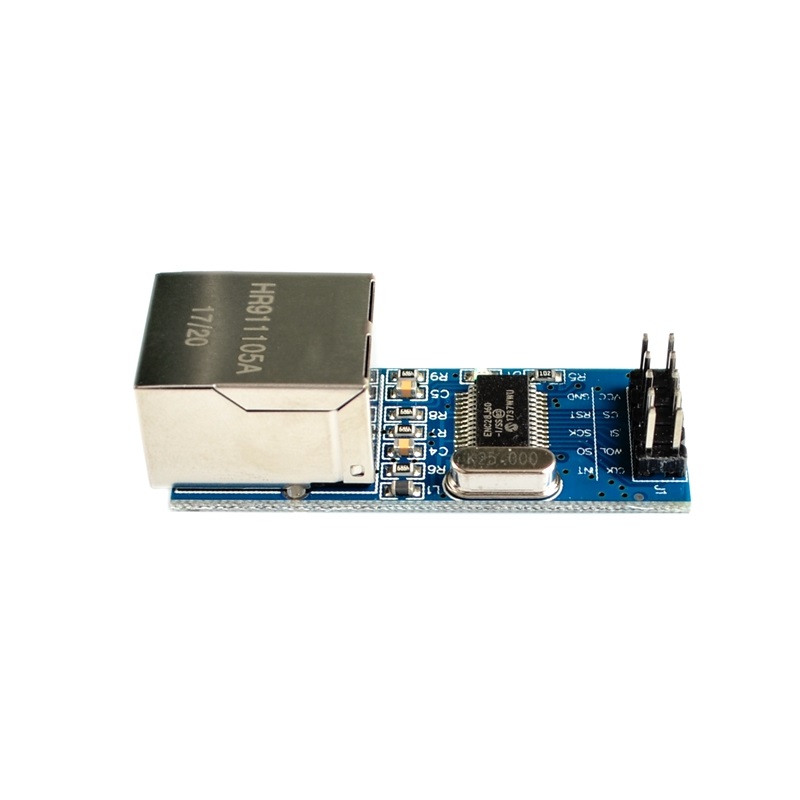
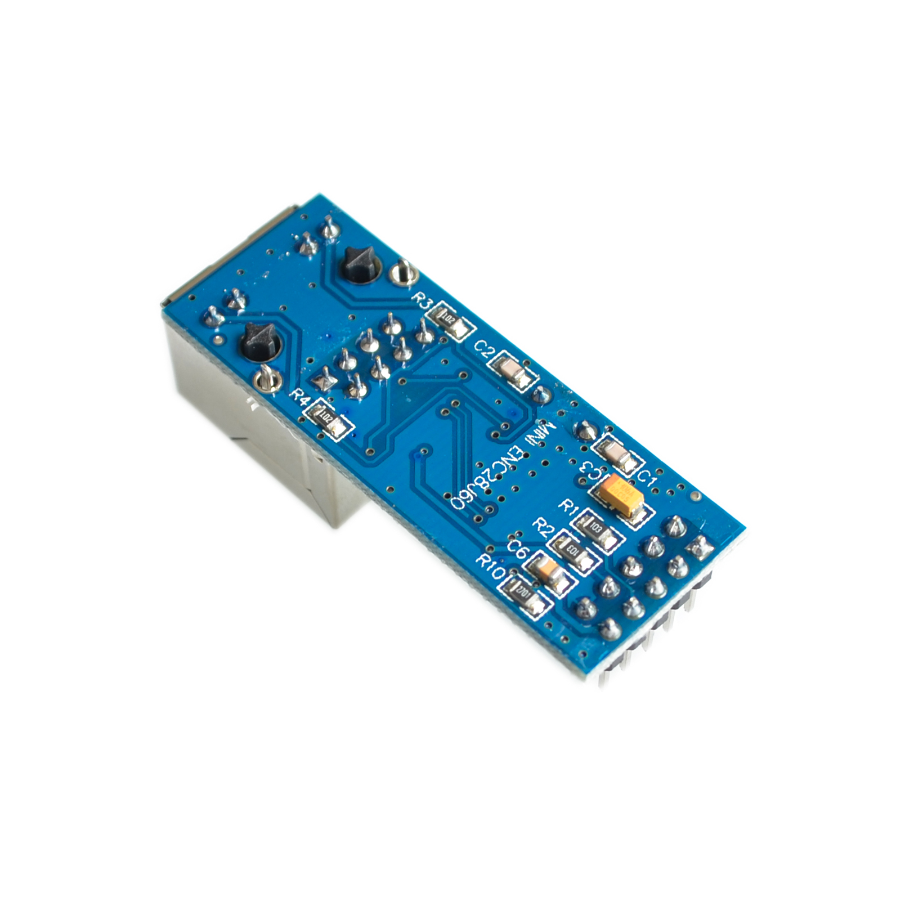
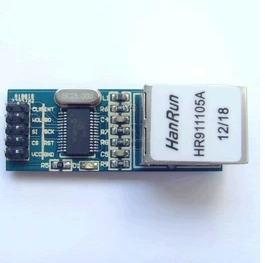
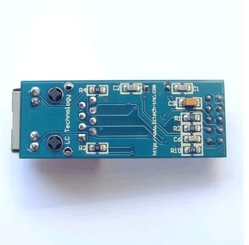
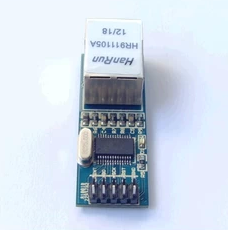
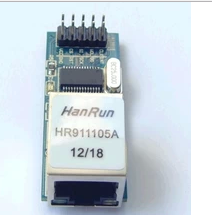
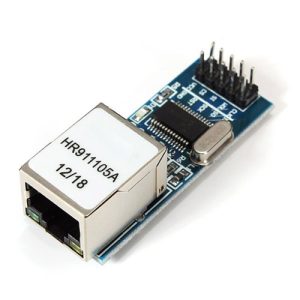
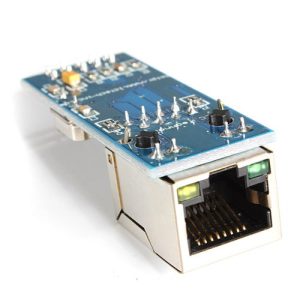
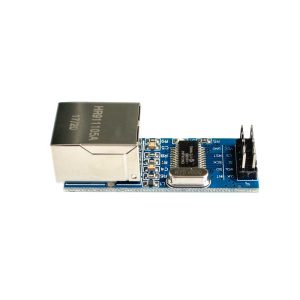
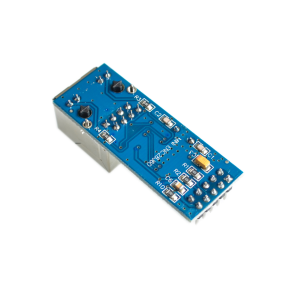
Mini ENC28J60 Ethernet Network Module (SPI Interface)
The Mini ENC28J60 Ethernet Network Module offers the full functionality of the standard ENC28J60 module in a highly compact, space-saving design. Based on Microchip’s 10BASE-T standalone Ethernet controller, this miniature board provides a robust, low-cost solution for adding wired internet or local area network (LAN) connectivity to resource-constrained microcontrollers like Arduino Pro Mini, STM32, or other embedded systems.
The small footprint makes it ideal for projects where size and weight are critical factors, such as robotics, compact data loggers, or tight industrial enclosures. It communicates using the efficient SPI protocol, simplifying integration while offering essential network features (MAC and PHY layers) via widely available open-source libraries.
Key Features
Ultra-Compact Design: Smallest available form factor for the ENC28J60 chip, perfect for space-constrained projects.
SPI Interface: Uses the Serial Peripheral Interface (SPI) protocol for communication, requiring minimal I/O pins (CS, SCK, MOSI, MISO).
Integrated RJ45 Jack: Includes a high-quality, magnetic-integrated RJ45 connector for a single-component networking solution.
Status Indicators: Features Link and Activity LEDs for easy debugging and monitoring of network status.
Low Power Consumption: Designed to be highly efficient, making it suitable for always-on network devices.
Open-Source Software Support: Compatible with popular microcontroller libraries such as UIPEthernet for the Arduino platform.
Technical Parameters (Specifications)
Parameter
Value/Description
Controller Chip
Microchip ENC28J60
Operating Voltage (Power)
3.3V DC (Via VCC/3V3 pin)
Logic Voltage
3.3V Logic Level ONLY
Data Rate
10 Mbps (10BASE-T Ethernet)
Interface
SPI (Serial Peripheral Interface)
Integrated Magnetics
Yes, HR911105A or similar
Crystal Oscillator
25 MHz
Dimensions
Typically approx. 31mm x 21mm
Usage Instructions
This module operates strictly at 3.3V logic levels. This is a critical consideration during setup.
Standard Wiring (Example for a 3.3V system like ESP32 or 3.3V Arduino Pro Mini):
Module Pin
Microcontroller Pin
Description
VCC / 3V3
3.3V Power Rail
Module Power Input
GND
GND
Ground
CLK (SCK)
SPI SCK Pin
Serial Clock
SO (MISO)
SPI MISO Pin
Slave Output (Master Input)
SI (MOSI)
SPI MOSI Pin
Slave Input (Master Output)
CS
Digital GPIO Pin (e.g., GPIO 10)
Chip Select (programmable pin)
INT
Optional Interrupt Pin
Optional IRQ line (usually left disconnected)
Programming:
The standard Arduino Ethernet library does not work with this module.
Select Library: You must install an alternative library that specifically targets the ENC28J60, such as the widely used UIPEthernet library available via the Arduino Library Manager.
Assign MAC: Define a unique Media Access Control (MAC) address within your sketch.
Initialize: Use the specific library commands to initialize the network stack and configure IP settings (DHCP or static IP).
Q: Can I connect this mini module directly to a 5V Arduino Uno/Mega?
NO. This specific mini version is optimized for size and typically lacks the logic level shifters found on larger boards. You must use an external 5V-to-3.3V logic level converter board on all the SPI data pins (SCK, MOSI, MISO, CS) if interfacing with a 5V system, otherwise you risk damaging the chip.
Q: What is the main difference between the regular ENC28J60 module and this mini version?
The functionality is identical. The mini version simply has a smaller physical footprint and may require slightly more careful wiring due to the removal of non-essential components like large mounting holes or 5V tolerant input circuitry.
Q: How fast is the data transfer speed?
The module provides a stable 10 Mbps connection, which is suitable for basic IoT tasks, data reporting, and simple web server hosting. It is not designed for high-bandwidth applications like video streaming or high-speed data acquisition.
Q: The network Link LED isn't turning on. What should I check?
Check Physical Connection: Ensure the Ethernet cable is securely plugged into an active router or switch port.
Verify Power: Ensure the module is receiving a clean, stable 3.3V power supply.
Check Library: Confirm you are using the correct software library (UIPEthernet or similar) and not the standard Arduino Ethernet.h library.
SPI Wiring: Double-check all SPI connections are correct, especially MISO/MOSI routing.