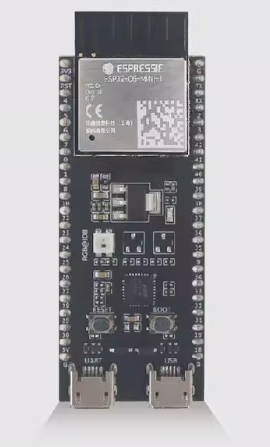
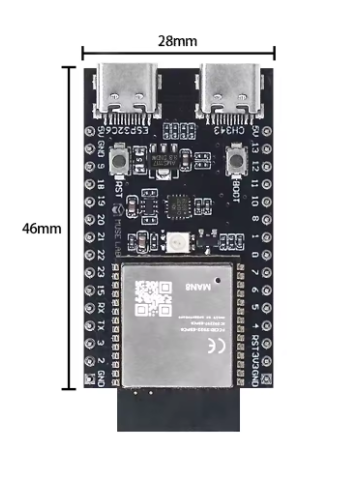
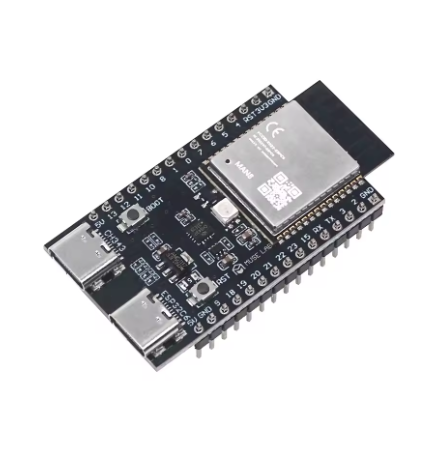
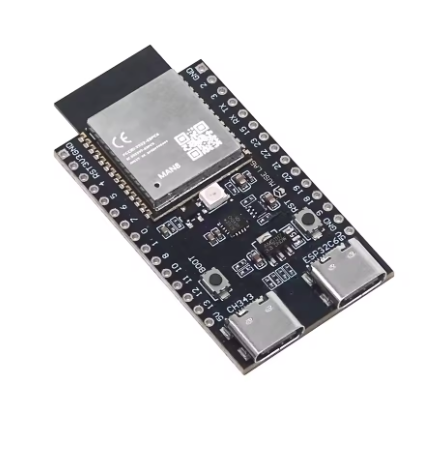
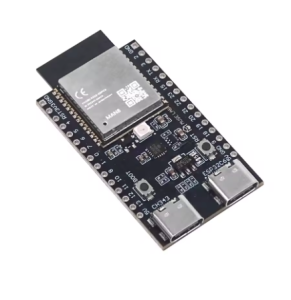
ESP32-C6-DevKitM-1-N8 Development board ESP32-C6

SKU: FA1053-9
Module

ESP32-C6-MINI-1 (with 8MB Flash)

Processor

32-bit RISC-V single-core, up to 160 MHz

Memory

512KB SRAM, 320KB ROM, 8MB External Flash

Wireless

2.4 GHz Wi-Fi 6, Bluetooth 5 (LE), Zigbee 3.0, Thread 1.3

Interfaces

UART, SPI, I2C, I2S, PWM, ADC, GPIO, USB

Power Supply

5V (USB or Header), 3.3V (Header)

Operating Temp

–40°C to 85°C

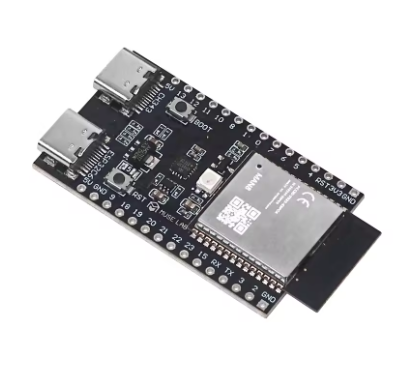
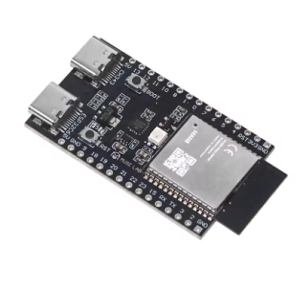
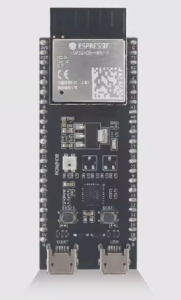
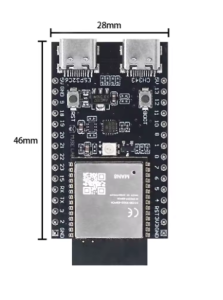
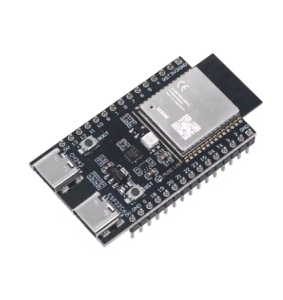
The ESP32-C6-DevKitM-1-N8 is a compact, entry-level development board powered by the ESP32-C6-MINI-1 module, designed for the next generation of IoT connectivity. As of 2026, it remains a premier choice for developing Matter-compatible devices due to its native support for Wi-Fi 6, Bluetooth 5 (LE), and IEEE 802.15.4 (Zigbee/Thread).
Product Description
This development board is built around a high-performance 32-bit RISC-V single-core processor. The “N8” designation indicates 8MB of SPI Flash, providing ample storage for complex firmware, OTA (Over-the-Air) updates, and data logging. It features a USB Type-C connector for both power and high-speed UART communication, making it ideal for rapid prototyping or integration into commercial products.
Key Features
  • Next-Gen Wireless: Supports Wi-Fi 6 (802.11ax) for improved efficiency in congested networks, Bluetooth 5 (LE), and Zigbee/Thread (802.15.4) for smart home ecosystems.
  • Matter-Ready: Designed to function as a Thread Border Router or a Matter endpoint.
  • Efficient Processing: RISC-V core operating up to 160 MHz with an additional low-power co-processor for monitoring peripherals while the main CPU is asleep.
  • Ease of Use: Breadboard-friendly pin headers with almost all GPIOs broken out for easy interfacing.
  • Power Versatility: Can be powered via USB-C or directly through 5V/3V3 headers.
Usage Guide
  1. Hardware Setup: Connect the board to your computer using a USB Type-C cable. The on-board LDO will convert the 5V USB power to the 3.3V required by the chip.
  2. Software Development: Use the Espressif IoT Development Framework (ESP-IDF) or the Arduino IDE (with the ESP32 board manager installed).
  3. Flashing: Hold the BOOT button and press RESET to enter firmware download mode if auto-flashing fails.
  4. Deployment: For business users, the module’s castellated edges allow it to be soldered directly onto a custom PCB for mass production.
Q: What is the difference between the N4 and N8 versions?

The N8 version provides 8MB of flash memory, whereas the N4 only has 4MB. Business users typically prefer N8 for extra room for dual-partition OTA updates.

Q: Does this board support Matter?

Yes. The ESP32-C6 is specifically designed for Matter applications, supporting both Wi-Fi and Thread protocols simultaneously.

Q: Can I use this for industrial applications?

Yes. The board is designed for reliability in harsh environments, supporting operating temperatures up to 85°C.

Q: Is it compatible with older ESP32 code?

While largely compatible, this chip uses a RISC-V architecture rather than Xtensa. You should recompile your code using the latest ESP-IDF or Arduino Core.