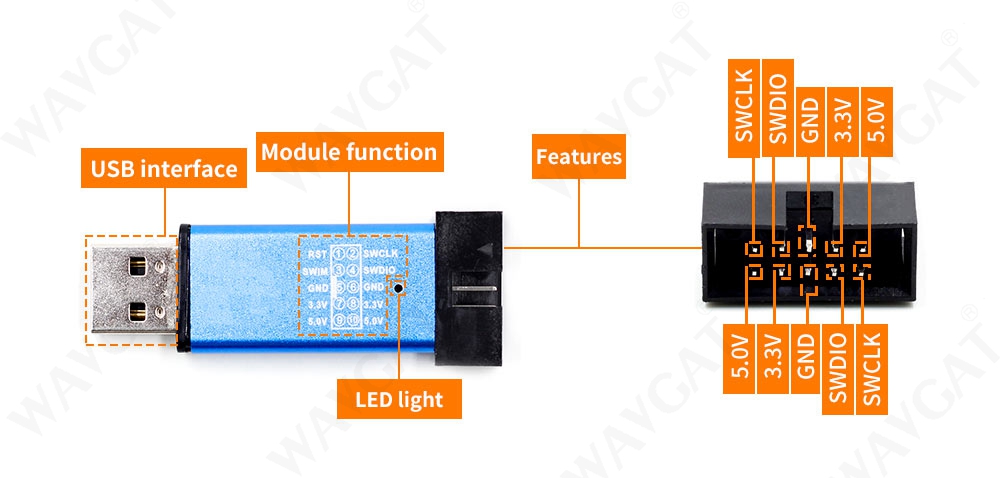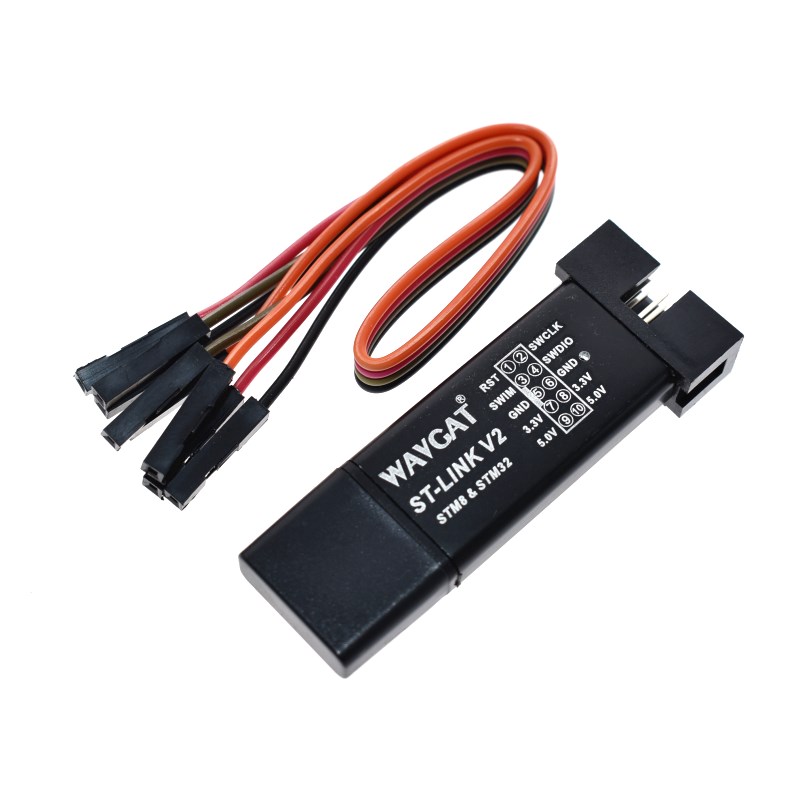
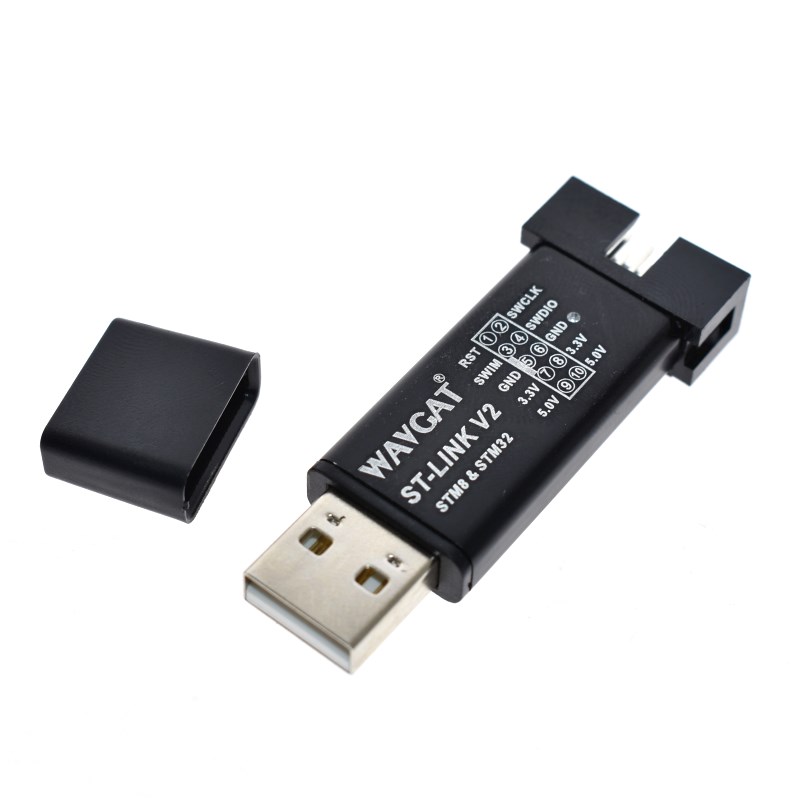
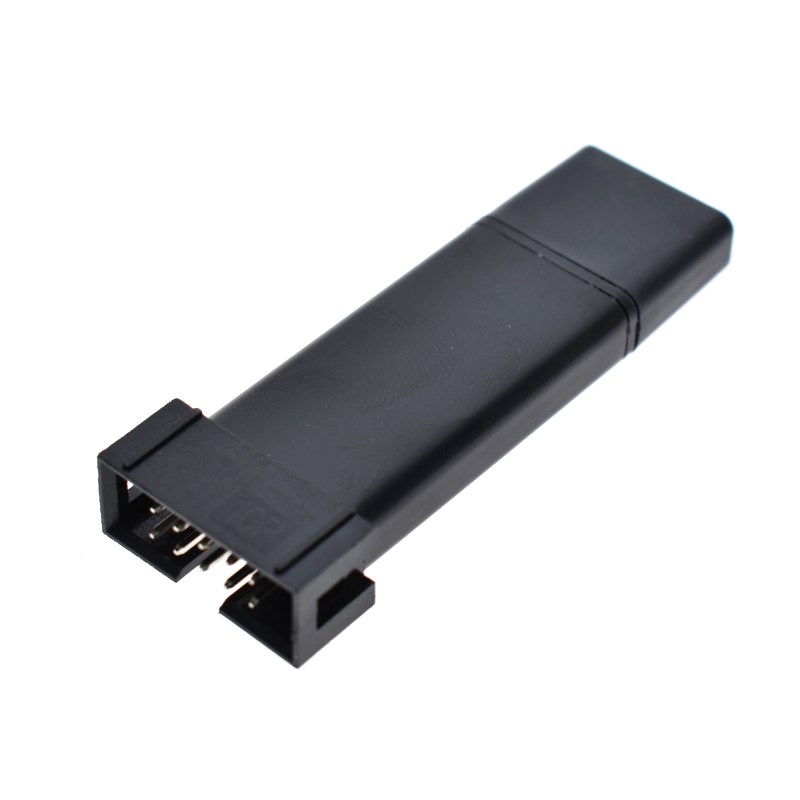
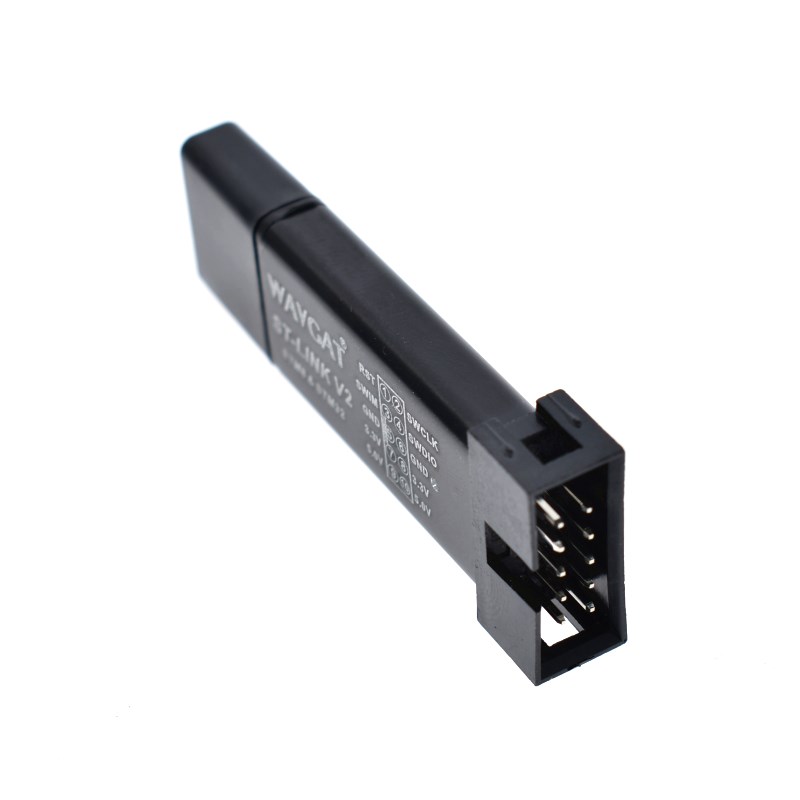
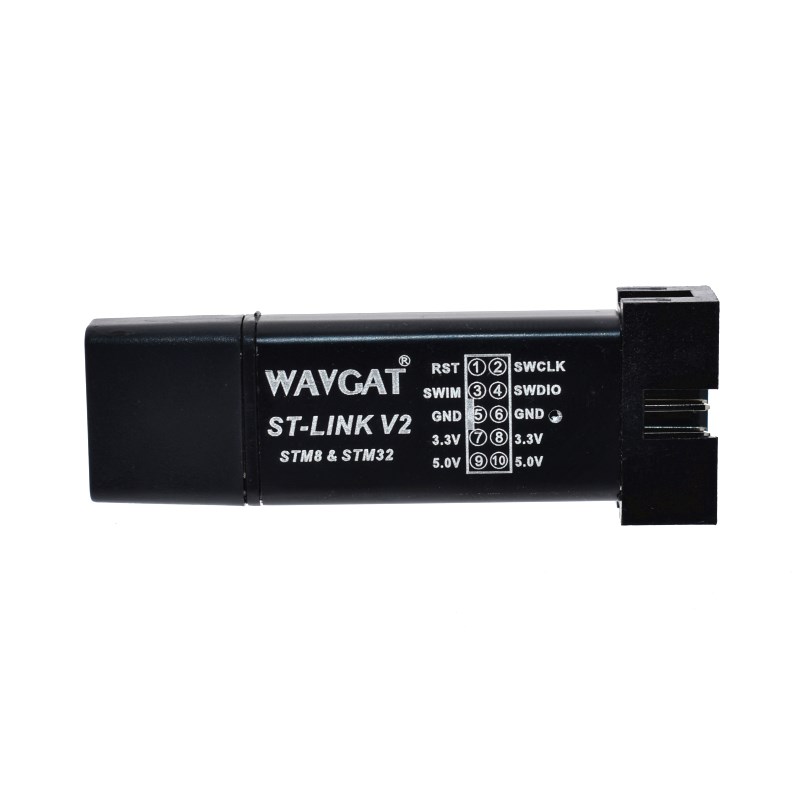
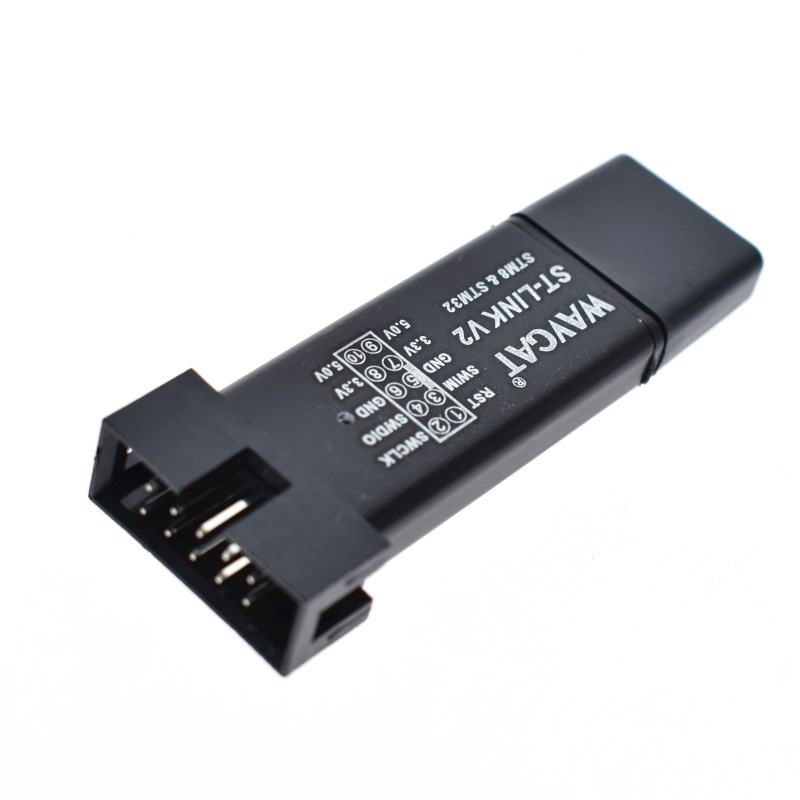
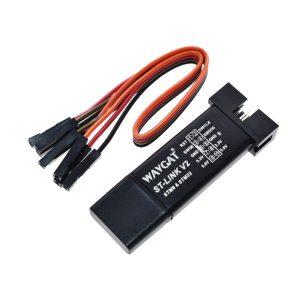
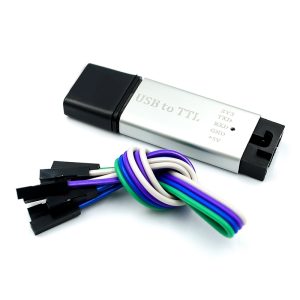
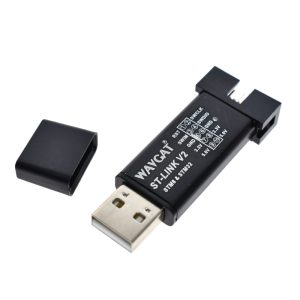
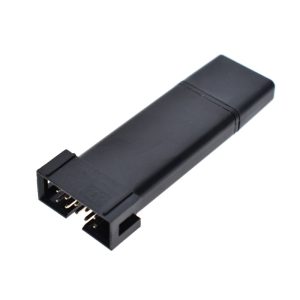
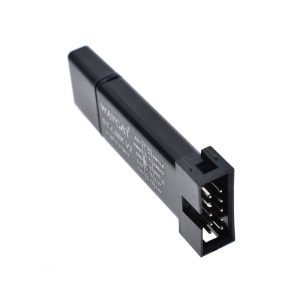
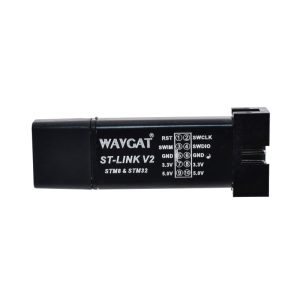
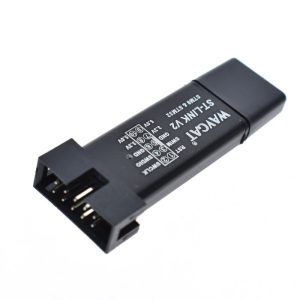
The ST-LINK V2 Programmer & Debugger is an essential tool for any engineer or hobbyist working with the STM8 and STM32 microcontroller families. This compact, aluminum-housed dongle provides a stable link between your PC and the target hardware, enabling high-speed firmware flashing and real-time, hardware-level debugging.
Long Description
The ST-LINK V2 is a versatile in-circuit debugger and programmer that supports both SWIM (for STM8) and SWD (for STM32) interfaces. Encased in a durable aluminum alloy shell (available in Black, Purple, Silver, or Blue), it is designed to withstand the rigors of a busy lab or a portable field kit. Unlike standard serial programmers, the ST-LINK V2 allows you to pause code execution, inspect registers, and step through memory, which is critical for solving complex firmware bugs.
For business purchasers, this tool is a cost-effective solution for production line programming and QC testing. Its small form factor allows for easy integration into automated testing jigs. For individual makers and students, it is the industry-standard entry point into the powerful world of ARM Cortex-M development, fully compatible with professional IDEs like Keil, IAR, and STM32CubeIDE.
Key Features
- Dual Microcontroller Support: Full compatibility with all STM8 (SWIM interface) and STM32 (SWD interface) chips.
- Aluminum Protective Shell: Durable, heat-dissipating casing protects the internal circuitry from static and physical damage.
- Plug-and-Play Debugging: Supports full-speed execution, single-stepping, breakpoints, and viewing variables in real-time.
- Onboard Power Output: Provides 5V and 3.3V power to the target board directly from the USB port, simplifying small-scale prototyping.
- Firmware Upgradable: The internal firmware can be updated using the official ST-Link Upgrade utility to support newer chips released in 2026.