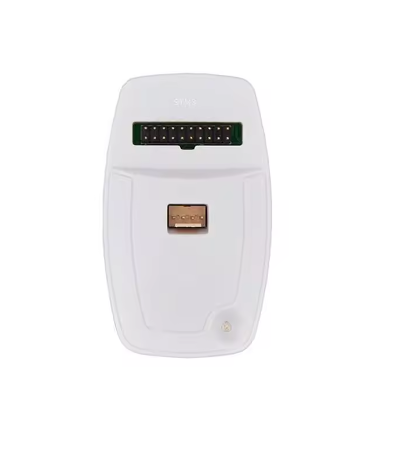
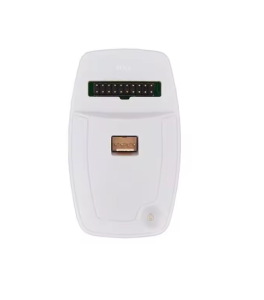
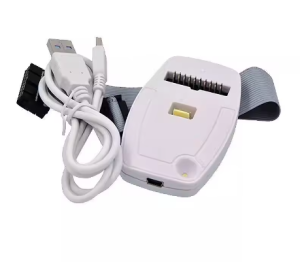
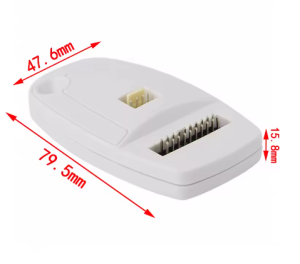
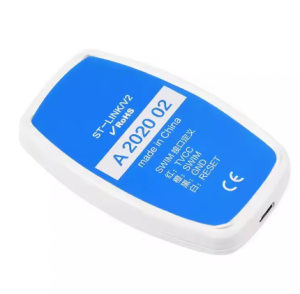
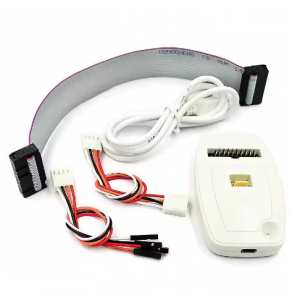
This professional product profile for the ST-LINK/V2 [Import Chip] Edition is designed for your website to assist both individual developers and business procurement teams in 2026.
Product Description
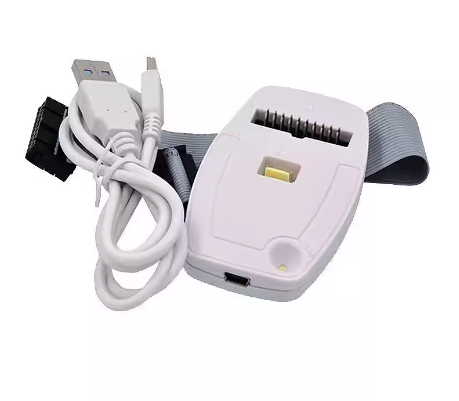
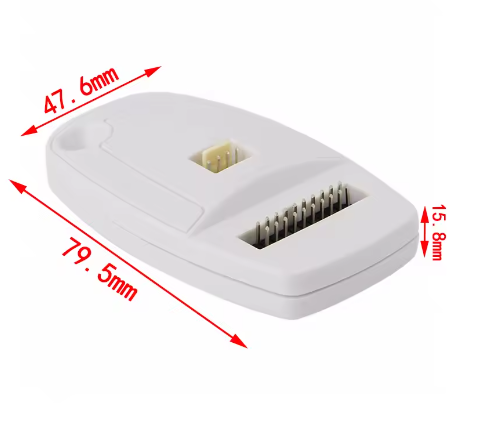
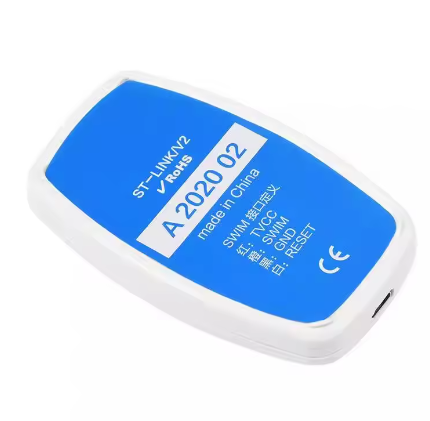
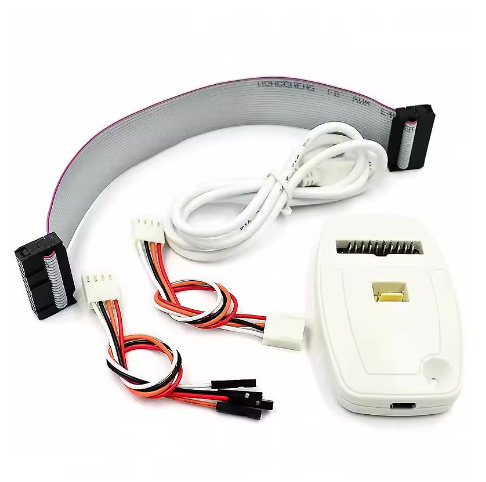
The ST-LINK/V2 [Import Chip] is a high-performance in-circuit debugger and programmer for STM8 and STM32 microcontrollers. This specific “Import Chip” version is a premium-tier unit widely utilized in the manufacturing hubs of China. Unlike standard clones that may use domestic generic alternatives, this version is “loaded” with high-quality imported silicon (typically the original STM32F103 chipset) to ensure 100% hardware compatibility with official STMicroelectronics firmware and drivers.
Designed for stability and longevity, this tool provides professional debugging features including real-time variable monitoring and code stepping. Its aluminum alloy shell offers superior heat dissipation and ESD (electrostatic discharge) protection, making it suitable for rigorous industrial environments and heavy-duty daily use.
Key Features
- Original Chipset Architecture: Built with imported high-spec chips to support automatic firmware upgrades via STM32CubeProgrammer without bricking.
- Dual Protocol Support: Native support for SWIM (STM8) and SWD (STM32) interfaces.
- Plug-and-Play USB: USB 2.0 full-speed interface; no external power supply required for the debugger itself.
- Industrial Protection: Enhanced I/O protection prevents damage from wiring errors, and the metal housing shields against static interference.
- Bicolor Status LED: Real-time visual feedback on communication status between the PC and the target MCU.