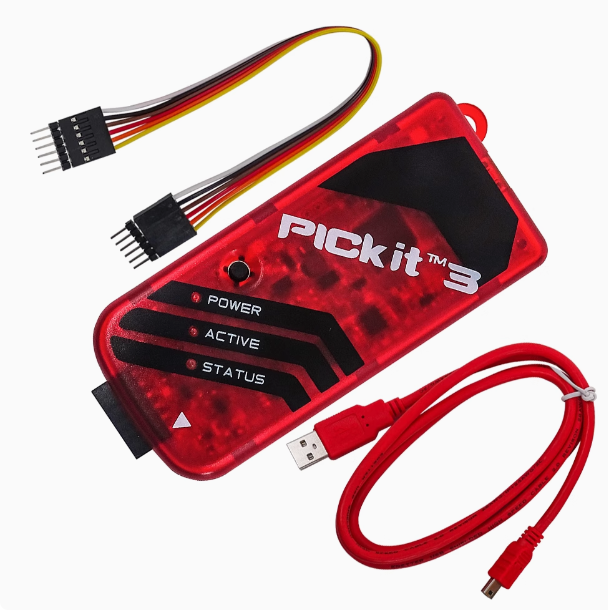
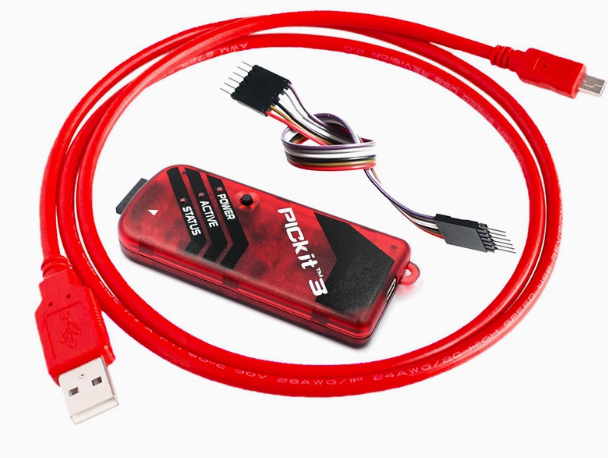
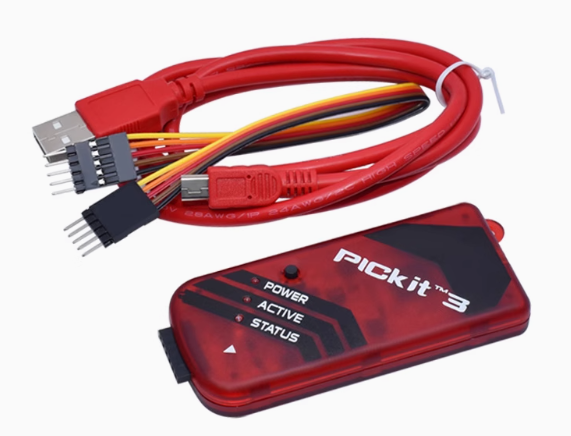
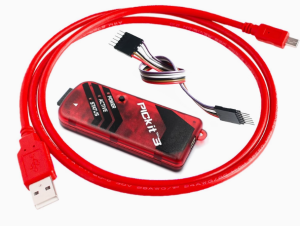
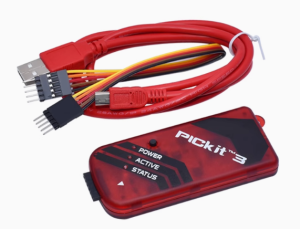
Product Description
The PIC KIT3 is Microchip’s most popular and enduring in-circuit debugger and programmer, providing a powerful, low-cost hardware tool for the entire PIC (8-bit, 16-bit, 32-bit) and dsPIC microcontroller ecosystem. This 2026 edition features a reinforced Offline “Programmer-to-Go” mode, making it an essential tool for field technicians and factory production lines where a PC connection is not practical.
Compared to its predecessor, the PIC KIT3 offers significantly faster programming speeds and broader device support through the MPLAB X IDE. It allows developers to debug applications at the hardware level, setting breakpoints, stepping through code, and inspecting internal registers in real-time. Whether you are a student learning embedded systems or a business managing a production line, the PIC KIT3 delivers the stability and performance required for professional development.
Key Features
- Programmer-to-Go (PTG): Supports standalone offline programming. Store your HEX file in the onboard memory and flash target MCUs with a single button press.
- Full Speed Debugging: Execute code at maximum hardware speeds, with support for hardware breakpoints and variable monitoring.
- Broad Device Library: Supports virtually all PIC10, PIC12, PIC16, PIC18, PIC24, dsPIC33, and PIC32 series.
- USB 2.0 Interface: Plug-and-play connectivity with no external power supply required for the debugger.
- Built-in Protection: Features over-voltage/short-circuit monitor and advanced diagnostic LEDs.
- Automatic Firmware Updates: Automatically updates its internal software via MPLAB to support the latest 2026 silicon releases.