Product Overview
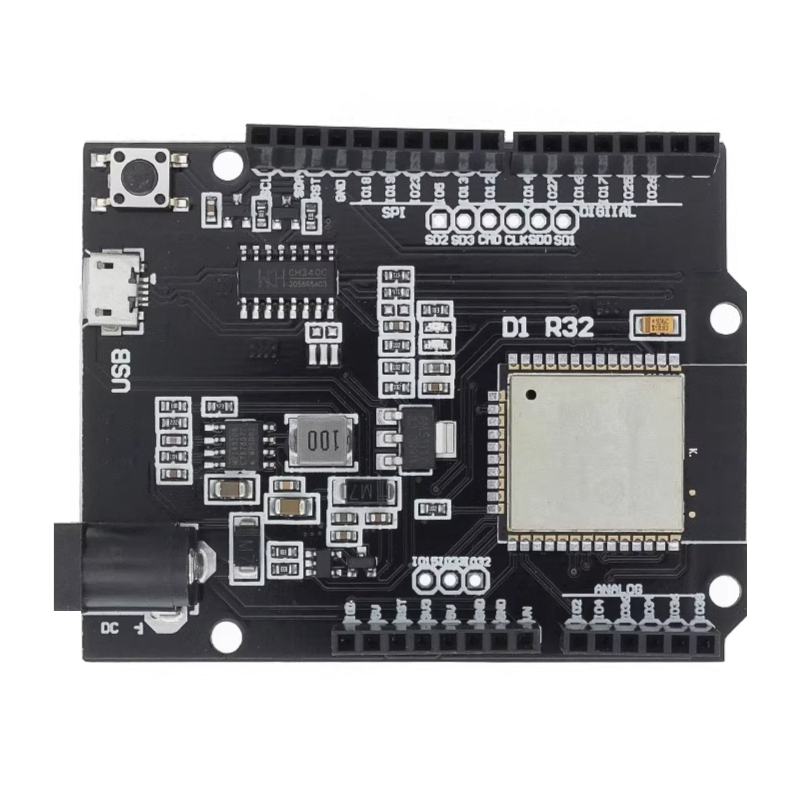
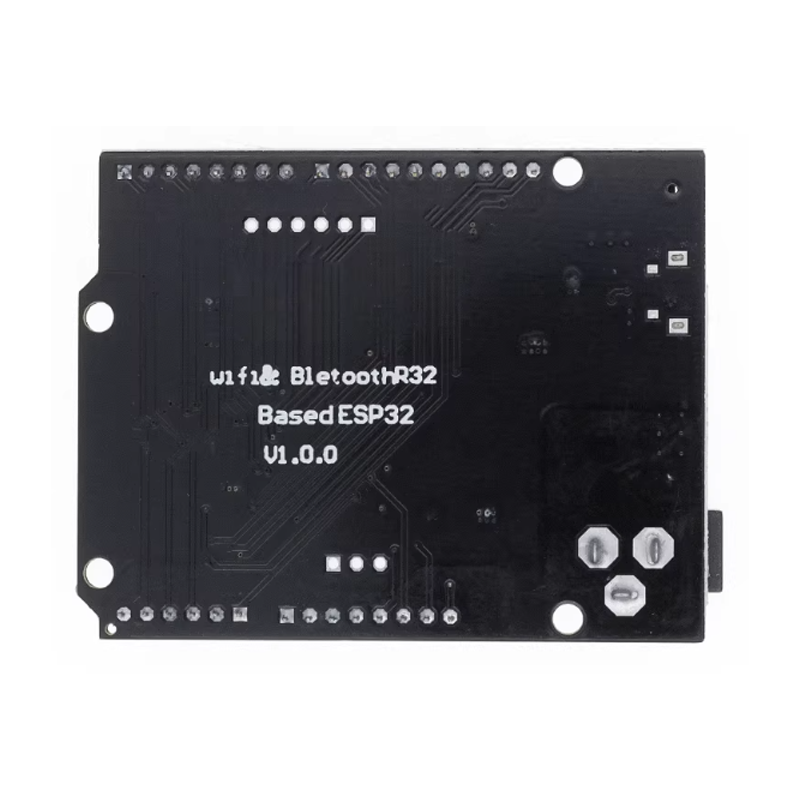
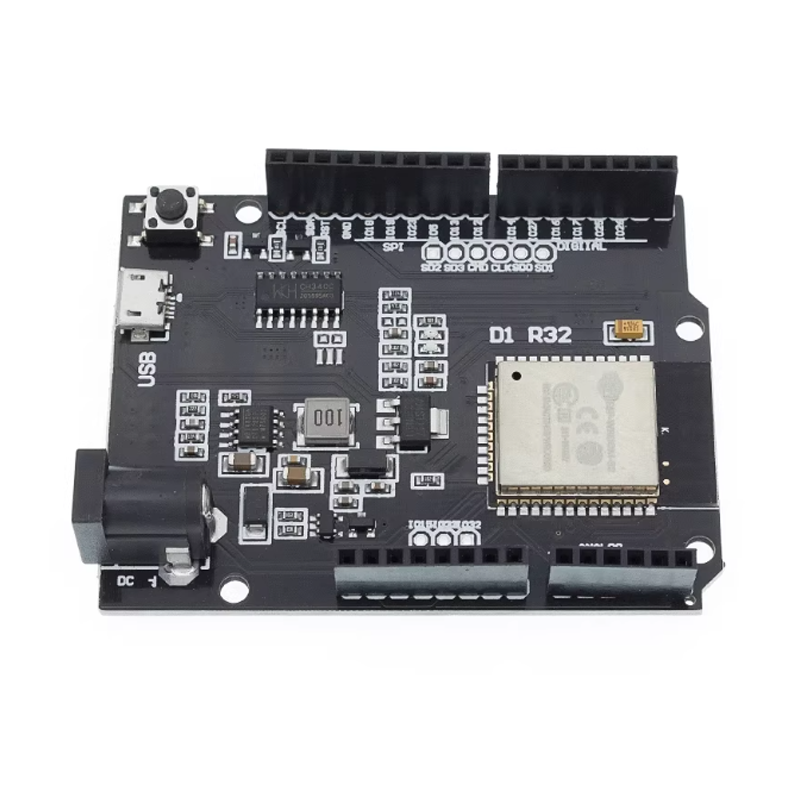
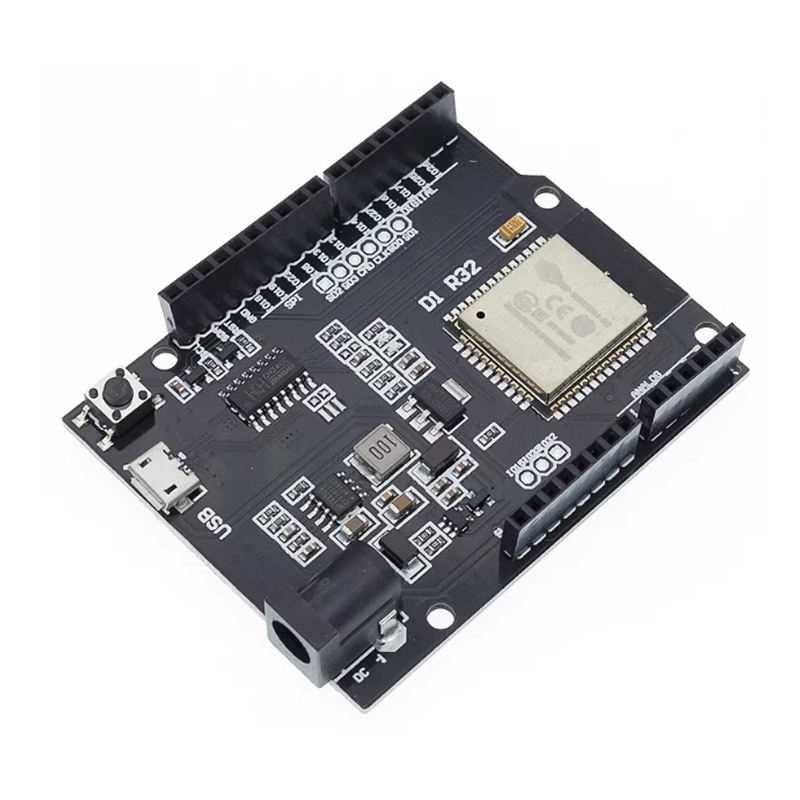
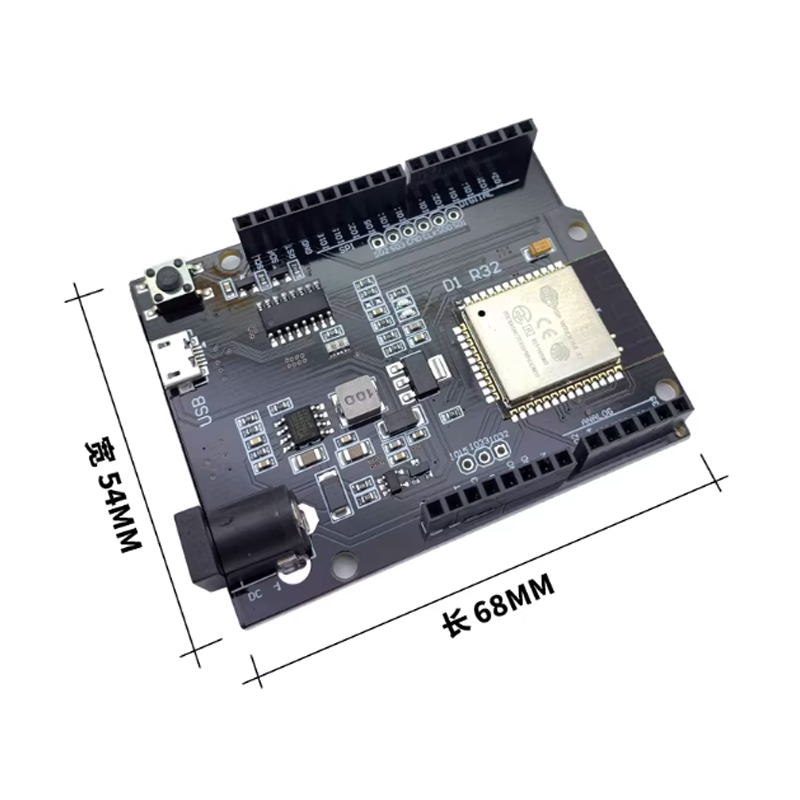
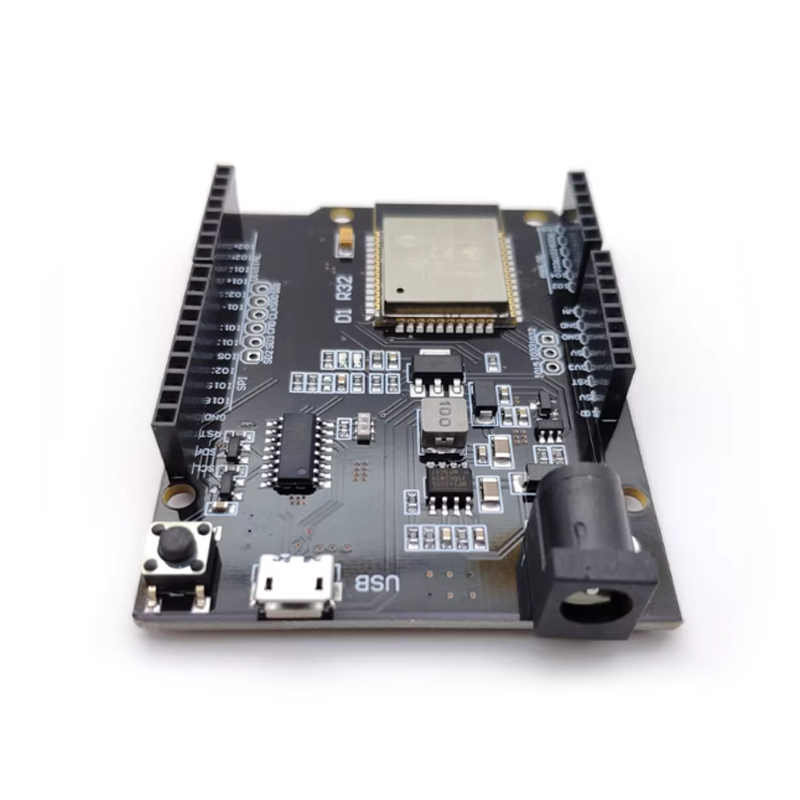
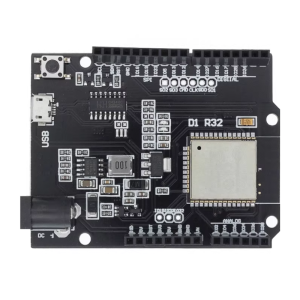
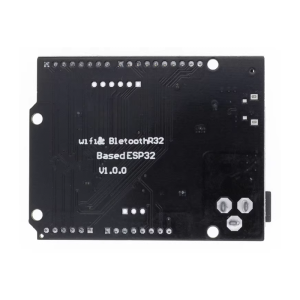
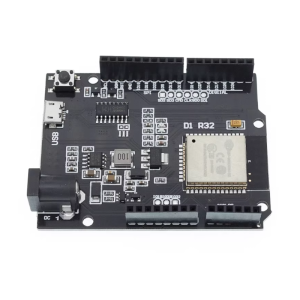
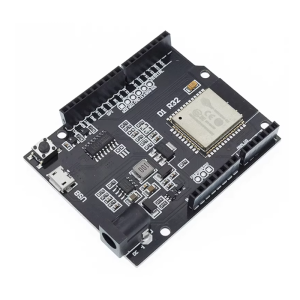
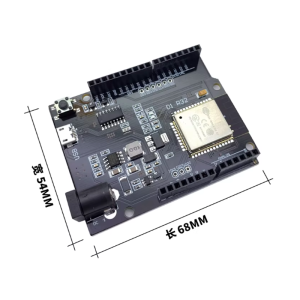
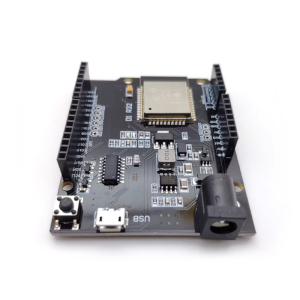
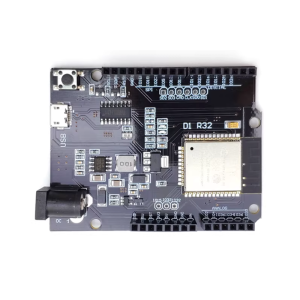
The Wemos UNO D1 R32 is a powerful development board that combines the immense capabilities of the ESP-WROOM-32S module with the familiar form factor of an Arduino UNO. This board serves as a direct drop-in replacement for your existing Arduino projects while unlocking the advanced features of the ESP32 platform—namely built-in Wi-Fi 802.11 b/g/n and Bluetooth 4.2 (BLE and Classic) .
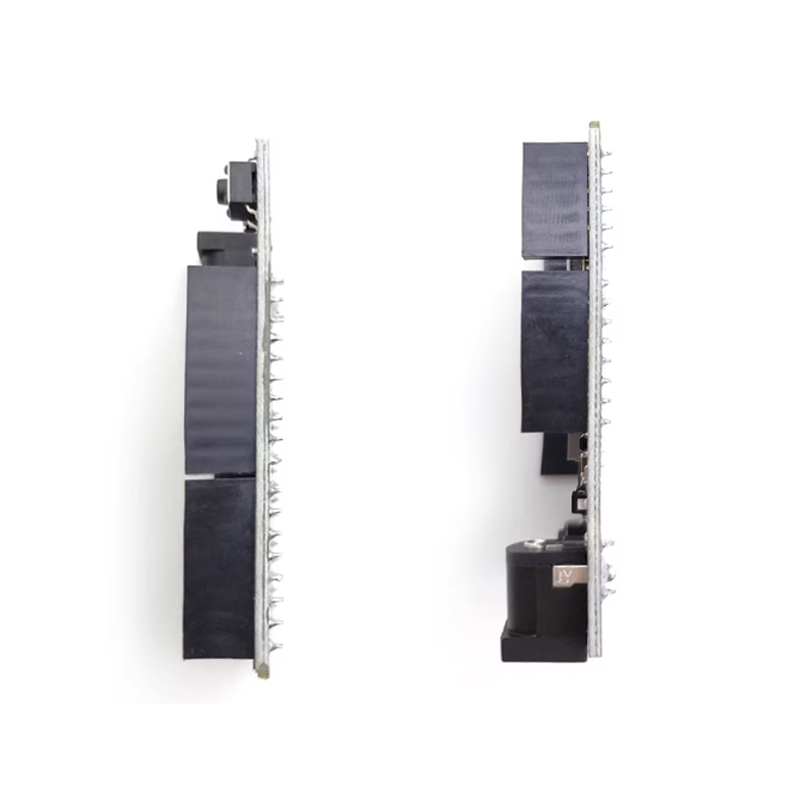
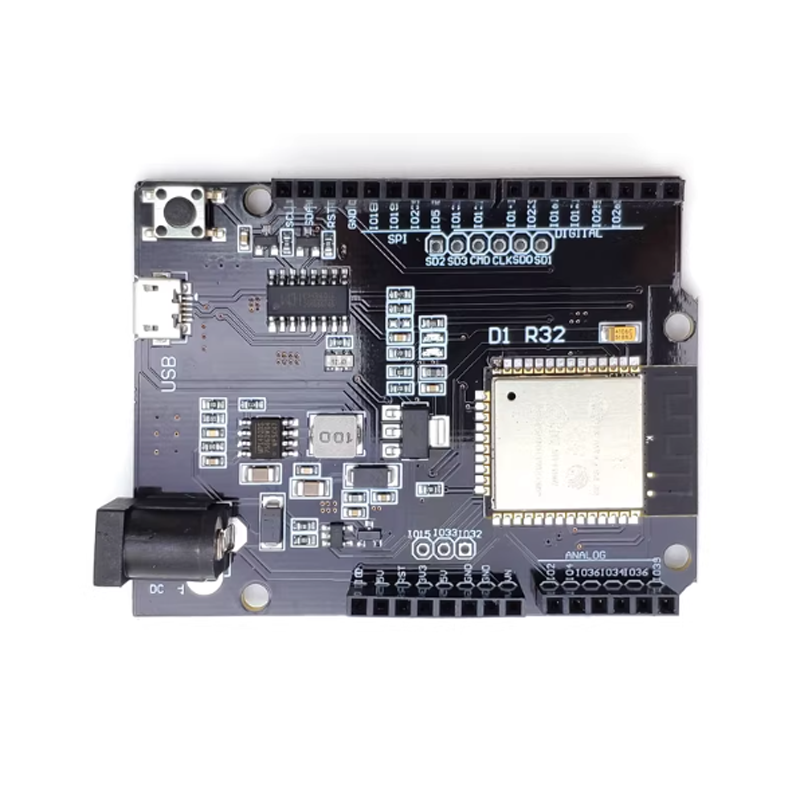
What sets this board apart is its perfect compatibility with most Arduino UNO shields. You can stack your existing sensor modules, motor drivers, and display shields directly onto this board without any modifications, leveraging the ESP32’s superior processing power and wireless capabilities . The board features a traditional USB-B port, commonly found on Arduino UNO boards, providing a stable connection for programming and power delivery .
At its core lies the ESP-WROOM-32S module, based on the ESP32 dual-core Xtensa LX6 processor running at up to 240 MHz, with 4 MB of flash memory and 520 KB of SRAM . This provides ample resources for complex IoT applications, web servers, voice recognition, and advanced sensor fusion projects that would overwhelm a standard Arduino.
Whether you are upgrading an existing automation system, building a Wi-Fi enabled data logger, or prototyping a Bluetooth-controlled robot, the Wemos D1 R32 offers a seamless bridge between the simplicity of the Arduino ecosystem and the power of the ESP32.
Key Features
-
Arduino UNO Form Factor: Pin-compatible with standard Arduino UNO shields, allowing you to reuse your existing hardware ecosystem .
-
ESP-WROOM-32S Module: Built on the ESP32 dual-core Xtensa 32-bit LX6 processor running at up to 240 MHz .
-
Integrated Wireless: Supports 2.4 GHz Wi-Fi (802.11 b/g/n) and Bluetooth 4.2 (BR/EDR and BLE) for versatile connectivity .
-
Sufficient Memory: Features 4 MB flash and 520 KB SRAM for complex applications and web interfaces .
-
USB-B Connector: Traditional USB-B port for programming and power, ensuring a secure connection .
-
Comprehensive I/O: Provides 14 digital I/O pins, 6 analog input channels (ADC), 2 DAC channels, and standard communication interfaces (UART, SPI, I2C) .
-
Wide Power Input: Accepts 5V–12V DC via the DC jack or Vin pin, making it suitable for various power sources .
-
Multi-Platform Support: Compatible with Arduino IDE, ESP-IDF, PlatformIO, and MicroPython for flexible development .
Technical Specifications
Pinout & Interface Guide
The Wemos D1 R32 mirrors the Arduino UNO pin layout with specific ESP32 mapping. Key pins include:
Usage Guide
Development Environment Setup
Arduino IDE
-
Install ESP32 Board Package: Open Arduino IDE → File → Preferences. Add the following URL to “Additional Boards Manager URLs”: https://raw.githubusercontent.com/espressif/arduino-esp32/gh-pages/package_esp32_index.json .
-
Select Board: Go to Tools → Board → Boards Manager, search for “ESP32”, and install the package. Then select “WEMOS D1 R32” or “DOIT ESP32 DEVKIT V1” from the boards list .
-
Select Port: Choose the correct COM port assigned to your board (drivers typically install automatically).
PlatformIO (VS Code)
Basic Example: Blink the Onboard LED
The onboard red LED is connected to GPIO2 (Arduino A0) .
#define LED_PIN 2
void setup() {
pinMode(LED_PIN, OUTPUT);
Serial.begin(115200);
Serial.println("Wemos D1 R32 Ready!");
}
void loop() {
digitalWrite(LED_PIN, HIGH);
delay(1000);
digitalWrite(LED_PIN, LOW);
delay(1000);
}
Wi-Fi Access Point Example
#include <WiFi.h>
const char* ssid = "Wemos_D1_R32_AP";
const char* password = "12345678";
void setup() {
Serial.begin(115200);
WiFi.softAP(ssid, password);
Serial.print("Access Point Started. IP: ");
Serial.println(WiFi.softAPIP());
}
void loop() {
}
Uploading Code & Boot Mode
If you encounter issues uploading, you may need to manually enter boot mode :
-
Press and hold the “BOOT” (or “0”) button.
-
Press and release the “EN” (RST) button.
-
Release the “BOOT” button.
-
Start the upload in the Arduino IDE. The board should now be ready to receive code.
Bluetooth Support Note
When using the Arduino IDE, the default “Wemos D1 R32” board may not fully support Bluetooth features. To enable Bluetooth, select a more general board such as “DOIT ESP32 DEVKIT V1” instead .
Q: Is the Wemos D1 R32 fully compatible with Arduino UNO shields?
Mostly yes. The board is designed with the Arduino UNO form factor and pin layout, allowing it to accept most standard Arduino shields. However, because the ESP32 operates at 3.3V logic (versus 5V on the UNO), some 5V shields may not function correctly without level shifting. Shields that rely heavily on analog inputs may also have limitations, as there is only one dedicated analog pin (A0) in the UNO footprint
Q: What is the difference between the ESP-WROOM-32 and ESP-WROOM-32S?
The ESP-WROOM-32S is a newer version of the standard ESP-WROOM-32 module. The “S” variant typically features an improved PCB design and may use a different flash memory chip, but it maintains pin-to-pin compatibility and the same core ESP32 processor capabilities
Q: Can I use this board for both Wi-Fi and Bluetooth simultaneously?
Yes. The ESP32 chip supports concurrent Wi-Fi and Bluetooth operation. You can run both protocols simultaneously, though this will utilize more of the chip’s processing resources and may require careful code management
Q: What is the maximum range of the Wi-Fi and Bluetooth?
Wi-Fi range in open space can reach up to 100-150 meters. Bluetooth range is typically 30-50 meters depending on the environment and obstacles
Q: How do I power the Wemos D1 R32?
You have three options:
-
USB-B Port: 5V via the USB cable.
-
DC Jack: 5V to 12V DC input (recommended) .
-
Vin Pin: 5V to 12V DC input on the Vin pin.
Note: The 3.3V regulator on board is rated for approximately 500mA-600mA. If you are powering many peripherals or shields, ensure your total current draw stays within this limit
Q: Are the I/O pins 5V tolerant?
No. All I/O pins operate at 3.3V logic. Applying 5V directly to any GPIO pin can permanently damage the ESP32. When using 5V shields or sensors, a logic level converter is required for safety
Q: Can I power shields from the 5V pin?
The 5V pin is connected directly to the USB input (or the Vin regulator). You can use it to power shields, but be mindful of the total current drawn through the board. Exceeding the current limit of the USB port or the onboard regulator can cause the board to reset or damage the regulator
Q: I cannot upload code to the board. What should I do?
Upload issues are common. Try the following :
-
Manually enter boot mode: Hold the BOOT button, press and release EN, then release BOOT.
-
Select the correct board: Ensure you have selected the “WEMOS D1 R32” or “DOIT ESP32 DEVKIT V1” in the Tools menu.
-
Check the port: Ensure the correct COM port is selected in the IDE.
-
Try a different cable: Some USB cables are charge-only and do not support data transfer.
Q: Why doesn't Bluetooth work when I select the Wemos D1 R32 board?
In the Arduino IDE, the default “Wemos D1 R32” board configuration may not include Bluetooth libraries. To fix this, select a more general board such as “DOIT ESP32 DEVKIT V1” in the Tools → Board menu. This configuration typically supports both Wi-Fi and Bluetooth features
Q: Can I use MicroPython with this board?
Yes. The ESP-WROOM-32S is fully supported by MicroPython. Download the appropriate firmware for the “ESP32 GENERIC” board and flash it using esptool