Product Overview
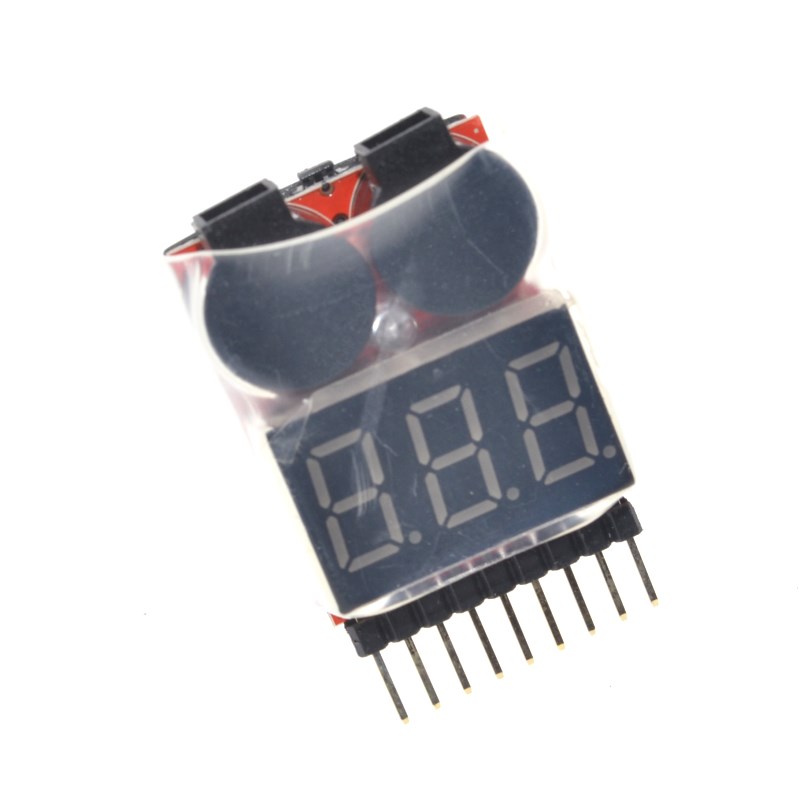
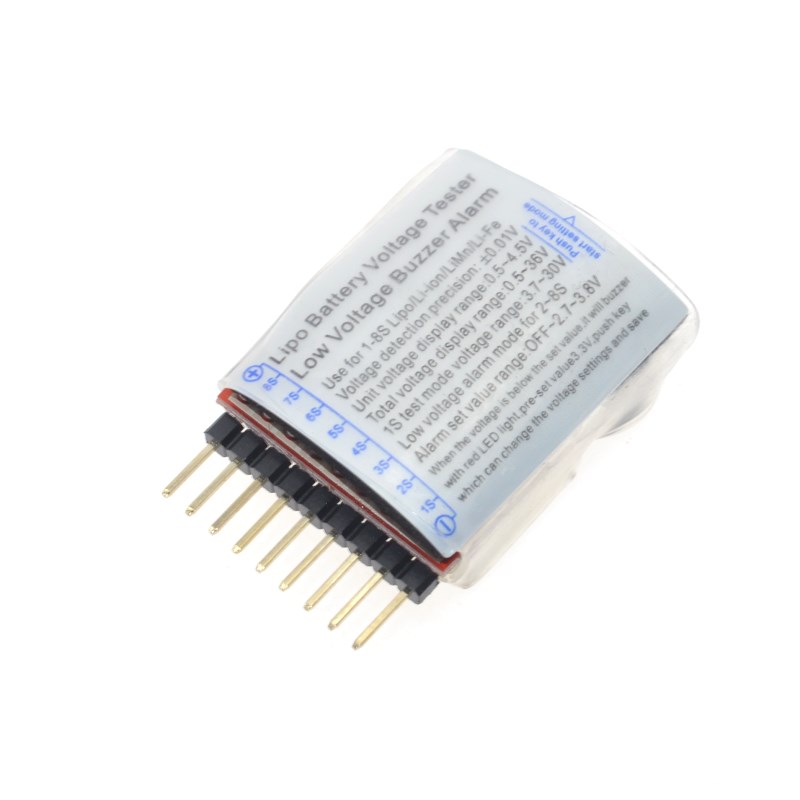
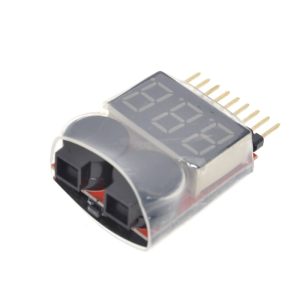
The 1-8S Lipo Battery Voltage Checker (commonly known as the “BB Alert Pro”) is an essential safety tool for anyone using lithium polymer (LiPo) or lithium-ion (Li-ion) batteries. Whether you are flying a drone, racing an RC car, or building a portable power bank with Arduino / Raspberry Pi, monitoring battery voltage is critical to prevent expensive damage .
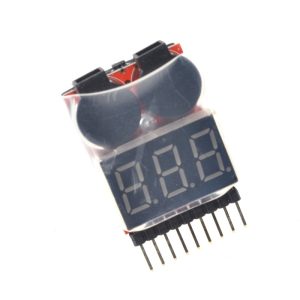
This compact 2-in-1 device combines a high-precision digital voltmeter with an adjustable low-voltage alarm. Instead of guessing when your battery is running low, simply plug the battery’s balance lead into the board. The device will instantly scan every cell, display the individual voltages on the LED screen, and—if any cell drops below your set threshold—trigger a loud buzzer (the “BB” sound) and flashing red light to alert you immediately .
This device supports 1S to 8S batteries, making it versatile enough for 3.7V single-cell projects up to 33.6V high-power 8S systems. It features reverse connection protection to prevent accidental damage, automatic voltage detection, and an ultra-compact form factor weighing only 9 grams, making it ideal for mounting directly onto a drone frame or keeping in your toolkit .
Key Features
-
2-in-1 Functionality: Works as both a precise digital battery voltage tester and an adjustable low-voltage alarm .
-
Wide Battery Compatibility: Supports 1S to 8S Lithium batteries (LiPo, Li-ion, LiFePO4) covering a total voltage range of 0.5V to 36V .
-
High-Precision Measurement: ±0.01V accuracy, ensuring you get an exact reading of each cell’s health .
-
Adjustable Low-Voltage Alarm: Customizable trigger voltage (OFF or 2.7V to 3.8V). Default is 3.3V, perfect for standard LiPo safety .
-
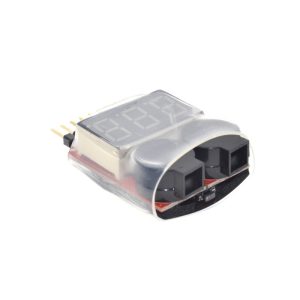
Loud Audible & Visual Alert: Features a piercing dual-buzzer system (“BB响”) and a flashing red LED when voltage drops below the threshold .
-
Reverse Polarity Protection: Safe connection even if you plug the balance lead in backward, preventing short circuits.
-
Plug-and-Play: No buttons required for basic voltage reading; simply plug in to see results instantly.
-
Auto Memory Function: The device remembers your last set alarm voltage even after unplugging .
-
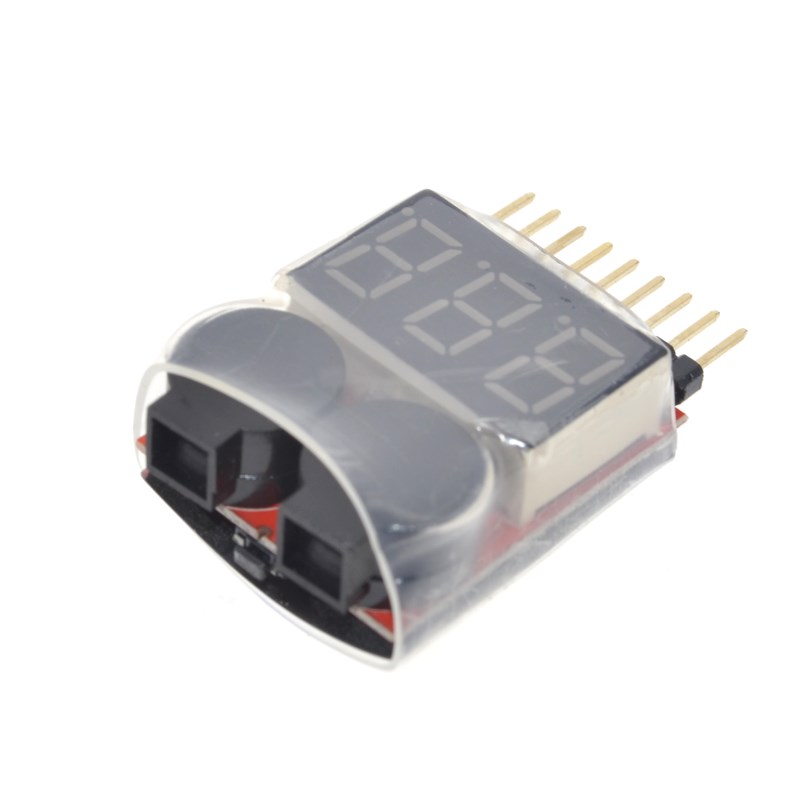
Ultra-Lightweight: Weighs only 9 grams and measures 40x25mm, small enough to leave connected to a drone during flight .
Technical Specifications
Pinout & Interface Guide
The interface is extremely straightforward, designed for battery balance plugs.
Connector Interface
-
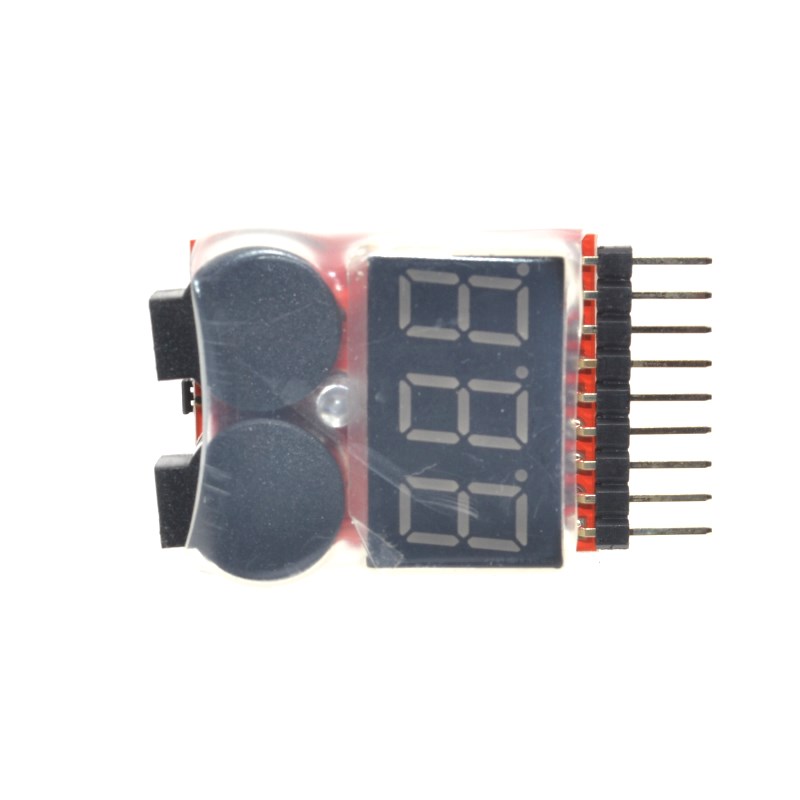
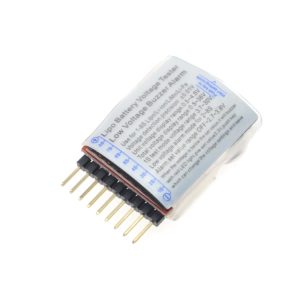
JST-XH 2.54mm Header: Standard 2-9 pin balance connector. The board automatically detects the number of cells based on the inserted plug.
-
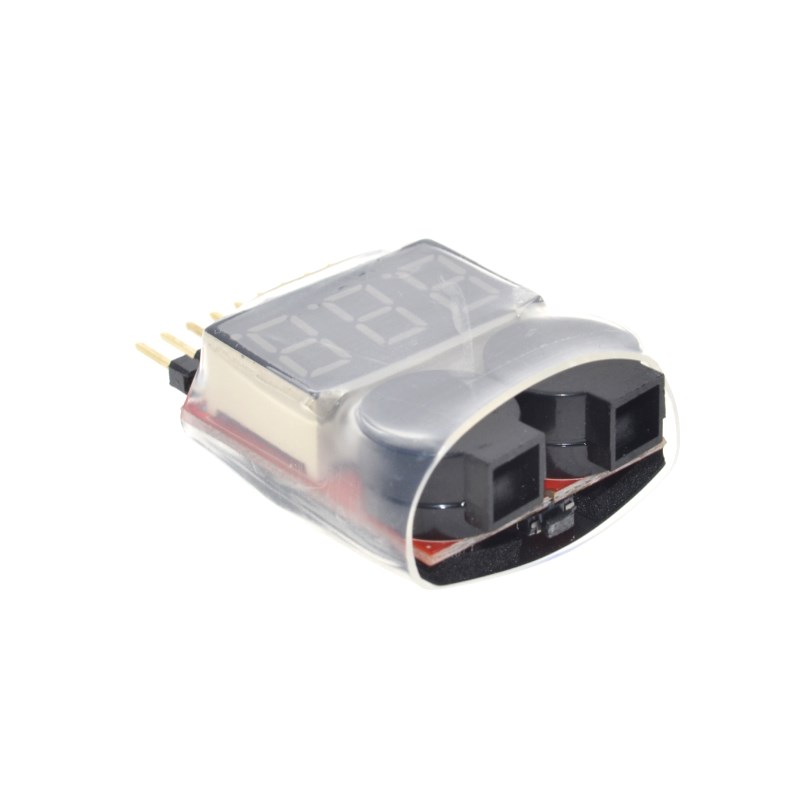
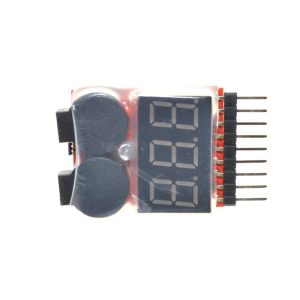
Program Button: The black button located between the two buzzers on the PCB. Used to adjust the alarm voltage threshold .
Display Indicators
-
LED Digital Display: Cycles through displaying Cell 1, Cell 2, etc., ending with the Total pack voltage.
-
Red Alert LED: Flashes intensely when an over-discharge condition is detected.
Power Source
Usage Guide
Operating Instructions
1. Checking Battery Voltage:
-
Plug in Battery: Take the balance lead of your LiPo battery (the smaller white plug, not the large yellow/black one) and insert it into the 2.54mm pin header .
-
Read Values: The screen will cycle through C1 (Cell 1), C2 (Cell 2), etc., showing each cell’s individual voltage, followed by the total voltage (ALL).
-
Analyze Health: A healthy LiPo cell should read around 4.2V when full and should never go below 3.0V under load. If cells differ by more than 0.1V, the battery is “unbalanced”.
2. Setting the Low Voltage Alarm:
-
Power Up: Connect a battery.
-
Press the Button: Press the black button on the back of the PCB.
-
Adjust Voltage: The current setting will flash on the screen. Press repeatedly to cycle through the voltage options (2.7V, 2.8V, …, 3.8V, OFF).
-
Save Setting: Stop pressing. The device will automatically save the setting after a few seconds .
3. In-Flight (RC Models):
-
Securely tape or strap the checker onto your drone or RC car.
-
Set the alarm to your desired cut-off (e.g., 3.4V).
-
Fly as usual. When the battery hits the low voltage, the Buzzer will scream, and the red light will flash, signaling you to land immediately .
Important Usage Notes
-
Not a BEC (Battery Eliminator Circuit): Do not power your Arduino or Flight Controller from the checker’s balance plug pins. It is designed for monitoring only and cannot handle high current loads.
-
Single Cell (1S) Usage: For 1S batteries, ensure the voltage is at least 3.7V before testing, as the unit requires a minimum voltage to boot the internal circuit .
-
Low Voltage Cutoff: Always unplug the checker from the battery after use. While it has low standby drain, leaving it connected for days can slowly drain your battery.
-
Setting Safe Thresholds: Standard LiPo batteries should generally not be discharged below 3.0V to avoid permanent chemical damage. Setting the alarm to 3.3V or 3.4V gives you enough time to land the drone or stop the car before hitting the dangerous 3.0V level.
Q: Why is this called "BB Alert" or "BB响"?
“BB” is onomatopoeia for the loud beeping sound the buzzer makes. In the RC community, it is universally known as the “LiPo BB Buzzer”
Q: How do I connect the battery to check the voltage?
You connect the balance lead (the small white plug with multiple wires) of your battery. Do not use the main power leads (XT60, Deans, T-plug). The device uses the balance port to read each cell individually
Q: What is the difference between "Total Voltage" and "Cell Voltage"?
Cell Voltage is the voltage of a single internal unit (e.g., 3.7V). Total Voltage is the sum of all cells. A “3S” battery has 3 cells; Total Voltage = Cell 1 + Cell 2 + Cell 3
Q: Can I use this for 24V or 36V lithium battery packs?
Yes. This unit works with battery packs up to 8 cells in series (8S). An 8S LiPo battery has a maximum voltage of 33.6V (4.2V × 8). The checker supports a total voltage range up to 36V
Q: Is this compatible with LifePO4 batteries?
Yes. You can use it, but you must adjust the alarm voltage. LifePO4 cells have a lower nominal voltage (3.2V) and require a lower low-voltage threshold (e.g., 2.5V – 2.8V)
Q: The buzzer is constantly sounding immediately when I plug it in. How do I stop it?
This means your battery voltage is lower than the current alarm setting, or the alarm is set too high. Press the button to cycle to a lower voltage (e.g., 2.7V) or select “OFF” to silence it temporarirly
Q: Does the checker drain my battery?
It draws a very minimal current (microamps) to run the display. While it is safe to use during flight, you should unplug it when storing the battery, as leaving it connected for weeks could eventually drain the pack
Q: Why does my 3S battery only show "2S" or keeps restarting?
The balance plug may not be fully seated, or the connector pins might be bent. Secure the connection and check if the ground wire is properly making contact.
Q: Can I connect this directly to my Arduino to read battery data?
No, not directly. This device is a standalone checker. It does not output serial data to a microcontroller. However, you can mount it on a robotic platform to visually check the battery level before operation
Q: Can this checker charge a battery or balance the cells?
No. This is a monitoring tool only. It cannot charge, balance, or discharge a battery. You need a specific LiPo battery charger (LiPo Charger) for that