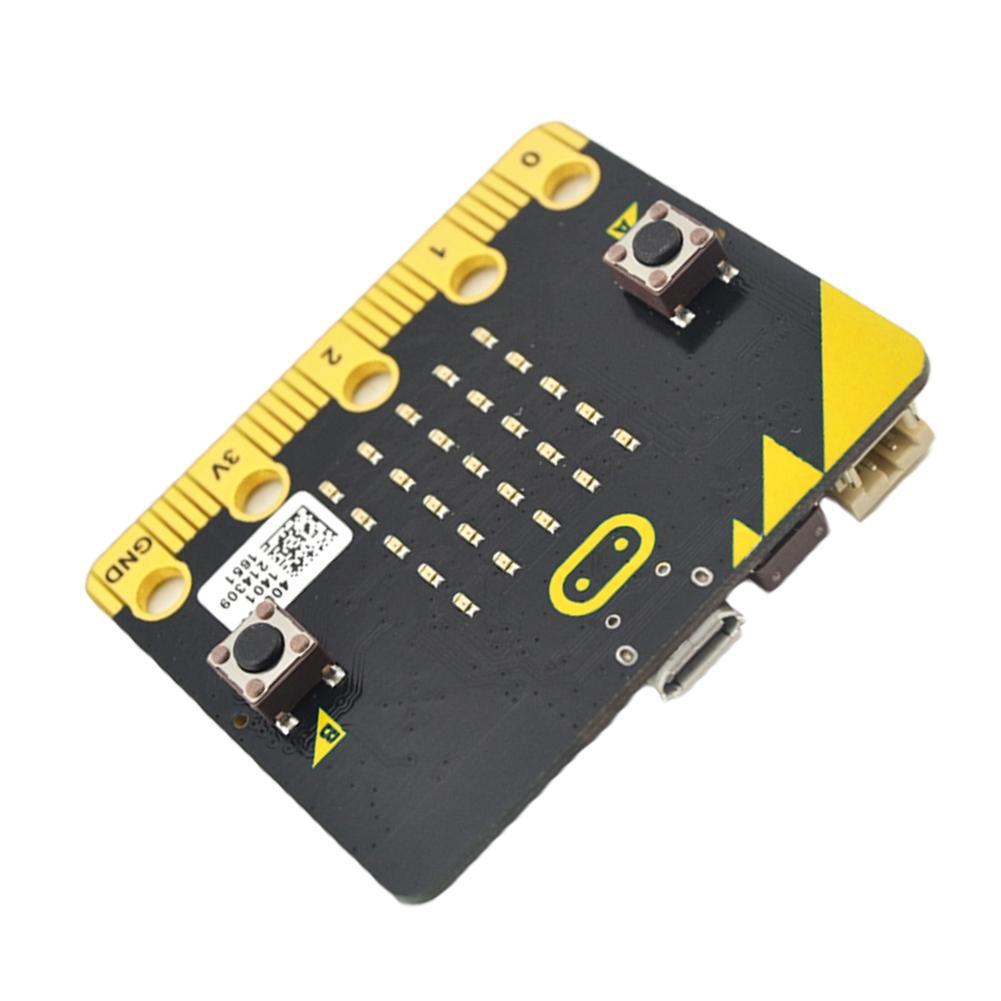
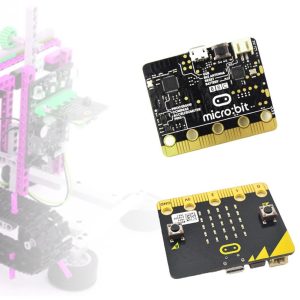
The BBC micro:bit Go V1.3 (including V1.38 revisions) is a pocket-sized, programmable microcontroller designed to make learning and teaching electronics easy and fun. In 2026, the V1.x series remains a highly valued, cost-effective tool for STEM education, coding bootcamps, and rapid prototyping in business environments.
Long Product Description
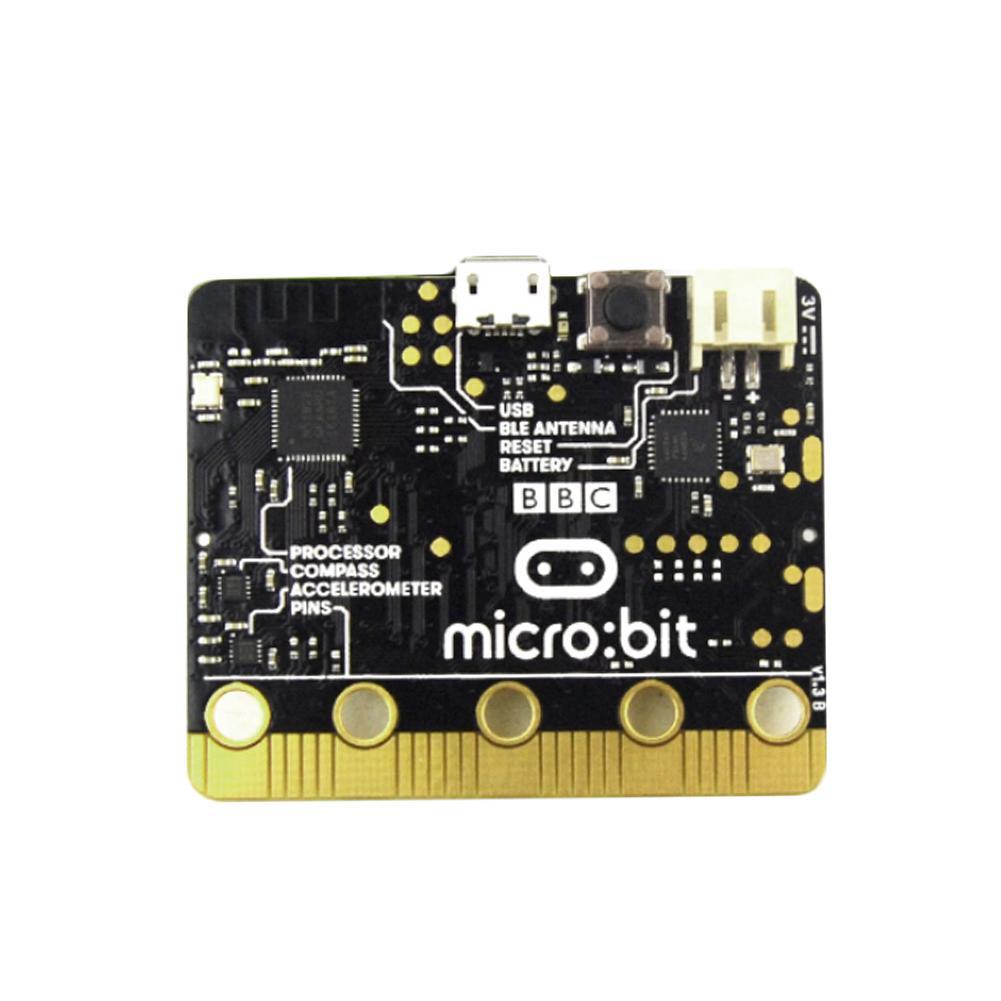
The BBC micro:bit V1.38 is a powerful, integrated development board powered by the Nordic nRF51822 SoC. It was developed through a partnership between the BBC and major tech companies to introduce students to the world of hardware and software. Despite the release of newer versions, the V1.38 remains a favorite for its simplicity, lower power consumption, and full compatibility with the massive ecosystem of micro:bit accessories.
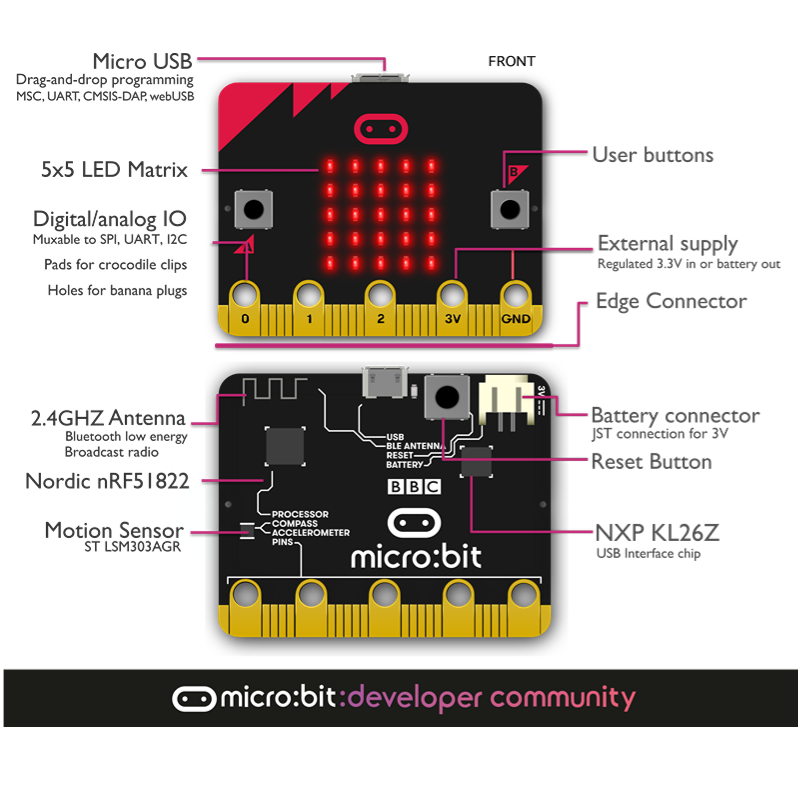
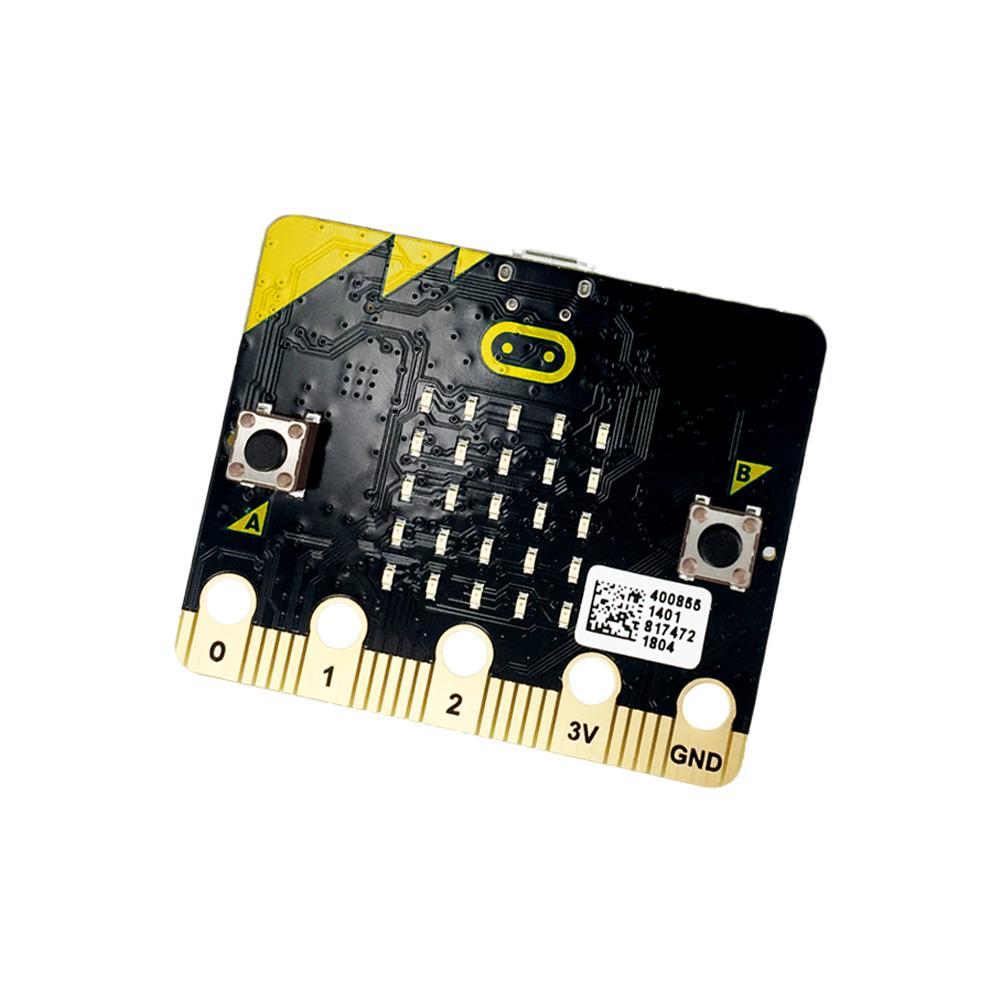
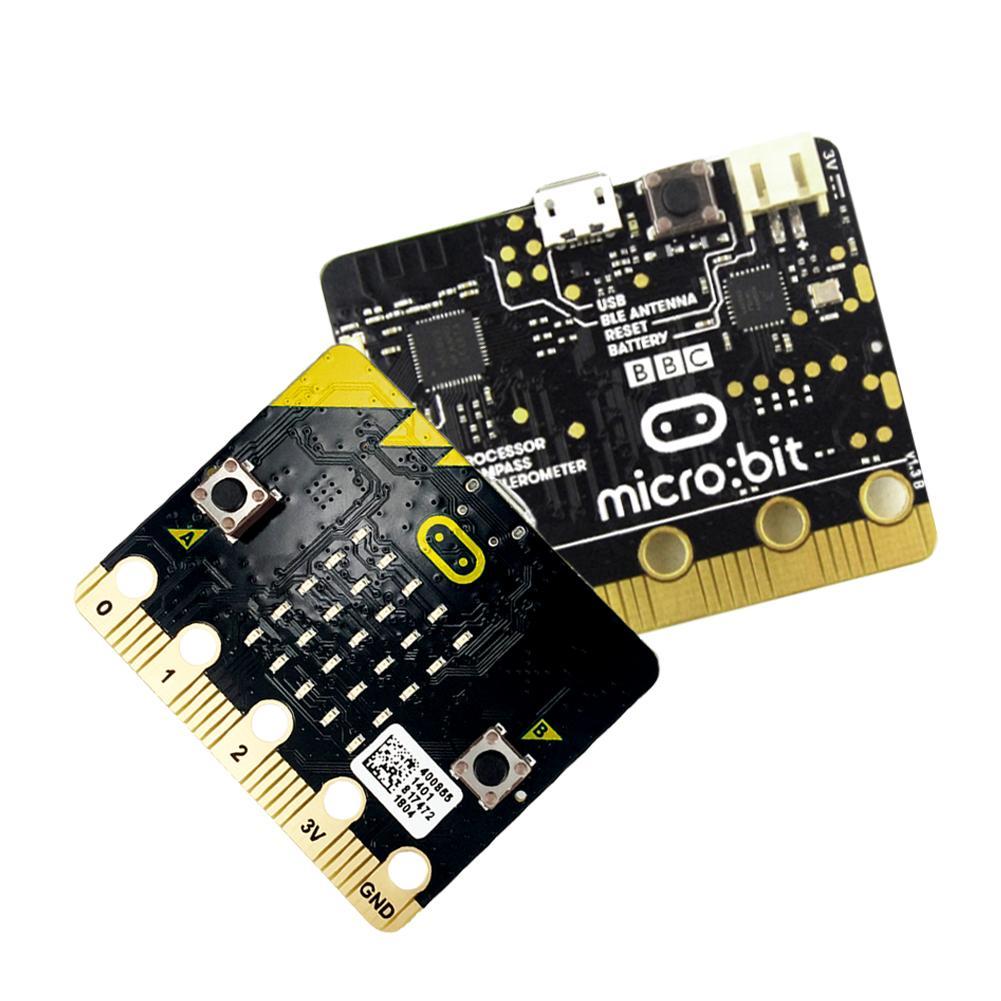
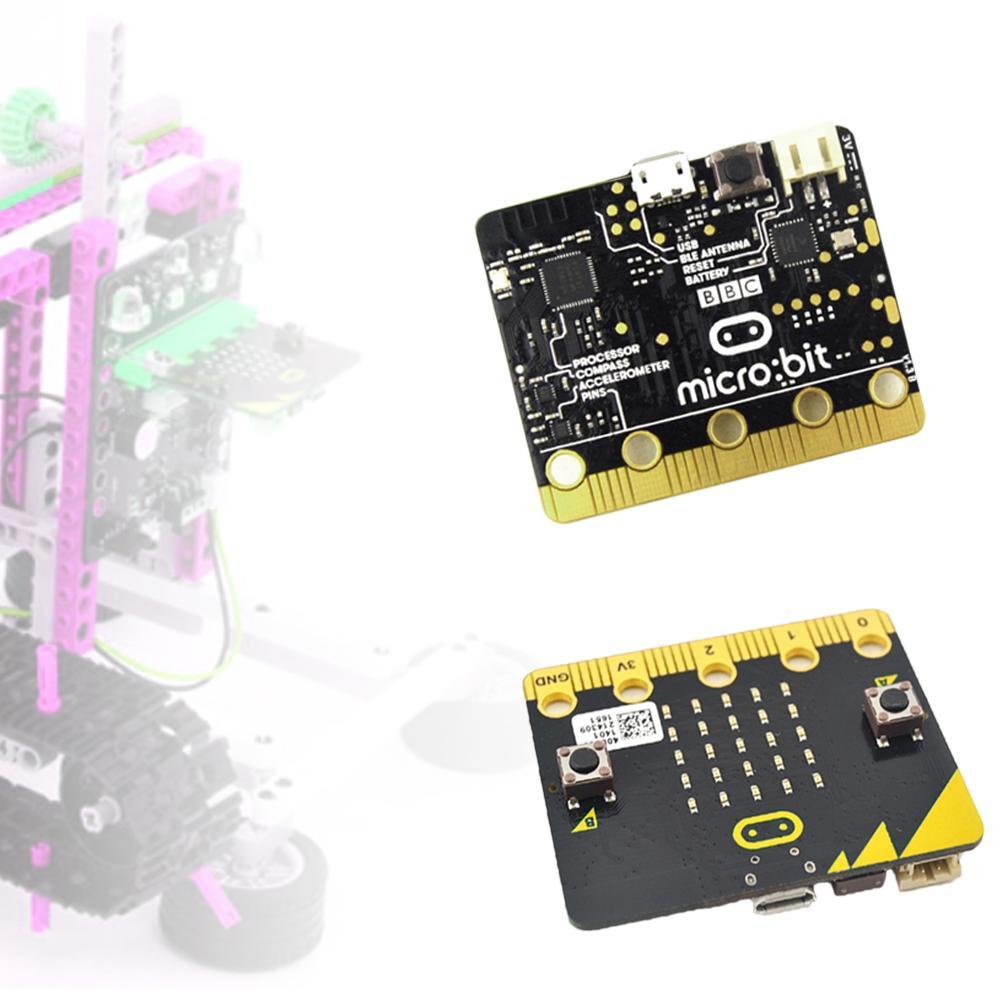
This “Go” bundle includes the essential components to start immediately: the board, a USB cable for programming, and a battery holder for portable projects. The board features a 5×5 LED matrix for visual feedback, two programmable buttons, and an array of onboard sensors including an accelerometer and a magnetometer (compass). Its most unique feature is the “Edge Connector,” which allows users to connect external components like motors, LEDs, and sensors using crocodile clips or specialized expansion boards.
Key Features
- nRF51822 Microcontroller: Features a 16MHz ARM Cortex-M0 processor with integrated Bluetooth Low Energy (BLE).
- 5×5 LED Display: A 25-LED red matrix that can display scrolling text, numbers, and simple animations.
- Programmable Buttons: Two tactile buttons (A and B) for user input and game control.
- Onboard Sensors: Includes a 3-axis accelerometer for motion detection and a magnetometer for digital compass functionality.
- Bluetooth Connectivity: Enables wireless communication with smartphones, tablets, and other micro:bits.
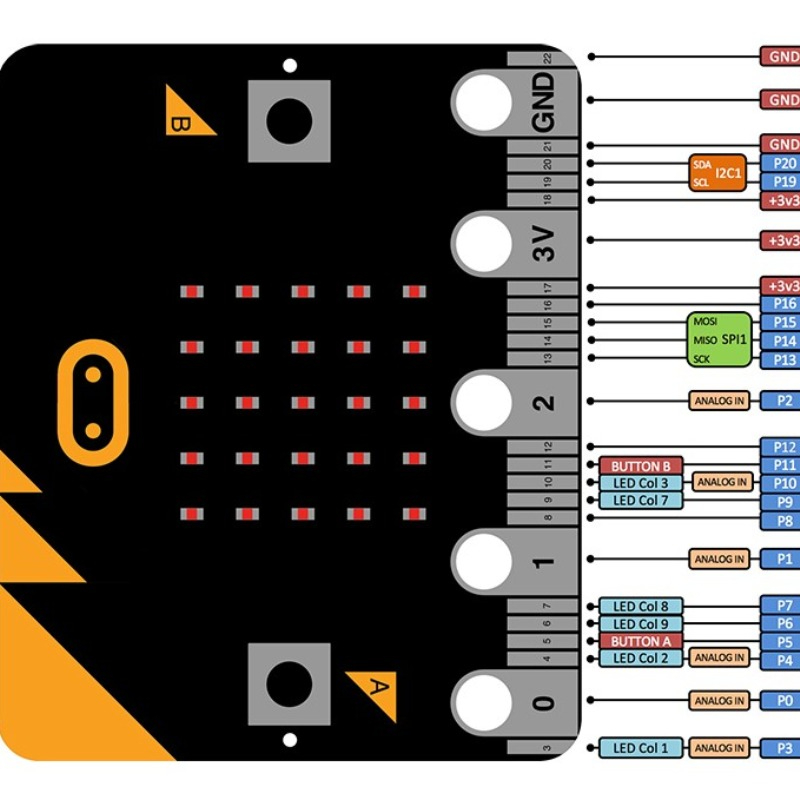
- Edge Connector: 20-pin gold-plated connector providing easy access to GPIO, PWM, I2C, and power.
- Universal Compatibility: Works with Microsoft MakeCode (Block-based), MicroPython, and Scratch