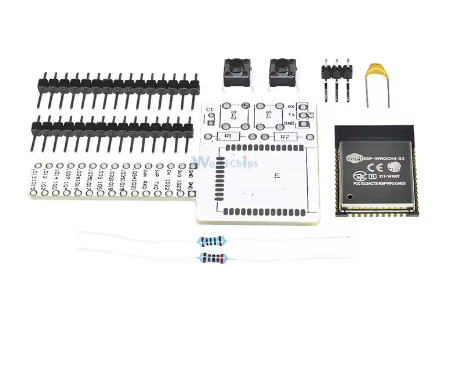
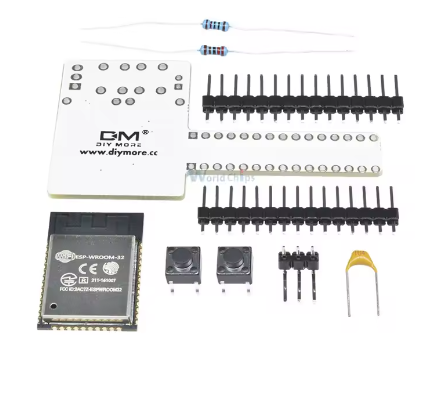
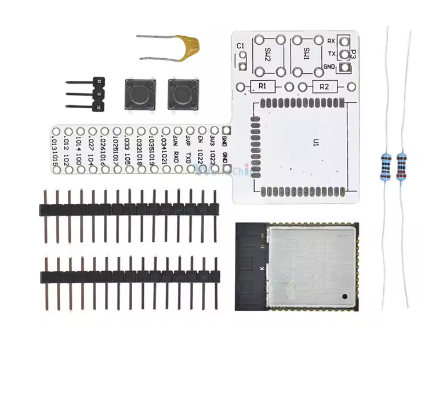
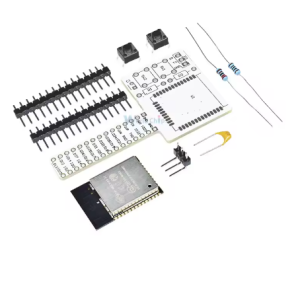
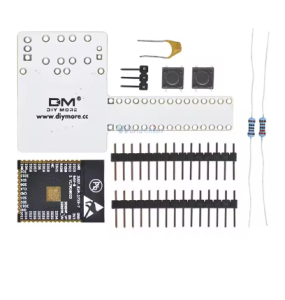
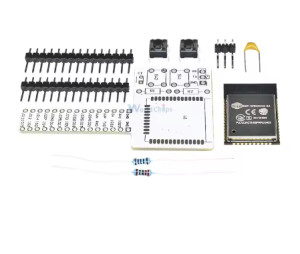
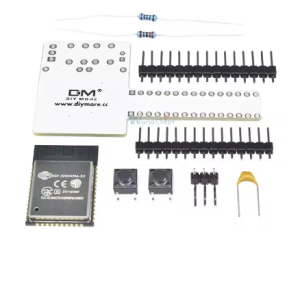
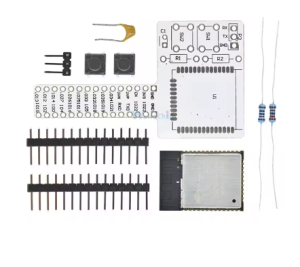
ESP32 WIFI Bluetooth Breadboard Kit

SKU: FA1053-7
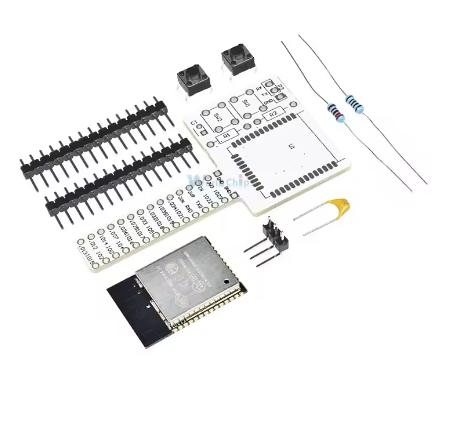
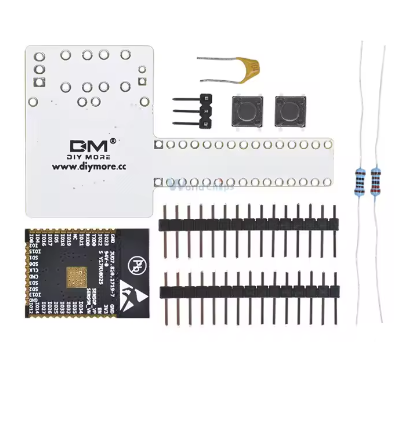
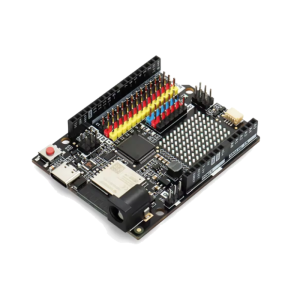
The ESP32 Wi-Fi + Bluetooth Breadboard Prototyping Kit is a comprehensive, all-in-one starter solution designed to take IoT concepts from the drawing board to functional reality. Built around the industry-standard ESP32-WROOM-32 module, this kit is specifically curated for the 2026 development environment, focusing on ease of use, stability, and rapid circuit iteration.
Long Description
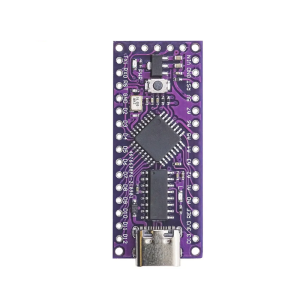
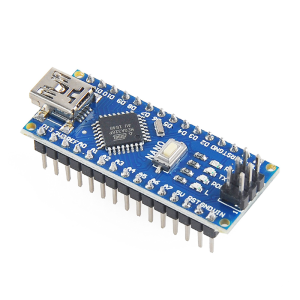
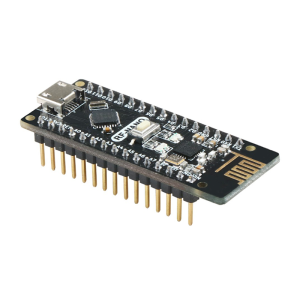
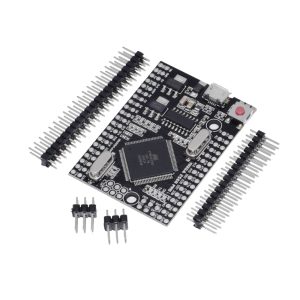
The ESP32 Breadboard Kit is more than just a development board; it is a complete prototyping ecosystem. At its heart lies the powerful dual-core ESP32, capable of handling complex Wi-Fi and Bluetooth tasks simultaneously. The kit typically includes the microcontroller pre-mounted on a breadboard-compatible breakout, accompanied by a high-quality 830-point solderless breadboard, jumper wires, and essential power components.
For business purchasers, this kit is the ideal choice for rapid internal R&D and proof-of-concept (PoC) stages. It allows engineers to test sensor integration and cloud connectivity without the need for custom PCB fabrication. For individual makers and students, it provides a structured entry point into the world of professional IoT, eliminating the frustration of hunting for compatible individual components.
Key Features
  • Plug-and-Play Prototyping: Includes a 38-pin or 30-pin ESP32 DevKit pre-seated or ready for a standard 830-point breadboard.
  • Dual-Core Processing: Features the Xtensa® Dual-Core 32-bit LX6, running up to 240MHz for high-performance multitasking.
  • Hybrid Connectivity: Integrated 2.4GHz Wi-Fi and Dual-mode Bluetooth (Classic + BLE) for universal device compatibility.
  • Solderless Experimentation: The included breadboard allows for the quick addition of sensors, LEDs, and relays without permanent soldering.
  • Rich Peripheral Set: Access to capacitive touch sensors, Hall sensors, SD card interface, Ethernet, high-speed SPI, UART, I2S, and I2C.
Usage Instructions
  1. Assembly: Align the ESP32 module pins with the center bridge of the breadboard and press down firmly until seated.
  2. Power Connection: Connect the module to your computer using a USB data cable. The onboard power LED should illuminate.
  3. Software Setup:
    • Install the Arduino IDE.
    • Add the ESP32 Board URL in Preferences and install the “ESP32 by Espressif Systems” package.
    • Select “ESP32 Dev Module” in the Tools menu.
  4. Wiring: Use the included jumper wires to connect external sensors or components to the ESP32’s GPIO pins according to your circuit diagram.
  5. Deployment: Write your code, select the correct COM port, and click Upload.
Q: Is this kit suitable for absolute beginners?

Yes. Because the breadboard requires no soldering, it is the safest and easiest way for beginners to learn electronics and coding simultaneously.

Q: Can I use 5V sensors with this kit?

Use caution. While the kit is powered by 5V, the ESP32 pins operate at 3.3V. If your sensor outputs a 5V signal, you must use a Logic Level Converter to avoid damaging the microcontroller.

Q: Why does the ESP32 cover so many holes on the breadboard?

The ESP32 DevKit is wide. To maximize space, we recommend placing the board on the breadboard so that one row of pins is at the very edge, leaving one or two rows of holes accessible on the other side for jumper wires.

Q: Does the kit support MicroPython?

Absolutely. The ESP32 is one of the most popular platforms for MicroPython. You can easily flash the MicroPython firmware using esptool.py or the Thonny IDE.

Q: Can the board in this kit be used for low-power battery projects?

Yes. The ESP32 features a “Deep Sleep” mode where power consumption drops to approximately 10µA, making it excellent for long-term battery-operated sensor nodes.

Q: What happens if I plug the USB cable into a 2026-standard fast charger?

The board will only draw the current it needs (usually 5V/500mA). However, it is always recommended to program the board via a computer USB port to ensure data communication and current limiting.