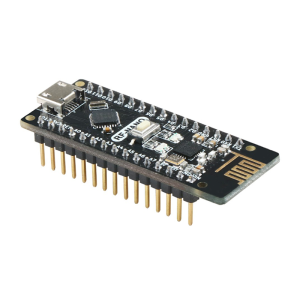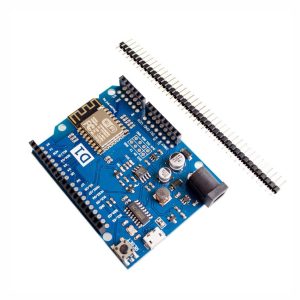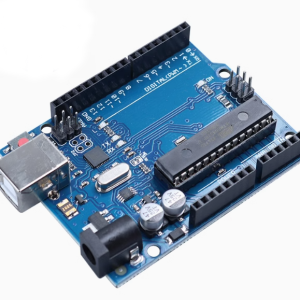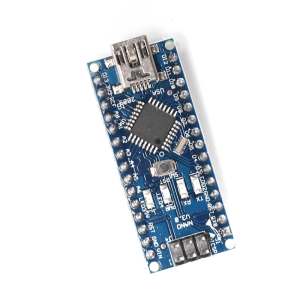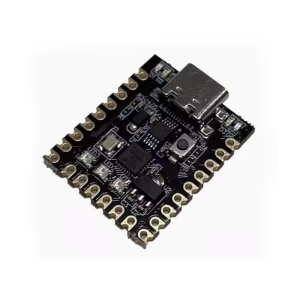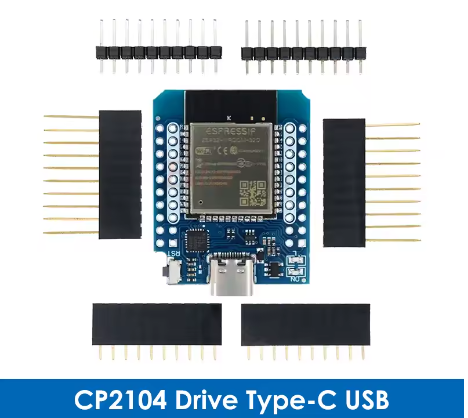
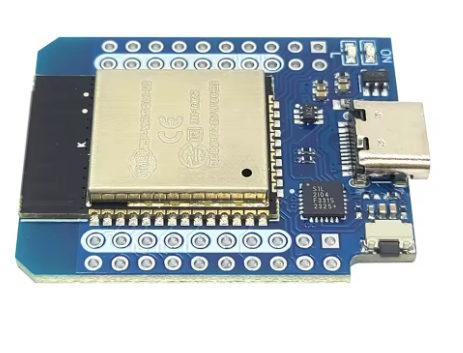
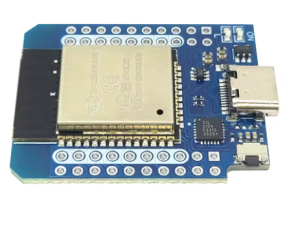
The ESP32-WROOM Live Mini Kit (Type-C) is an updated, compact development board centered around the powerful ESP32-WROOM-32 module. Addressing modern connectivity standards, this board incorporates a robust USB Type-C interface for reliable power and data transfer, managed by the trusted CP2104 USB-to-Serial converter. It is a breadboard-friendly solution providing full access to the ESP32’s dual-core processor, integrated Wi-Fi, and Bluetooth capabilities.
Long Description
This board meets the increasing demand for reliable, future-proof connectivity options. The shift to a USB Type-C port ensures robust physical connections and compatibility with modern laptop chargers and accessories, making it more convenient than older Micro-USB variants. The integration of the stable CP2104 USB bridge guarantees consistent programming and debugging across various operating systems. With 4MB of Flash memory, the board supports complex IoT applications, machine learning inference at the edge, or secure, cloud-based data logging.
For individual makers, this Mini Kit is the ideal platform for learning advanced IoT protocols with modern hardware, seamlessly integrating with the Arduino IDE and MicroPython. For business purchasers, its compact size, reliable components, and modern USB standard make it a highly desirable option for embedding within commercial prototypes, such as smart gateways, industrial sensors, or small, connected HMI (Human-Machine Interface) devices.
Key Features
- Modern Connectivity: Features a durable and reversible USB Type-C port for power and data.
- Compact & Breadboard-Friendly: Small form factor designed to fit easily onto a standard breadboard without obstructing adjacent pins.
- Reliable USB Interface: Utilizes the high-quality CP2104 USB-to-Serial bridge for stable communication.
- Dual-Core Performance: Integrated Wi-Fi (2.4GHz) and Bluetooth 4.2 (BLE and Classic) capabilities.
- Generous Memory: 4MB QSPI Flash memory for substantial firmware and data storage, supporting OTA updates.
- Flexible Power Input: Can be powered via USB Type-C 5V, the 5V (VIN) pin, or directly into the 3.3V pin.