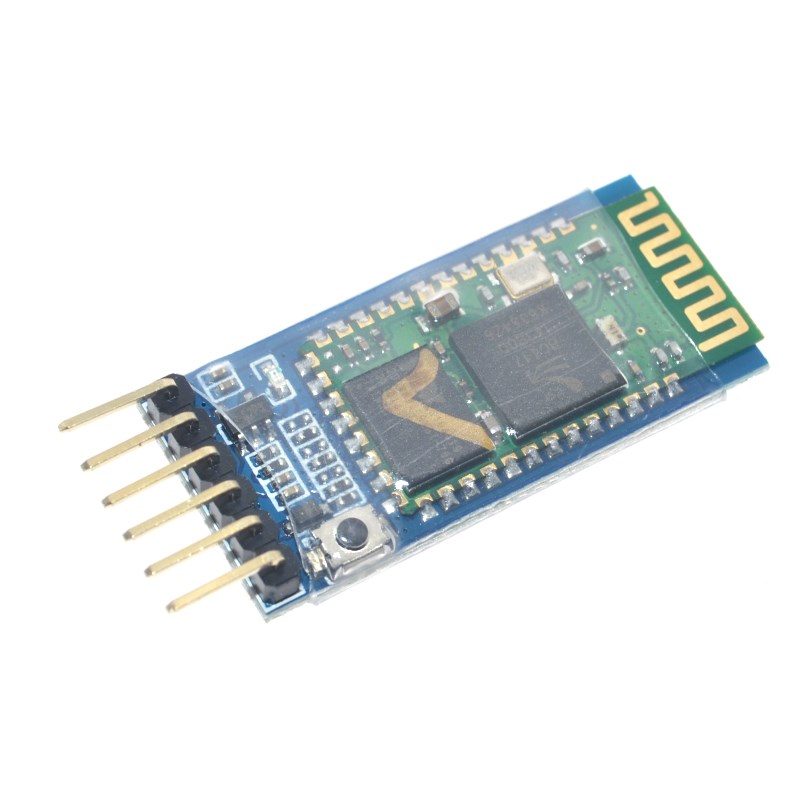
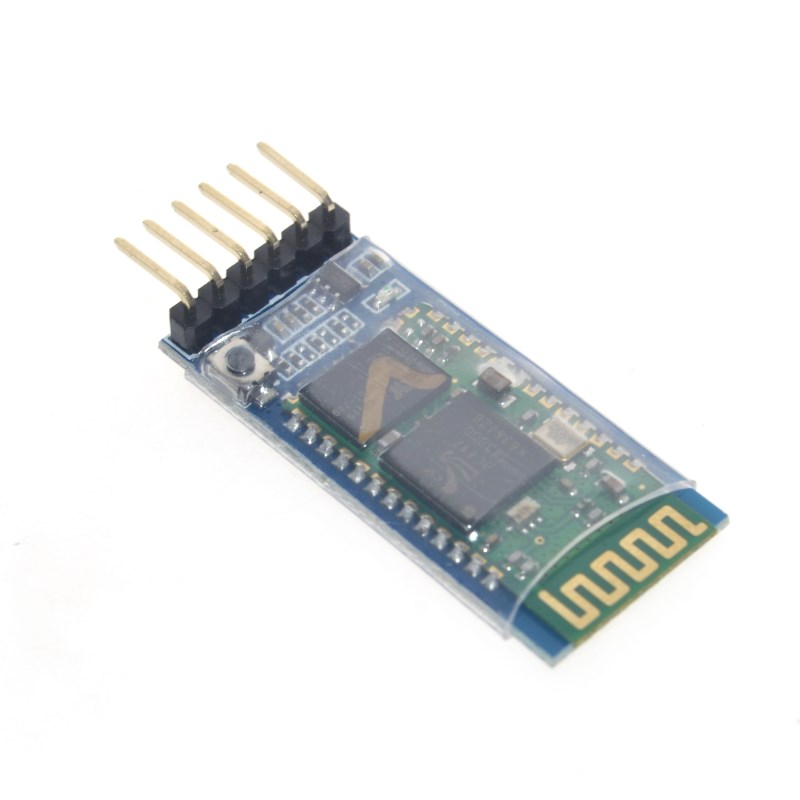
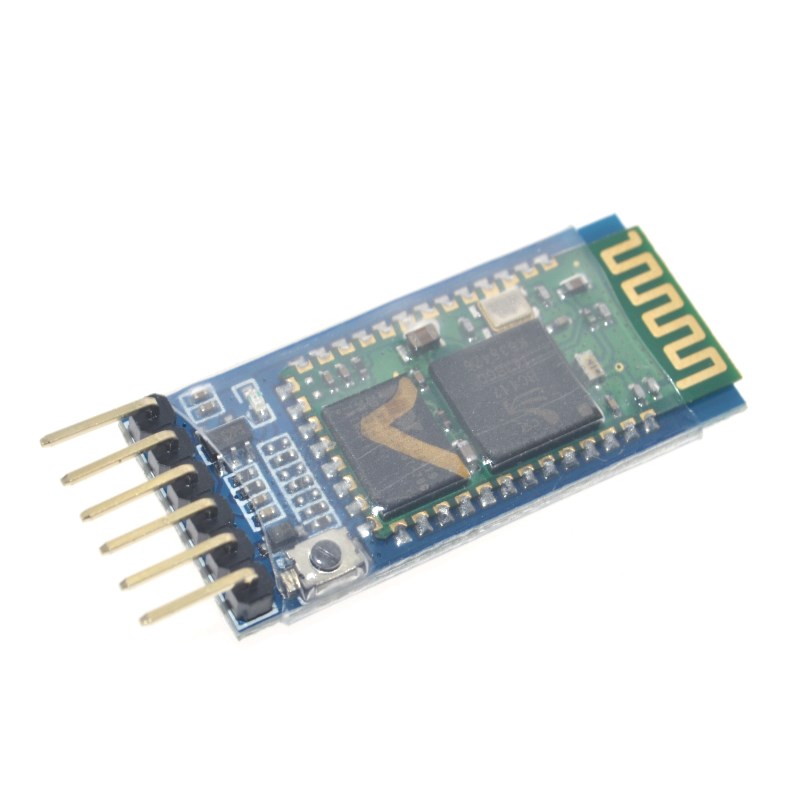
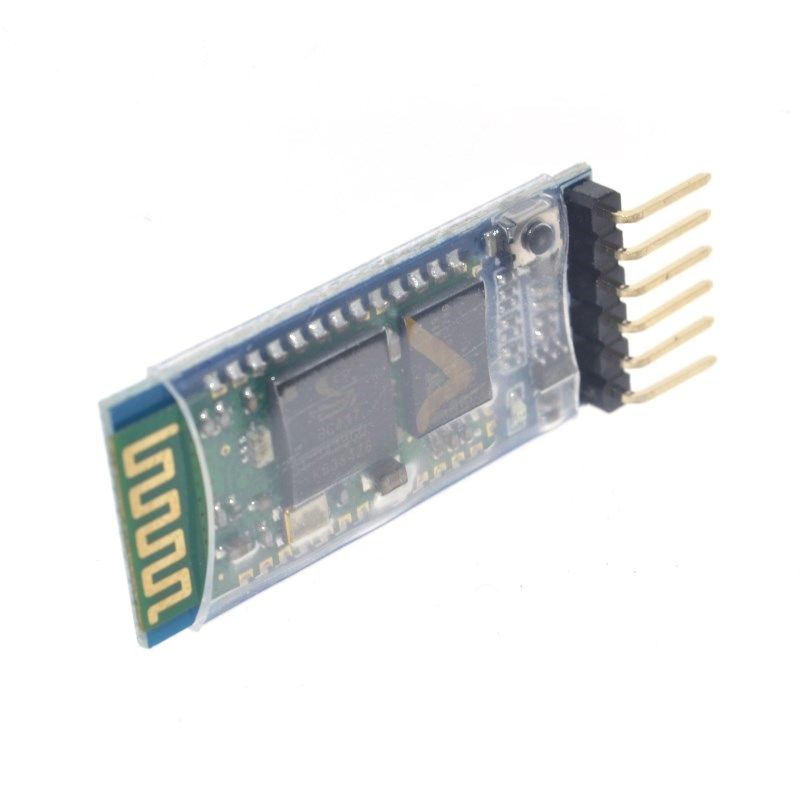
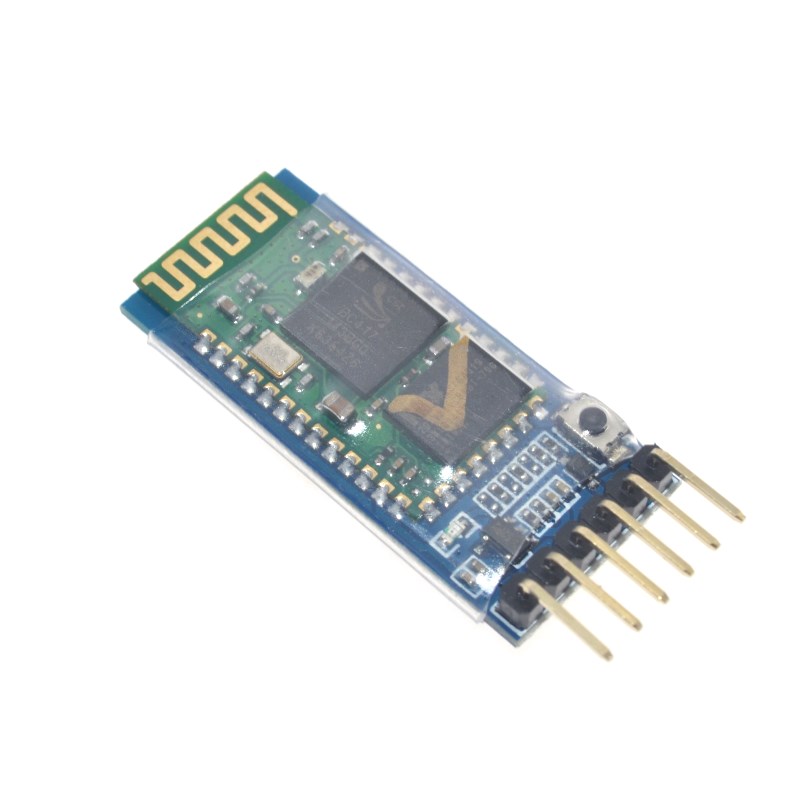
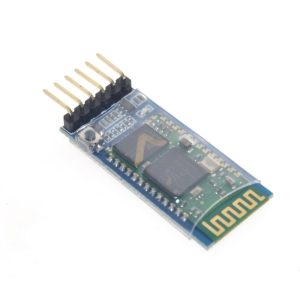
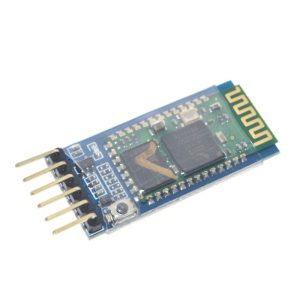
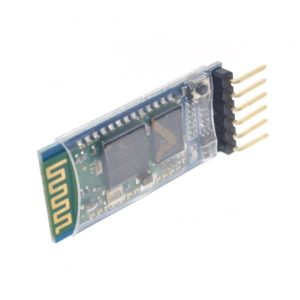
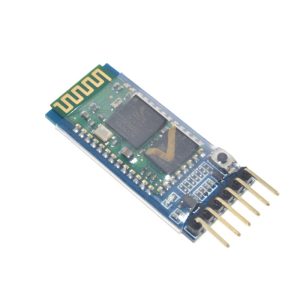
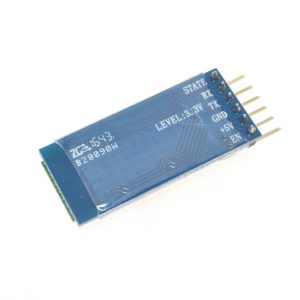
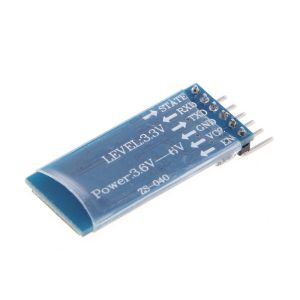
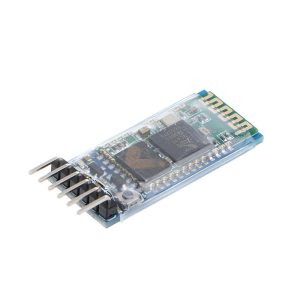
HC-05 BT 6pin Bluetooth Module with Button (Original version Type-A)

SKU: FA2039
Bluetooth Version

Bluetooth 2.0 + EDR, Class 2

Operating Frequency

2.4GHz ISM band, GFSK modulation

Input Voltage

3.6V – 6V DC (onboard 3.3V regulator)

Default Baud Rate

9600 (data mode); 38400 (AT mode)

Effective Range

Approx. 10 meters in open area

Default Pairing Code

1234

Interface

UART (TXD, RXD); 8N1 serial format

Pin Count / Dimensions

6 pins; 37.3mm × 15.5mm PCB

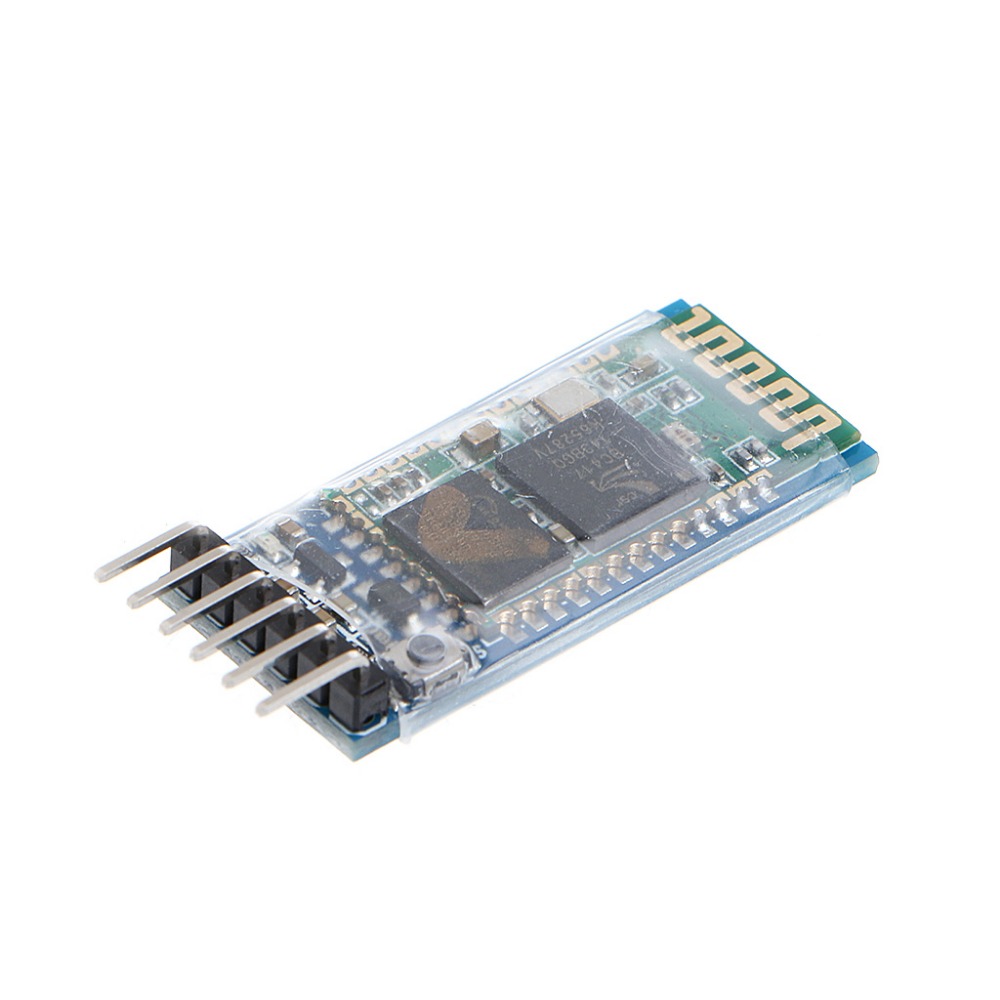
The HC-05 BT 6pin Bluetooth Module is a classic Bluetooth 2.0 serial transceiver designed to add wireless serial communication to Arduino, STM32, and other microcontroller projects. It operates using the Serial Port Profile (SPP), which allows it to function as a transparent wireless serial cable—no complex Bluetooth protocol knowledge is required . This “Original Version Type-A” ships with the 6-pin breakout board and an onboard button for easy AT command configuration.

This module is a true master/slave integrated device, meaning it can be configured to act as either a Bluetooth master (initiating connections to other devices) or a Bluetooth slave (waiting for connections from phones or computers) . The onboard button serves a critical function: pressing it while powering the module allows you to enter AT command mode, where you can configure parameters such as device name, pairing password, baud rate, and role .

For communication, the HC-05 uses the UART interface and supports a standard 8N1 serial format (8 data bits, 1 stop bit, no parity). The default baud rate is 9600 in data mode, while AT command mode operates at 38400 baud . An onboard 3.3V voltage regulator allows the module to accept a wide input voltage range of 3.6V to 6V, making it directly compatible with 5V microcontrollers like the Arduino UNO .

The module includes a connection status LED that provides visual feedback: fast blinking indicates the module is in working mode and not yet connected, slow blinking indicates AT command mode, and a steady or double-blink pattern indicates a successful connection . A STATE pin is also provided to output the connection status to an external circuit .

Important Compatibility Note: The HC-05 is a Classic Bluetooth 2.0 device and uses the Serial Port Profile (SPP). It is not compatible with iOS devices (iPhone/iPad) because Apple does not natively expose SPP to third-party apps . For iOS projects, a Bluetooth Low Energy (BLE) module is required. Android devices can connect to the HC-05 through Bluetooth serial terminal apps .

The HC-05 is widely used for wireless serial monitoring, remote control of robots and LED systems, and replacing physical serial cables in short-range applications. It offers an effective transmission distance of approximately 10 meters in open areas .

Features

  • Master/Slave integrated design — Configure the module as either a Bluetooth master or slave via AT commands .

  • Onboard AT command button — Press and hold the button during power-up to enter AT command mode for configuration .

  • Classic Bluetooth 2.0 + EDR with SPP — Functions as a transparent wireless serial port, no Bluetooth protocol knowledge required .

  • Wide operating voltage (3.6V–6V) — Onboard 3.3V regulator allows direct connection to 5V microcontrollers .

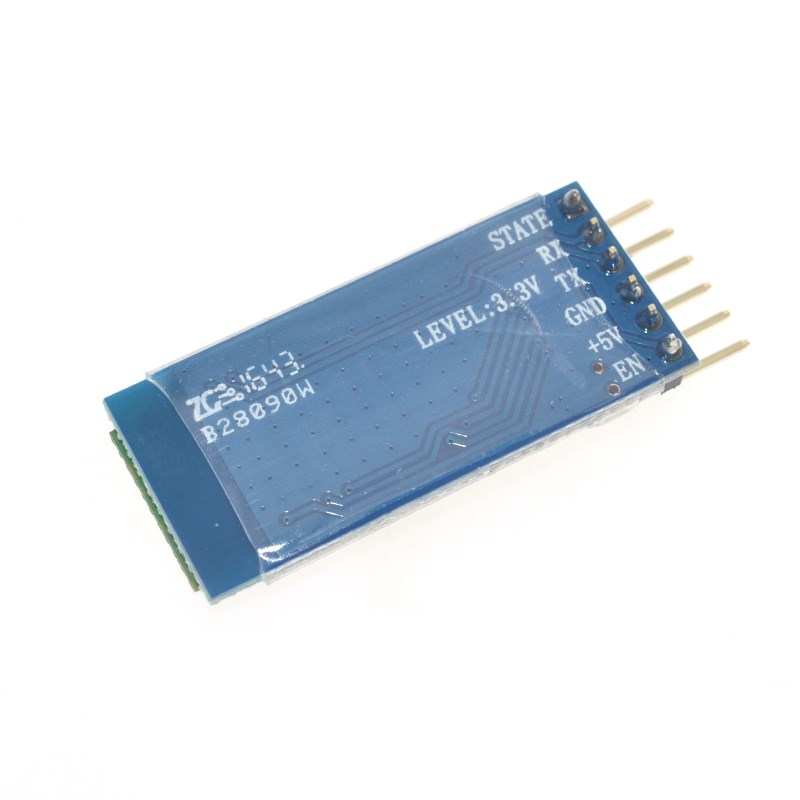
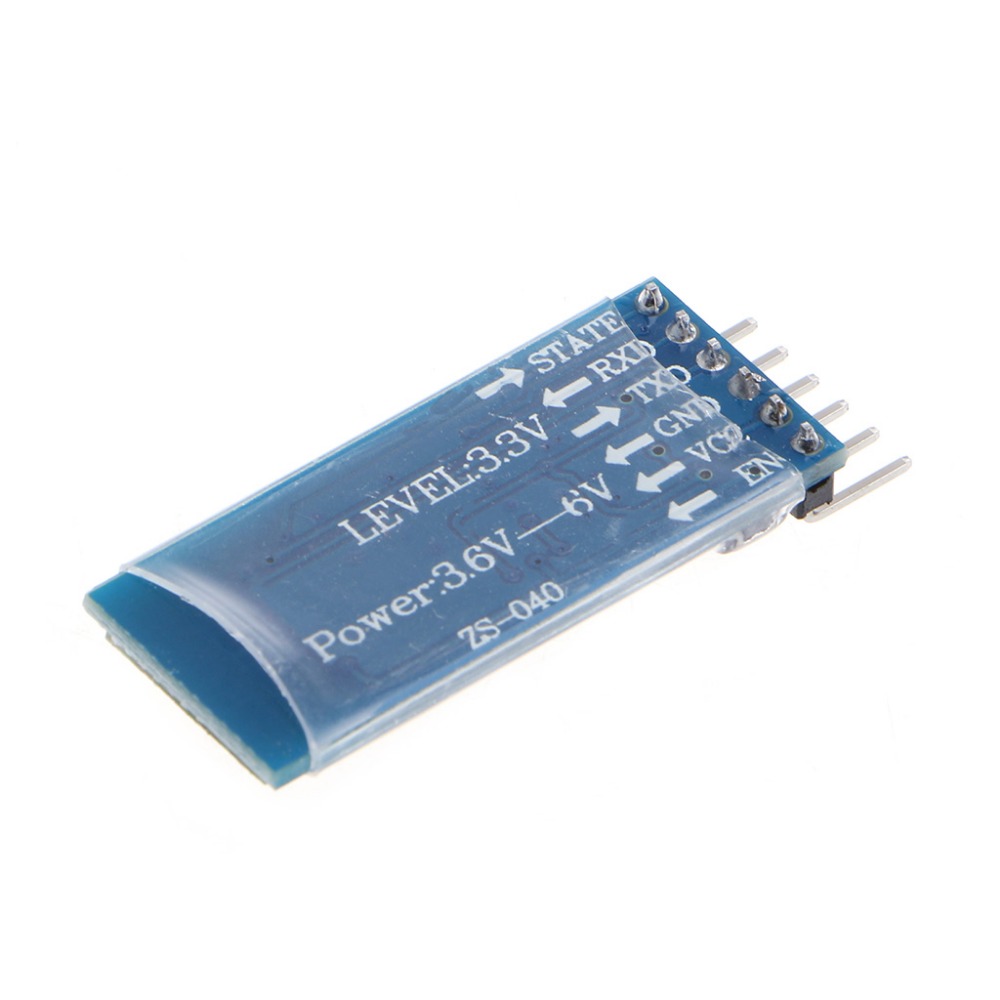
  • 6-pin breakout with clear labeling — Pins include VCC, GND, TXD, RXD, EN/KEY, and STATE .

  • Connection status indication — LED and STATE pin provide visual and electrical feedback for connection status .

  • Full-duplex UART communication — Supports standard 8N1 serial format for reliable data transmission .

  • Compact PCB form factor — Small footprint (37.3mm × 15.5mm) suitable for embedding into projects .

Technical Specifications 

# Parameter Specification
1 Bluetooth Version Bluetooth 2.0 + EDR, Class 2
2 Operating Frequency 2.4GHz ISM band, GFSK modulation
3 Input Voltage 3.6V – 6V DC (onboard 3.3V regulator)
4 Default Baud Rate 9600 (data mode); 38400 (AT mode)
5 Effective Range Approx. 10 meters in open area
6 Default Pairing Code 1234
7 Interface UART (TXD, RXD); 8N1 serial format
8 Pin Count / Dimensions 6 pins; 37.3mm × 15.5mm PCB 

Usage

Getting Started (Data Mode)

  1. Connect power and serial — Connect VCC to 5V (or 3.6–6V), GND to ground. Cross-connect the serial lines: module TXD to your microcontroller’s RX, module RXD to your microcontroller’s TX .

  2. Power the module — The LED should blink fast, indicating normal working mode and readiness for pairing.

  3. Pair with a phone or computer — Search for Bluetooth devices. The module appears as “HC-05” (default). Enter the pairing code 1234 .

  4. Open a serial terminal — Use a Bluetooth serial terminal app (Android) or a Bluetooth serial adapter (PC). Set the baud rate to 9600 (default) .

  5. Send and receive data — Data sent from the terminal is transmitted wirelessly to the module and output on its TXD pin. Data received on RXD is transmitted back to the terminal.

Entering AT Command Mode

  1. Press and hold the button on the module.

  2. Apply power while holding the button.

  3. Release the button — The LED should now blink slowly, indicating AT command mode .

  4. Connect via USB-to-TTL adapter — Use a serial terminal at 38400 baud, 8N1.

  5. Send AT commands — Commands must end with \r\n (carriage return + line feed) .

Essential AT Commands

Command Description Default
AT Test communication Responds OK
AT+NAME? Query device name HC-05
AT+NAME=NEWNAME Set device name
AT+PSWD? Query pairing code 1234
AT+PSWD=0000 Set pairing code
AT+ROLE? Query role 0 (Slave)
AT+ROLE=1 Set Master mode
AT+UART? Query baud rate 9600,0,0
AT+UART=115200,0,0 Set baud rate
AT+ORGL Restore factory defaults
AT+ADDR? Query module MAC address

Typical Applications

  • Wireless serial monitoring — Replace physical serial cables between a microcontroller and PC .

  • Remote control projects — Control LEDs, relays, and robots from an Android phone .

  • Data logging — Transmit sensor data wirelessly to a nearby receiver.

  • Two-module peer-to-peer links — Configure one as master and one as slave for direct wireless serial communication .

Notes for Business Buyers

  • Classic Bluetooth only — Not compatible with iOS devices (iPhone/iPad). Android and PC are the primary platforms .

  • No BLE support — This is a Bluetooth 2.0 SPP module. Devices that only support BLE will not discover or connect to it .

  • Counterfeit awareness — The HC-05 market includes varying quality batches. For volume deployment, verify firmware behavior and AT command consistency before committing .

  • Suitable for bulk purchasing — Ideal for educational kits, prototyping, and short-range wireless control projects.

Q: Is this module compatible with iPhone or iPad?

No. The HC-05 uses Classic Bluetooth 2.0 with SPP (Serial Port Profile). iOS does not natively expose SPP to third-party apps, so direct connection is not possible. For iOS projects, use a BLE (Bluetooth Low Energy) module instead .

Q: What is the default baud rate and pairing code?

Default data-mode baud rate is 9600, and the default pairing code is 1234. Device name defaults to “HC-05” .

Q: How do I enter AT command mode?

Press and hold the button on the module, then apply power while holding it. Release the button once powered. The LED will blink slowly. Connect at 38400 baud, 8N1 to send AT commands .

Q: Why does the module not respond to AT commands?

Common causes include: not entering AT mode correctly (button not held during power-up), wrong baud rate (AT mode uses 38400, not 9600), or missing \r\n at the end of commands .

Q: Can I connect two HC-05 modules to each other?

Yes. Configure one as Master (AT+ROLE=1) and the other as Slave (AT+ROLE=0). Set the same pairing code on both. They will auto-connect after power-up if the master is set to connect to any address (AT+CMODE=1) or bound to the slave’s address .

Q: What is the difference between HC-05 and HC-06?

The HC-05 is master/slave capable and supports AT command configuration for role switching. The HC-06 is slave-only and cannot initiate connections to other devices .

Q: Can I use this module with a 3.3V microcontroller?

Yes. The module’s UART logic level is 3.3V, which is safe for 3.3V MCUs. The onboard regulator accepts 3.6–6V input, so 3.3V power supply may be marginal but often works. For reliable operation, supply at least 3.6V .

Q: What does the STATE pin do?

The STATE pin outputs the connection status: low when not connected, high when a Bluetooth connection is established. This can be read by a microcontroller to detect link status .

Q: How far can the module transmit?

Effective range is approximately 10 meters in open areas. Longer distances may be possible but connection quality is not guaranteed .

Q: Can I purchase in bulk for a school or company?

Yes. This module is suitable for both individual users and business purchasing, including classroom kits, prototyping labs, and product development. For volume orders, verify batch consistency of AT command firmware with your supplier.