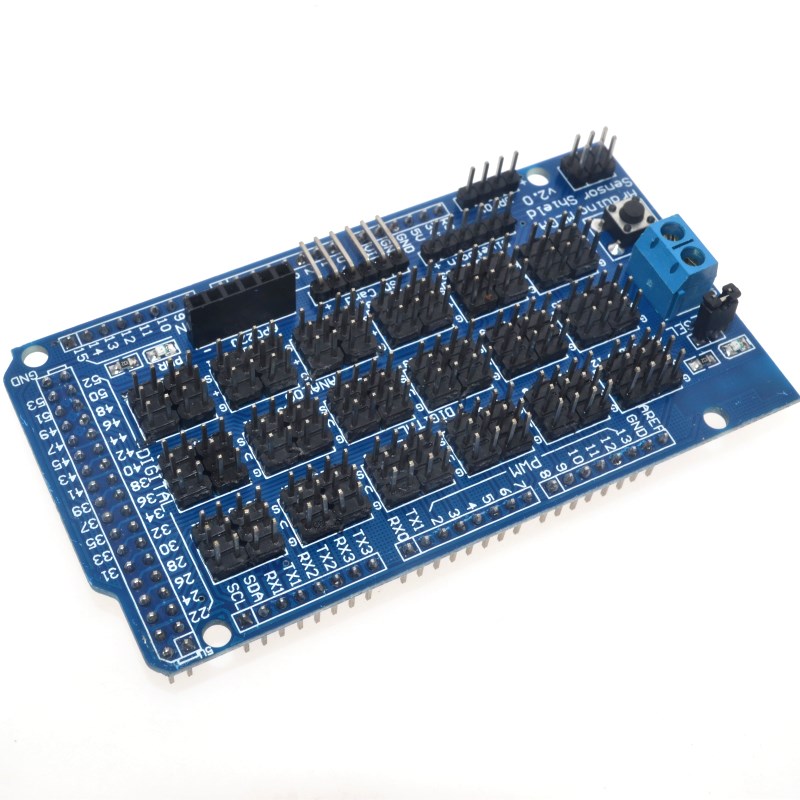
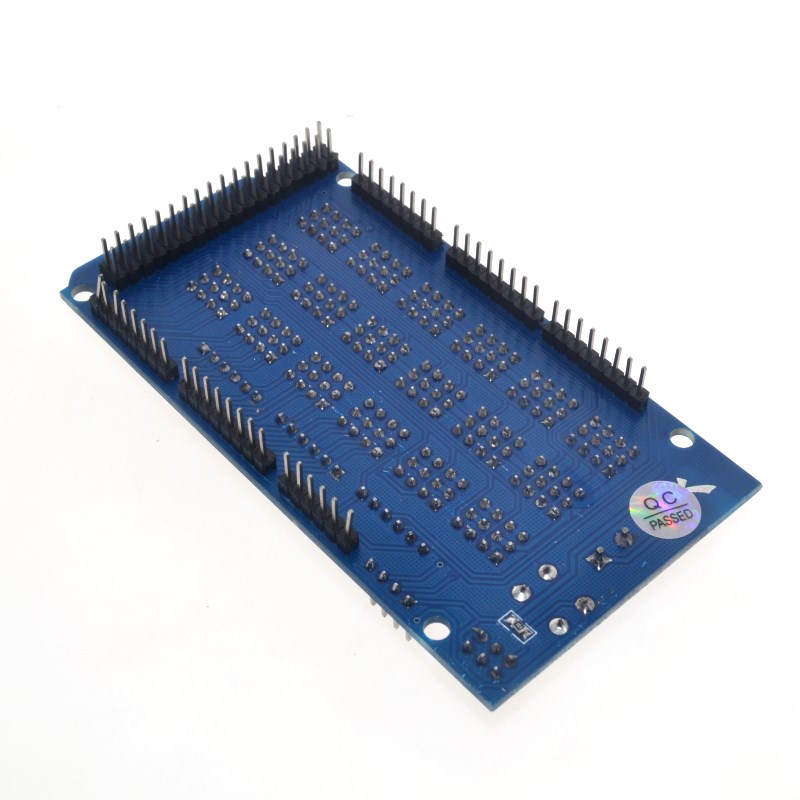
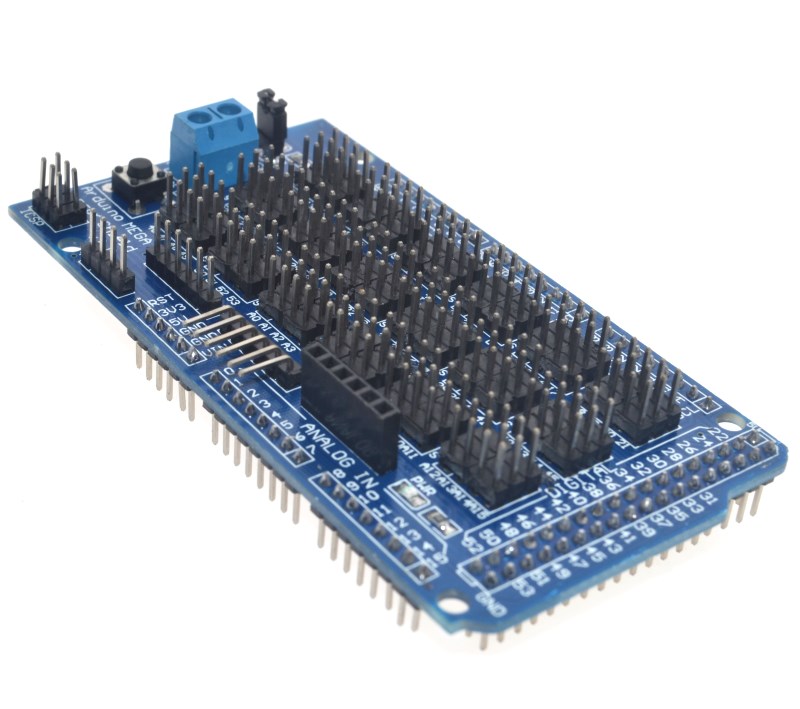
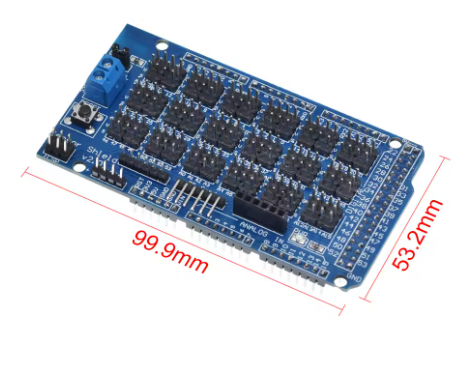
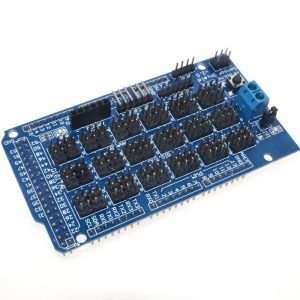
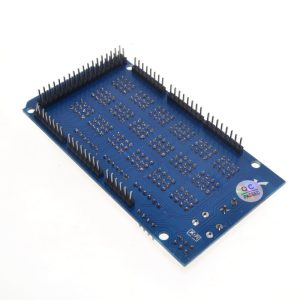
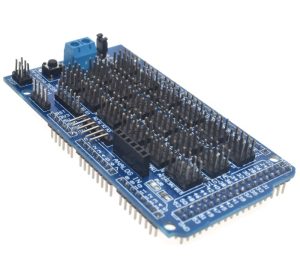
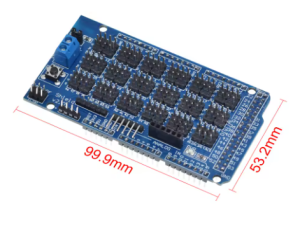
The Mega Sensor Shield V2.0 is an expansion board specifically designed for the large-format Arduino MEGA 2560 and MEGA ADK boards. It provides a robust, clean, and organized way to connect a vast number of sensors, servos, and communication modules to the MEGA’s abundant I/O pins. This shield breaks out all 54 digital pins and 16 analog pins into standard 3-pin VCC/GND/Signal headers, drastically simplifying wiring for complex robotics and automation projects.
Technical Parameters & Specifications
| Feature |
Detail |
| Compatibility |
Arduino MEGA 2560 R3, Arduino MEGA ADK |
| I/O Pin Breakouts |
54 Digital I/O pins, 16 Analog Input pins (all with 3-pin headers) |
| Communication Interfaces |
I²C (TWI), Serial (UART), SPI communication headers |
| Dedicated Ports |
Bluetooth Module Interface, SD Card Module Interface, APC220 RF Module Interface, URF Ultrasonic Sensor Interface |
| Power Options |
Internal (from Arduino 5V pin) or External via dedicated power input options |
| Board Version |
V2.0 |
| Ease of Use |
Standardized 3P buckled ports for simple plug-and-play connections |
The Mega Sensor Shield V2.0 is an ideal companion for advanced projects that require the extensive I/O capabilities of the Arduino MEGA platform.
- Large-Scale Sensor Networks: Utilize all 16 analog inputs for advanced data logging, environmental monitoring, or complex sensor arrays in applications such as smart agriculture or industrial automation.
- Robotics with Many Actuators: The MEGA’s numerous digital pins allow control over a large number of servo motors or motor drivers. The shield consolidates these connections neatly.
- Rapid Prototyping (MEGA Projects): Accelerate development time by eliminating the need for complex breadboarding for large projects, allowing engineers and hobbyists to focus on code and system integration.
- Integrated Communication Hub: Provides dedicated, labeled ports for standard communication protocols (I²C, Serial) to effortlessly integrate various modules like GPS, Bluetooth, or WiFi shields simultaneously.
Q: Will this shield work with an Arduino Uno R3?
No, this shield is physically much larger than the Uno and is designed specifically to match the pin layout of the Arduino MEGA 2560 or ADK. Please use the standard Sensor Shield V5.0 for the smaller Uno board.
Q: What is the main advantage of the V2.0 version?
The V2.0 version generally improves upon previous iterations by optimizing the PCB layout, providing more robust power delivery traces, and ensuring better alignment with the official R3 header standard.
Q: Are the dedicated ports for modules like Bluetooth just broken out pins?
Yes, the dedicated ports are simply convenient plug-and-play headers that route directly to the standard communication pins of the MEGA (e.g., Serial ports 1, 2, or 3 for the APC220/Bluetooth interfaces). You still need to program your Arduino to communicate using those specific pins.
Q: How do I power everything when I have many things connected?
The Arduino MEGA’s on-board regulator has limits. For multiple servos or other high-current devices, you should use the dedicated external power input options available on the shield to provide separate, stable power to your peripherals, keeping the power draw off the main Arduino board.
Q: What voltage should I supply to the external power terminals?
This depends entirely on the components you are powering. Servos typically require 5V to 6V. Always ensure your external power supply matches the VCC rails you are powering via the shield jumpers, and ensure you are respecting the voltage tolerances of the sensors you connect to those rails.
Q: I have a component that uses I²C. Where do I connect it?
The I²C (or TWI) pins are broken out into a dedicated 4-pin header (SDA, SCL, VCC, GND). These correspond to Pins 20 (SDA) and 21 (SCL) on the Arduino Mega 2560.
Q: Does plugging this shield in make my project instantly work?
The shield handles the hardware connections (wiring). You still need to write the appropriate Arduino code (sketch) to read data from your sensors, process the data, and control your outputs/motors. The shield simply makes the physical wiring much faster and cleaner.