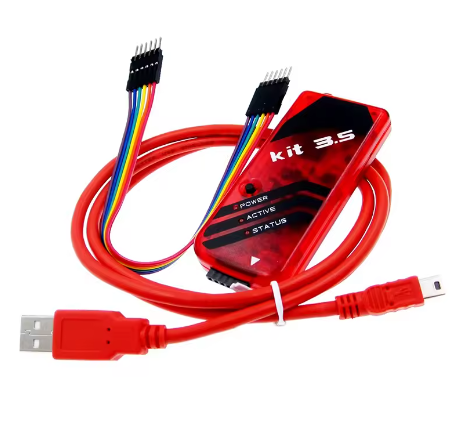
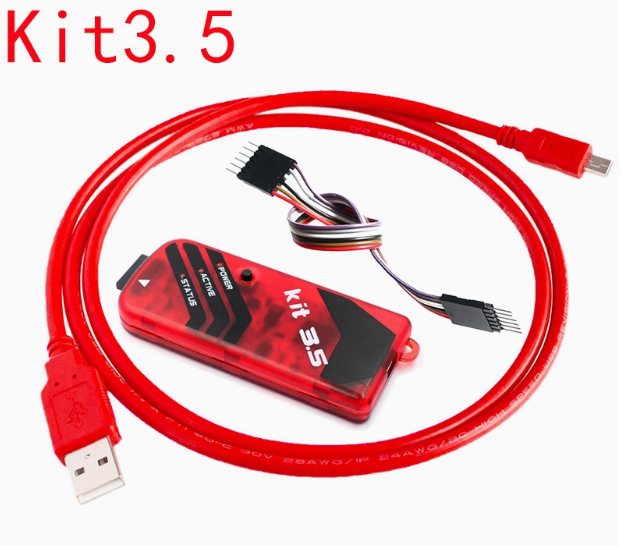
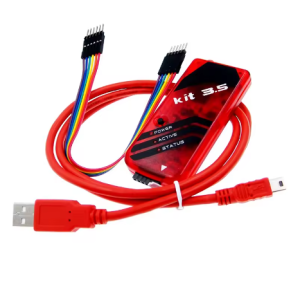
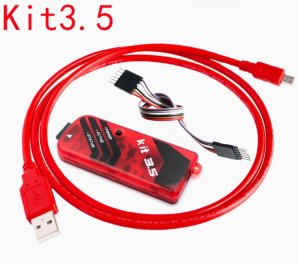
The PIC KIT3.5 is an upgraded, high-performance version of the standard PICkit 3, designed for professional-grade programming and debugging of Microchip’s PIC and dsPIC flash microcontrollers. It is ideal for both individual developers and business-scale production thanks to its “Programmer-To-Go” offline capability.
Description
The PIC KIT3.5 is a versatile development tool that bridges the gap between prototyping and small-batch production. Unlike standard clones, the 3.5 variant features a “self-healing” firmware system to prevent accidental bricking and enhanced power delivery circuits that ensure stability when programming low-power or high-I/O devices. It integrates seamlessly with MPLAB X IDE and MPLAB IPE, offering real-time debugging features such as breakpoints and single-stepping. Its most notable upgrade is the robust offline programming mode, which allows users to load a hex file into the device’s internal 512KB flash and program chips in the field without a PC.
Key Features
- Offline Programming (Programmer-To-Go): Store and program up to 512KB of flash memory directly from the device.
- Enhanced Stability: Upgraded power regulation fixes target voltage measurement bugs found in earlier versions.
- Self-Healing Firmware: Automatically recovers firmware if communication is interrupted.
- Universal Compatibility: Supports PIC10, PIC12, PIC16, PIC18, PIC24, dsPIC33, and PIC32 families.
- Advanced Protection: Built-in over-voltage and short-circuit monitoring via self-restoring fuses.
- High-Speed Interface: Full-speed USB (12 Mbits/s) for faster data throughput during debugging.