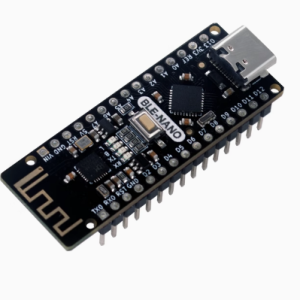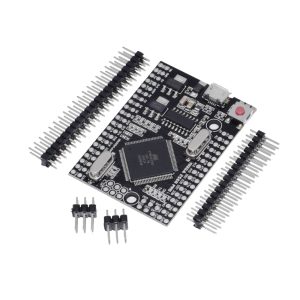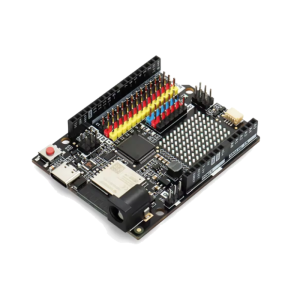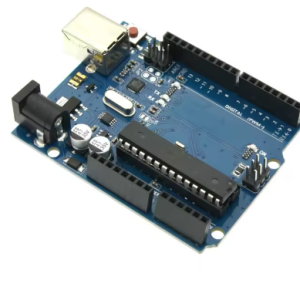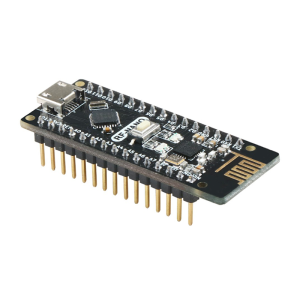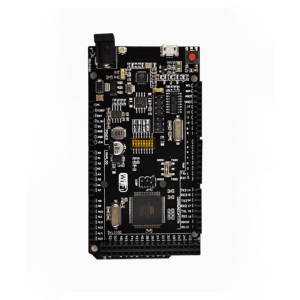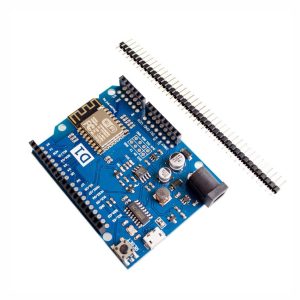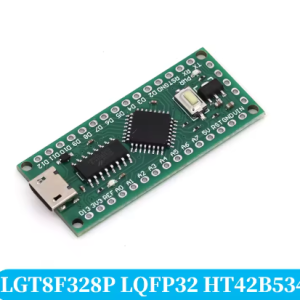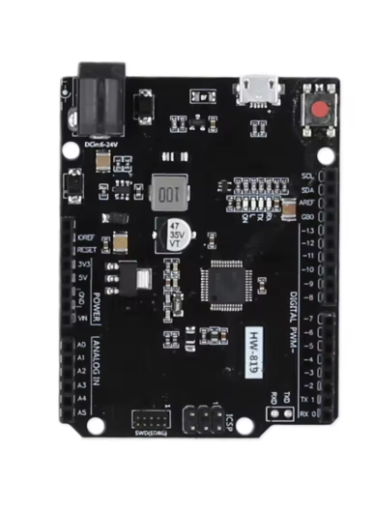
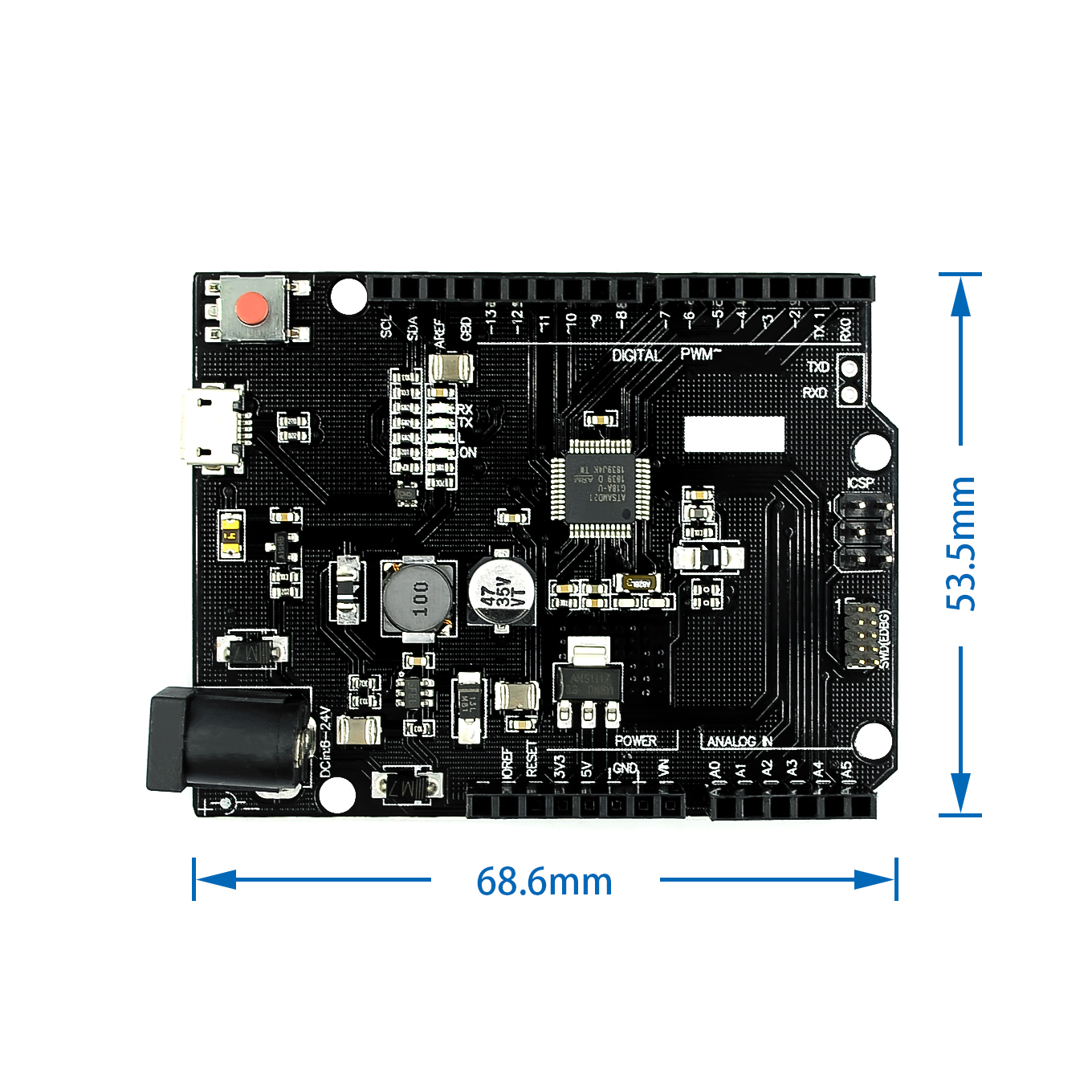
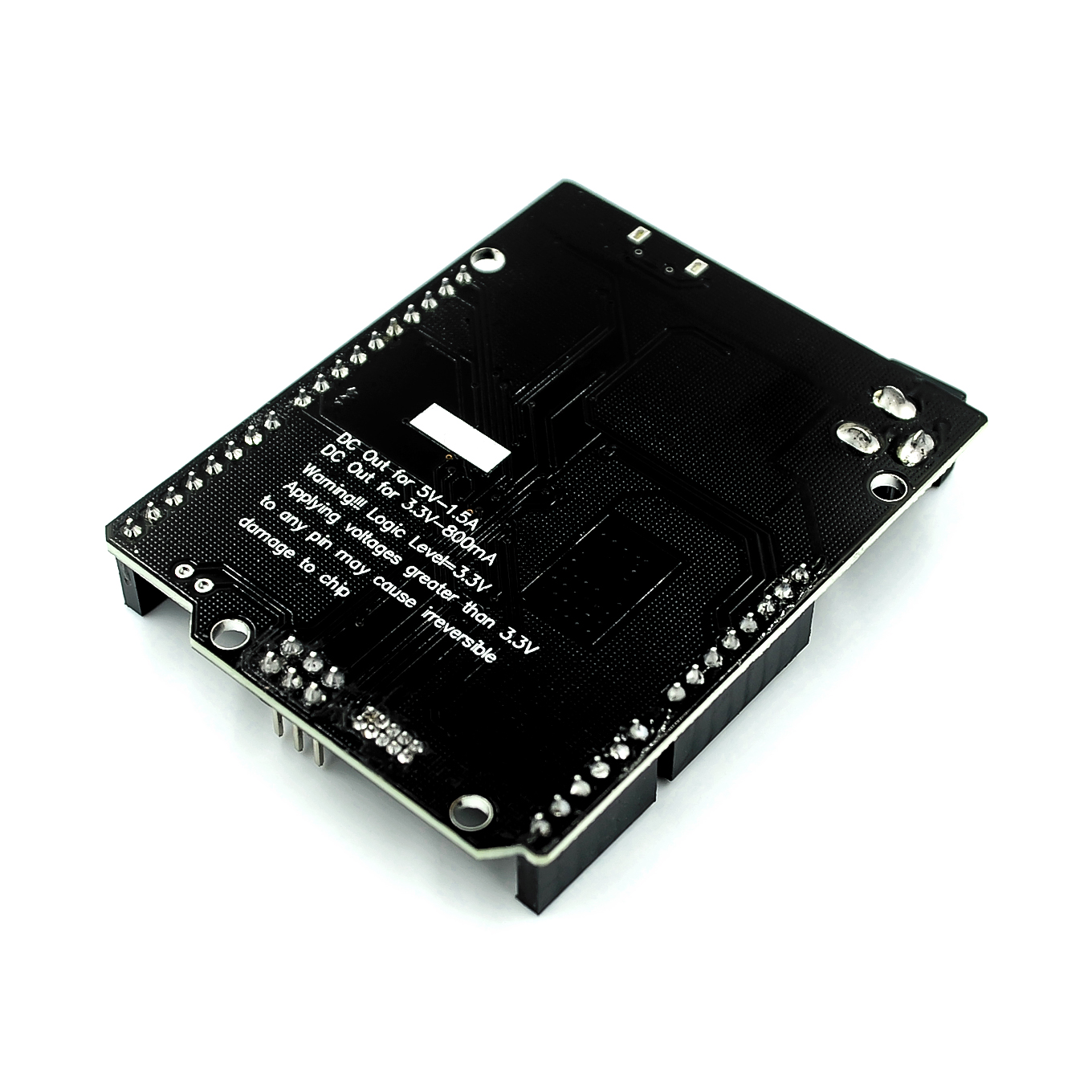
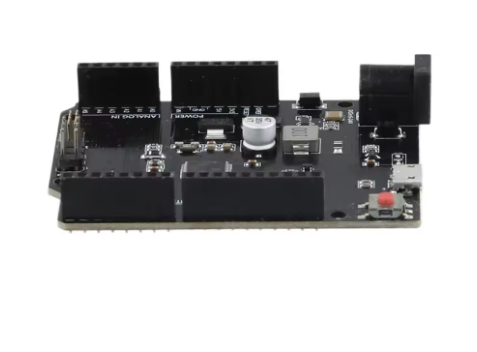
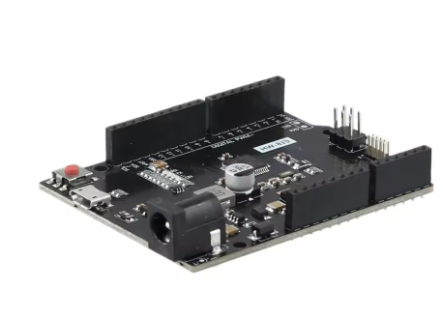
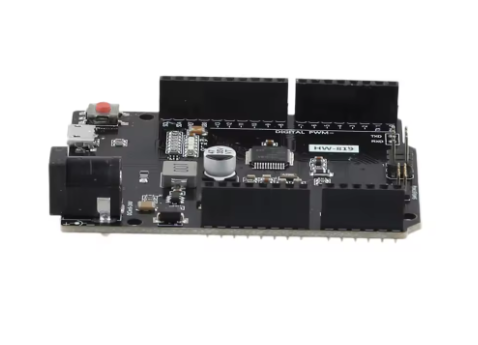
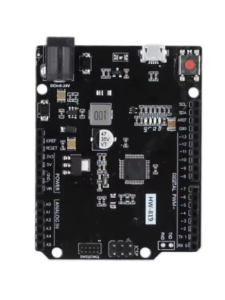
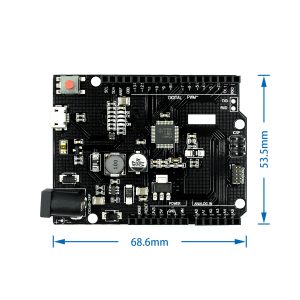
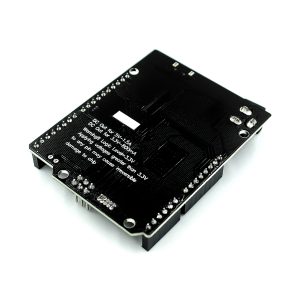
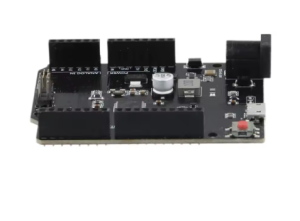
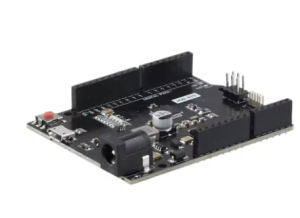
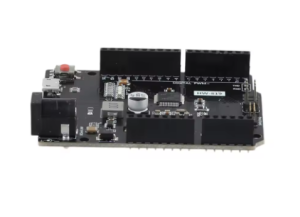
Samd21 M0 32-bit ARM Cortex M0 core intelligent electronic development board

SKU: FA1051
Microcontroller

Atmel/Microchip SAMD21G18

Core Architecture

32-bit ARM Cortex M0+

Clock Speed

48 MHz

Operating Voltage

3.3V DC (Board input voltage VIN range typically 5V-12V)

Flash Memory

256 KB

SRAM

32 KB

Digital I/O Pins

20 (many with PWM capabilities)

Analog Input Pins

6 (12-bit ADC)

Analog Output Pins

1 (10-bit DAC)

Communication

3x UART, I2C, SPI, Native USB

Programming Interface

Native USB (bootloader), SWD Header

Samd21 M0 32-bit ARM Cortex M0+ Core Intelligent Electronic Development Board
The SAMD21 M0 Development Board is a powerful 32-bit microcontroller platform that provides a significant upgrade over traditional 8-bit Arduino boards like the Uno R3. Based on the Microchip (formerly Atmel) SAMD21G18 ARM Cortex M0+ processor, this board offers increased processing speed, larger memory capacity, sophisticated peripheral options, and native USB support. 
It is fully compatible with the Arduino IDE and ecosystem via the official Arduino M0/Zero core board definitions, making the transition from 8-bit to 32-bit programming seamless. This board is the ideal choice for makers and engineers working on high-performance projects, real-time data acquisition systems, audio processing applications, or any project demanding enhanced computing power and advanced low-power features. 

Key Features
  • 32-bit ARM Cortex M0+ Core: Delivers high performance and efficient power consumption compared to 8-bit AVR architecture.
  • Arduino Compatibility: Fully supported by the Arduino IDE via the standard “Arduino Zero” or “Generic SAMD21” board packages.
  • Native USB & Debugging: Built-in native USB port acts as both a programming interface and a functional USB host/device (HID, Serial), offering powerful debugging and connectivity options.
  • Rich Peripherals: Includes multiple hardware serial ports (UARTs), I2C, SPI interfaces, analog pins, and advanced features like DAC (Digital-to-Analog Converter) output and timers.
  • Flexible Power Options: Can be powered via USB, VIN pin, or external battery connections, with robust onboard voltage regulation.
  • SWD Debug Interface: Includes a standard Serial Wire Debug (SWD) header for advanced hardware debugging using tools like J-Link.
  • High-Speed Processing: Operates at a fast 48 MHz clock speed, enabling complex calculations and real-time operations. 

Technical Parameters (Specifications)
Parameter  Value/Description
Microcontroller Atmel/Microchip SAMD21G18
Core Architecture 32-bit ARM Cortex M0+
Clock Speed 48 MHz
Operating Voltage 3.3V DC (Board input voltage VIN range typically 5V-12V)
Flash Memory 256 KB
SRAM 32 KB
Digital I/O Pins 20 (many with PWM capabilities)
Analog Input Pins 6 (12-bit ADC)
Analog Output Pins 1 (10-bit DAC)
Communication 3x UART, I2C, SPI, Native USB
Programming Interface Native USB (bootloader), SWD Header
Usage Instructions
The SAMD21 M0 board is a powerful drop-in replacement for 8-bit Arduinos in many projects but requires specific setup in the IDE.
Hardware Setup:
  1. Power: Power the board via the micro-USB port or the VIN pin (usually 5V-12V DC input is regulated down to 3.3V).
  2. Connections: Connect sensors and components to the GPIO pins. Note that this board operates at 3.3V logic levels, so ensure compatible sensors are used or apply logic level converters when interfacing with 5V components. 
Software & Programming (Arduino IDE):
  1. Install Board Core: Open the Arduino IDE, go to Tools -> Board -> Boards Manager. Search for and install the “Arduino SAMD Boards (32-bits ARM Cortex-M0+)” package.
  2. Select Board: Select “Arduino Zero (Native USB Port)” or the specific clone board name from the Tools -> Board menu.
  3. Upload Code: The board uses a UF2 bootloader (on most modern versions). Double-tap the reset button to enter bootloader mode (LED pulsates), then upload your code via the native USB port. 

Q: Is this board compatible with all my existing Arduino Uno shields?

Physically yes, the pin headers match the R3 layout. However, you must confirm that the shield can operate safely with 3.3V logic levels, as the SAMD21 M0 is a 3.3V board and connecting a 5V shield may damage it.

Q: How much faster is this than an Arduino Uno R3?

It is significantly faster. The Uno is an 8-bit 16MHz MCU; the SAMD21 is a 32-bit 48MHz MCU with much more RAM and flash memory, making it several times more powerful for math operations and data handling.

Q: What is Native USB capability?

It means the main microcontroller chip (SAMD21G18) handles the USB communication directly, allowing the board to emulate complex USB devices like keyboards, mice, or custom communication protocols, unlike the Uno which uses a separate chip just for serial conversion.

Q: I am a business buyer. Is this suitable for commercial IoT deployment?

Yes, the SAMD21 platform is a professional-grade MCU widely used in commercial IoT and embedded products due to its ARM architecture, performance, and low power features. This development board is an ideal prototyping tool.

Q: The board is not showing up as a COM port. What should I do?

Double-tap the reset button quickly. The onboard LED should start pulsing, indicating it is in bootloader mode and ready to be recognized by the Arduino IDE as a COM/Serial port for programming.