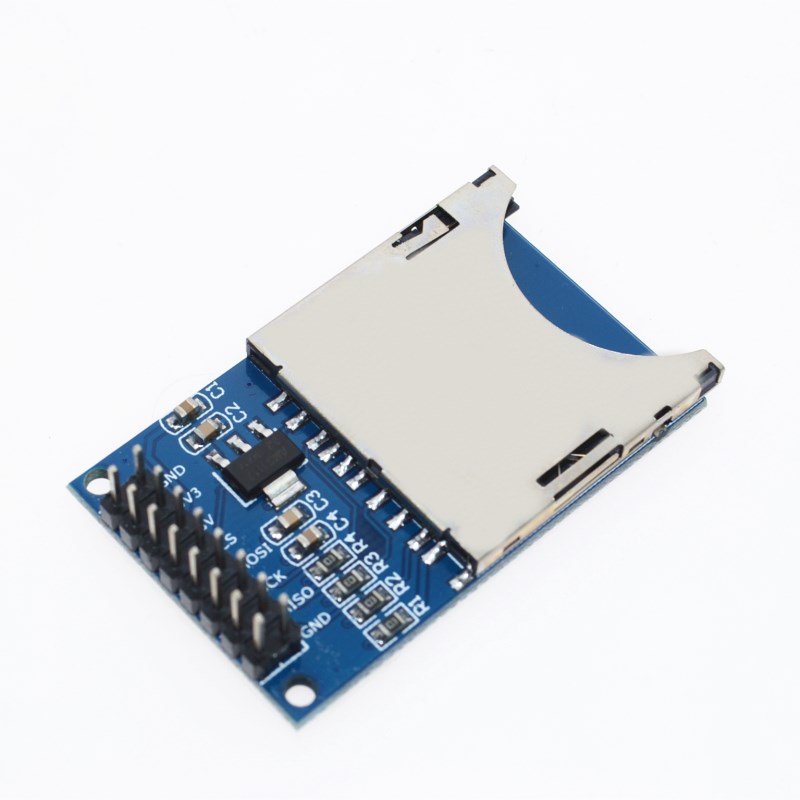
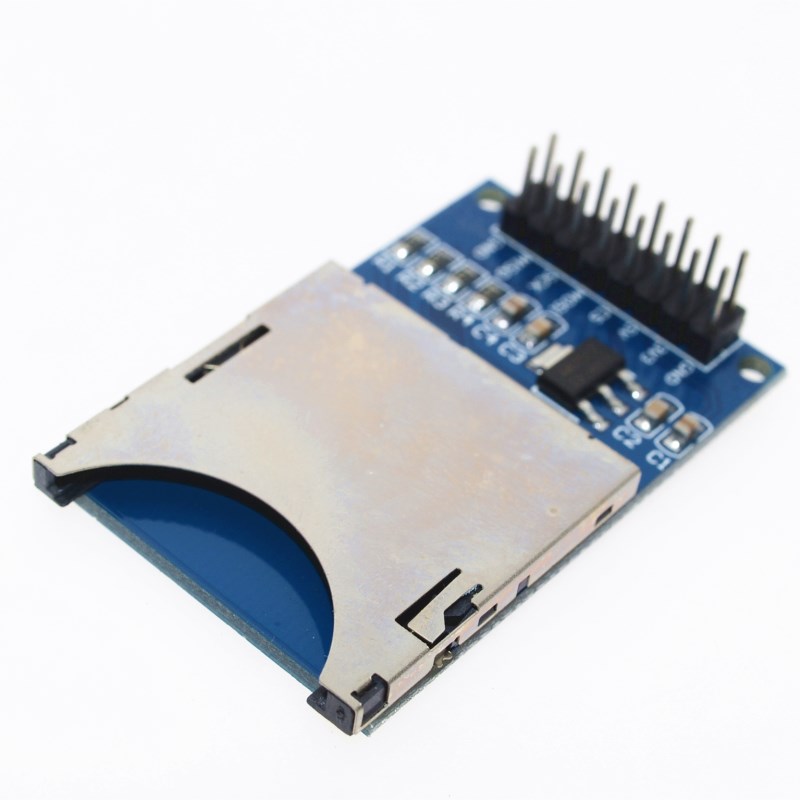
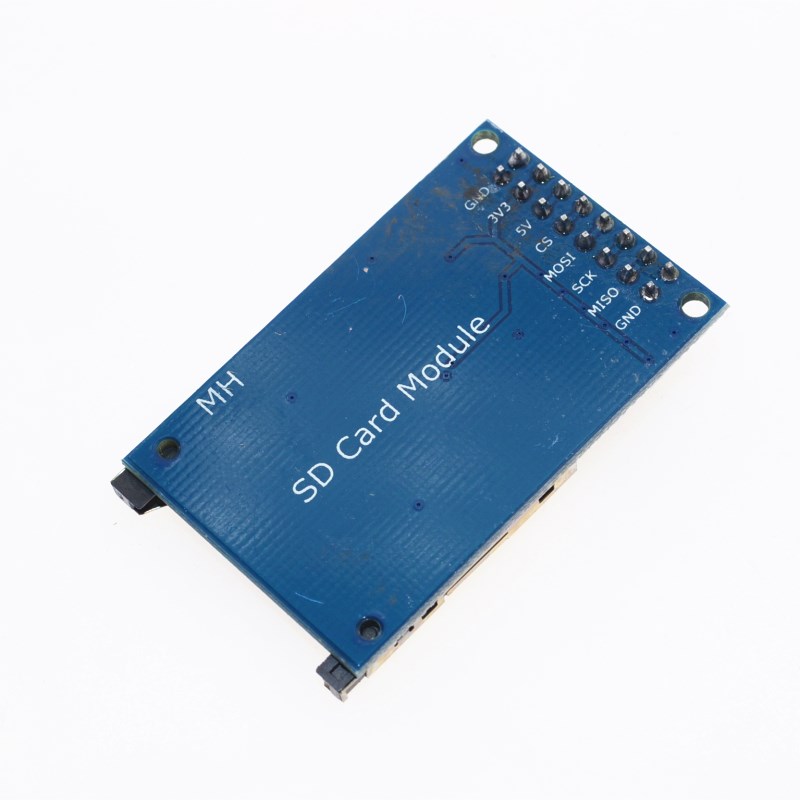
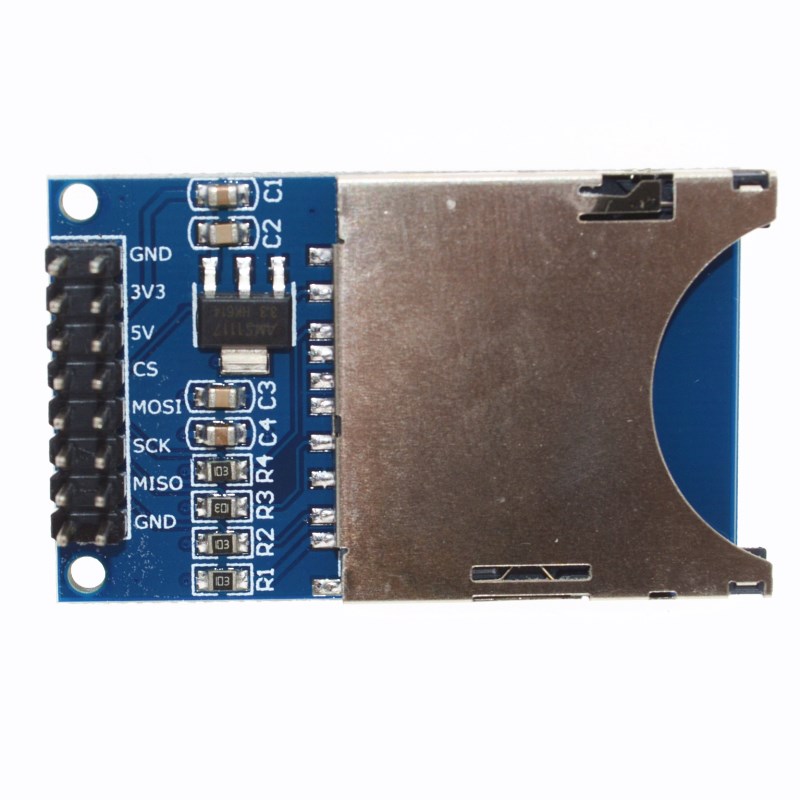
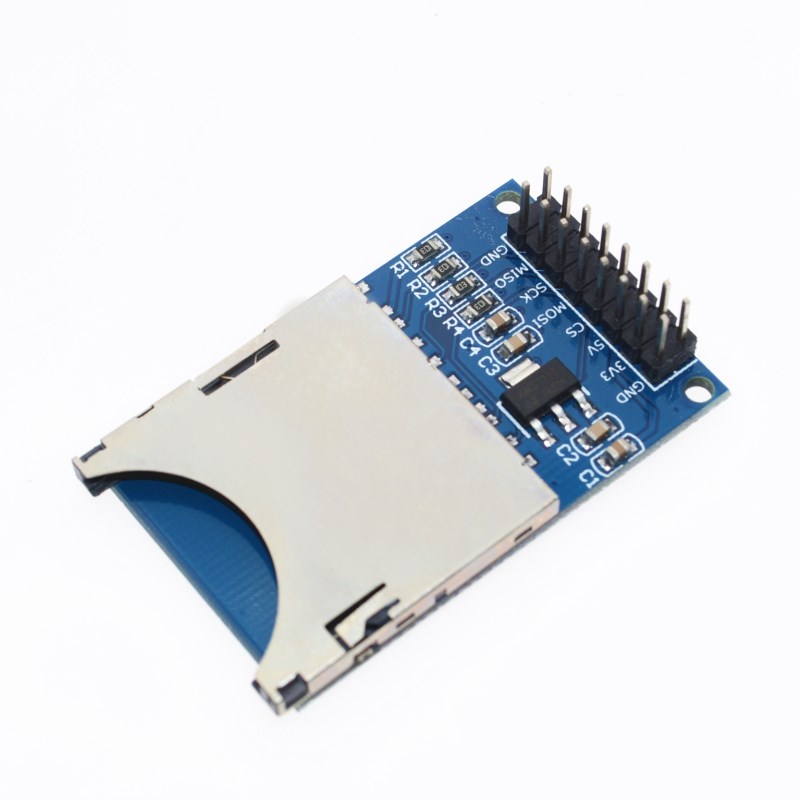
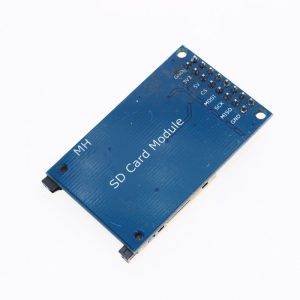
SD Card Read/Write Module
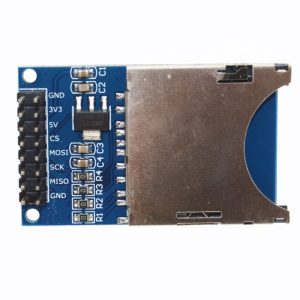
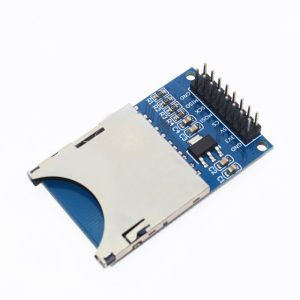
This SD Card module is a simple and efficient solution for adding non-volatile data storage capabilities to microcontroller-based projects, such as those using Arduino, ESP32, or Raspberry Pi. By utilizing the common SPI communication interface, it enables microcontrollers to read from and write to standard SD and MicroSD cards, making it an essential component for applications requiring data logging, file storage, or even firmware updates.
The module typically features an on-board 3.3V voltage regulator and level-shifting circuitry, ensuring safe and seamless operation with both 3.3V and 5V logic levels, which protects the SD card from potential damage. Its compact design and standard pinout make it easy to integrate into a wide range of DIY and professional embedded systems.
Key Features
- Versatile Compatibility: Supports standard SD and high-capacity (SDHC) MicroSD cards, often up to 32GB (support may vary by specific module and library used).
- SPI Communication Interface: Uses the standard Serial Peripheral Interface (SPI) protocol for fast and reliable data transfer, requiring only four I/O pins (MOSI, MISO, SCK, CS).
- Dual Voltage Support: Features built-in level conversion circuitry, allowing safe operation with both 3.3V and 5V power supplies and logic levels.
- On-board Voltage Regulator: Includes a stable 3.3V LDO regulator to provide the correct operating voltage for the sensitive SD card.
- Easy Card Insertion: Equipped with a user-friendly push-push or self-elastic socket for simple insertion and removal of the MicroSD card.
- Mounting Holes: Includes M2 screw positioning holes (typically 4) for secure installation within a project enclosure.
- Wide Application Range: Ideal for data logging, MP3 players, simple MCU/ARM system control, and general file storage in embedded systems.
Technical Specifications (Parameters)
| Parameter |
Value/Description |
| Operating Voltage |
4.5V to 5.5V (via VCC pin) |
| Logic Voltage |
Compatible with 3.3V and 5V logic levels |
| Communication Interface |
Standard SPI (Serial Peripheral Interface) |
| Control Pins |
GND, VCC, MISO, MOSI, SCK, CS |
| Supported Card Types |
Micro SD, Micro SDHC (<=32GB typical) |
| File System Compatibility |
FAT16, FAT32 |
| Current Consumption |
< 100mA (active operation) |
| Dimensions |
Approx. 42mm x 24mm x 12mm (may vary slightly by model) |
| Operating Temperature |
Standard commercial range (typically 0°C to 70°C) |
Usage
Interfacing the SD card module with a microcontroller is a straightforward process, commonly using the hardware SPI pins.
Wiring (for Arduino Uno/Mega):
| Module Pin |
Arduino Pin |
Description |
| VCC |
5V |
Power supply |
| GND |
GND |
Ground connection |
| MOSI |
D11 (Uno) / D51 (Mega) |
Master Out Slave In data line |
| MISO |
D12 (Uno) / D50 (Mega) |
Master In Slave Out data line |
| SCK |
D13 (Uno) / D52 (Mega) |
Serial Clock pulse line |
| CS |
D10 (Uno) / D53 (Mega) |
Chip Select (can use another digital pin, e.g., D4) |
Programming:
To use the module, the Arduino IDE’s built-in SD library is typically used.
- Format the SD card on a computer using the SD Memory Card Formatter tool or standard Windows/Mac formatting utility to FAT16 or FAT32.
- Include the libraries in your Arduino sketch:
#include <SPI.h> and #include <SD.h>.
- Initialize the module in the
setup() function using the chip select pin: SD.begin(CS_PIN);.
- Open files for reading or writing using
SD.open("filename.txt", FILE_WRITE);.
- Read data using functions like
myFile.read() or myFile.readString(), and write data using myFile.println().
- Close the file after operations are complete using
myFile.close().
Q: Can I use a standard SD card instead of a MicroSD card with this module?
Most modules are designed with a MicroSD slot (TF card slot). You would need an appropriate passive adapter to use a full-size SD card with the MicroSD slot on the module.
Q: What is the maximum capacity SD card this module supports?
While some newer modules may support higher capacities, most standard, low-cost modules work reliably with MicroSDHC cards up to 32GB using the FAT16 or FAT32 file systems. Larger SDXC cards may not be supported by the standard libraries.
Q: Do I need a logic level converter for my 5V Arduino Uno?
No, the majority of these modules have a built-in logic level converter and 3.3V regulator. You can safely connect the 5V VCC pin and 5V logic pins (D10-D13) directly to the module without damaging the SD card.
Q: The module isn't working/reading the card. What should I check?
First, ensure your wiring is correct, especially the SPI pins (MOSI, MISO, SCK, CS). Next, verify the SD card is formatted to FAT16 or FAT32. Sometimes a deep format is required. Lastly, ensure the power supply to the module is stable and providing enough current.
Q: Can I use this module for high-speed data transfer (e.g., video recording)?
This module communicates via the SPI interface, which is slower than the 4-bit SDIO mode used in devices like cameras and phones. It is well-suited for data logging and general file storage but may not be fast enough for high-bandwidth applications like raw video streaming.