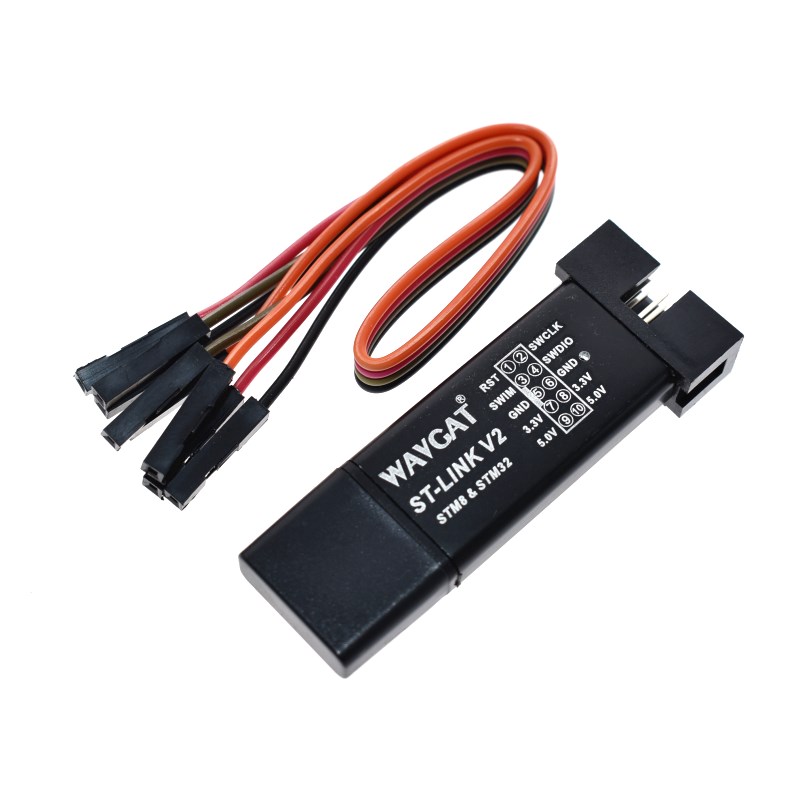
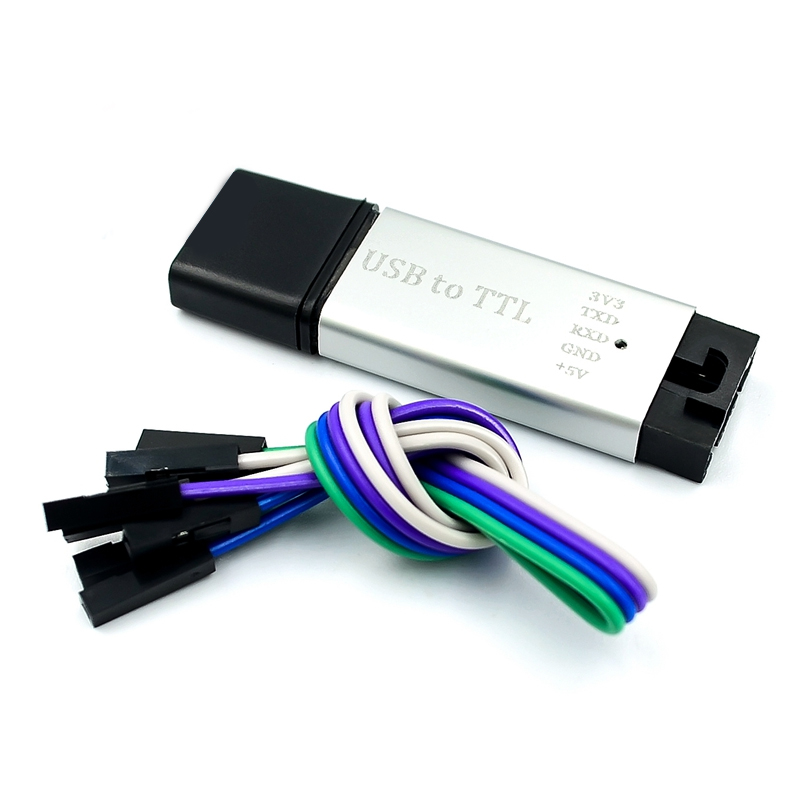
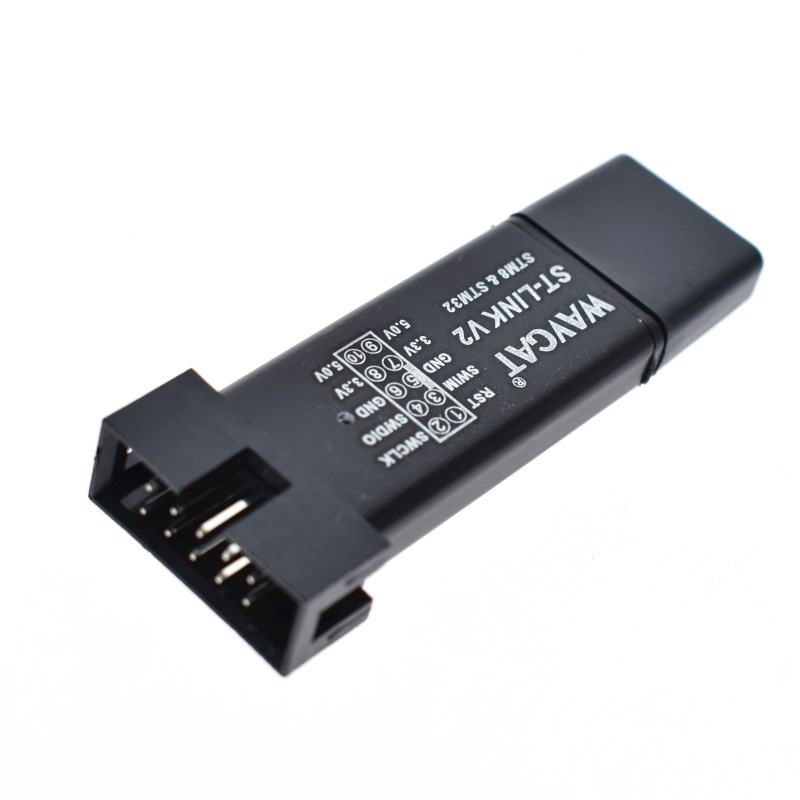
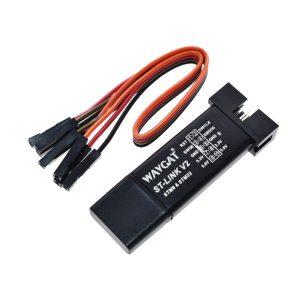
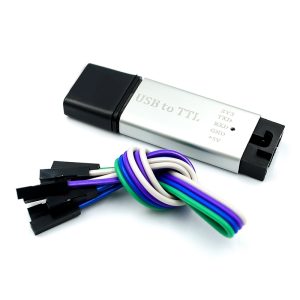
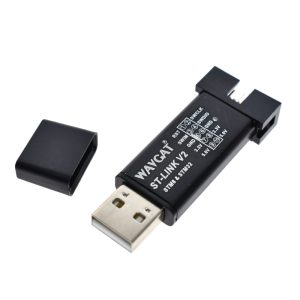
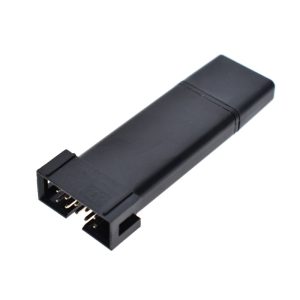
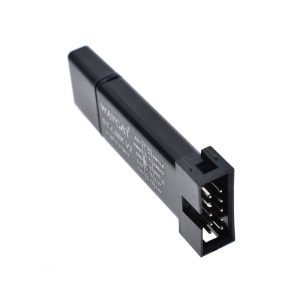
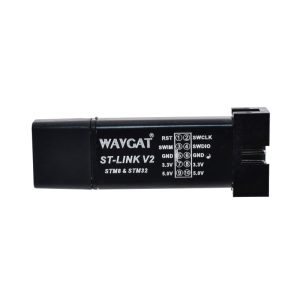
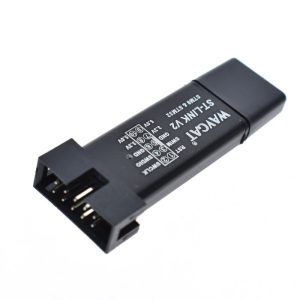
ST-LINK V2 Programmer/Debugger for STM8 & STM32 (Random Color: Black/Purple/Silver/Blue)

SKU: FA1056
Input Interface

USB 2.0 (Full Speed)

Output Interfaces

SWIM (STM8), SWD (STM32)

Output Voltage

3.3V and 5V DC (at 500mA max)

STM32 Support

All ARM Cortex-M series (M0, M3, M4, M7, etc.)

STM8 Support

All STM8 series (S, L, AF, AL)

Status Indicator

Dual-color LED (Red/Blue)

Operating Temp

0°C to 50°C

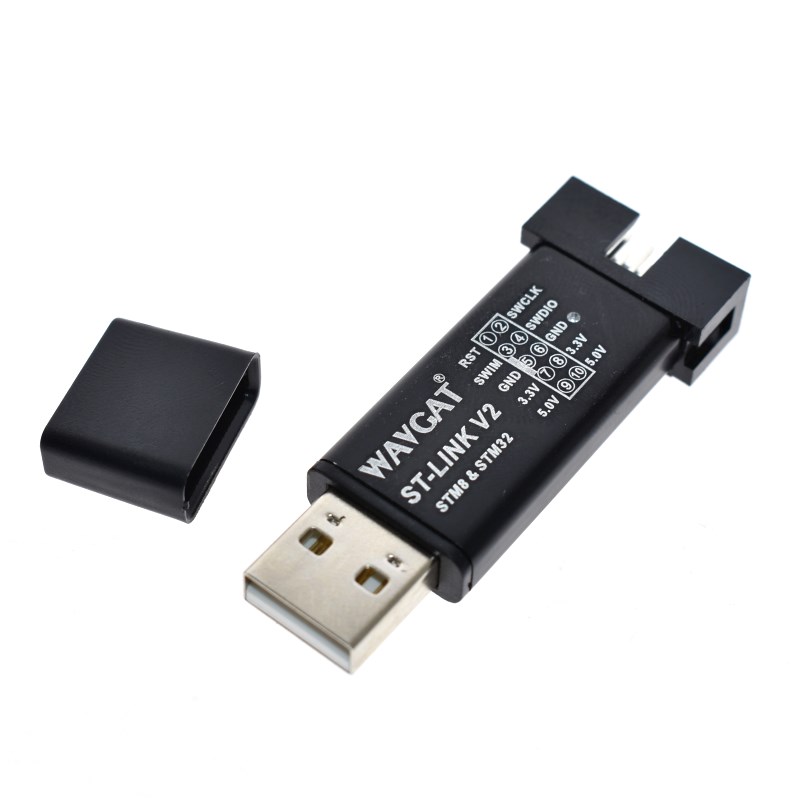
The ST-LINK V2 Programmer & Debugger is an essential tool for any engineer or hobbyist working with the STM8 and STM32 microcontroller families. This compact, aluminum-housed dongle provides a stable link between your PC and the target hardware, enabling high-speed firmware flashing and real-time, hardware-level debugging.
Long Description
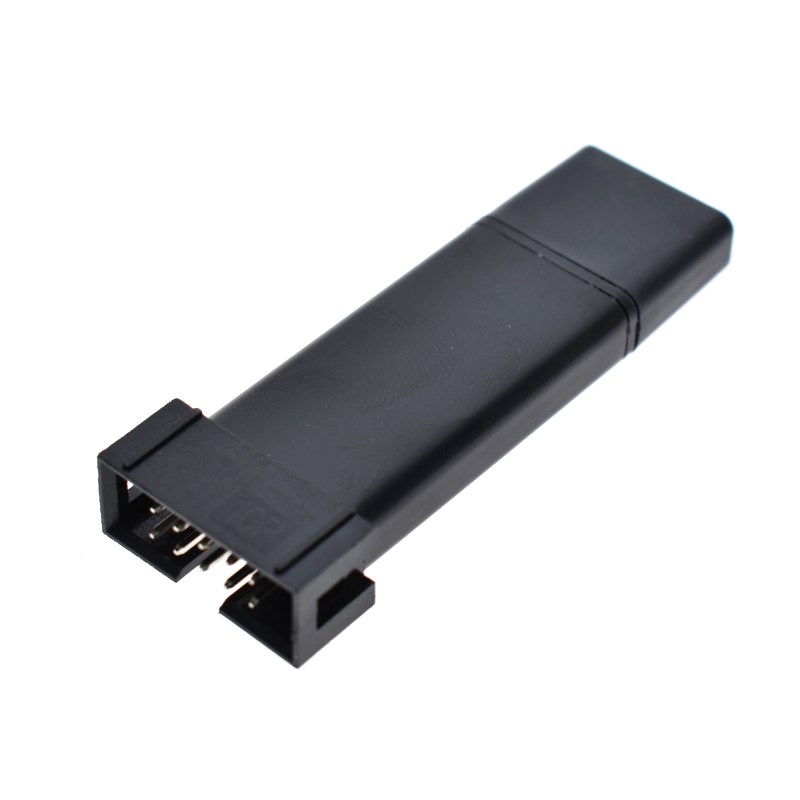
The ST-LINK V2 is a versatile in-circuit debugger and programmer that supports both SWIM (for STM8) and SWD (for STM32) interfaces. Encased in a durable aluminum alloy shell (available in Black, Purple, Silver, or Blue), it is designed to withstand the rigors of a busy lab or a portable field kit. Unlike standard serial programmers, the ST-LINK V2 allows you to pause code execution, inspect registers, and step through memory, which is critical for solving complex firmware bugs.
For business purchasers, this tool is a cost-effective solution for production line programming and QC testing. Its small form factor allows for easy integration into automated testing jigs. For individual makers and students, it is the industry-standard entry point into the powerful world of ARM Cortex-M development, fully compatible with professional IDEs like Keil, IAR, and STM32CubeIDE.
Key Features
  • Dual Microcontroller Support: Full compatibility with all STM8 (SWIM interface) and STM32 (SWD interface) chips.
  • Aluminum Protective Shell: Durable, heat-dissipating casing protects the internal circuitry from static and physical damage.
  • Plug-and-Play Debugging: Supports full-speed execution, single-stepping, breakpoints, and viewing variables in real-time.
  • Onboard Power Output: Provides 5V and 3.3V power to the target board directly from the USB port, simplifying small-scale prototyping.
  • Firmware Upgradable: The internal firmware can be updated using the official ST-Link Upgrade utility to support newer chips released in 2026.
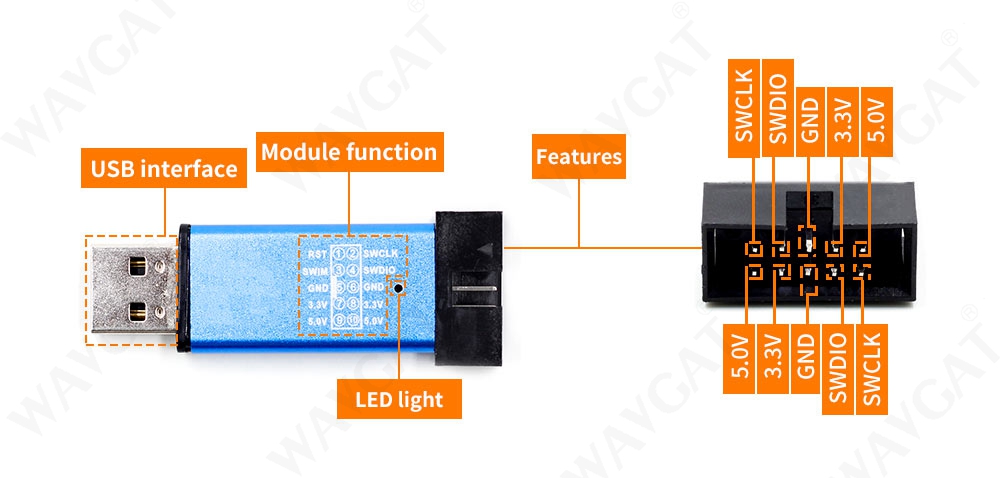
Usage Instructions
  1. Driver Installation: Download and install the ST-LINK USB Driver from the STMicroelectronics website.
  2. Wiring the Target:
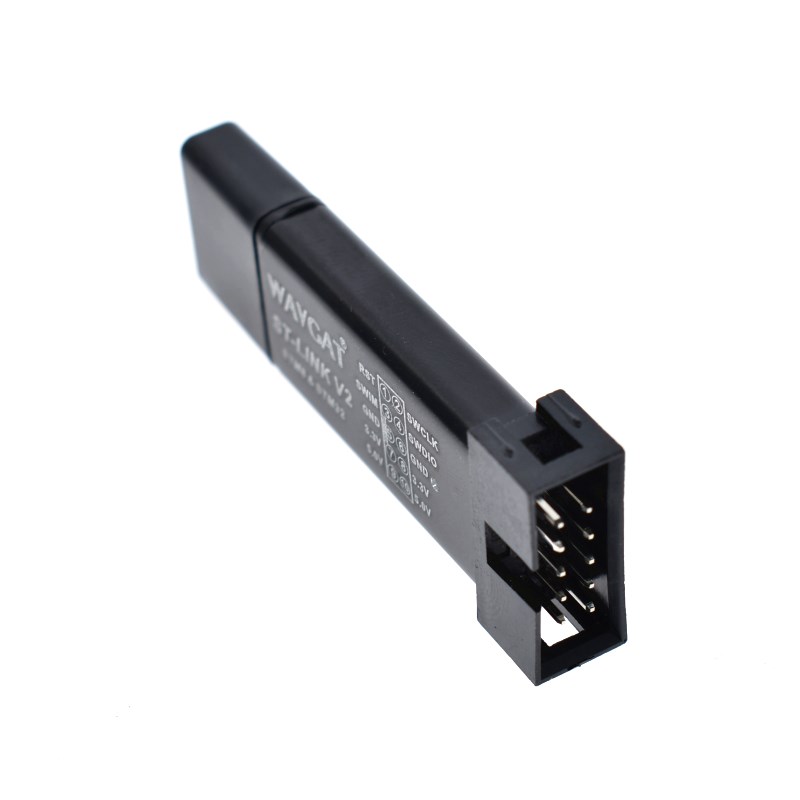
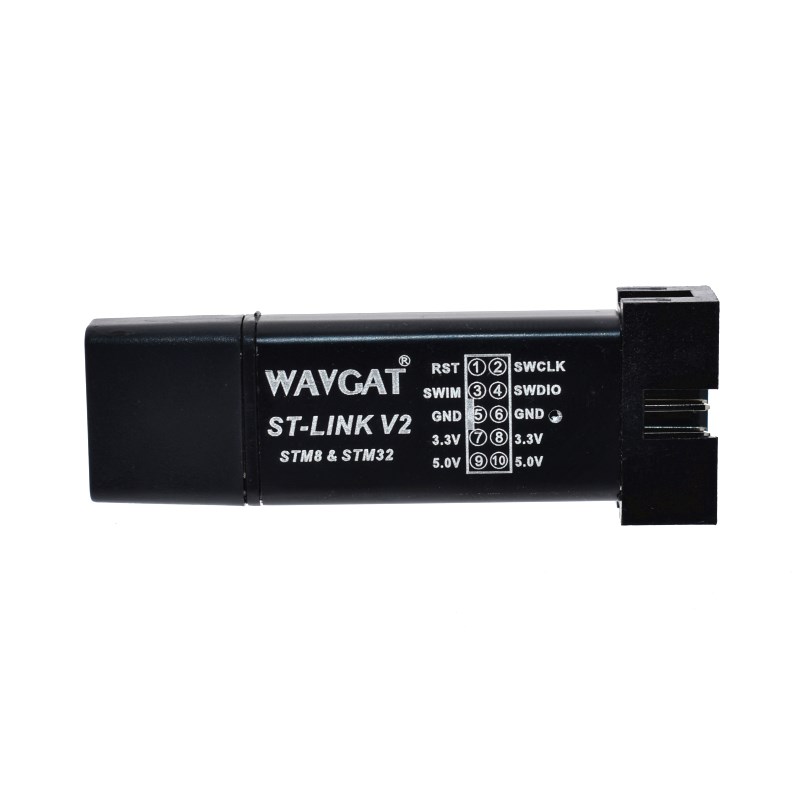
    • For STM32: Connect SWDIO, SWCLK, GND, and 3.3V (if powering from the dongle) to the corresponding pins on your board.
    • For STM8: Connect SWIM, RST, GND, and 3.3V/5V.
  3. IDE Setup: In your chosen environment (STM32CubeIDE, Keil uVision, or PlatformIO), select “ST-LINK” as the debug probe.
  4. Flashing: Click “Download” or “Build and Run.” The LED will flash blue/red during data transfer.
  5. Debugging: Set breakpoints in your code and enter Debug mode to analyze real-time execution.
Q: Can I choose a specific color for my order?

These units are generally shipped in random colors (Black, Purple, Silver, or Blue). For large-scale business orders, please contact our sales team to discuss specific color branding requirements.

Q: Does it support the latest 2026 STM32 models?

Yes. By using the official ST-Link Utility, you can upgrade the dongle’s internal firmware to ensure compatibility with the newest silicon releases.

Q: Why is my device not being detected in the IDE?

First, verify the USB driver is installed in Device Manager. Second, ensure your target board is powered. If you are not using the 3.3V pin from the ST-LINK, your board must have its own power supply. Finally, check that your jumper wires are secure and shorter than 20cm for stable signals.

Q: Can I use this with non-ST chips (like GD32)?

While many third-party ARM chips use the SWD protocol, the ST-LINK is officially designed for STMicroelectronics products. While it may work with some clones, full compatibility is only guaranteed for genuine STM8 and STM32 chips.

Q: Does it support 1.8V logic targets?

This specific compact model is designed for 3.3V logic. If your target board operates on 1.8V, you may need a logic level shifter or the professional “ST-LINK/V2” (large box version) which supports variable voltage sensing.

Q: What do the LED colors mean?
  • Flashing Red: Connecting to PC (enumerating).
  • Steady Red: Connection established with PC.
  • Flashing Blue/Red: Data is being transferred (Programming/Debugging).
  • Steady Green/Blue: Last operation was successful.