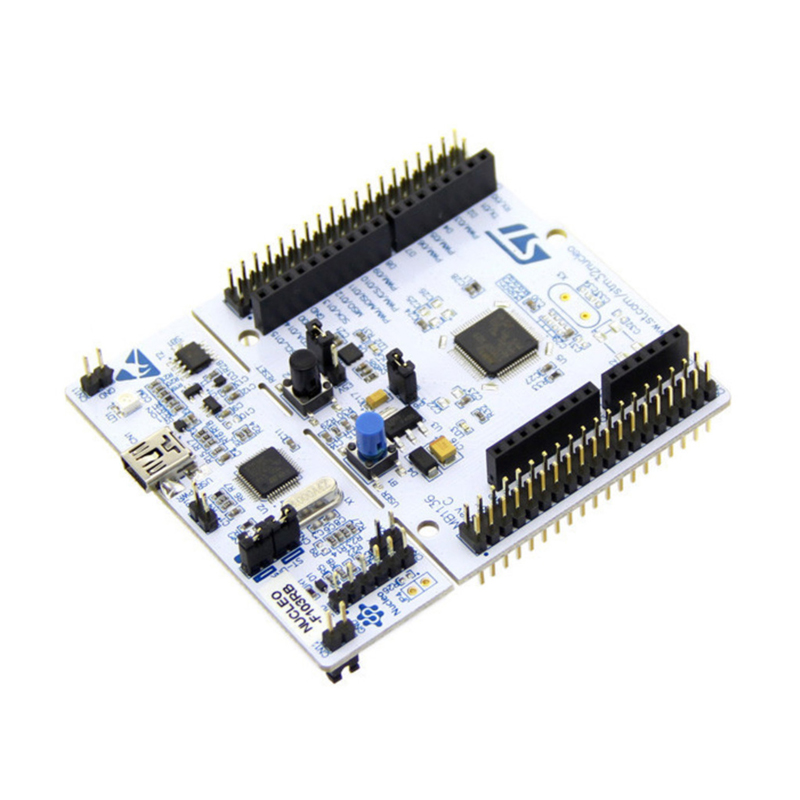
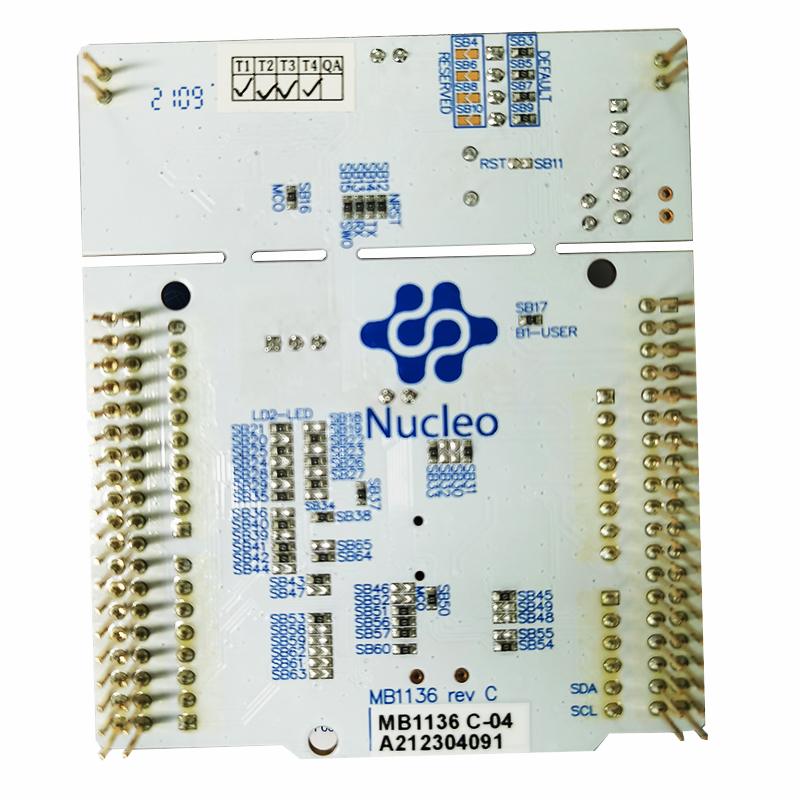
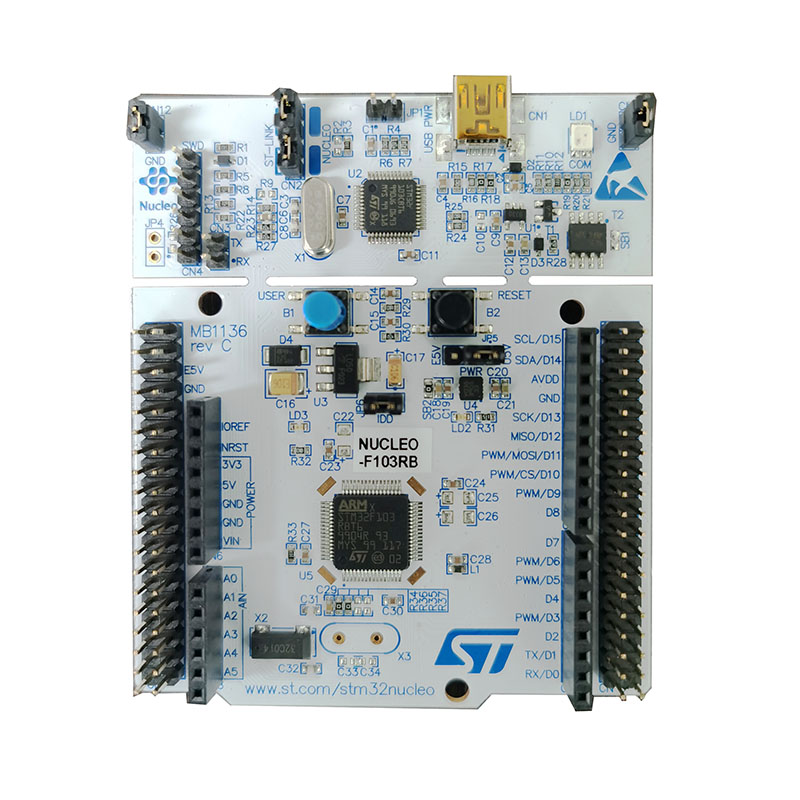
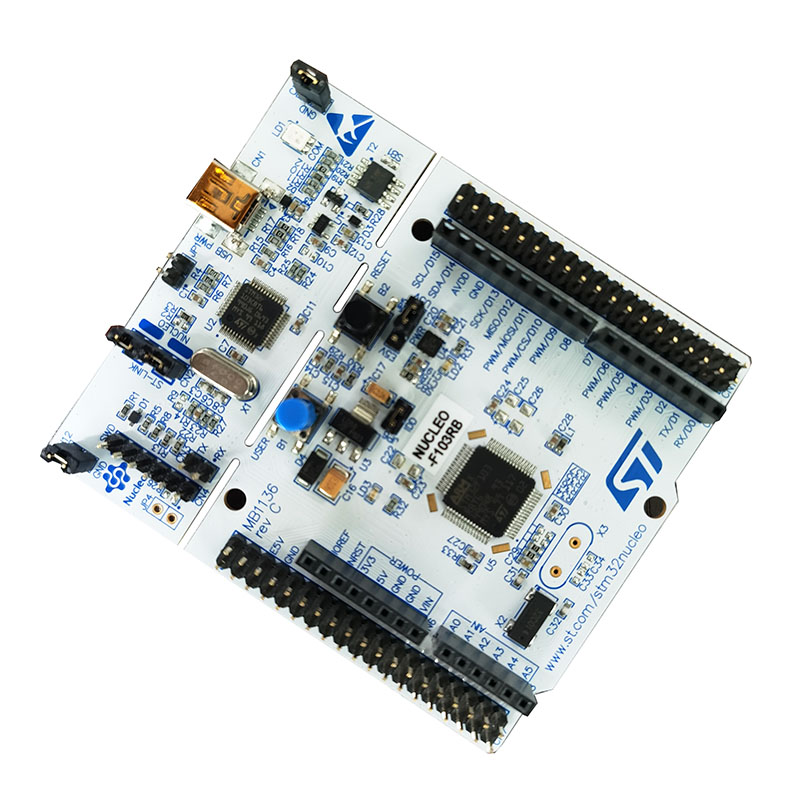
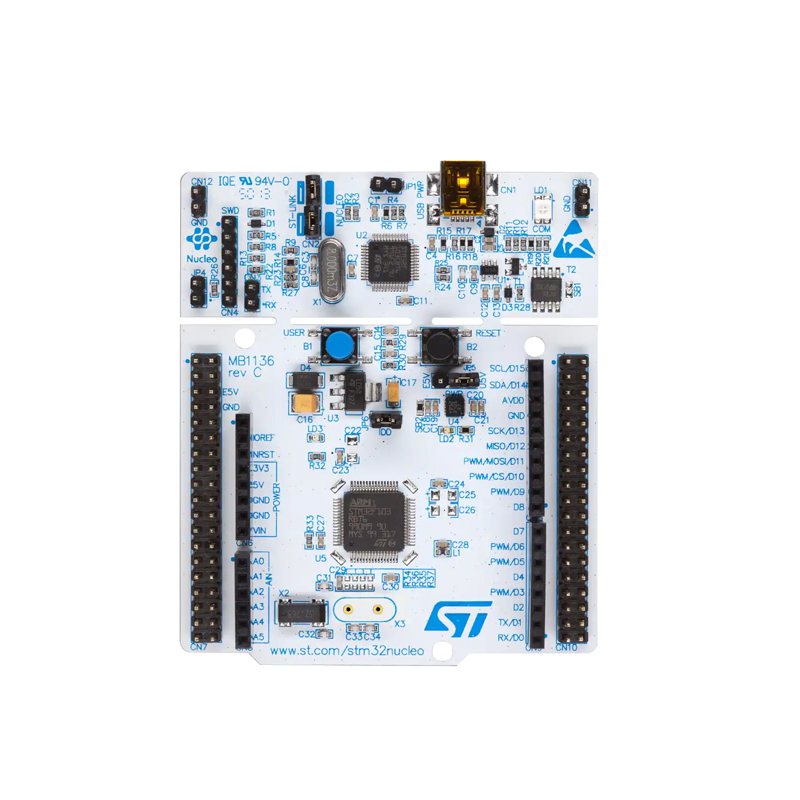
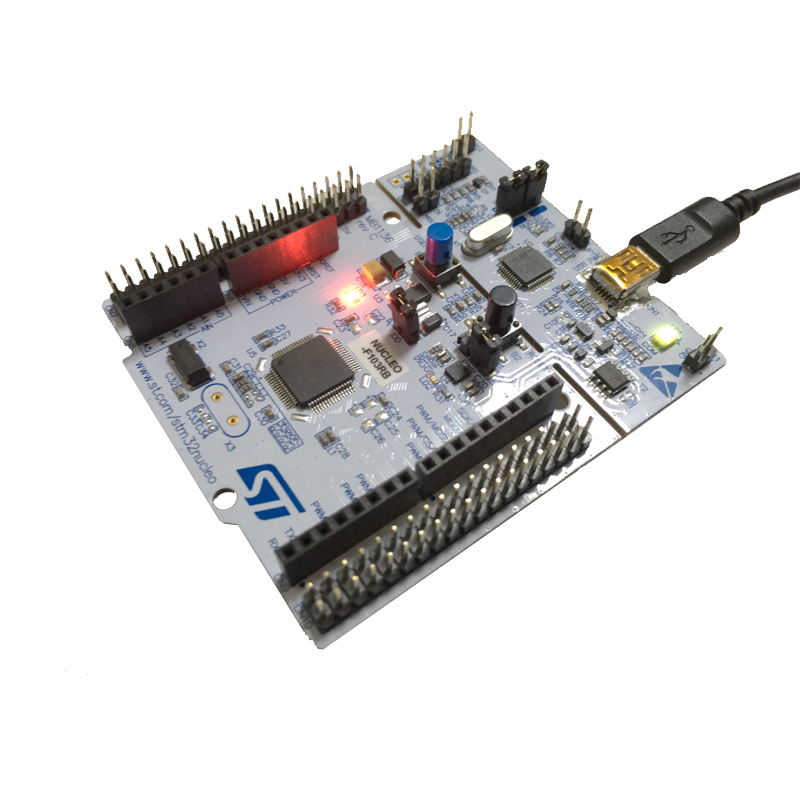
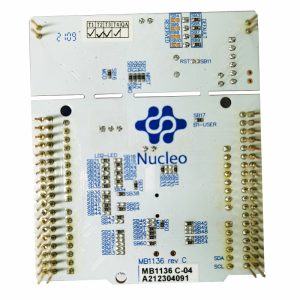
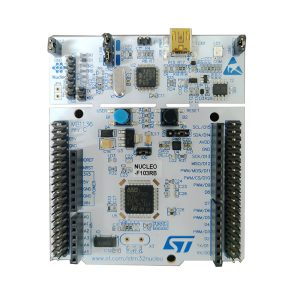
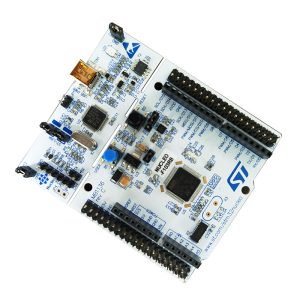
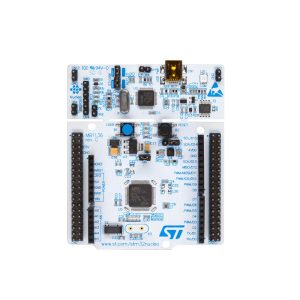
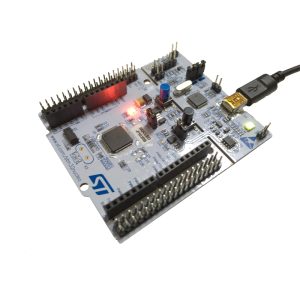
ST NUCLEO-F103RB NUCLEOF103RB STM32F103RBT6

SKU: FA1091
Core

ARM® Cortex®-M3 32-bit CPU

Max CPU Frequency

72 MHz

Operating Voltage

1.8V to 3.6V

Flash Memory

128 KB

SRAM

20 KB

Communication

2 x I2C, 3 x USART, 2 x SPI, 1 x CAN, 1 x USB 2.0 FS

ADC

2 x 12-bit (up to 16 channels)

Timers

4 x General Purpose, 1 x Advanced Control, 2 x Watchdog

Board Dimensions

82.5mm x 70mm

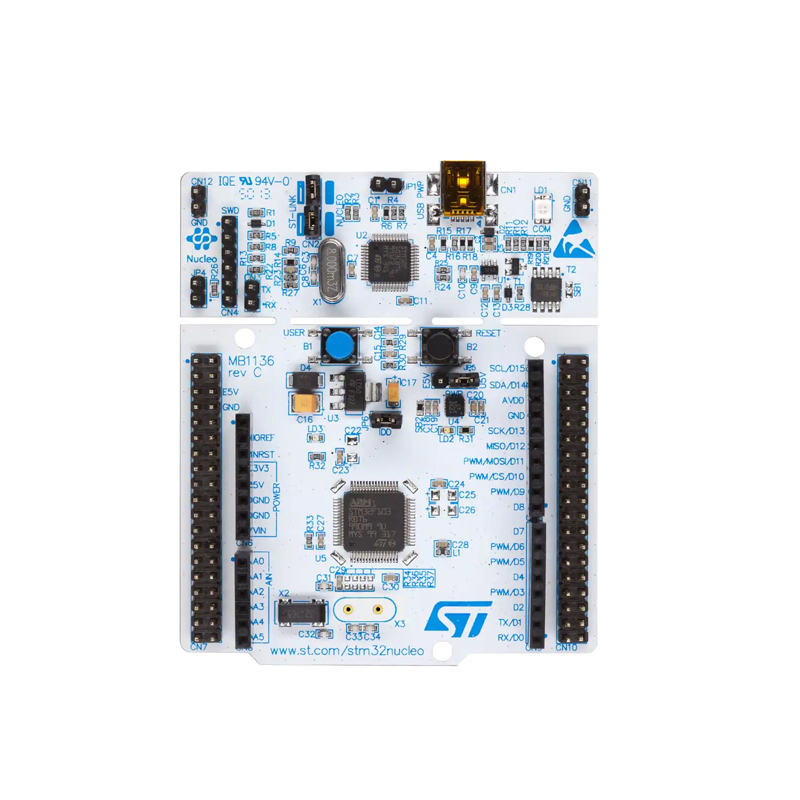
The ST NUCLEO-F103RB is a highly versatile and affordable development board from STMicroelectronics’ Nucleo-64 series. It is designed to provide a flexible way for users to try out new concepts and build prototypes with the STM32F103RBT6 microcontroller, offering a perfect balance between performance, power consumption, and features. 
Long Description
The NUCLEO-F103RB serves as a comprehensive development platform for the STM32 F1 series. It features the STM32F103RBT6 MCU, based on the high-performance ARM® Cortex®-M3 32-bit RISC core operating at a 72 MHz frequency. 
What sets the Nucleo series apart is its dual-expansion capability. It supports Arduino™ Uno Revision 3 connectivity and ST Morpho headers, allowing users to easily plug in a vast array of specialized shields to expand functionality. The board also features an integrated ST-LINK/V2-1 debugger and programmer, eliminating the need for an external probe. Whether you are an individual hobbyist or a business engineer, this board offers a seamless transition from a single-unit prototype to full-scale production. 

Key Features
  • STM32F103RBT6 Microcontroller: 128 KB Flash memory and 20 KB SRAM in an LQFP64 package.
  • On-board Debugger: Integrated ST-LINK/V2-1 debugger/programmer with a selection mode switch to use the kit as a standalone ST-LINK.
  • Flexible Expansion: Compatible with Arduino™ Uno V3 shields and features ST Morpho extension pin headers for full access to all STM32 I/Os.
  • Comprehensive Power Options: Can be powered via USB VBUS or an external source (3.3V, 5V, or 7-12V).
  • User Interface: Three LEDs (USB communication, user LED, and power LED) and two push-buttons (USER and RESET).
  • USB Support: USB re-enumeration capability with three different interfaces supported on USB: Virtual Com port, Mass storage, and Debug port.
  • Software Support: Fully compatible with a wide range of Integrated Development Environments (IDEs) including IAR™, Keil®, and GCC-based IDEs (STM32CubeIDE)
Usage Instructions
  1. Hardware Connection: Connect the NUCLEO-F103RB to your PC using a Mini-USB cable. The board will be recognized as a standard USB Mass Storage device and a Virtual COM port.
  2. Software Setup: Download and install STM32CubeIDE or a compatible third-party toolchain. No separate driver installation is required for modern operating systems (Windows 10/11, macOS, Linux).
  3. Programming: You can program the board by dragging and dropping binary/hex files directly into the “NUCLEO” drive folder on your computer, or by using an IDE to compile and upload code via the integrated ST-LINK.
  4. Shield Integration: To add sensors or motor drivers, align the pins of your Arduino-compatible shield with the inner headers of the Nucleo board and press firmly.
  5. Power Management: Ensure the jumpers (JP5) are correctly set for either USB power (U5V) or external power (E5V) depending on your project’s current requirements
Q: Does this board require an external programmer like a J-Link?

No. The NUCLEO-F103RB includes an onboard ST-LINK/V2-1 debugger. You only need a Mini-USB cable to program and debug your applications

Q: Can I use this board with the Arduino IDE?

Yes. By installing the “STM32 Cores” via the Arduino Board Manager, you can program the NUCLEO-F103RB using the familiar Arduino environment

Q: What is the difference between the Arduino headers and the Morpho headers?

The Arduino headers allow for quick “plug-and-play” with standard shields. The ST Morpho headers (the two long rows on the sides) provide access to every single pin on the microcontroller for more complex or industrial wiring

Q: Is this board suitable for commercial product development?

Highly suitable. Businesses often use Nucleo boards for rapid prototyping because the code developed on this board can be directly ported to the STM32F103RBT6 chip on a custom PCB for mass production

Q: Why is my PC not detecting the board?

Ensure you are using a high-quality data-sync USB cable. Some cables are “charging only” and will not transmit the data required for the PC to recognize the ST-LINK interface

Q: How do I power the board if I am not using a USB cable?

You can provide 7V to 12V DC through the VIN pin on the Arduino header or use a regulated 5V source on the E5V pin. Ensure you move the power jumper (JP5) to the appropriate position