XBee/Bluetooth Bee USB Adapter: Dual-Protocol Configuration Tool
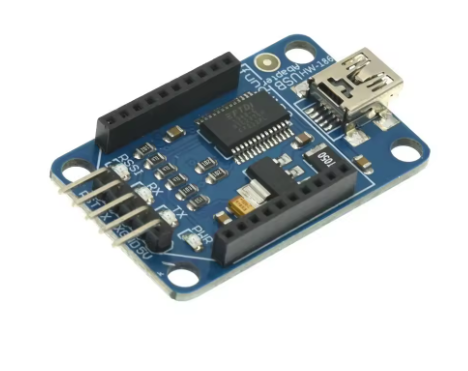
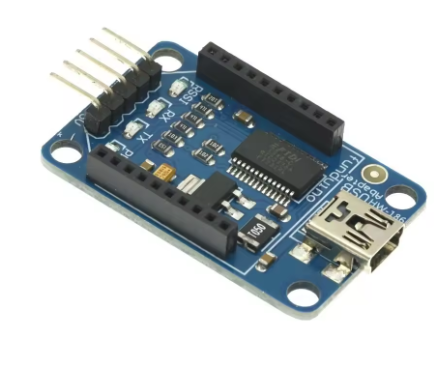
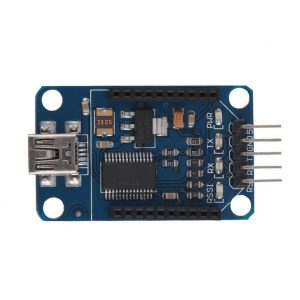
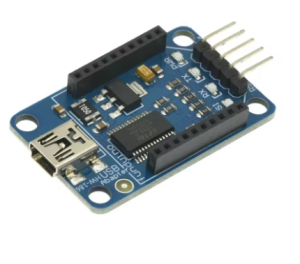
The XBee/Bluetooth Bee USB Adapter is a highly versatile tool designed to streamline the configuration and communication process for wireless Bee-style modules, including XBee (Series 1, Series 2, S2C, etc.) and Bluetooth Bee variants.
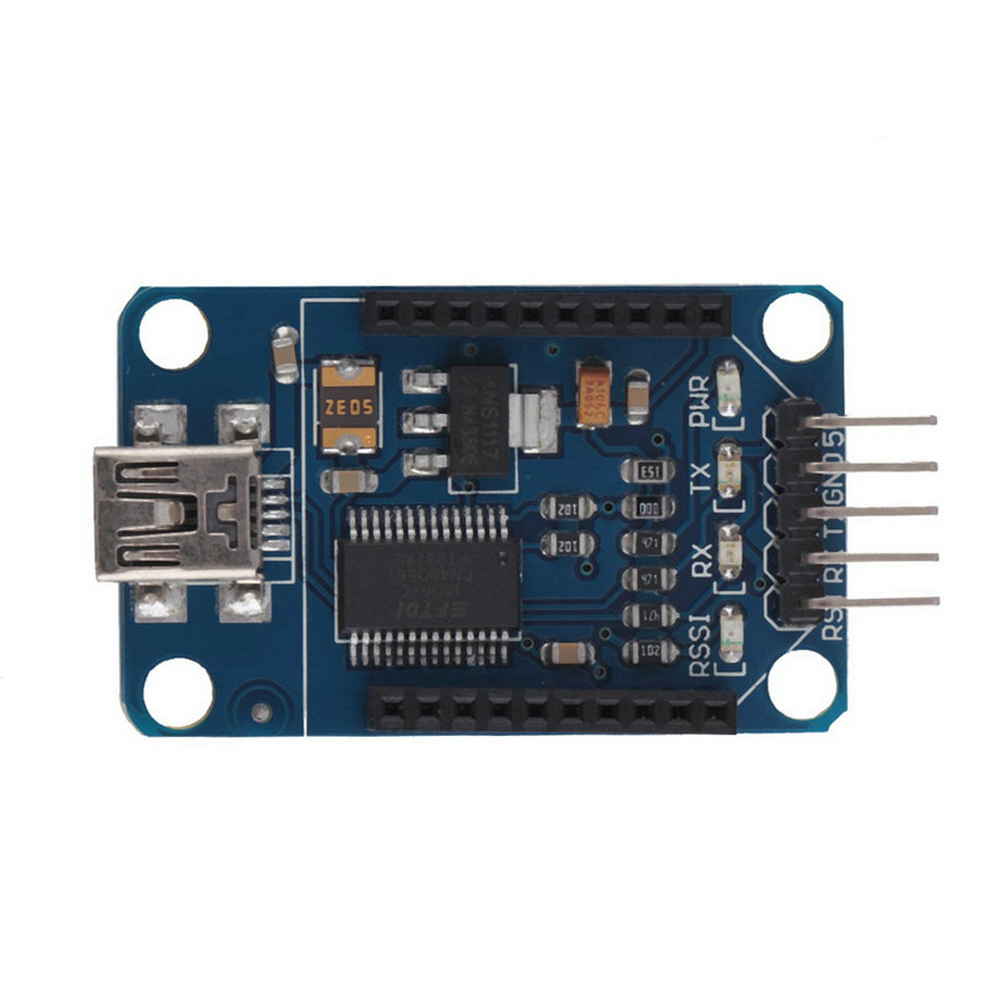
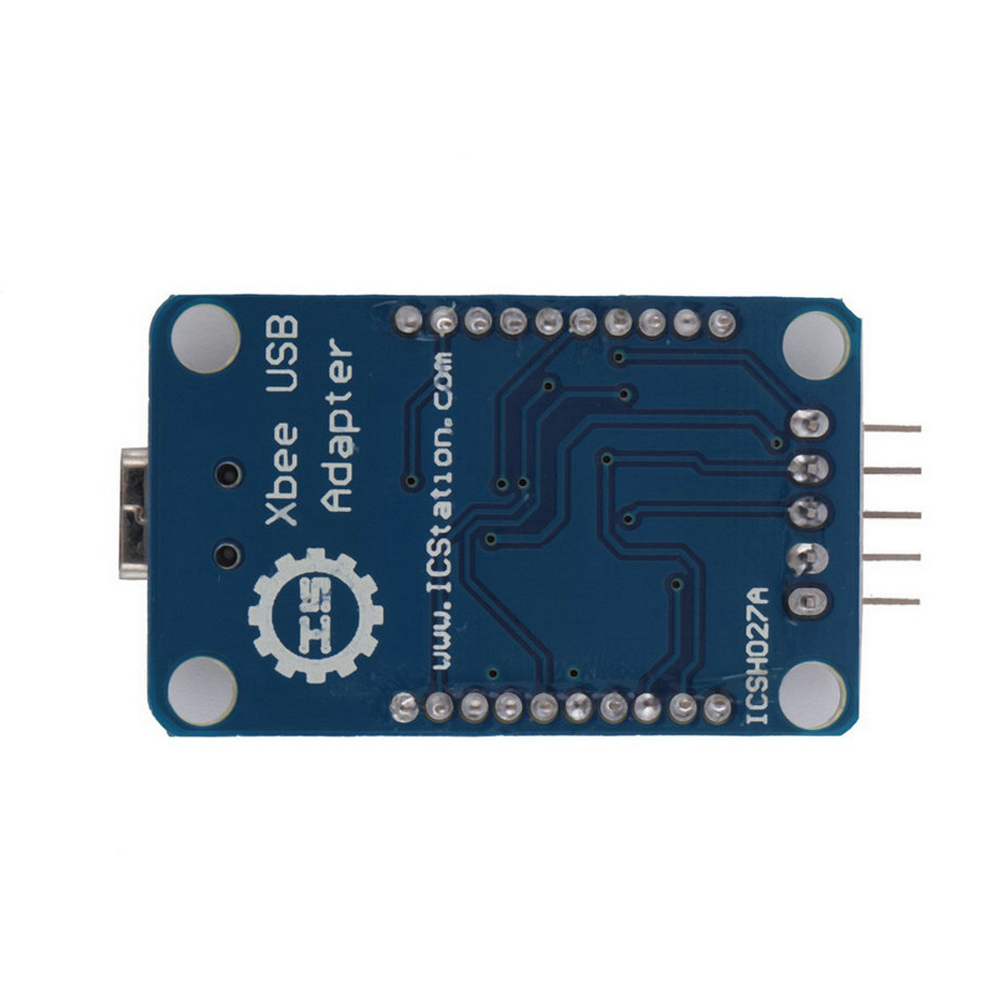
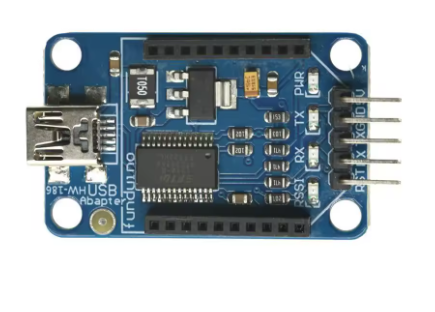
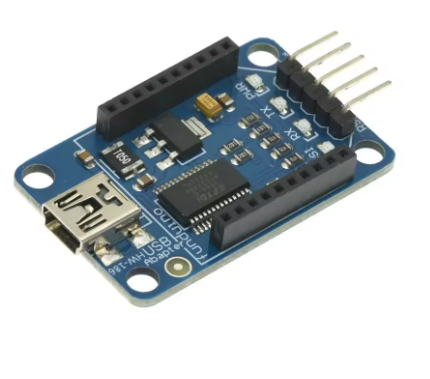
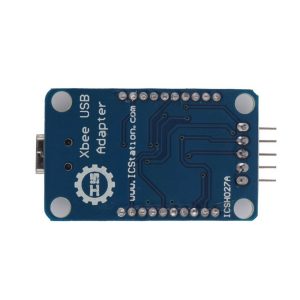
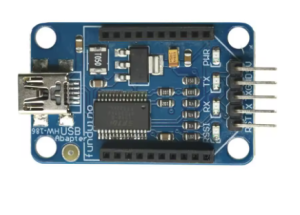
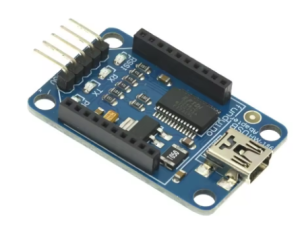
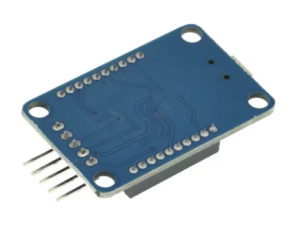
This adapter functions as a transparent bridge, seamlessly translating serial data between your computer’s USB port and the module’s serial interface. It features a standard XBee 20-pin footprint socket, on-board 3.3V voltage regulation, and often includes logic level shifting capabilities. This allows users to easily configure advanced settings using software like Digi’s XCTU or standard serial terminals, monitor wireless data flow, and even provide power to the Bee module directly from the USB port, all within a compact and convenient form factor.
Key Features
Universal Compatibility: Designed with the standard 20-pin XBee socket footprint, compatible with XBee Series 1, Series 2/S2C, Bluetooth Bee, and other similar wireless modules.
USB Interface: Connects directly to your PC via a standard USB port (usually USB-A or Mini-USB depending on the specific board version).
Onboard 3.3V Regulation: Provides a stable 3.3V power supply to the installed module directly from the USB 5V line, the required operating voltage for all XBee modules.
Integrated Status LEDs: Includes LEDs (typically Power, RX, TX, RSSI/Link) to provide visual feedback on power status and data transmission activity for easy debugging.
Driver Support: Uses common USB-to-Serial converter chips (like FTDI FT232R, CH340, or CP2102) that are widely supported across Windows, macOS, and Linux operating systems.
Jumpers/Switches: Often includes jumpers or switches to select between Direct, USB-to-Serial, or Microcontroller interface modes for versatile usage.
Technical Parameters (Specifications)
Parameter
Value/Description
Interface
USB (Type A or Mini-B/Micro-B depending on version)
Compatible Modules
XBee 802.15.4, Zigbee S2C, Bluetooth Bee, etc.
Power Output
3.3V Regulated (Sourced from USB 5V line)
Logic Levels
3.3V TTL Logic (Safe for all XBee variants)
USB Chipset
FTDI FT232RL, CH340G, or CP2102 (Varies by manufacturer)
OS Compatibility
Windows, macOS, Linux (Driver dependent)
Dimensions
Compact USB-stick style form factor
Usage Instructions
The primary use of this adapter is to configure Bee modules using computer software or to interface them with a computer as a wireless modem.
Step-by-Step Configuration:
Install Drivers: Plug the adapter into your computer. If using Windows, you may need to install the drivers for the specific USB chip (FTDI, CH340, etc.). The device should appear as a new COM Port.
Insert Module: Carefully insert your XBee or Bluetooth Bee module into the 20-pin socket, ensuring Pin 1 aligns correctly with the indicator mark on the adapter board.
Launch Configuration Software: Open the appropriate software (e.g., Digi XCTU for XBee, or a standard serial terminal for Bluetooth Bee).
Select Port & Configure: Select the correct COM port and baud rate (usually 9600 bps default) within the software. You can now detect the module, update firmware, and modify network parameters.
As a USB-to-Serial Bridge:
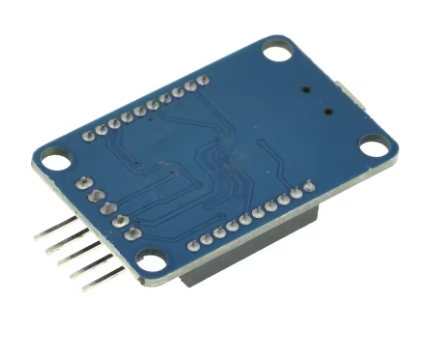
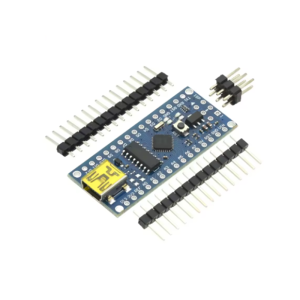
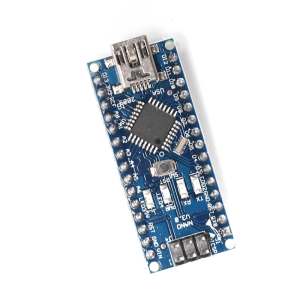
You can also use this adapter without an XBee module inserted as a general-purpose USB-to-TTL serial converter for programming Arduinos (like the Pro Mini) or debugging other microcontrollers, by accessing the header pins provided on the board.
On modern operating systems (Windows 10/11, macOS, Linux), the drivers for common chips like the FT232 or CH340 are usually installed automatically. If not, you can download them from the respective manufacturer’s website (FTDI, WCH, Silicon Labs).
Q: Can I use this board to power an Arduino from the XBee module?
No. The adapter provides power to the XBee module from the USB port. It acts as a data bridge, not a general power source for external hardware.
Q: I have both an XBee S1 and S2C. Does this adapter work for both?
Yes, the standard 20-pin footprint is shared across XBee Series 1, Series 2/S2C, and Bluetooth Bee modules, making this a universal configuration tool for all of them.
Q: Can I use this with a 5V logic microcontroller?
The adapter operates internally at 3.3V logic, which is compatible with XBee modules. If you use the breakout pins to connect to a 5V device (like an Arduino Uno), you may still need external logic level conversion to protect the 3.3V module’s RX/TX pins. This adapter is primarily for PC configuration or 3.3V systems.
Q: I am a business/educator. Is this a necessary tool for XBee deployment?
This adapter is highly recommended as a troubleshooting and configuration tool. While not strictly necessary for the final installation, it dramatically simplifies the initial setup and testing phase of any XBee-based product development or educational workshop. Bulk pricing is available upon request.