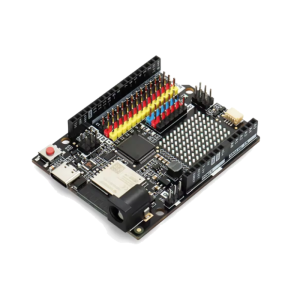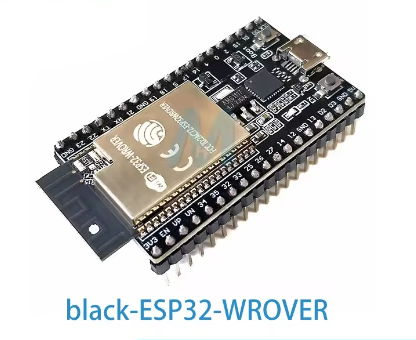
This high-performance ESP32 DevKitC variant is a professional-grade development platform featuring the ESP32-WROVER-B (N4R8) module. It is uniquely configured with the modern Type-C USB interface and the industry-standard CP2102 serial chip, making it a reliable choice for both individual engineers and commercial IoT product teams in 2025.
Product Description
The ESP32 DevKitC WROVER-B N4R8 is engineered for memory-intensive IoT applications. While standard ESP32 boards offer limited internal memory, this “N4R8” version provides a massive 8MB of External PSRAM alongside 4MB of SPI Flash. This extra RAM is critical for tasks like high-resolution image processing (ESP32-CAM projects), complex web servers, voice recognition, and AIoT edge computing.
The board features the CP2102 USB-to-UART bridge, known for its superior driver stability and higher data transfer speeds compared to cheaper alternatives. The inclusion of a Type-C interface ensures compatibility with modern hardware and improved durability for frequent programming cycles.
Key Features
- Enhanced Memory: 8MB PSRAM enables large data buffering and multitasking that standard modules cannot handle.
- Dual-Core Power: Powered by the Xtensa® 32-bit LX6 dual-core processor, adjustable from 80MHz to 240MHz.
- Modern Connection: Type-C port for modern cable compatibility and more robust power delivery.
- Industrial Stability: The CP2102 chip provides “plug-and-play” serial communication on Windows, macOS, and Linux.
- Breadboard Friendly: Slim 38-pin design fits standard breadboards while leaving accessible holes for wiring.