Product Overview
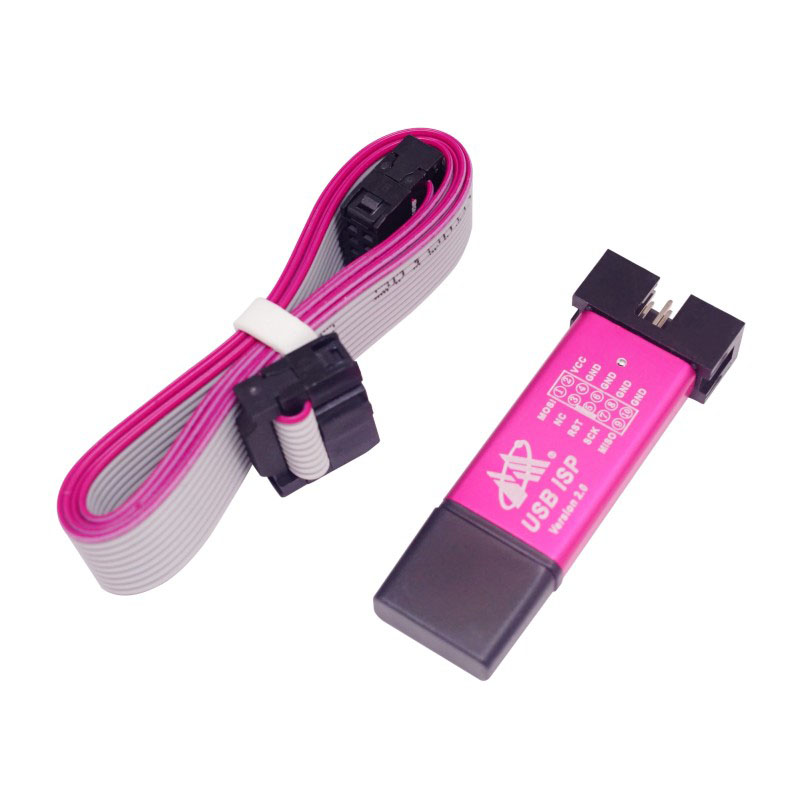
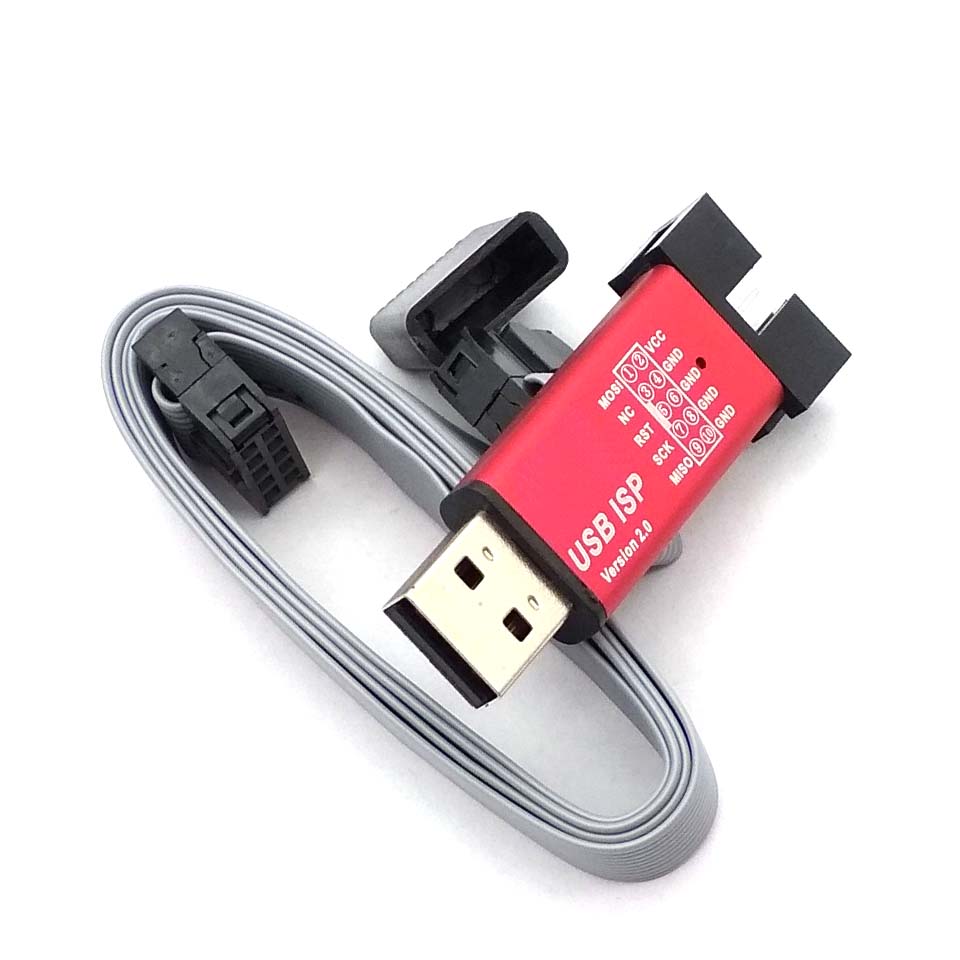
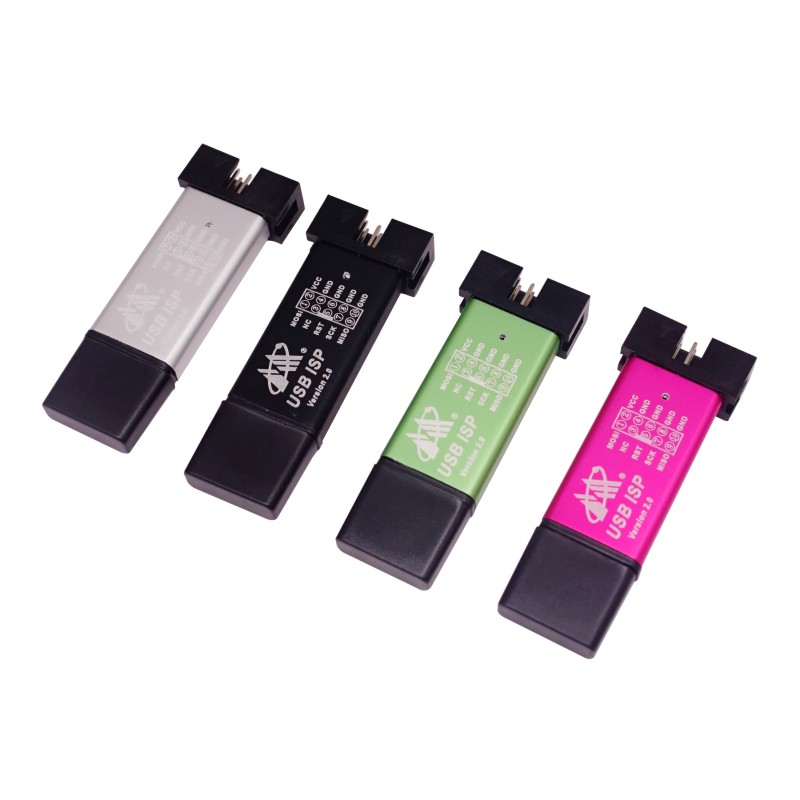
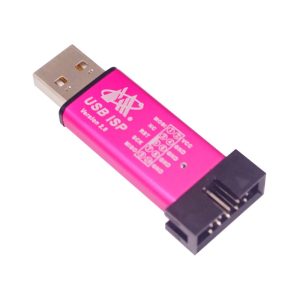
The Mini USBISP USBASP Programmer is a compact and efficient in-system programmer (ISP) designed specifically for 51 series and Atmel AVR microcontrollers. Based on the open-source usbasp design by Thomas Fischl, this tool connects directly to your computer’s USB port, allowing you to program, erase, and configure compatible chips without removing them from their circuit .
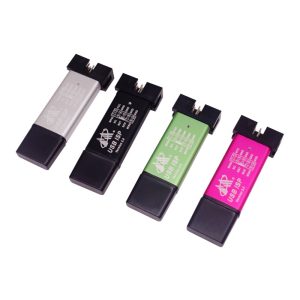
Housed in a sleek aluminum casing, this programmer is both durable and effective at heat dissipation, making it a reliable choice for long-term use in development labs, educational settings, and industrial applications . Compact and portable, it is the ideal tool for laptop users who lack a traditional parallel port, offering a faster and more stable programming experience than legacy methods .
The programmer features robust protection with a 500mA self-recovery fuse and 20-ohm isolation resistors, guarding your expensive computer motherboard and the target device against short circuits and overcurrent conditions . It is widely compatible with development software such as Progisp and avr_fighter .
Key Features
-
USB Interface & Driver-Free: Simple connection via USB, supports USB 1.0/2.0. True plug-and-play experience—no complicated driver installation required on most systems. “Driver-Free” means the device is recognized by generic system drivers, though some may still require libusb installation for specific software .
-
Aluminum Shell & Compact Design: Robust aluminum housing improves heat dissipation and mechanical durability. The mini size is highly portable and space-efficient .
-
Over-Current Protection: Built-in 500mA self-recovery fuse and 20-ohm isolation resistors protect the PC USB port from accidental shorts and current surges .
-
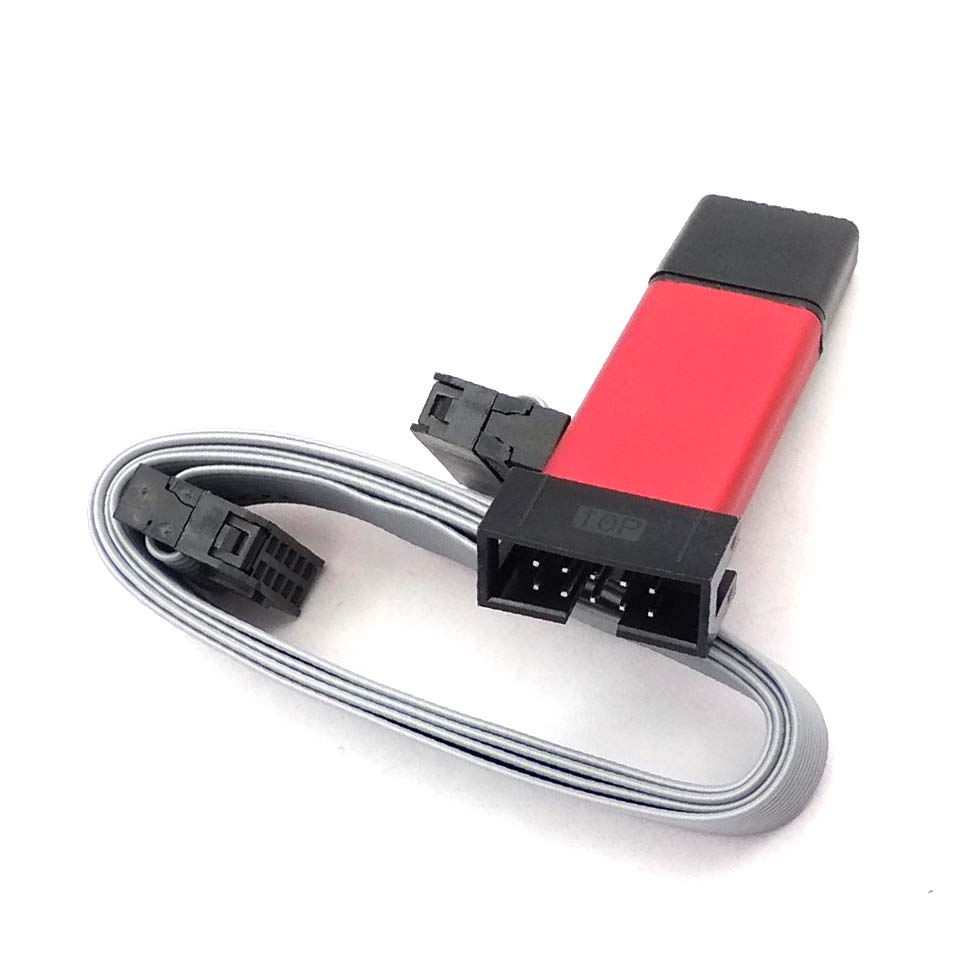
Standard 10-Pin IDC Interface: Uses the standard ISP connector (IDC10) for seamless connection to target boards and development kits .
-
Wide Microcontroller Support: Supports a huge range of AVR chips (ATmega, ATtiny, AT90) and 51 series chips (e.g., AT89S51, AT89S52) .
-
High-Speed Stable Programming: Faster and more stable than parallel port ISPs; the best choice for modern computers without legacy ports .
-
Status Indicator Lights: Red and blue/green LEDs clearly indicate power status and data transmission activity .
Technical Specifications
Pinout & Connection Guide
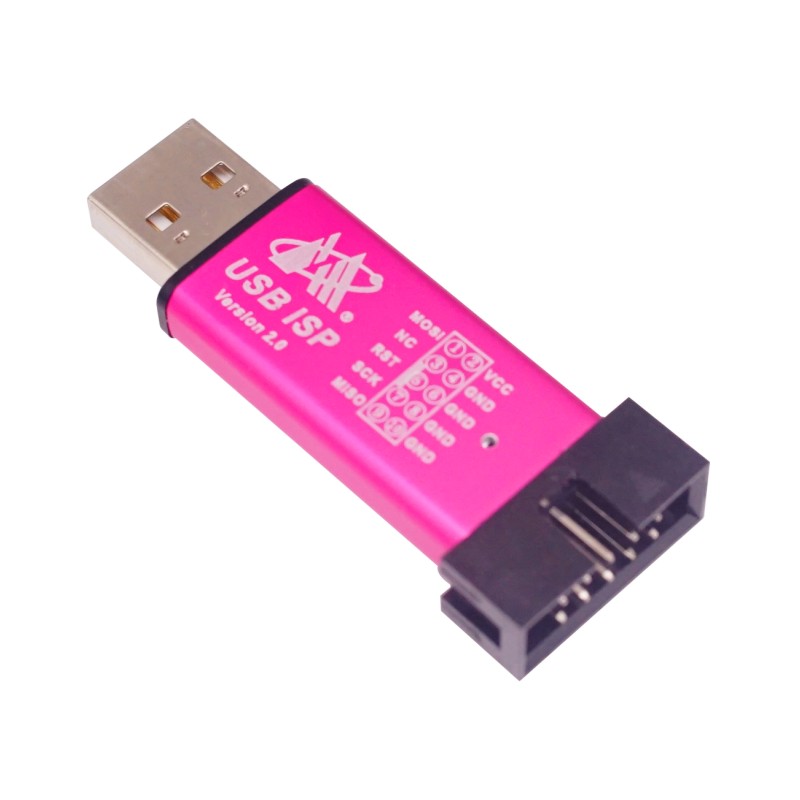
The programmer uses a standard 10-pin IDC connector to interface with your target board:
Pin Definitions
Wiring for AT89S51/52 (51 Series)
[Source for Pinout: ]
Usage Guide
1. Driver & Software Setup
While the “driver-free” feature often works out of the box on Linux and macOS, Windows users frequently require the libusb filter driver.
2. Connection & Preparation
-
Connect the programmer to your computer via USB.
-
Connect the 10-pin IDC ribbon cable between the programmer and your target board’s ISP header (ensure Pin 1 alignment).
-
Power the Target: The programmer can provide 5V power to your target board via the IDC connector, or you can use an external supply.
3. Programming with Progisp (Windows)
-
Launch Progisp.
-
Select USBASP as the programmer.
-
Select your Chip Model (e.g., AT89S52).
-
Load Flash: Import your .hex file.
-
(For AVR) Set Fuse Bits if necessary.
-
Click Auto or Program to burn the code.
4. Command Line with AVRDUDE
This is standard for Mac/Linux and also works on Windows.
Check connection:
Write a Hex file:
avrdude -c usbasp -p m16 -U flash:w:main.hex
Note on AVRDUDE Compatibility:
Many of these units ship with modified firmware that is incompatible with AVRDUDE out of the box. If you encounter errors, you may need to:
-
Put the programmer into upgrade mode (by shorting two pins on the PCB).
-
Use a second programmer to flash the standard USBASP firmware.
-
This restores compatibility with the open-source toolchain .
Q: What microcontrollers are supported?
This programmer supports a wide range of 51 series (AT89S51, AT89S52) and Atmel AVR microcontrollers (ATmega, ATtiny, AT90 series). See the technical specifications for a partial list
Q: Is this compatible with Mac or Linux?
Yes! While the Windows drivers can be tricky, the programmer works excellently under Linux and macOS using the open-source avrdude software and standard libusb drivers .
Q: Does it work with Arduino? (ATmega328P)
Yes, it works perfectly. You can use this programmer to burn bootloaders onto an Arduino board’s microcontroller or to upload sketches directly using the “Upload using Programmer” option in the Arduino IDE (via Tools → Programmer → USBasp).
Q: Can it power my circuit?
Yes. The programmer provides a 5V output on the ISP connector (pin 2, labeled VCC). It features a 500mA recovery fuse, so it is safe for low-power microcontroller boards. Do not use it to power motors or high-current devices .
Q: What is the difference between USBISP and USBASP?
These terms are often used interchangeably. Both refer to the same open-source hardware standard. This device typically supports both modes depending on the firmware flashed.
Q: Windows does not recognize the device or shows an error.
This is the most common issue with USBASP devices because Windows lacks a native driver for it. You need to use the Zadig tool to install the libusb-win32 driver. Do not rely on automatic driver search. Once the driver is installed, it will work with Progisp or AVRDUDE .
Q: avrdude says "target doesn't answer" or "initialization failed".
This is usually a cable connection issue:
-
Check your wiring (MOSI, MISO, SCK, RESET, GND).
-
Ensure the target board is powered.
-
Try manually setting the programmer speed -B 10 to slow down the clock for slower targets.
-
If the red light is on but the blue light never activates, your firmware might not support avrdude. You might need to update the programmer’s firmware .
Q: The red light is on, but the programmer doesn't do anything else.
The red light indicates USB power is present. If there is no blue/green light when programming:
-
The driver is not installed correctly (Windows).
-
The programmer might be in a bootload mode (try reconnecting).
-
The firmware might be corrupt or incompatible.
Q: Does this work with 3.3V microcontrollers (like some ATtiny chips)?
This version is a 5V programmer. It is not safe to directly connect the 5V lines or logic pins to a 3.3V device without a level shifter, or physical damage may occur .