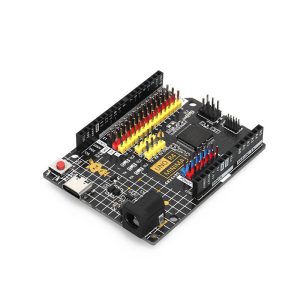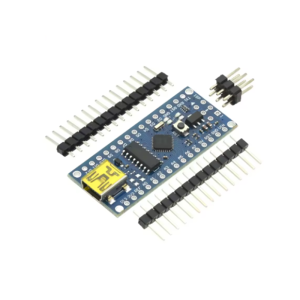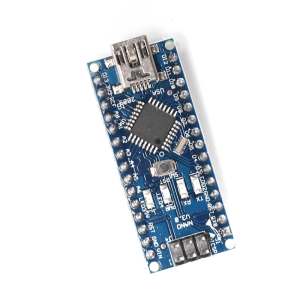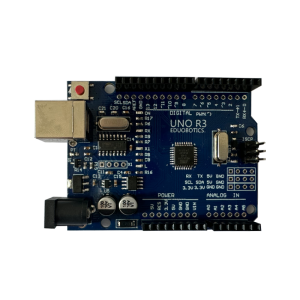
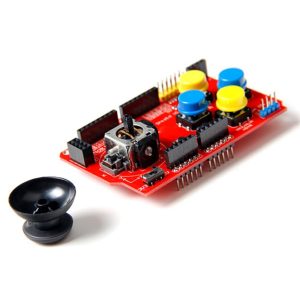
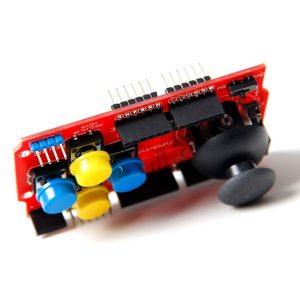
Arduino JoyStick Shield Pro – HID Keyboard & Mouse Converter

SKU: FA1047
Model

JoyStick Shield Pro (HID Version)

Compatibility

Arduino UNO R3, Leonardo, Mega 2560

HID Functionality

Requires Arduino Leonardo/Micro or Due (which have native USB capabilities)

Operating Voltage

5V DC (Sourced from Arduino board)

Inputs

2-axis Analog Joystick + 1 Push Button (center click), 4-6 user buttons

Expansion Port

8-pin socket for nRF24L01 wireless module

Interface Pins Used

A0/A1 (Joystick X/Y), D2-D7 (Buttons), SPI pins for nRF24L01

Dimensions

Standard Arduino Shield form factor

Arduino JoyStick Shield Pro: HID Keyboard & Mouse Converter
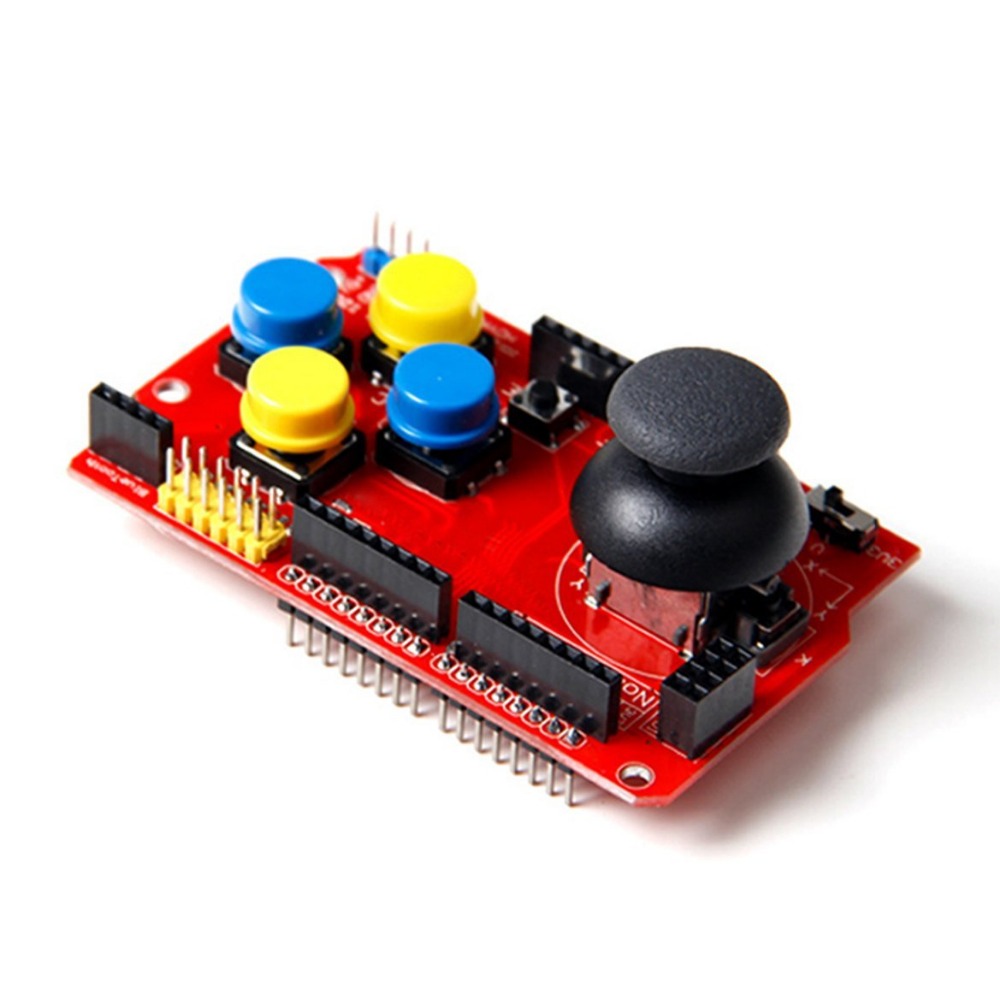
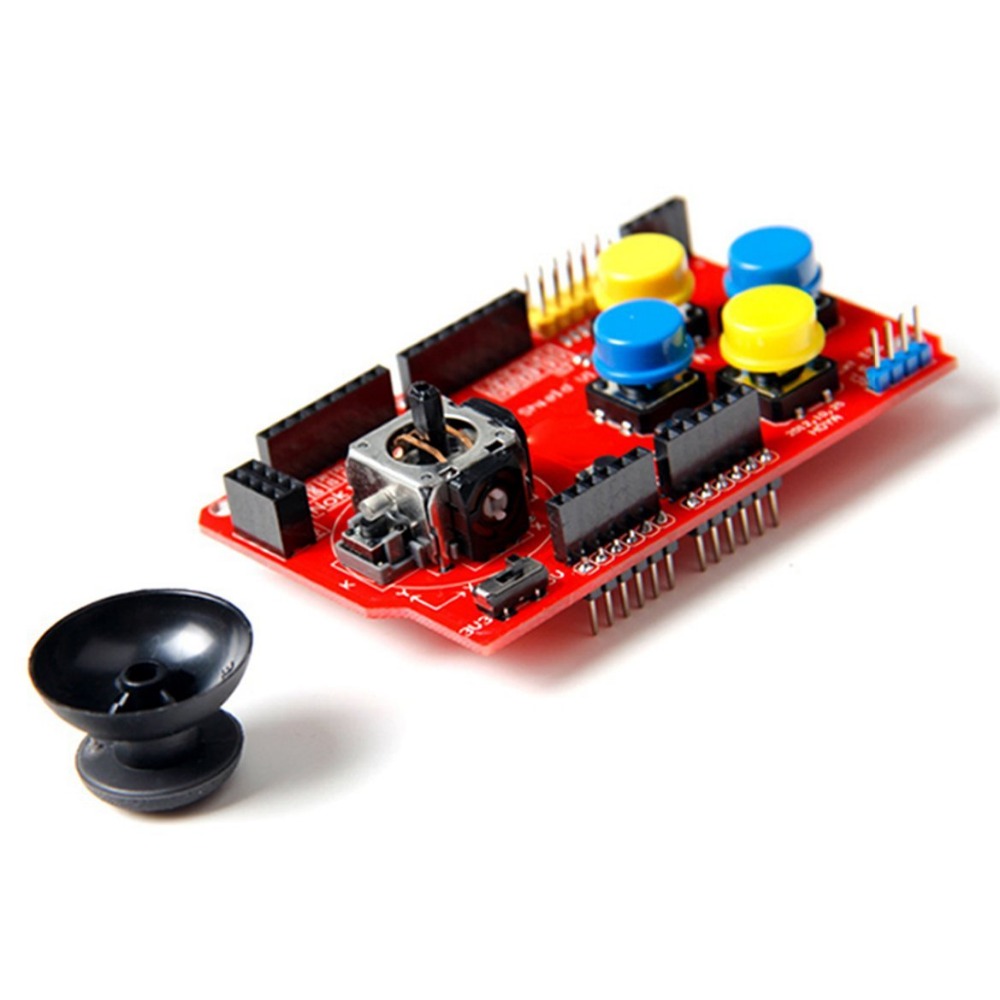
The Arduino JoyStick Shield Pro transforms your standard Arduino board (like the Arduino Leonardo or Micro) into a fully functional Human Interface Device (HID) capable of emulating a USB keyboard and mouse. This versatile expansion shield is designed for prototyping game controllers, robotic controls, custom input devices, and interactive art installations. 
By simply stacking the shield onto a compatible Arduino, users gain immediate access to an analog joystick (for movement control), several push buttons (for actions), and often a dedicated nRF24L01 wireless socket for adding wireless capabilities. The “Pro” version focuses specifically on easy conversion to a standard USB input device that a PC recognizes without custom drivers, streamlining development for PC-based interaction and control projects. 

Key Features
  • HID Emulation: When paired with a compatible Arduino (Leonardo, Micro, or Due), it acts as a native USB Keyboard and Mouse to any PC, Mac, or Linux system.
  • Integrated Analog Joystick: Features a high-quality 2-axis analog joystick (with a center push-button) for directional control and navigation.
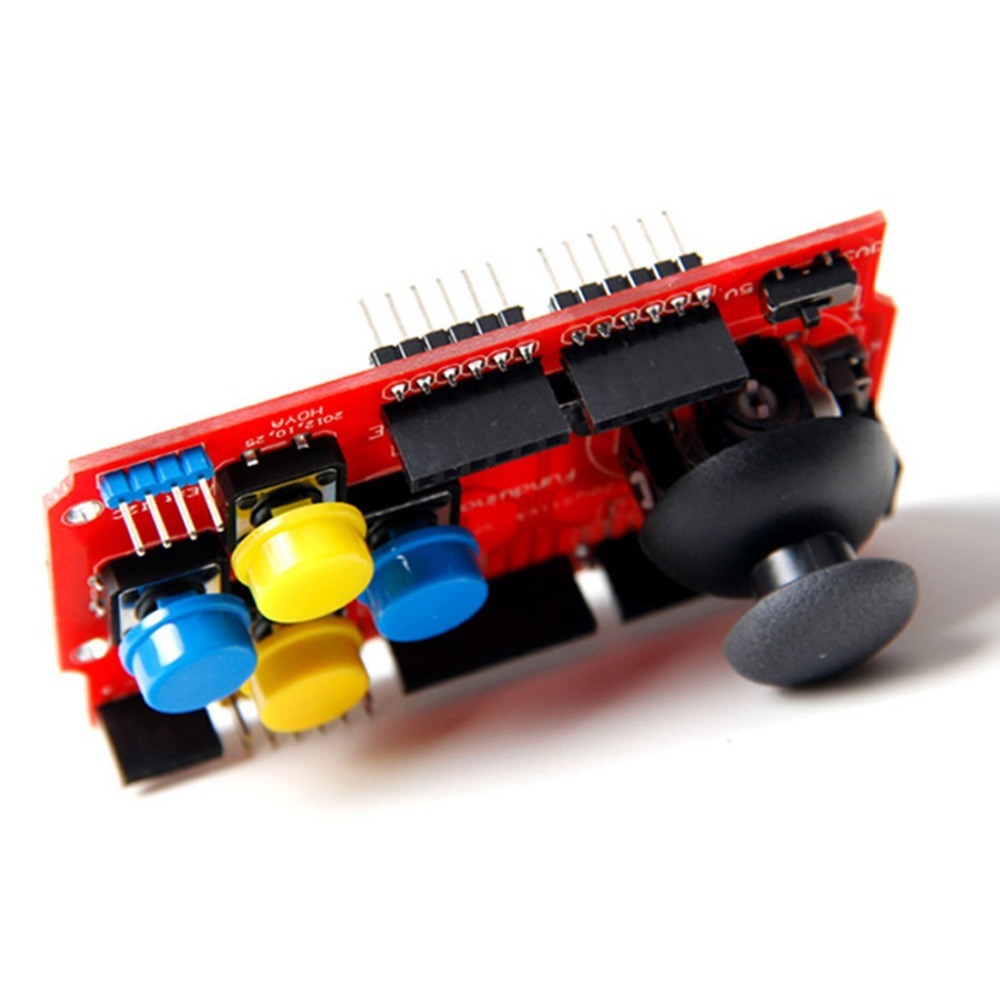
  • Multiple User Inputs: Includes several independent push buttons (typically 4 large buttons and 2 small ones) for mapping various keyboard keys or mouse clicks.
  • Wireless Expansion Port: Built-in socket compatible with the popular nRF24L01 2.4GHz wireless transceiver module, allowing you to create wireless controllers or remote input devices.
  • Arduino Compatibility: Standard shield form factor stacks seamlessly onto Arduino UNO R3, Leonardo, Mega 2560, etc.
  • Easy Interface: Utilizes standard analog and digital pins on the Arduino board, with clear pin mapping instructions. 

Technical Parameters (Specifications)
Parameter  Value/Description
Model JoyStick Shield Pro (HID Version)
Compatibility Arduino UNO R3, Leonardo, Mega 2560
HID Functionality Requires Arduino Leonardo/Micro or Due (which have native USB capabilities)
Operating Voltage 5V DC (Sourced from Arduino board)
Inputs 2-axis Analog Joystick + 1 Push Button (center click), 4-6 user buttons
Expansion Port 8-pin socket for nRF24L01 wireless module
Interface Pins Used A0/A1 (Joystick X/Y), D2-D7 (Buttons), SPI pins for nRF24L01
Dimensions Standard Arduino Shield form factor

Usage Instructions
To leverage the HID features of this shield, you must use an Arduino board with native USB capability (ATmega32U4 chip), such as the Arduino Leonardo or Micro. The standard Arduino Uno (ATmega328P) cannot emulate a keyboard/mouse natively. 
Hardware Setup:
  1. Stack the Shield: Attach the JoyStick Shield Pro securely onto your Arduino Leonardo or Micro board.
  2. Connect to PC: Connect the Arduino to your computer via USB. 
Software & Programming:
  1. Select Board: In the Arduino IDE, ensure you select “Arduino Leonardo” (or Micro/Due) under the Tools -> Board menu.
  2. Use HID Libraries: Use the built-in Keyboard.h and Mouse.h libraries in the Arduino IDE.
  3. Map Inputs: Write a sketch that reads the analog values from the joystick pins (A0/A1) and the digital states of the buttons (D2-D7).
  4. Send HID Commands: Map these readings to Keyboard.press()Keyboard.release()Mouse.move(), or Mouse.click() functions. Your computer will instantly recognize these actions as physical input from a real keyboard/mouse.
Q: Does this shield work as a Keyboard/Mouse converter with the standard Arduino UNO R3?

No. The Arduino UNO R3 does not have the necessary hardware (ATmega16U2/328P acts only as a serial-to-USB converter). The HID functionality requires an Arduino Leonardo, Arduino Micro, or Arduino Due board which have native USB communication capabilities.

Q: Does this product include the nRF24L01 wireless module?

No, the wireless module is sold separately. The shield provides the socket interface to plug one in for wireless projects. 

Q: How do I configure which button presses correspond to which keyboard keys?

This is handled entirely in your Arduino sketch using the Keyboard.print() or Keyboard.write() functions to send specific ASCII characters or keycodes when a button is pressed or the joystick moves past a certain threshold.

Q: I am a business buyer. Is this suitable for a commercial game controller product?

This is an excellent tool for rapid prototyping and proof-of-concept development of custom human interface devices. For commercial production, a custom PCB based on a 32U4 chip or a dedicated controller IC would be more robust and cost-effective.